
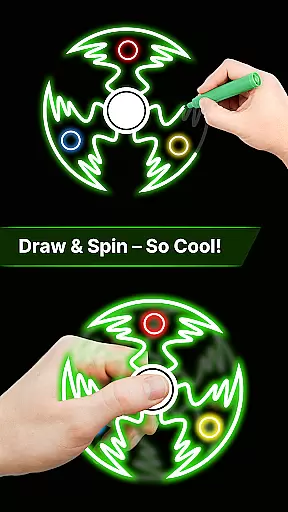
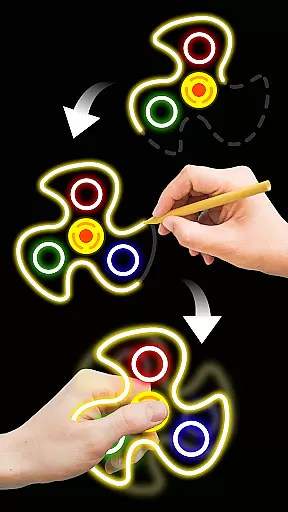
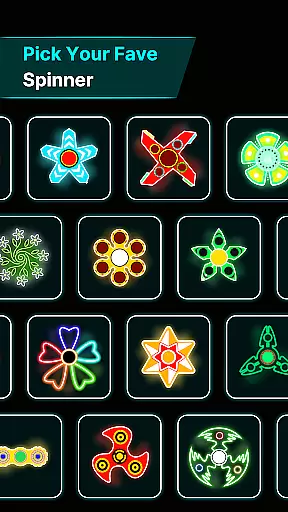
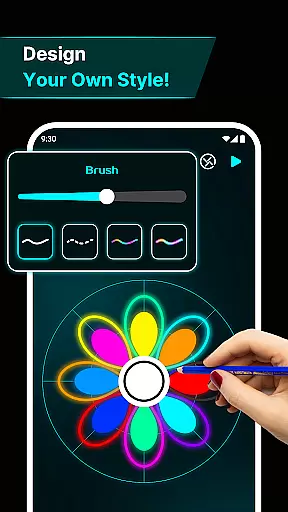
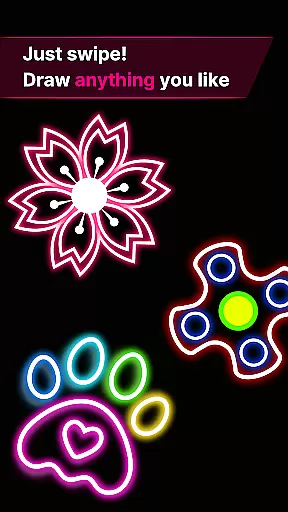
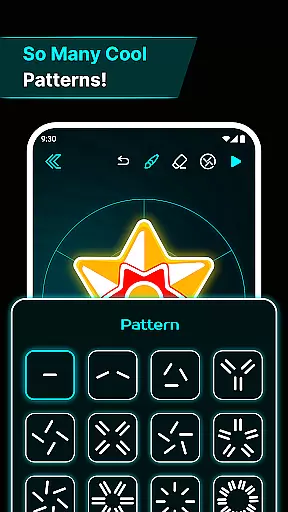
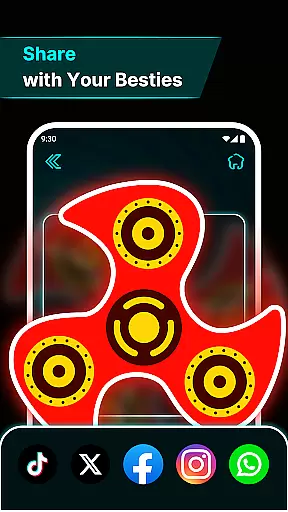
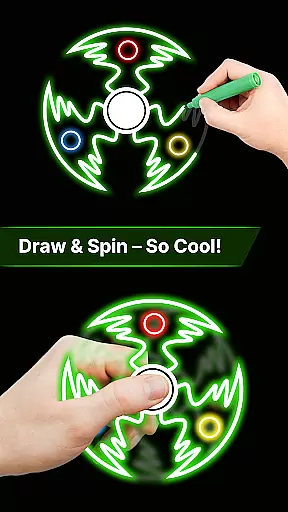
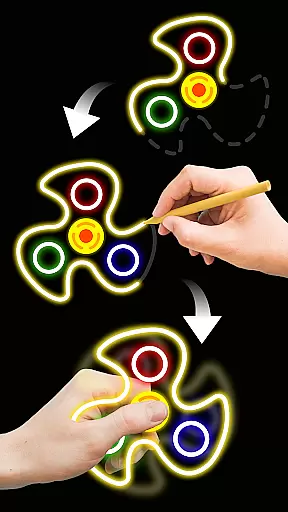
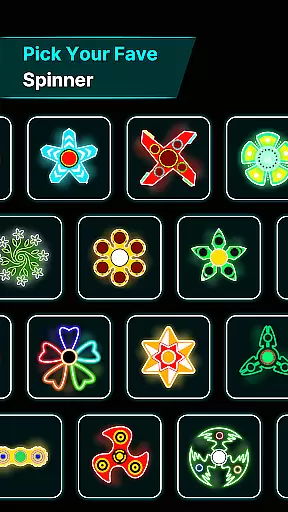
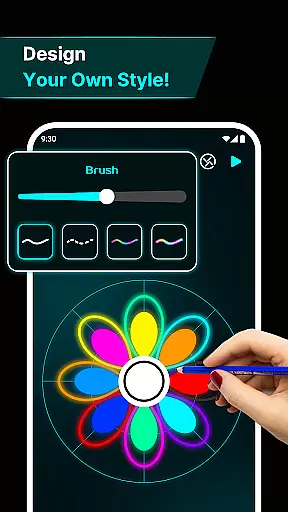

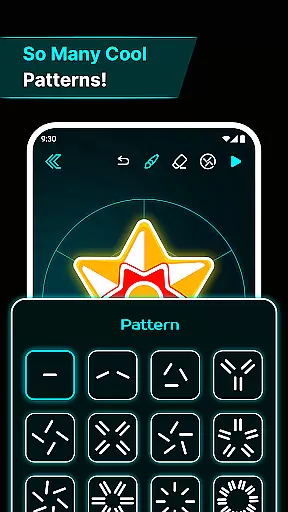
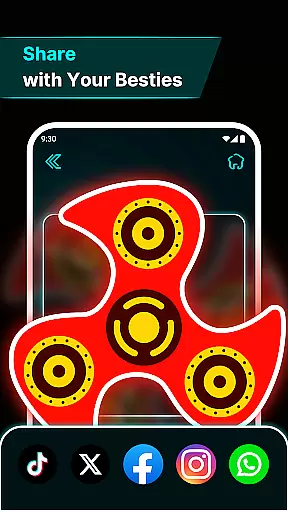
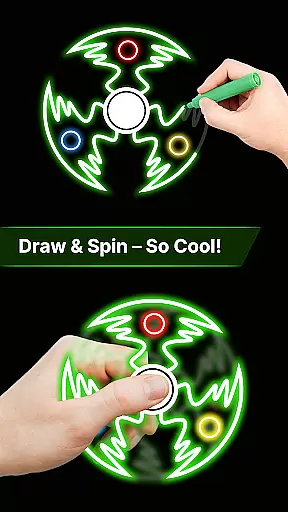
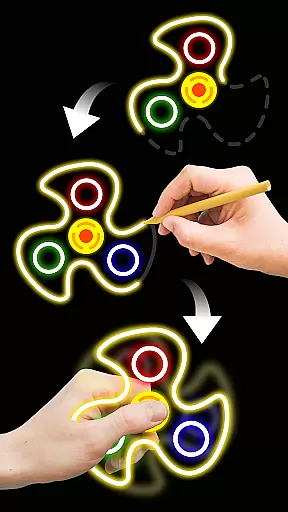
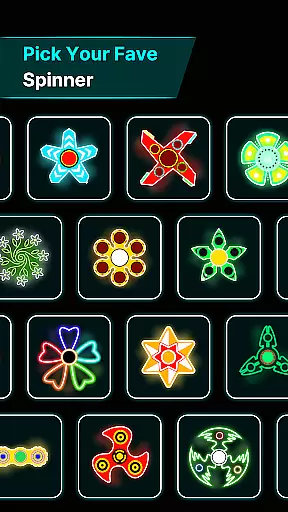
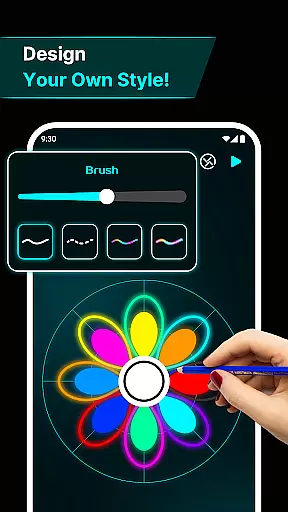
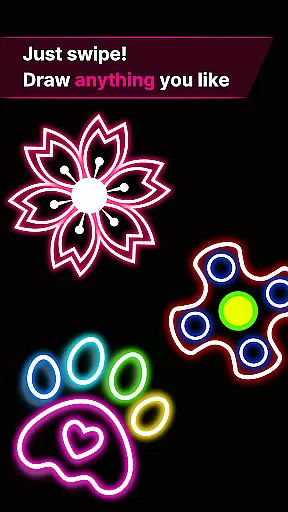
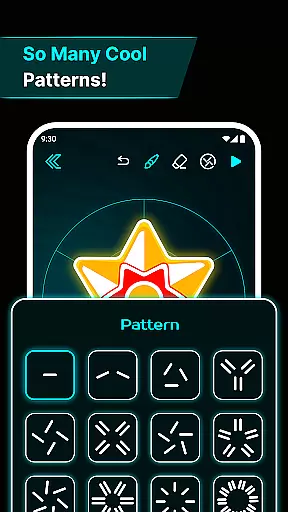
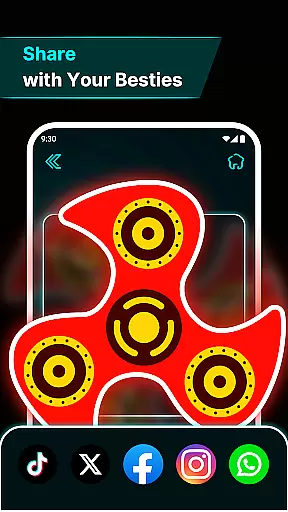
Finger Spinner: Glow Art Draw is an innovative app in the Art & Design category that combines creativity with relaxation. This app allows users to draw glowing designs using their fingers, which can then be spun like fidget spinners. The unique blend of artistic expression and stress relief makes it a standout choice for those seeking both entertainment and mindfulness.
With its easy-to-use interface, users can create intricate glowing patterns that come alive with vivid neon effects. Whether you're looking to unwind after a long day or simply explore your creative side, Finger Spinner offers a soothing escape through interactive art. The realistic physics engine ensures that each spinner moves naturally, providing an engaging experience that's both fun and therapeutic.
Finger Spinner stands out with its diverse feature set tailored for creative relaxation. One of its key features is the Easy Finger Drawing functionality, where every touch on the screen translates into smooth, glowing lines. This allows users to craft detailed designs with ease, whether they prefer sharp geometric shapes or flowing curves.
The app also boasts Brilliant Glow Effects, giving each creation a vibrant, neon-like appearance. These effects add depth and dynamism to the artwork, making every spinner visually captivating. Additionally, the 3D Spinner Designs elevate the experience by transforming flat drawings into dynamic three-dimensional objects that spin realistically across the screen.
Realistic Spin Physics further enhance the user experience, simulating natural movement thanks to a powerful physics engine. Users can save their creations in My Collection, building a personal gallery of glowing masterpieces. The Soothing Interface completes the package, offering a calming environment that encourages creativity and relaxation.
In the realm of digital creativity, having a comprehensive set of tools is paramount. Finger Spinner: Glow Art Draw offers an impressive array of features that cater to both casual doodlers and serious artists. The app provides easy finger drawing capabilities, allowing users to craft smooth glowing lines with precision.
One standout feature is the brilliant glow effects. Artists can experiment with different intensities, from subtle shine to bold brilliance, adding vivid neon touches to their creations. This flexibility ensures that each piece can be as unique and expressive as the artist desires.
Additionally, the app includes 3D spinner designs, elevating simple sketches into dynamic works of art. These realistic spin physics bring drawings to life, moving naturally in all directions and offering a truly immersive experience. Such depth and realism are crucial for artists seeking to push creative boundaries.
A versatile canvas is essential for unleashing full creative potential. Finger Spinner: Glow Art Draw excels in providing canvas and format flexibility, accommodating various artistic needs. Users can explore different dimensions and styles, crafting everything from simple sketches to intricate designs without constraint.
The app supports a soothing interface that enhances user experience. Its calming visuals and intuitive UI ensure that artists can focus on their work without distraction. This thoughtful design extends to its adaptable canvas options, which allow seamless transitions between projects of varying complexity.
Moreover, the My Collection feature enables saving every spinner creation, building a personal gallery over time. This not only preserves artwork but also allows revisiting and refining past pieces. Such flexibility empowers users to continually evolve their artistic endeavors within a single, cohesive platform.
User-friendly interface
Vivid glow effects
Realistic physics
Creative freedom
Stress-relief tool
Limited free options
Ads between uses
Learning curve
Battery intensive
Occasional bugs

Vidu is an AI video generator made for creators and aspiring makers.
 3.30
3.30
Premium version of Shimeji-ee app with no ads & no limit active shimeji
4.2
Learn how to draw with step-by-step tutorials, fun lessons & multiplayer drawing
4.70
Create sweet, cool and unique couple avatars easily, in just a few steps!
3.40
Meet the magic aı 3d photo generator and smart AI video generator app.
3.20
Make your phone cooler and have a fantastic experience
4.80
Nano Banana AI Image Generator, Anime Filter, AI Portrait, AI Photo Generator
4.30
Image resizer to resize, crop, rotate, flip, change dpi photo or picture in bulk
4.60
Share the joy of painting with ibis Paint! Drawing anime and manga art.
4.50
Create stunning art with AI.
4.80
Convert image to JPG PNG HEIC PDF, support almost all kinds of image formats
4.70
Stylish letters, Stylish Keyboard, Symbols, Emojis, Cool nickname
4.40
Photo blender app to create overlay photos & double exposure.
4.40
Just trace a projected picture on paper and color! Draw & Paint with AR drawing
4.40
Remove Background, Magic Eraser, Photo Enhancer, Story Templates, Collage Maker
4.30
Create Logos, Tattoos, AI Art & more with our AI Photo Generator & Design Editor
4.20
Digital Drawing: Draw & Paint
4.10
Experience next-gen icons with a modern liquid glass look.
3.60
A luxurious gold watch face for an elegant and refined look.
4.4


User Reviews