
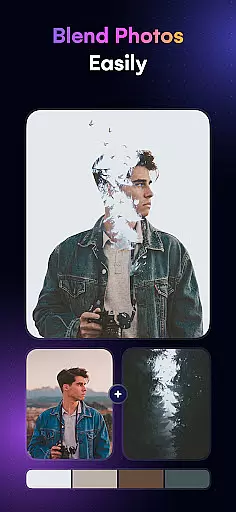
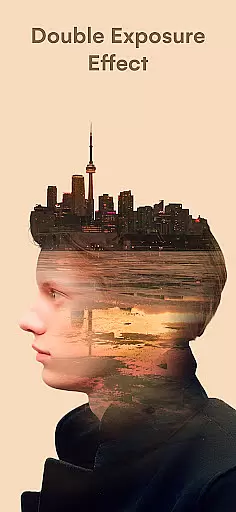
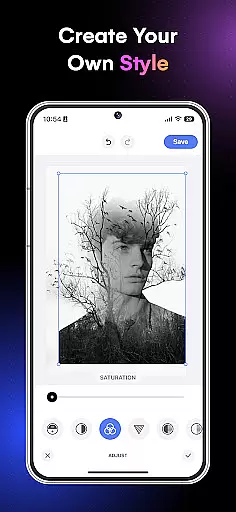
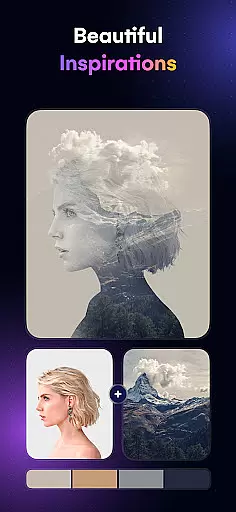
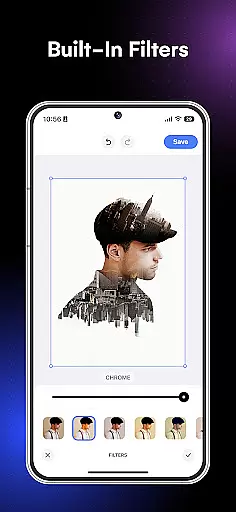
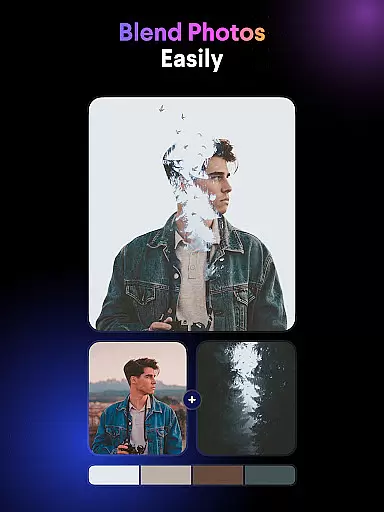
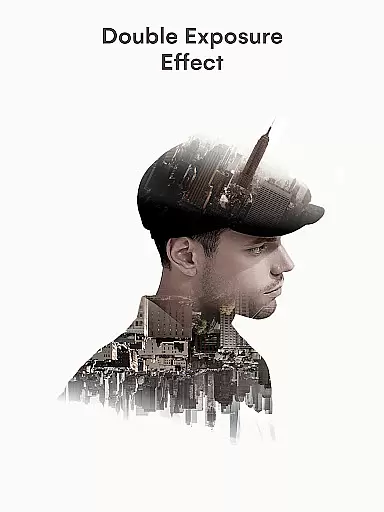
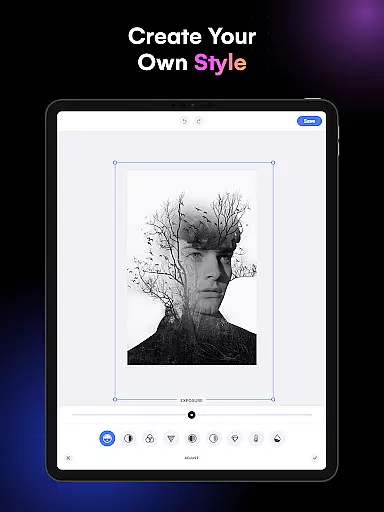
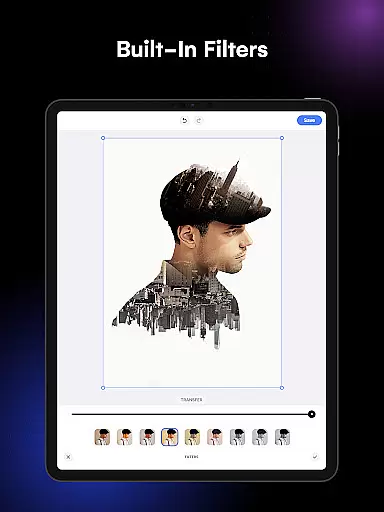
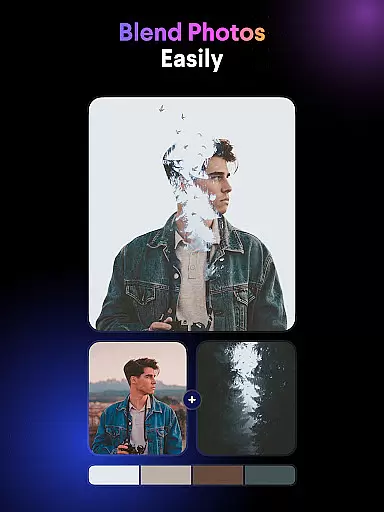
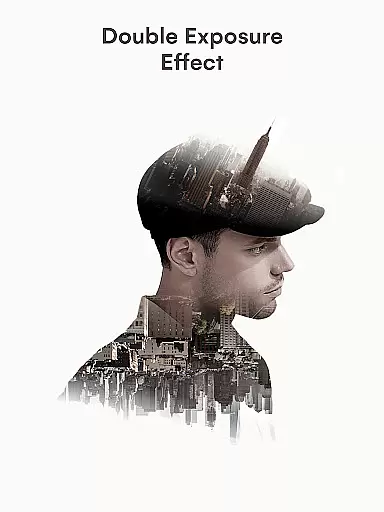
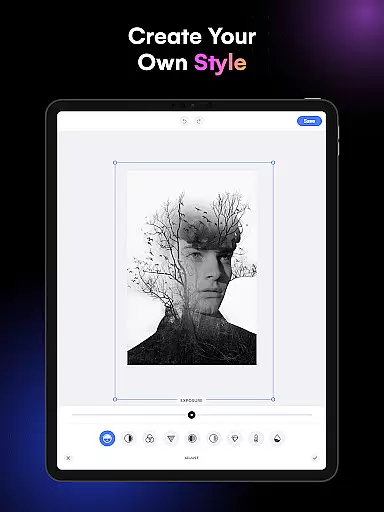
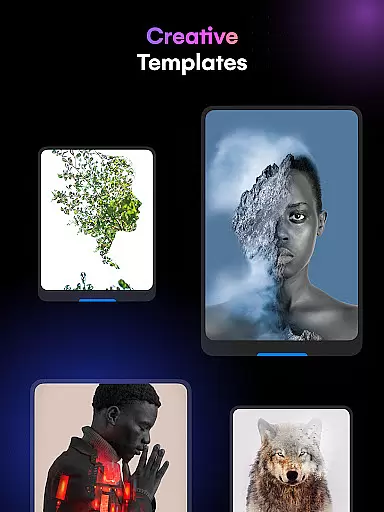
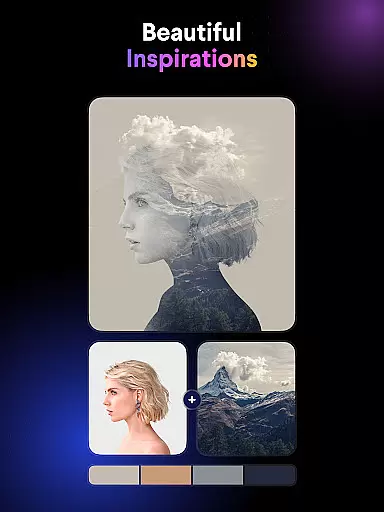
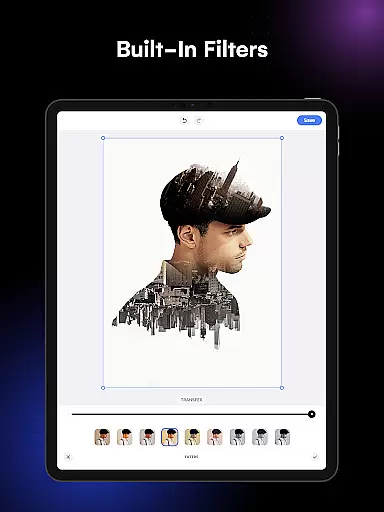
Blend Photos is a powerful photo editing application designed for both amateur and professional artists. This app allows users to create stunning double exposure images and photo blends with ease. With its intuitive interface, users can access a full range of photo blender and picture overlay features, including cropping, rotating, and advanced adjustment tools.
The app stands out with its smart AI technology that automatically removes backgrounds and adds shape masks for creative picture overlays. Users can choose from various photo blender templates or create gradient blends and double exposures. The ability to save and share creations in HD resolution makes it perfect for social media enthusiasts and professional designers alike.
Whether you're looking to enhance your artistic projects or simply experiment with photo effects, Blend Photos provides all the necessary tools to unleash your creativity. Its clutter-free design ensures a seamless user experience, making it an ideal choice for anyone interested in digital art and photo manipulation.
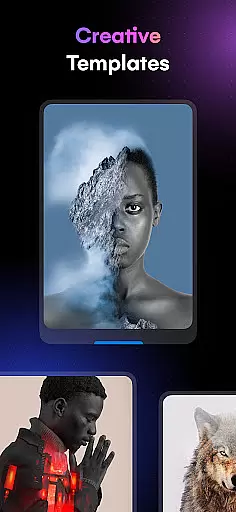
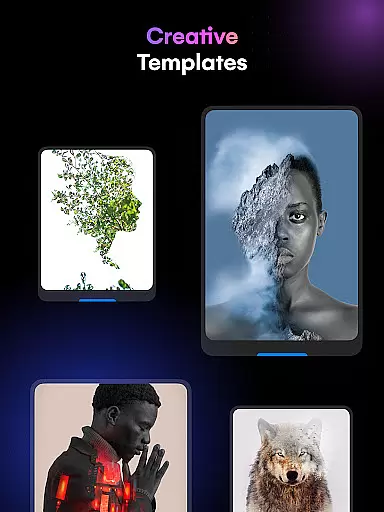
Blend Photos offers an impressive array of features that cater to diverse photo editing needs. The app includes various photo blender templates that serve as excellent starting points for creating unique image compositions. Its automatic background removal tool simplifies complex editing tasks, allowing users to focus on their creative vision.
Advanced adjustment options give users precise control over their photo blends, while shape mask functionality enables creative picture overlays. The app supports gradient blend creation and double exposure effects, providing professional-grade tools accessible to all skill levels. Essential editing features like crop and rotation ensure basic adjustments are easily achievable.
One of the app's key strengths is its ability to save and share high-quality HD images directly from the interface. The integration of smart AI technology enhances the editing process, making sophisticated photo mixing techniques available to everyone. This combination of powerful features and user-friendly design establishes Blend Photos as a comprehensive solution for digital photo art creation.
Blend Photos offers a comprehensive suite of creative tools that cater to both amateur and professional photo editors. The app includes essential features such as cropping and rotating, which are fundamental for any editing process.
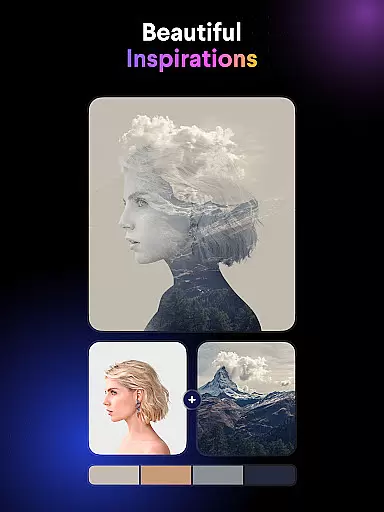
Beyond the basics, Blend Photos provides advanced functionalities like double exposure creation and picture overlay capabilities. These features allow users to experiment with complex editing techniques, producing sophisticated visual effects that enhance their artistic expression.
The inclusion of various photo blender templates and shape masks adds another layer of creativity, enabling users to apply unique styles to their images effortlessly. With these tools, users can execute their vision with precision and finesse.
Flexibility in canvas and format options is a standout feature of Blend Photos, allowing users to customize their projects with ease. The app supports HD resolution saving and sharing, ensuring that final images maintain high quality across different platforms.
Users can take advantage of the automatic background removal feature to create clean, professional-looking images without the need for additional software. This simplifies the process of blending photos and creating overlays.
Moreover, the ability to add gradient blends and adjust advanced settings gives users control over the finer details of their compositions. Such flexibility empowers creators to produce tailored visuals that meet specific project requirements or personal preferences.
User-friendly interface
Advanced AI technology
HD quality output
Various templates
Background removal
Limited free features
Occasional bugs
Ads in free version
Learning curve
Premium cost

Pose and morph realistic male and female models! 3D poser app
 3.00
3.00
Draw on screen: FP sDraw is a simple and lightweight drawing app
4.70
Digital, Abstract, Classic - all types of color wheels in one app!
4.60
Powerful home decoration & house design that allows you to design dream home.
3.80
OneUI 8.5 icons ✨ Smooth, modern & based on the latest Play Store design ??
4.10
Unleash the artist in you with our AR drawing and tracing tool for photo drawing
4.10
Photo stitcher for automatically screenshot stitching into a long screenshot
4.70
Create cute cat emojis & PFPs! Fun, custom avatars for cat lovers.
3.70
Explore future self face age filter & remove background image for a unique look.
3.50
Create color palette from Image, RGB & RYB Color wheel harmonies, Color Scheme
4.50
Draw Trace image sketch by, AR art projector app, Easy to trace any image.
4.50
Painting, drawing, & sketching
4.50
Kling AI is an image and video generation and editing studio powered by AI.
4.50
Bring One UI 8.5 Icons to life -elegant dark icons with a modern, premium touch.
4.30
Get creative and make art with your Sesame Friends!
4.00
Design your dream room with AI. Get decor ideas & plan home interiors
3.90
Turning simple sketches into captivating tales filled with life and motion
3.90
Premium version of Shimeji-ee app with no ads & no limit active shimeji
4.5
Art of Combination Wear OS Watch Faces
4.5


User Reviews