
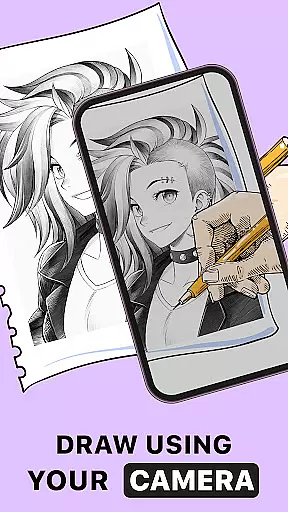
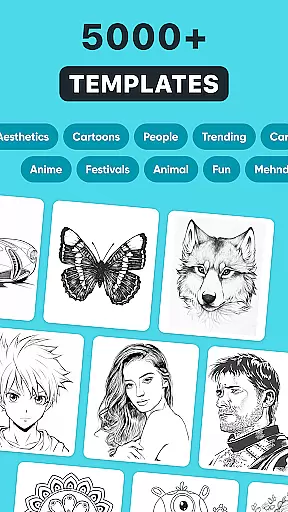
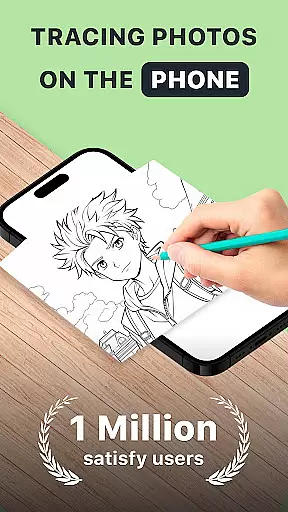
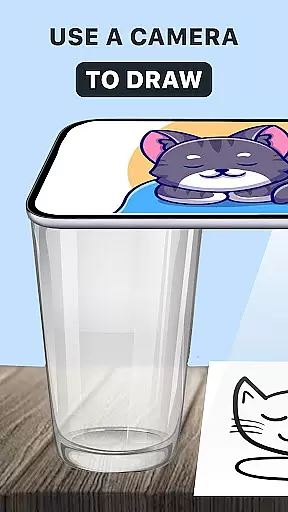
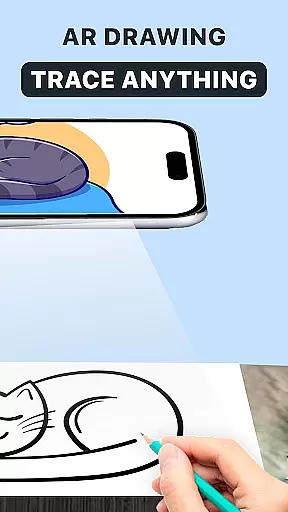
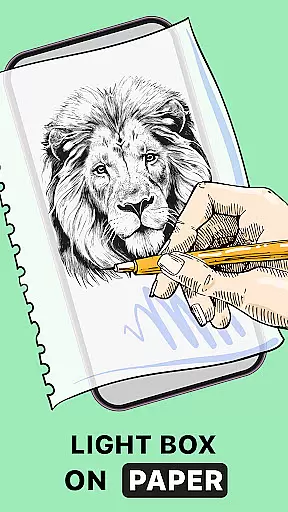
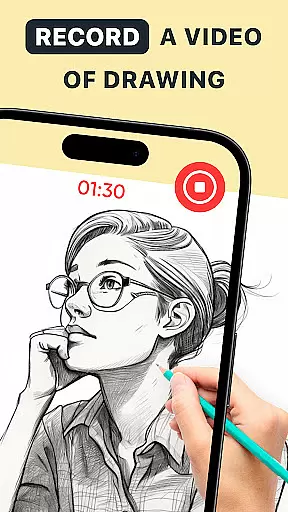
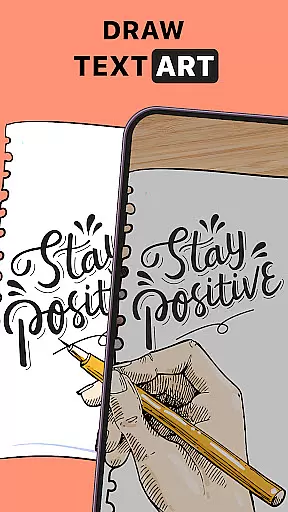
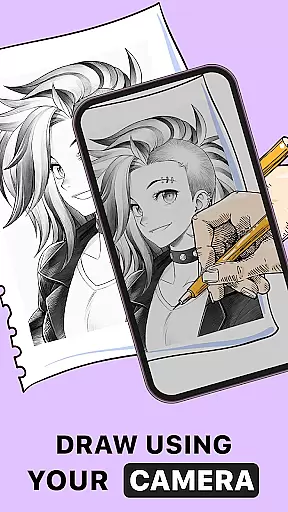
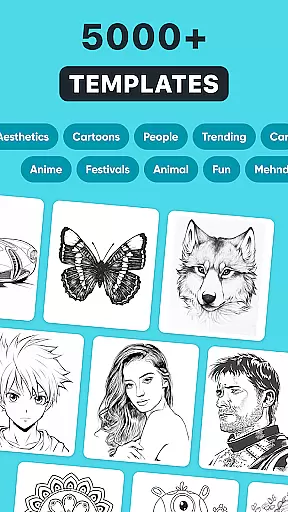
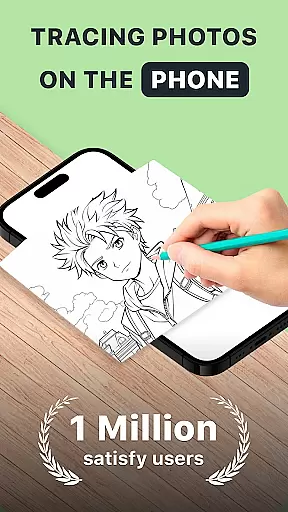
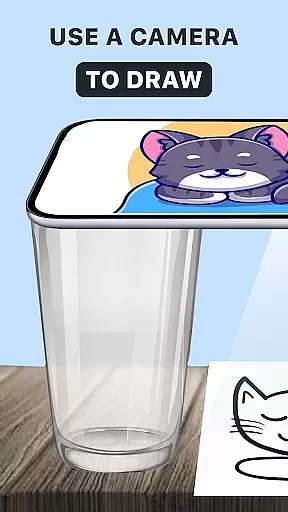
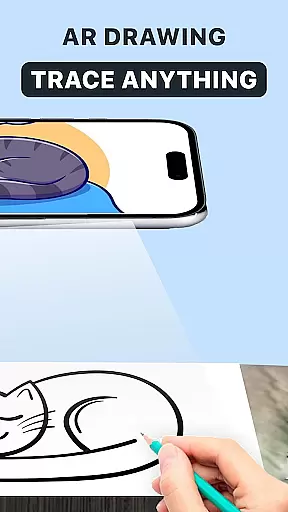
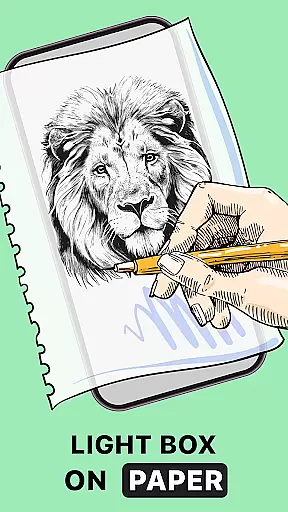
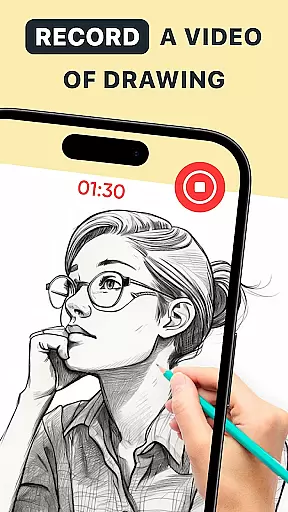
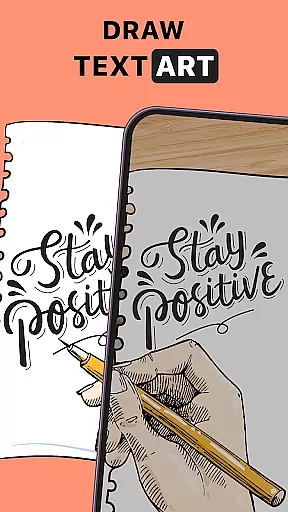
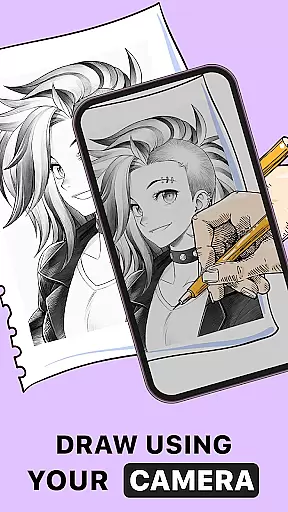
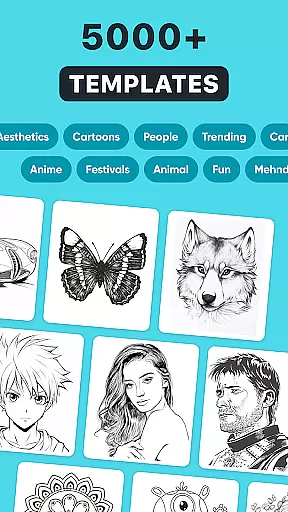
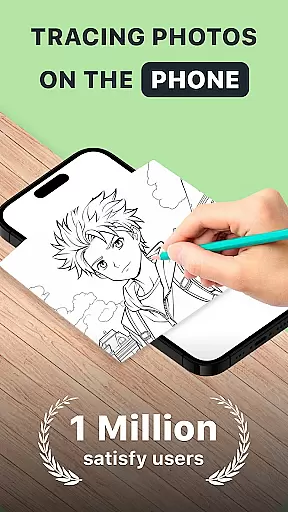
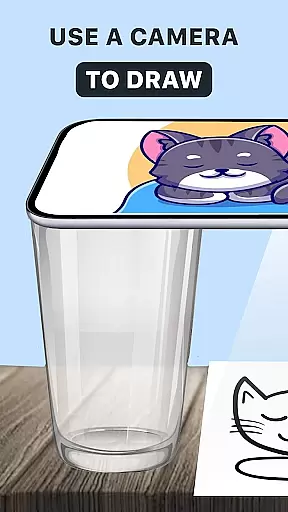
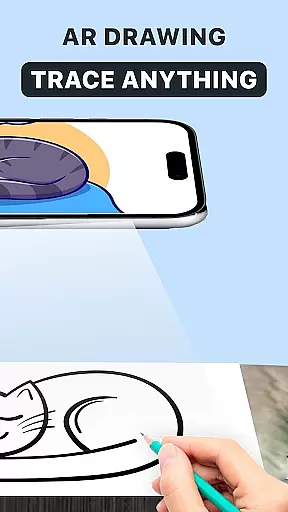
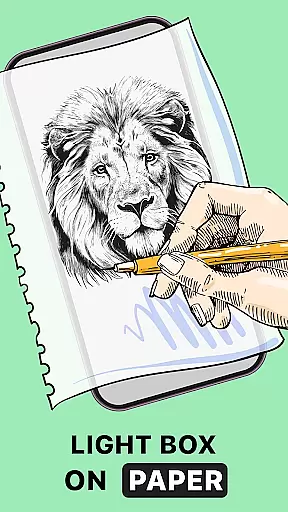
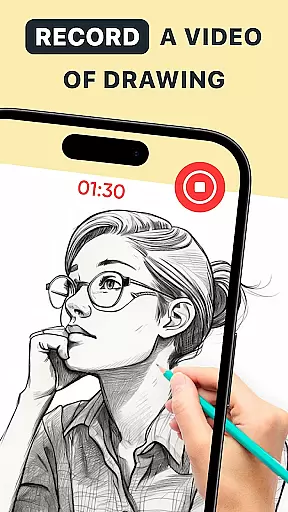
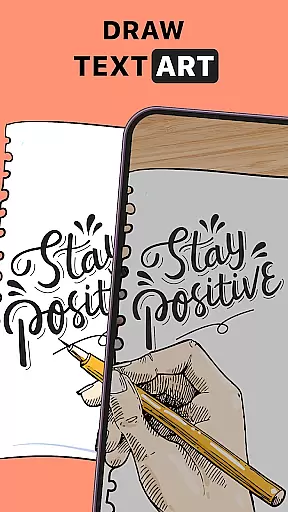
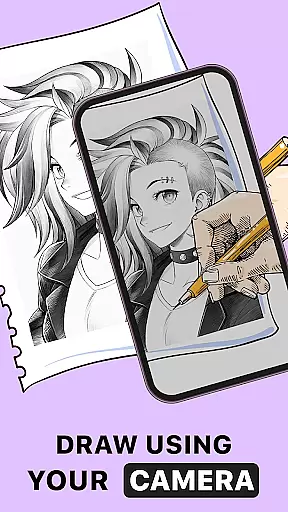
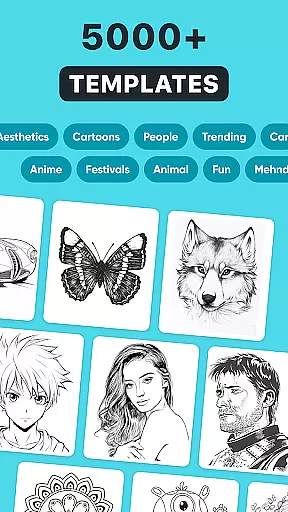
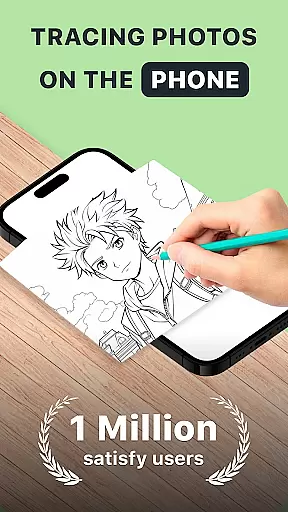
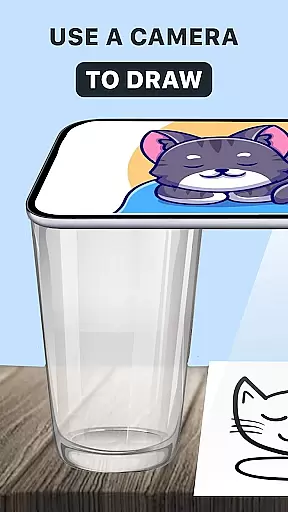
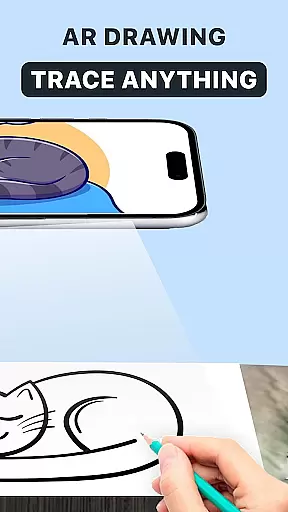
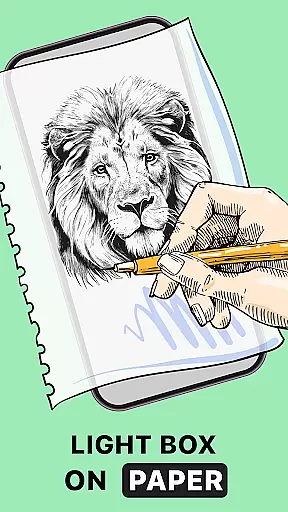
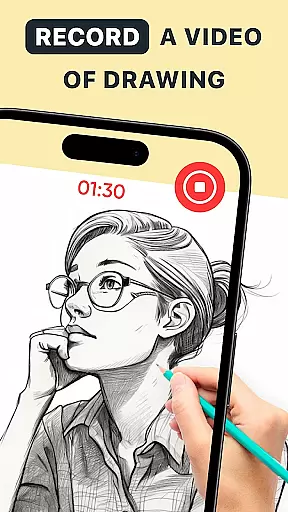
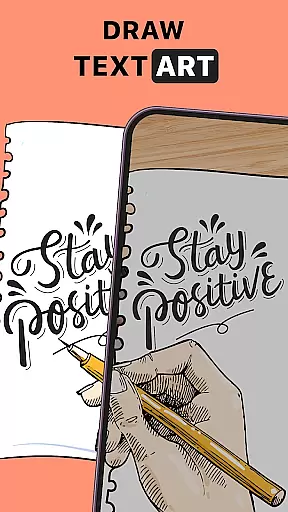
AR Drawing: Trace Anything is an innovative art application designed for both amateur and professional artists. This app revolutionizes the drawing experience by incorporating augmented reality (AR) technology, allowing users to trace and create artwork with ease. The core functionality includes AR tracing, where users can select images from their gallery or the app's library and project them onto their sketchbook for tracing. Additionally, the app offers features like time-lapse recording, enabling artists to capture their creative process and share it as AR drawing behind-the-scenes (BTS) content or tutorials.
Beyond basic tracing, the app provides tools for enhancing artwork through customizable paint and sketch effects. Users can personalize their creations with transparent layers and line effects, making each piece unique. The versatility of AR Drawing: Trace Anything makes it suitable for various artistic pursuits, whether creating anime-style drawings or complex designs. With its user-friendly interface, this app is accessible to artists of all skill levels and serves as a portable art studio that empowers creativity anytime, anywhere.
AR Drawing: Trace Anything stands out with its comprehensive set of features tailored for digital artists. One of the key functionalities is the AR trace drawing and sketchbook feature, which projects any selected image onto paper, effectively acting as virtual tracing paper. This allows users to accurately replicate images while improving their drawing skills. The app also includes specialized modes such as AR drawing anime, catering specifically to anime enthusiasts who want to create detailed character sketches.
The AR draw sketch capability enables users to work on their projects in real-time, providing a seamless transition from digital reference to physical artwork. Another notable feature is the ART drawing mode, which supports various artistic styles and techniques. The built-in time-lapse function records the entire drawing process, which can be exported as video content for sharing or educational purposes. These features collectively enhance the user's ability to produce high-quality artwork while maintaining creative control and personal expression.
In the realm of digital art, having a comprehensive set of creative tools is essential for artists to fully express their visions. AR Drawing: Trace Anything offers an extensive suite of features that cater to both budding and experienced artists. The app includes functionalities such as AR drawing, trace drawing, and sketchbook modes which collectively provide a versatile platform for artistic expression.
Users can leverage the AR trace to sketch feature, transforming any picture from their gallery or the app's rich library into a traceable outline. This functionality not only simplifies the process of creating art but also enhances users' drawing abilities by providing guided hand movements. Whether you're tracing simple shapes or intricate designs, the app adapts to various skill levels, ensuring that every user can improve and refine their technique.
The application further empowers artists with its AR drawing paint and sketch capabilities. These tools allow for transparent and line effects on images, enabling customization of artwork with unique touches. By offering these advanced features, AR Drawing ensures that each piece created is distinctive and reflective of the artistu2019s personal style.
Flexibility in canvas and format options is crucial for artists who wish to explore different dimensions and styles in their work. AR Drawing: Trace Anything excels in this area by providing adaptable solutions that cater to a wide array of artistic needs. Artists can easily adjust their canvas size and format, allowing them to experiment with everything from small sketches to large-scale masterpieces.
This app supports various forms of art creation, including AR drawing anime and complex design projects. Regardless of whether you are working on detailed illustrations or broad stroke paintings, the app accommodates your vision without constraints. The ability to switch between different formats seamlessly ensures that creativity is never hindered by technical limitations.
Moreover, the convenience of using just a smartphone and a sheet of paper makes it possible to create art anywhereu2014be it at home, in a park, or while traveling. With AR Drawing, artists have the freedom to choose their preferred medium and format, thus making the artistic process more inclusive and accessible to everyone.
User-friendly interface
Wide range of drawing tools
Augmented reality tracing
Customizable effects
Time-lapse recording
Limited free features
Requires good lighting
Premium subscription needed
Occasional bugs
Device compatibility issues

Customizable Outlined Fonts. Watch Face Format. Battery friendly Digital Clock.
 4.20
4.20
Design your dream room with AI. Get decor ideas & plan home interiors
3.90
Sketch, trace and master AR drawing with awesome anime art!
3.30
Digital, Abstract, Classic - all types of color wheels in one app!
4.60
AI Art Generator transforms your words into AI generated art & paintings.
3.70
Minecraft & Roblox Clothes
4.70
Art of Combination Wear OS Watch Faces
3.30
Art of Combination Wear OS Watch faces (for Wear OS 5+ devices)
3.90
Explore future self face age filter & remove background image for a unique look.
3.50
Create stunning art with AI.
4.80
Mobile pixel art editor. Simple. Fast. Portable.
4.80
The ultimate tool for creating animations
4.60
Draw, fidget, and spin glow art! Relax and express your creativity with a finger
4.60
Digital illustration drawing & painting pad app to paint Anime and Manga art
4.50
Kling AI is an image and video generation and editing studio powered by AI.
4.50
Draw, make movies & animate cartoons easily with our 2D animation maker app
4.40
AR Anime Drawing: How to draw anime with AR drawing & sketching apps!
4.00
Sketch and paint on your device with the feel and freedom of drawing on paper
4.00
Art of Combination Wear OS Watch faces
4.2


User Reviews