
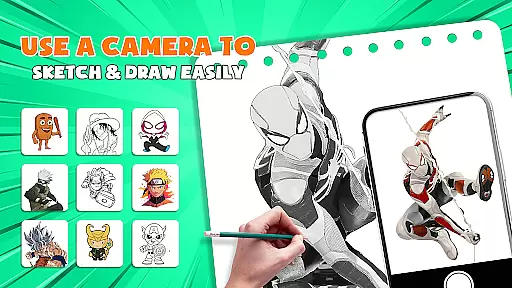
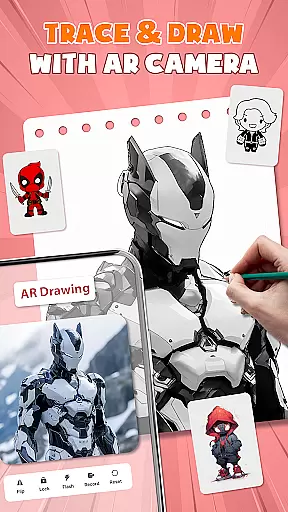
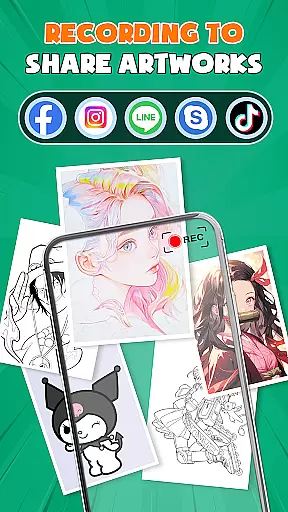
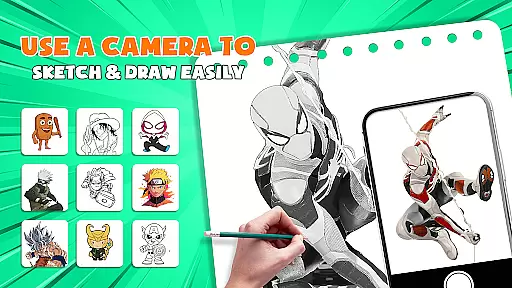
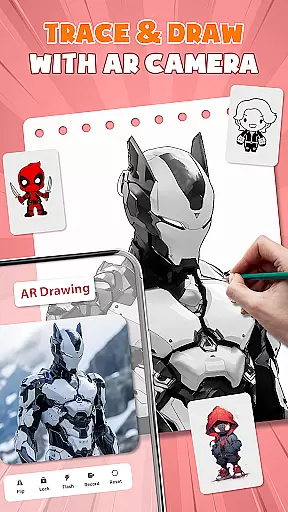
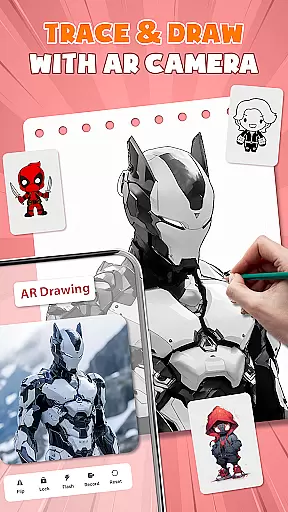
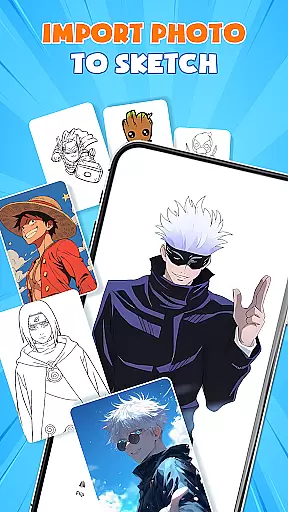
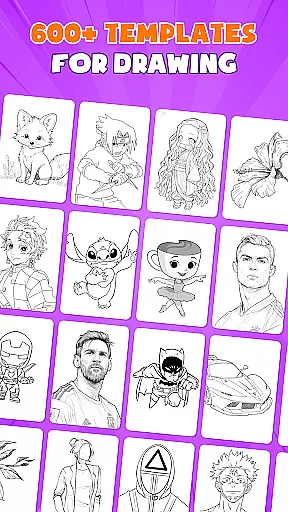
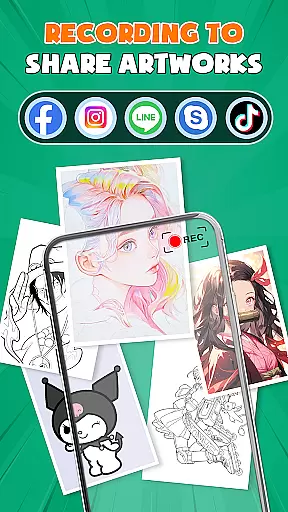
AR Drawing - Paint & Sketch is an innovative art application that combines augmented reality with traditional drawing techniques. This app allows users to create stunning anime pictures and realistic sketches using advanced AR tracing technology. With features like AR projection, sketching tools, and anime templates, it caters to both beginners and professional artists.
The app provides a complete suite of drawing tools including color palettes, shading options, and customizable brushes. Users can import images, adjust opacity, and trace directly on paper or canvas. The built-in community feature lets artists share their work, get feedback, and participate in drawing competitions. Whether you're learning to draw or mastering advanced techniques, this app offers endless creative possibilities.
Perfect for modern artists who want to explore digital and traditional art forms, AR Drawing - Paint & Sketch transforms the creative process through its all-in-one drawing solution. From precise sketching to vibrant painting, this app ensures every stroke is captured with accuracy and style.
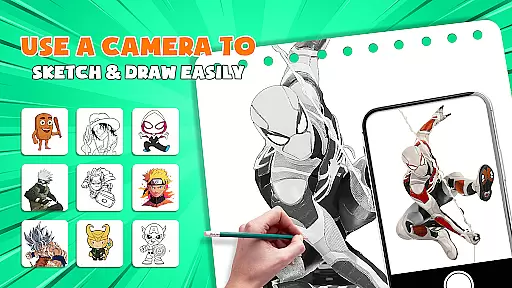
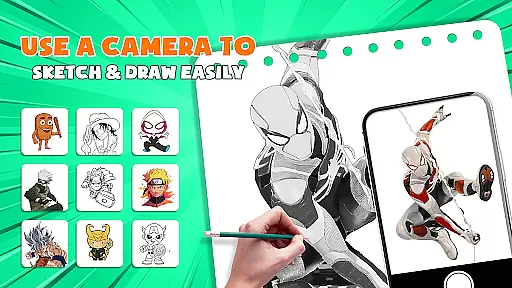
AR Drawing - Paint & Sketch stands out with its comprehensive set of artistic features designed for various skill levels. The app's AR projection capability turns any device into a mobile projector for precise tracing, making it easier to transfer digital designs onto physical mediums.
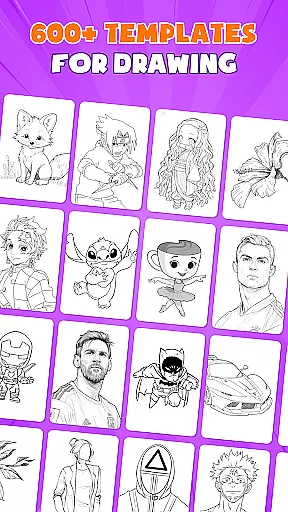
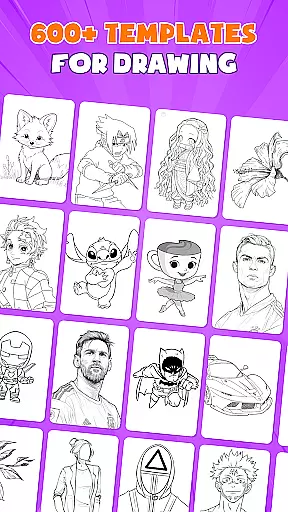
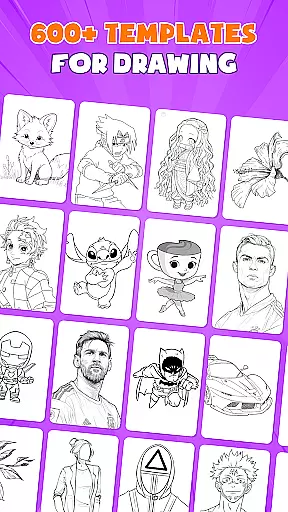
One of the key highlights is the Anime Studio mode, which includes specialized tutorials, presets, and sketch effects specifically for creating anime artwork. The app also offers over 1000 free drawing templates across different styles, providing users with a vast library of reference materials to work from.
Additional features include multiple drawing modes such as tattoo art, pencil sketching, and picture importing with adjustable opacity. The intuitive interface and easy-to-use tools make it accessible for beginners while offering advanced options for professionals. With integrated community features and drawing game tournaments, users can engage with fellow artists and improve their skills through friendly competition.
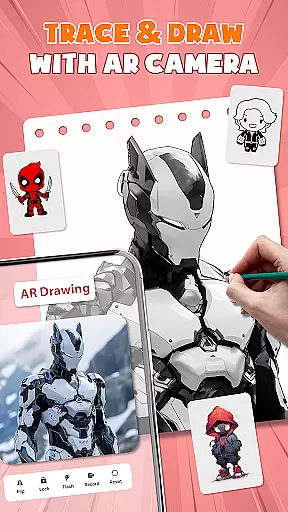
AR Drawing - Paint & Sketch offers an extensive suite of creative tools that cater to both amateur and professional artists. The app includes AR projection and tracing features, allowing users to turn their devices into mobile projectors for precise tracing. This functionality is complemented by a full suite of painting app features, including vibrant brushes and shading options using the AR pencil drawing mode.
In addition to traditional sketching and coloring, the app provides specialized modes such as Anime Studio and Tattoo & Pencil Art. These modes offer tailored experiences for creating anime pictures, realistic tattoos, or detailed pencil sketches. With over 1000+ free templates available in the art drawing apps library, users can easily find inspiration and start their projects with pre-made art drawing sketch templates.
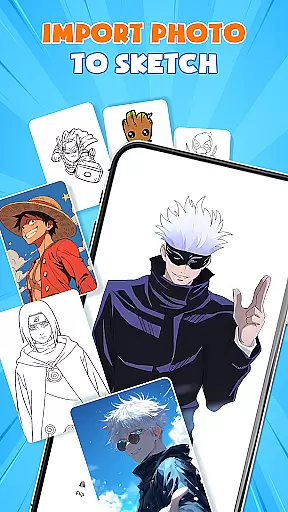
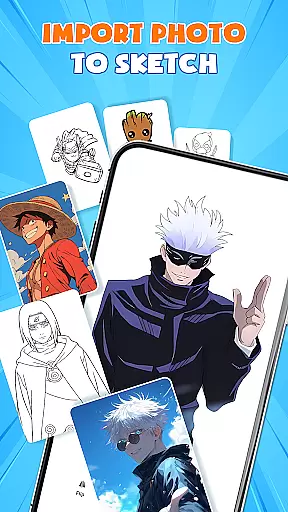
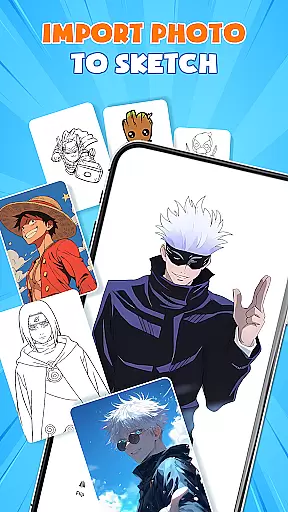
The inclusion of picture import capabilities further enhances the creative process. Users can import images from their gallery, adjust opacity, and trace directly on them. This feature transforms any photo into instant artwork, making it a versatile tool for artists who draw from real-world scenes or personal photographs.
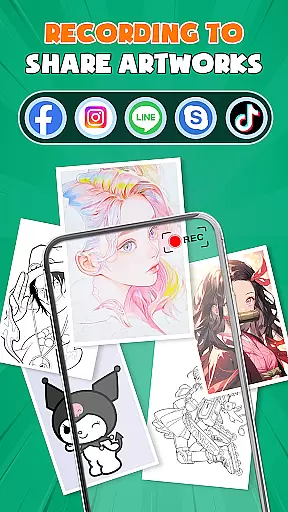
By combining these comprehensive tools with user-friendly features like easy shortcuts for beginners and community sharing options, AR Drawing - Paint & Sketch ensures that artists of all skill levels can create impressive works. Whether crafting anime drawings or detailed sketches, this app provides everything needed to bring artistic visions to life.
One of the standout features of AR Drawing - Paint & Sketch is its remarkable canvas and format flexibility, which empowers artists to work on various surfaces and mediums without limitations. The app supports both digital and physical canvases, enabling users to place their phone over paper or canvas and start tracing directly. This seamless integration between digital guidance and traditional art forms makes it an invaluable tool for modern artists.
Users can adjust size, position, and transparency within the AR view, ensuring that their artwork fits perfectly on the chosen medium. This adaptability extends to different file formats as well; the app allows importing images from the gallery and adjusting them before beginning the tracing process. Such versatility ensures that whether you're working on small sketches or large-scale paintings, the app adapts to your needs.
Moreover, the app's support for multiple drawing modesu2014including AR drawing anime, sketching, and coloringu2014adds another layer of flexibility. Artists can switch between modes effortlessly, experimenting with styles ranging from anime illustrations to realistic tattoos. Each mode comes equipped with customizable settings, allowing users to fine-tune parameters such as line thickness, color vibrancy, and layer management.
This combination of adaptable canvas options and diverse format support positions AR Drawing - Paint & Sketch as a go-to solution for artists seeking creative freedom. By removing technical barriers and offering intuitive controls, the app enables creators to focus solely on expressing their artistic vision across various formats and surfaces.
User-friendly interface
Extensive template library
Advanced AR tracing
Vibrant color options
Active artist community
Requires stable internet
Premium features locked
Steep learning curve
Limited offline functions
Device compatibility issues

Customizable Outlined Fonts. Watch Face Format. Battery friendly Digital Clock.
 4.20
4.20
Trace, draw, and create art with AR - from memes to masterpieces!
4.30
Art of Combination Wear OS Watch faces
4.2
Create color palette from Image, RGB & RYB Color wheel harmonies, Color Scheme
4.50
Make your phone cooler and have a fantastic experience
4.80
The perfect place to start sketching! Use Sketchbook to draw and paint sketches.
4.50
Design unique, funny and adorable cat stickers that reflect your own style!
3.80
Android 14 style widgets and wallpapers app.
4.3
Experience next-gen icons with a modern liquid glass look.
3.60
Your AI soulmate — meaningful chats, and unique emotional moments
4.70
Discover Cartoon Dream : Unleash Your Creativity with CuttingEdge AI
4.50
Painting, drawing, & sketching
4.50
Everything you need to create hand drawn animation, anywhere you go!
4.40
Just trace a projected picture on paper and color! Draw & Paint with AR drawing
4.40
AI generated images & photos, turn your words into drawing, painting & pictures.
4.30
Create Logos, Tattoos, AI Art & more with our AI Photo Generator & Design Editor
4.20
Turning simple sketches into captivating tales filled with life and motion
3.90
Powerful home decoration & house design that allows you to design dream home.
3.80
AI Face Swap, Video Effects Editor, Realtime Morph, Funny Video FX,AI Filters
3.70


User Reviews