
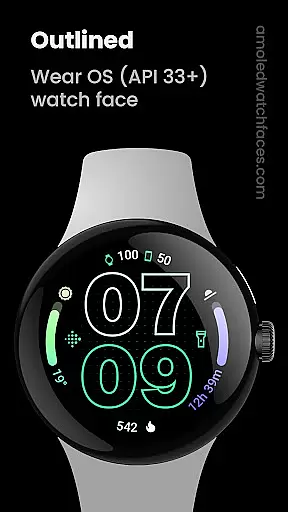
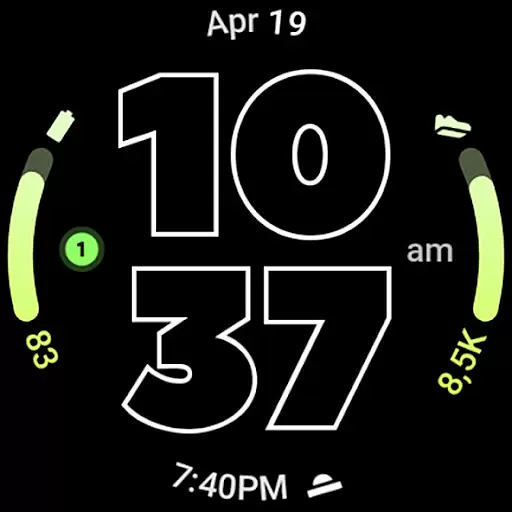
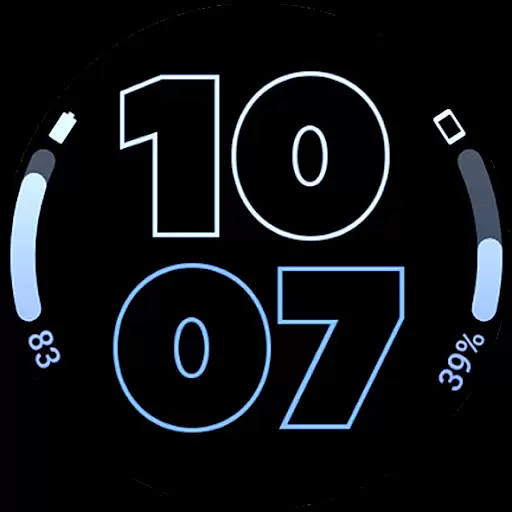
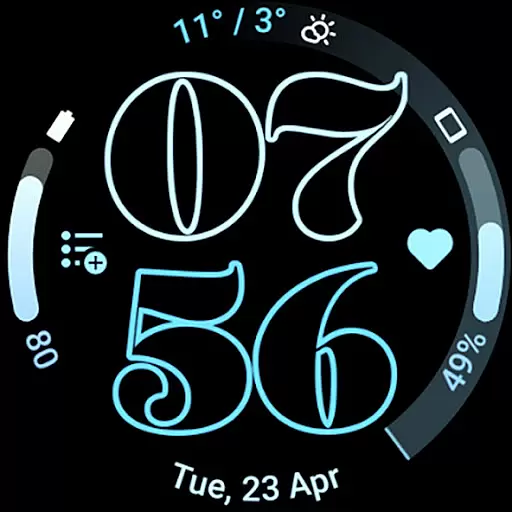
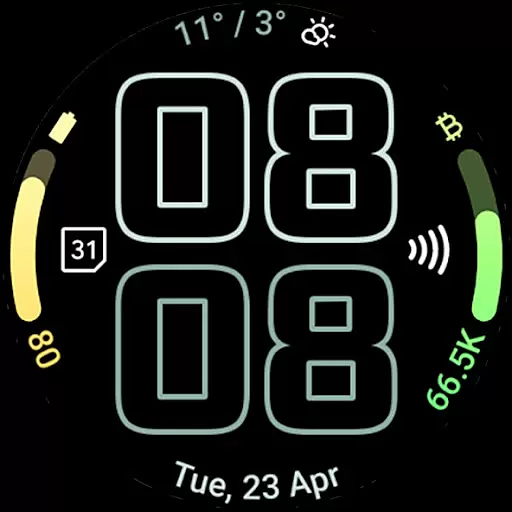
Outlined Watch Face is a premium wearable application designed exclusively for Wear OS 4+ devices, offering users an elegant and customizable watch face experience. This app leverages the innovative Watch Face Format to deliver a sophisticated design that includes two gradient arc complication slots and support for combined watch/phone battery complications. With its unique outlined Digital Clock fonts, true black background, and battery-friendly optimization, it ensures both aesthetic appeal and practical functionality.
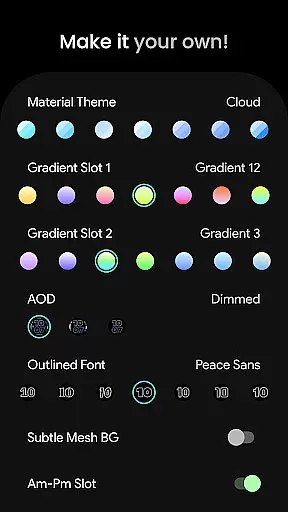
The watch face stands out with high-resolution design elements, unique material color themes, and full compatibility with devices like the Pixel Watch 2 and Galaxy Watch6. Users can personalize their experience by customizing progress bar gradients, selecting from different Always-On Display (AOD) styles, and toggling features such as wave-styled seconds indicators and subtle mesh backgrounds. These extensive customization options allow users to create a personalized daily companion tailored to their preferences.
Ideal for users seeking both style and utility in their smartwatch experience, Outlined Watch Face offers advanced features like burn-in protection, MCU offloading for improved battery life, and various user configurations including Material Themes and Gradient Slot selections. Whether you're looking to enhance your watch's visual appeal or optimize its performance, this app provides the tools to make your smartwatch truly your own.
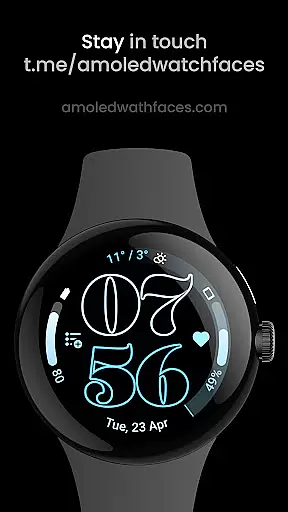
Outlined Watch Face distinguishes itself through a rich array of features designed to enhance both aesthetics and functionality. The app supports the latest Watch Face Format, providing users with two gradient arc complication slots and compatibility with combined watch and phone battery complications. Its standout feature is the unique selectable outlined Digital Clock fonts, which offer a distinctive appearance not found in standard watch faces.
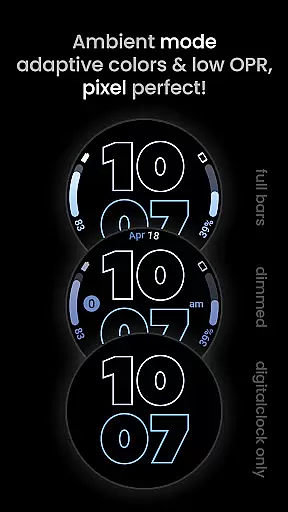
Battery efficiency is a core focus, achieved through a true black background optimized for AMOLED displays and various battery-saving mechanisms. The high-resolution design ensures clarity and precision, while unique material color themes allow for personalization. Users can further customize their experience with options like individually adjustable progress bar gradients, three AOD styles, and an optional wave-styled seconds indicator.
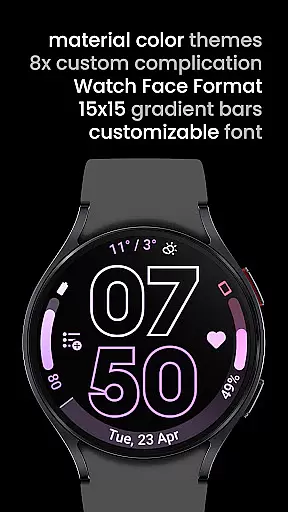
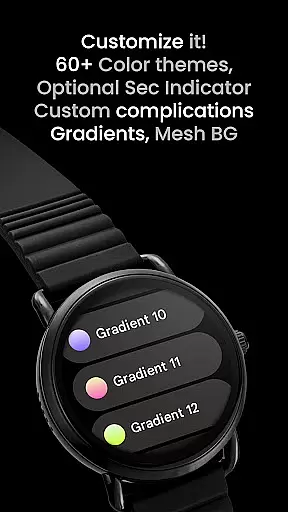
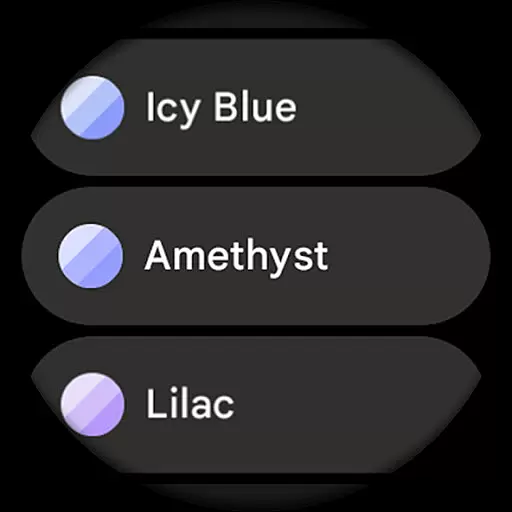
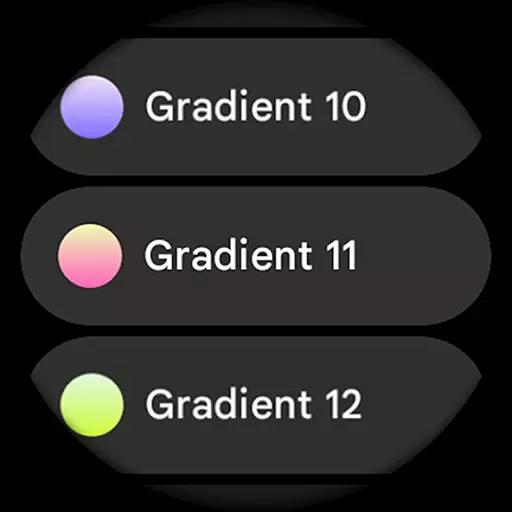
The app offers extensive user configuration settings, including 60+ Material Themes, 19 gradient choices for complication slots, and multiple toggles for features like am-pm indicators and tinted icons. Advanced customization extends to eight custom complication options and specialized settings for creating a personalized watch face. These comprehensive features, combined with compatibility across modern smartwatch models, establish Outlined Watch Face as a versatile and sophisticated choice for discerning Wear OS users.
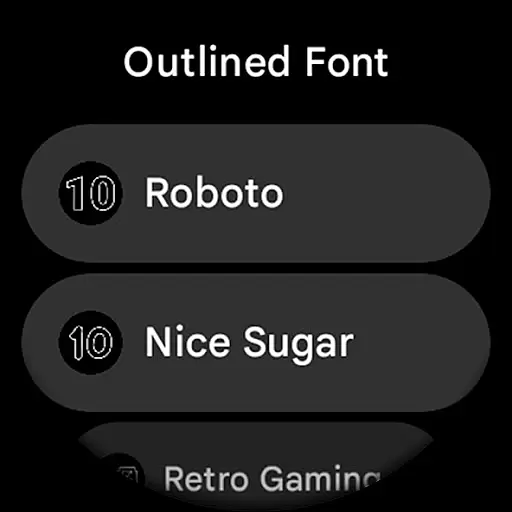
Outlined Watch Face offers an extensive suite of creative tools that cater to users who want to personalize their Wear OS 4+ devices. With over 60 Material Themes, 19 Gradient options for two slots, and 10 unique Outlined Fonts, the app ensures a high degree of customization.
The inclusion of features such as burn-in protection, optional wave-styled seconds indicators, and different Always-On-Display (AOD) styles with three options allows users to tailor their watch faces to their specific preferences. These capabilities ensure that each user can create a unique daily companion tailored to their style.
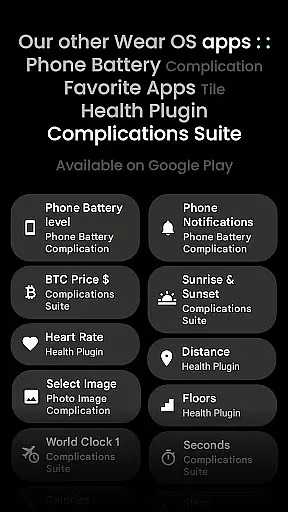
Moreover, the app provides advanced functionalities like combined watch/phone battery complications, individual progress bar gradient customization, and support for custom complication apps. This comprehensive feature set empowers users to make the most out of their smartwatch experience while maintaining a battery-friendly design.
Flexibility in canvas and format options is a standout feature of Outlined Watch Face. The app supports high-res designs and true black backgrounds, making it ideal for AMOLED displays. It also boasts compatibility with the latest devices, including Pixel Watch 2 and Galaxy Watch6.
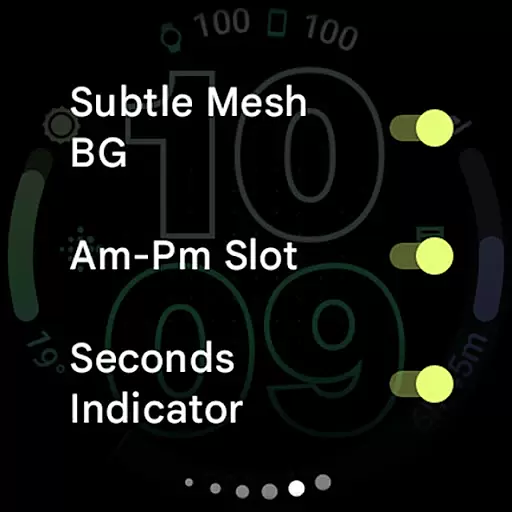
Users can choose from various settings to customize each element on their watch face. Options include toggling a subtle mesh background, AM-PM slot, and tint icons. Additionally, the ability to fully offload to MCU during AOD not only enhances battery life but also gives users more control over power management.
This level of flexibility extends to its user configurations, which allow for eight custom complications and multiple gradient slot selections. Such versatility ensures that whether you're looking for functional enhancements or aesthetic adjustments, Outlined Watch Face delivers a highly adaptable solution for your wearable device needs.
Highly Customizable
Battery Efficient
Modern Design
Wide Compatibility
User Friendly
Wear OS 4+ Only
No Rectangular Support
Premium Cost
Complex Setup
Limited Free Options

Premium version of Shimeji-ee app with no ads & no limit active shimeji
 4.0
4.0
Create trending AI photos & videos with powerful effects and 3D styles.
3.20
Digital Drawing: Draw & Paint
4.10
Create stylish invitation cards using templates for weddings, birthdays & RSVP.
4.20
Text to Image, Image to Video & AI Chat
4.20
Your Essential Color Theory Guide: Red, Yellow, Blue (RYB)
4.0
800+ Drawing, Painting Lessons App to Practice, Sketch & Paint Art.
4.30
Get an overview over all your embroidery threads, projects and more.
4.60
2D animation studio for Android tablets - unlimited layers, infinite timeline
4.70
Convert image to JPG PNG HEIC PDF, support almost all kinds of image formats
4.70
Draw beautiful mandala's very easily
4.60
Castle is social media for creating and playing games!
4.60
Draw, fidget, and spin glow art! Relax and express your creativity with a finger
4.60
Draw Trace image sketch by, AR art projector app, Easy to trace any image.
4.50
Remove Background, Magic Eraser, Photo Enhancer, Story Templates, Collage Maker
4.30
Nano Banana AI Image Generator, Anime Filter, AI Portrait, AI Photo Generator
4.30
Custom Character Creator & PFP Maker!
4.20
Powerful home decoration & house design that allows you to design dream home.
3.80
Art of Combination Wear OS Watch faces (for Wear OS 5+ devices)
3.00


User Reviews