
Sketchbook is a premier digital art studio designed for artists, illustrators, and creative enthusiasts who seek to bring their ideas to life. This award-winning app offers professional-grade sketching, painting, and drawing tools that cater to both casual doodlers and seasoned professionals. Available on multiple platforms, Sketchbook provides an immersive and distraction-free environment where users can focus solely on their creative process.
The app's core strength lies in its extensive range of customizable brushes and tools that mimic real-world counterparts. From pencils to airbrushes, each tool delivers a natural drawing experience. Additionally, advanced features like layers with blend modes, guides, rulers, and stroke tools ensure precision and flexibility in every artwork. Whether you're creating quick sketches or detailed masterpieces, Sketchbook adapts to your artistic needs and supports your creative journey.
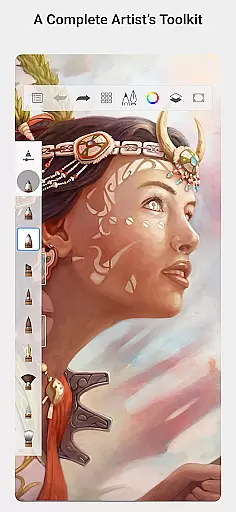
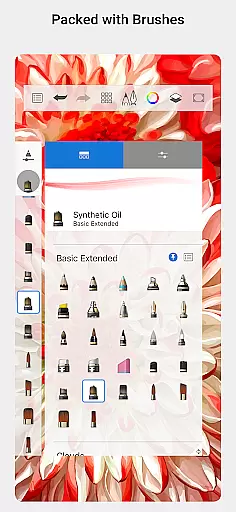
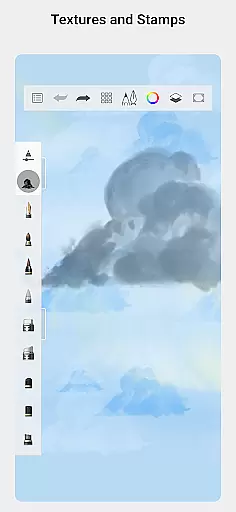
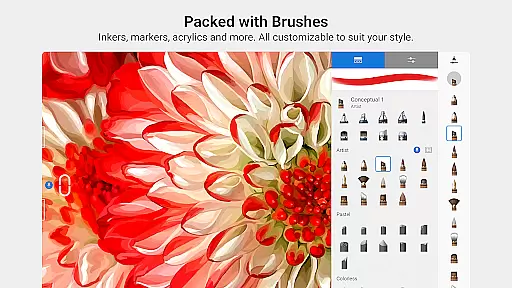
Sketchbook stands out with its comprehensive set of art tools designed to replicate traditional media. The app includes a variety of brush types such as pencils, markers, airbrushes, and smear tools, each offering a realistic feel and response. These brushes are not only diverse but also highly customizable, allowing artists to fine-tune settings to achieve their desired effects.
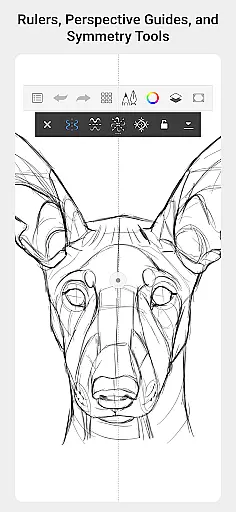
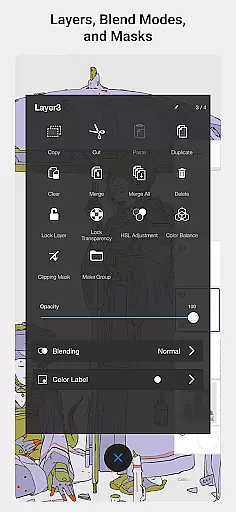
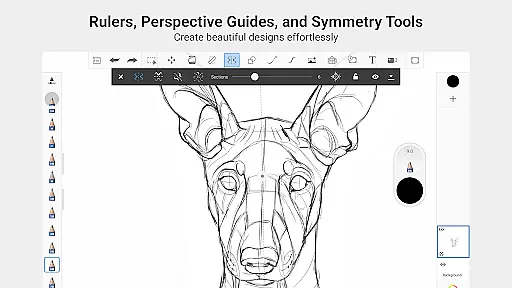
Precision is key in digital art, and Sketchbook excels in this area with specialized tools like guides, rulers, and stroke controls. These features help artists maintain accuracy in their work, whether they're drafting architectural designs or adding intricate details to illustrations. Furthermore, the app's layer functionality with blend modes provides unparalleled flexibility, enabling users to experiment with colors and compositions without limitations.
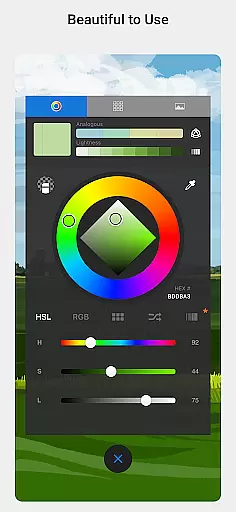
Beyond its technical capabilities, Sketchbook offers an elegant user interface that prioritizes the creative process. The clean, minimalistic design ensures that nothing comes between the artist and their canvas, fostering an environment where ideas can flow freely. This combination of powerful features and user-friendly design makes Sketchbook an essential tool for digital artists across all skill levels.
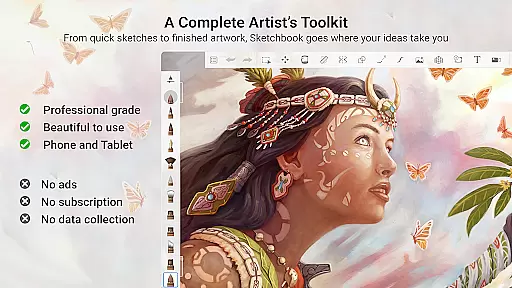
Sketchbook offers a comprehensive suite of creative tools that cater to both amateur and professional artists. The app includes a full range of brush types such as pencils, markers, airbrushes, and smear tools, each designed to mimic their physical counterparts. This diversity allows users to experiment with different styles and techniques, from quick sketches to fully finished artwork.
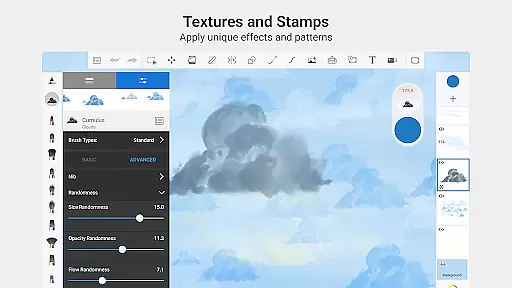
One of the standout features is the highly customizable nature of the brushes. Users can adjust various parameters to create a personalized drawing experience that fits their unique artistic vision. Additionally, the inclusion of guides, rulers, and stroke tools provides precision and control, which is essential for detailed work.
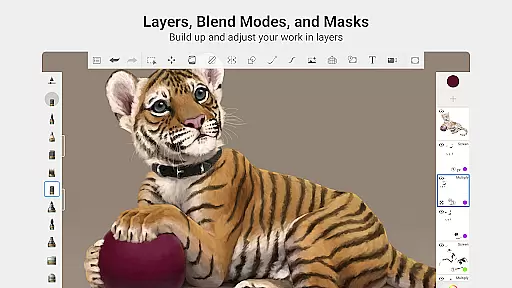
The app also supports layers with a complete set of blend modes, giving artists the flexibility to build up and explore their drawings and color options. This feature is crucial for those who need to make complex edits or want to experiment with different visual effects without compromising the original work.
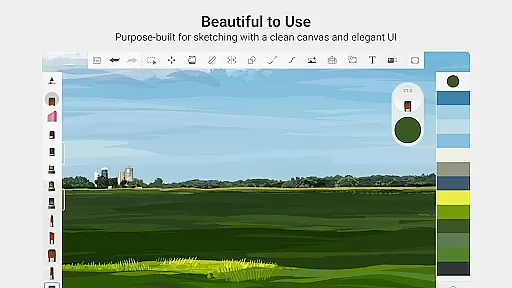
Sketchbook excels in providing canvas and format flexibility, ensuring that artists are not constrained by the medium. The app's purpose-built interface for sketching is clean and unobtrusive, allowing users to focus on their creative process without any distractions. This streamlined environment helps maintain the artist's flow and enhances productivity.
Artists can choose from a variety of canvas sizes and formats, making it easy to adapt their work for different purposes, whether it be for digital platforms or print. The ability to customize the workspace ensures that every artist can tailor the app to their specific needs and preferences.
Furthermore, Sketchbook's support for high-resolution output means that users can create artwork that meets professional standards. This flexibility in format and resolution makes it an ideal choice for illustrators and designers who require top-notch quality for their projects. With Sketchbook, creativity knows no bounds, and artists can truly take their work to the next level.
User-friendly interface
Extensive brush library
Highly customizable tools
Professional-grade features
Cross-platform availability
Steep learning curve
Advanced features require payment
Limited offline functionality
Occasional performance issues
Not ideal for beginners

AI generated images & photos, turn your words into drawing, painting & pictures.
 4.30
4.30
Create sweet, cool and unique couple avatars easily, in just a few steps!
3.40
Art of Combination Wear OS Watch faces
4.2
Sketch, plan, take notes and illustrate on an infinite canvas.
4.20
Passport size photo maker, create ID photo and visa photo in seconds
4.80
Digital, Abstract, Classic - all types of color wheels in one app!
4.60
Create stunning video, photo & magic from text with FlixAI GPT video generator.
3.10
Turn your drawings into flipbook-style animations with simple creative tools
4.60
A luxurious gold watch face for an elegant and refined look.
4.3
Create stunning art with AI.
4.80
Learn how to draw with step-by-step tutorials, fun lessons & multiplayer drawing
4.70
Image resizer to resize, crop, rotate, flip, change dpi photo or picture in bulk
4.60
Draw anime & manga drawing, art with templates to create stunning picture!
4.50
Get creative and make art with your Sesame Friends!
4.00
Art of Combination Wear OS Watch faces (for Wear OS 5+ devices)
3.90
Powerful home decoration & house design that allows you to design dream home.
3.80
AI Art Generator transforms your words into AI generated art & paintings.
3.70
Art of Combination Wear OS Watch Faces
3.30
Draw anime easily with AR guidance, sketch templates & trace tools!
3.10


User Reviews