![[KNA003] SHADOW](https://cdn.linksharehub.com/ocp/?u=https%3A%2F%2Fl3.fancapitalize.com%2Fimages%2F2025%2F12%2Fed57289588f1b2b2f7d51c4bcafcf7a9.jpg&t=webp)
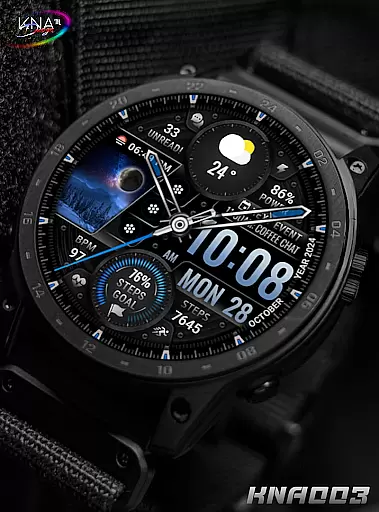
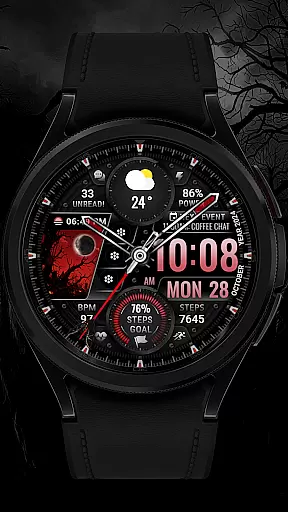
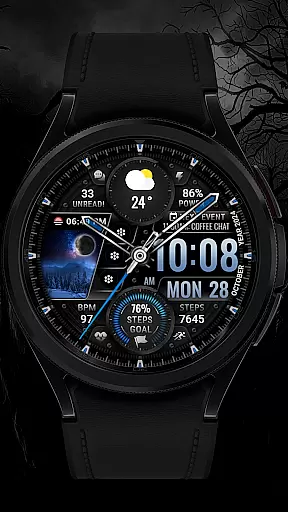
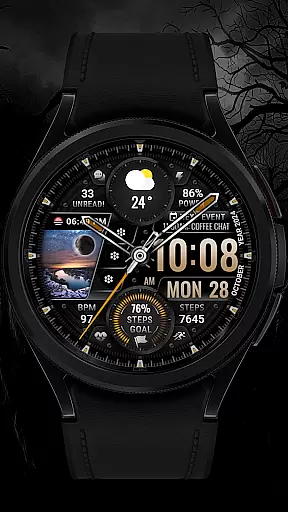
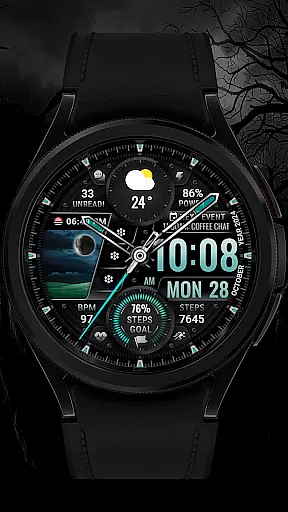
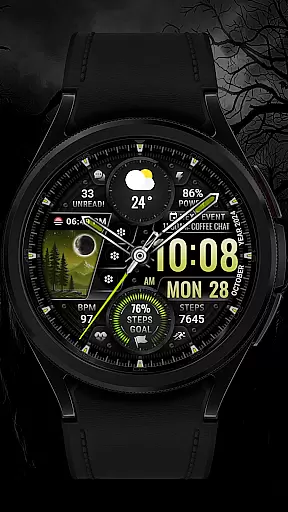
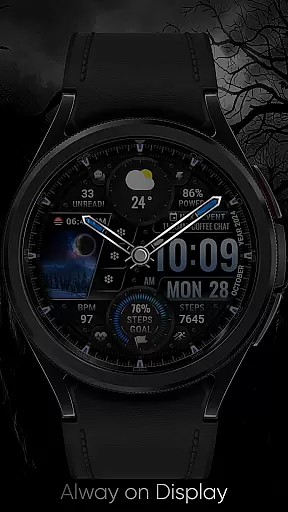
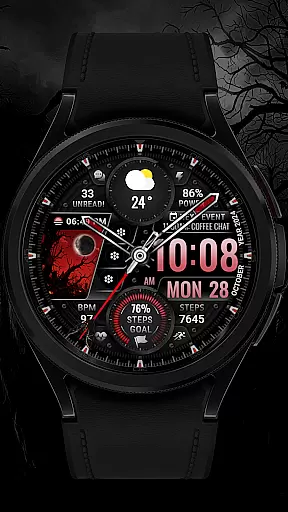
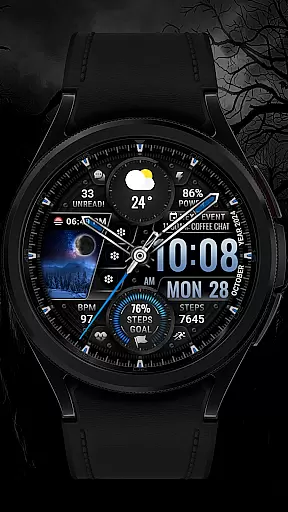
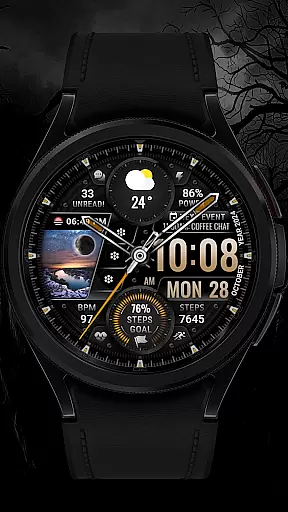
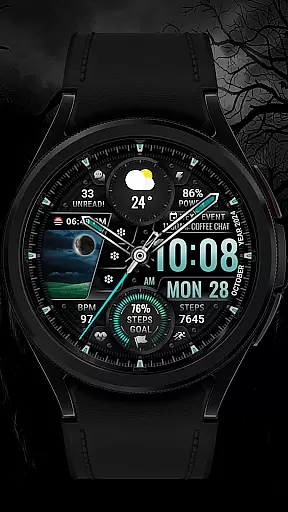
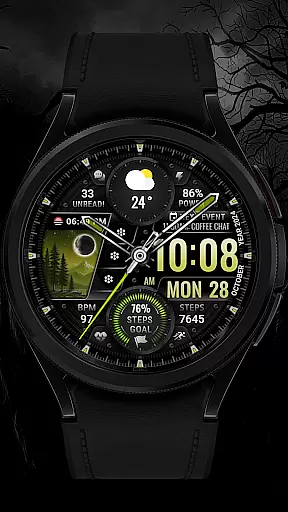
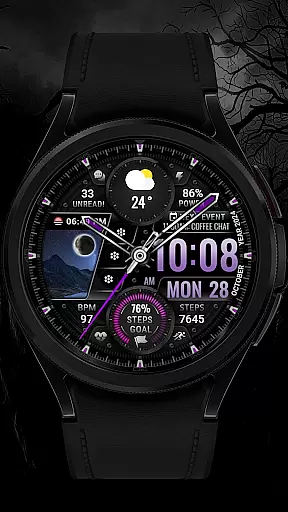
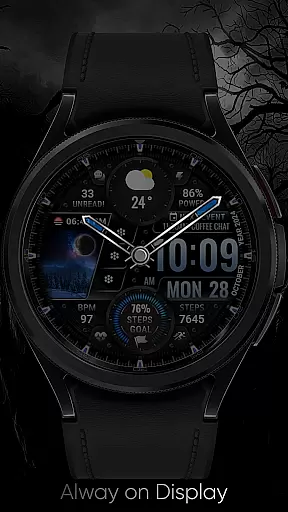
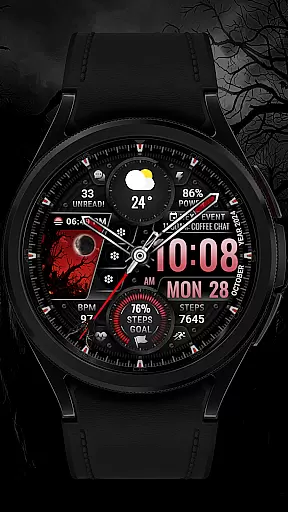
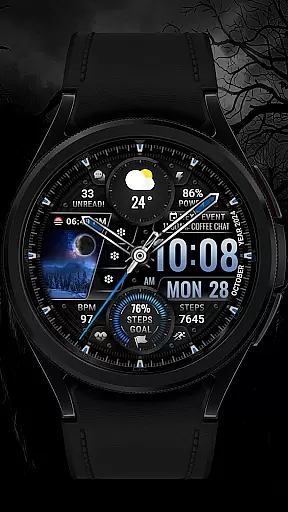
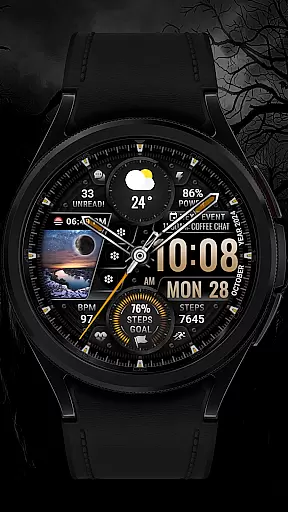
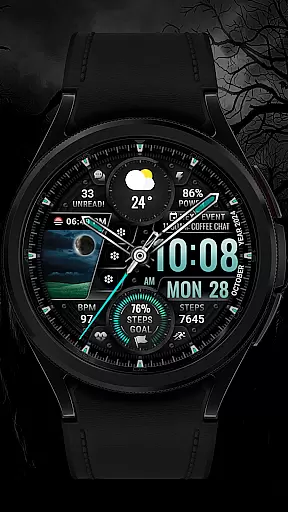
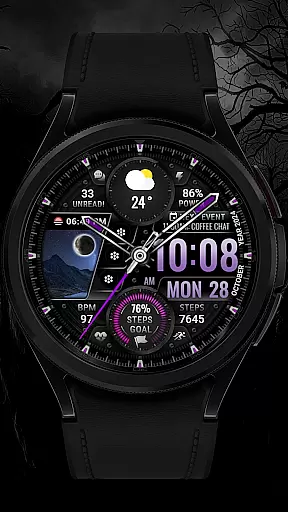
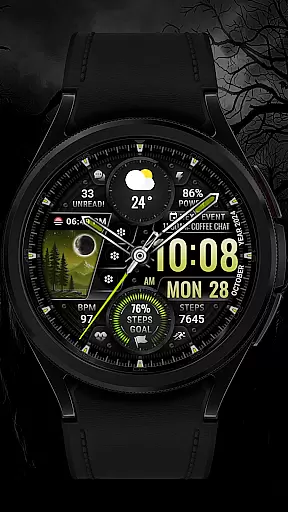
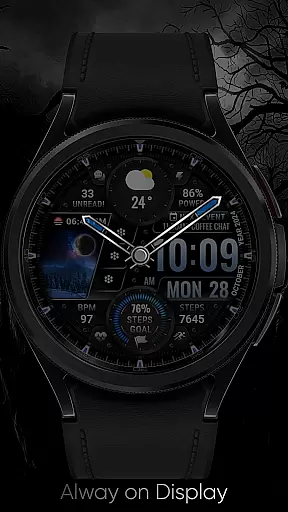
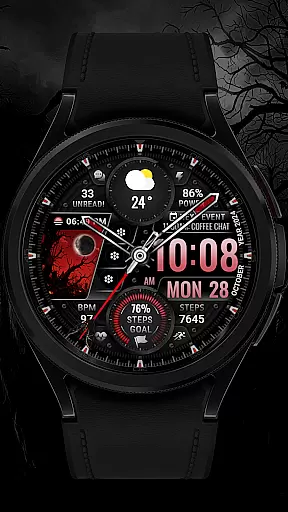
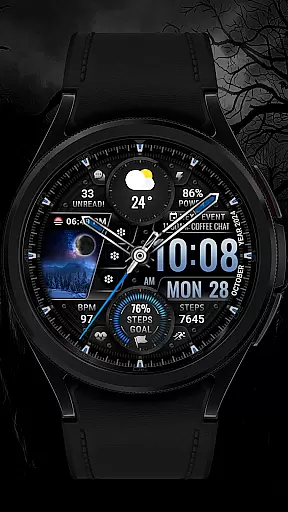
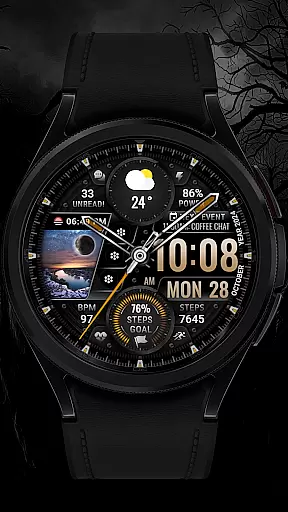
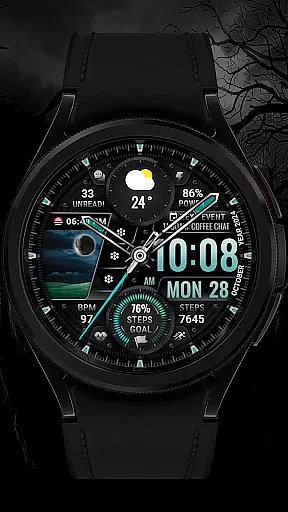
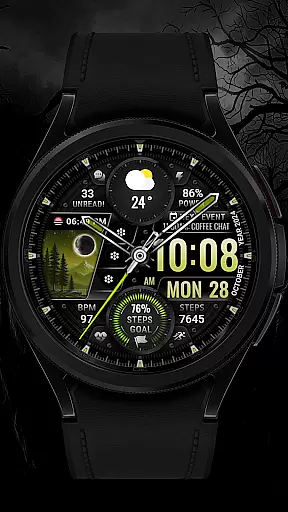
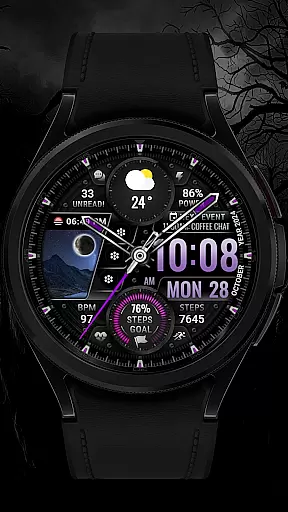
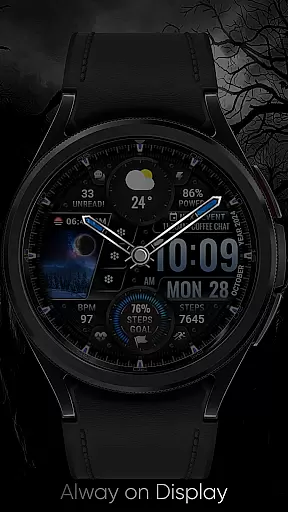
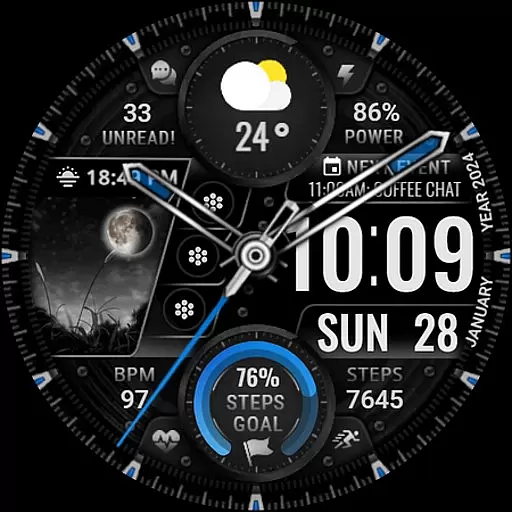
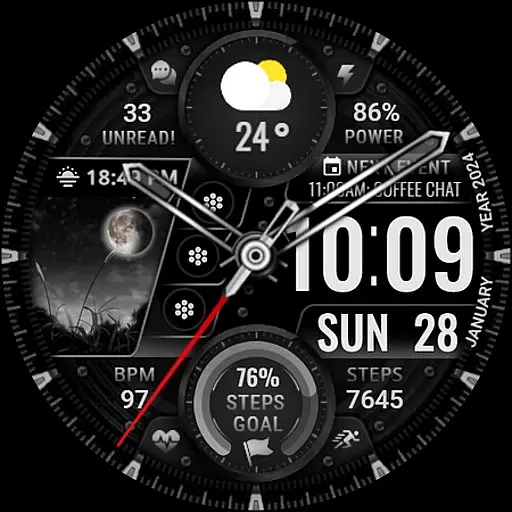
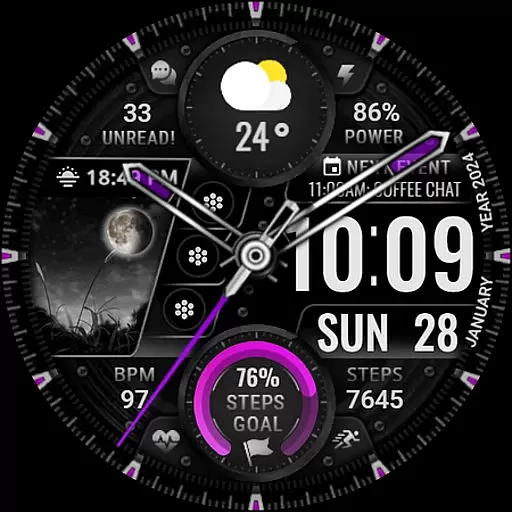
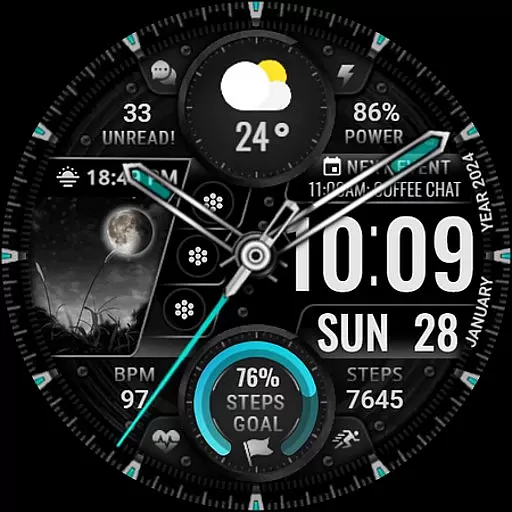
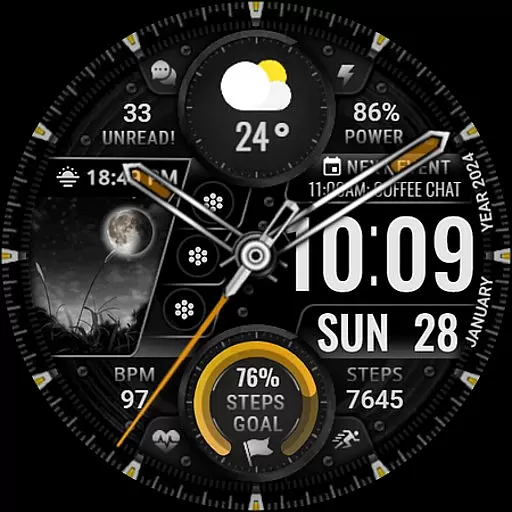
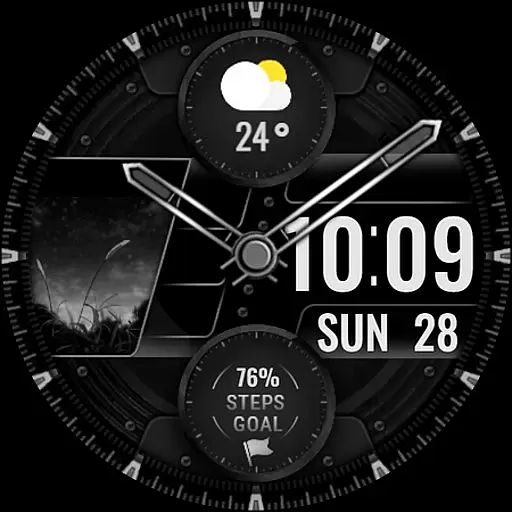
[KNA003] SHADOW is a feature-rich watch face designed specifically for Wear OS devices, offering users a customizable and visually appealing experience. Compatible with API level 30+ devices such as Google Pixel and Galaxy Watch 4/5/6 series, this watch face brings both style and functionality to your wrist.
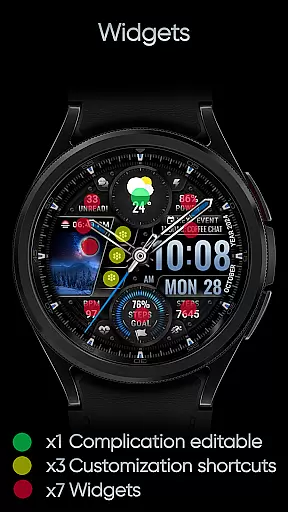
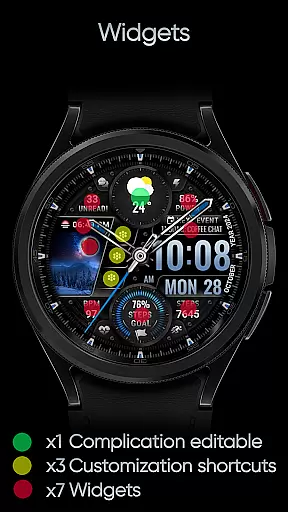
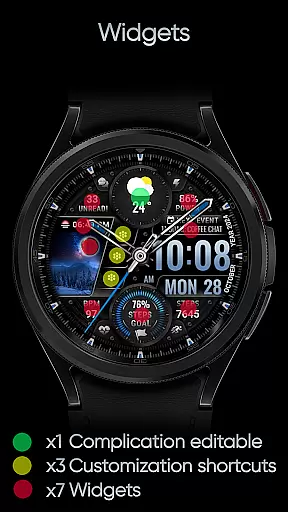
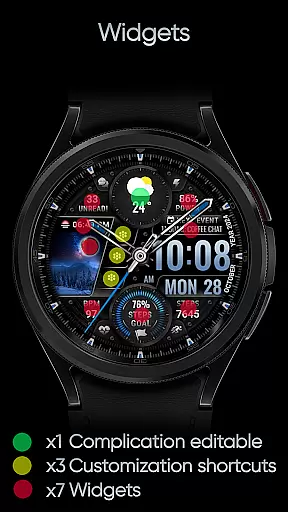
The design combines analog and digital elements, displaying essential information like date, day of week, and month. With one editable complication, three app shortcuts, and multiple color options for the background, clock hand, and steps progress, users can tailor the appearance to match their preferences. The watch face also tracks fitness metrics such as step count, heart rate, and battery level, while providing additional features like moon phase and unread message notifications.
Perfect for users seeking both aesthetics and utility, [KNA003] SHADOW transforms a simple timepiece into a personalized smartwatch companion that works seamlessly with compatible Wear OS devices.
This Art & Design watch face stands out with its versatile customization options and practical features. Users can choose from five different color settings for the background, clock hands, and activity progress indicators, allowing for a truly personalized look. The inclusion of an editable complication and three customizable app shortcuts ensures quick access to frequently used functions or data points.
Functionality extends beyond basic timekeeping with integrated health and notification features. The watch face displays real-time fitness tracking data including step count, heart rate, and battery status. Additional widgets provide useful information such as moon phases, unread messages, and upcoming calendar events. A subtle field background animation adds visual interest without compromising readability.
Customization is intuitive - users simply touch and hold the display, then tap the customize option to modify settings. Complications can be configured to show various data types including weather, world clock, and environmental sensors. While some advanced features may not be available on all devices, the core functionality delivers a comprehensive and engaging user experience across most compatible Wear OS watches.
In the realm of wearable technology, having a comprehensive suite of creative tools is essential for personalization. The [KNA003] SHADOW watch face offers an impressive array of features that cater to this need. With both analog and digital styles, users can choose their preferred display format while enjoying additional data such as date, day of the week, and month.
One of the standout elements is its customizable complications. This allows users to tailor the information displayed on their watch face according to their preferences or needs. Whether it's monitoring heart rate during workouts or checking weather updates throughout the day, these editable complications provide valuable insights at a glance.
Beyond just complications, there are also three editable app shortcuts available. These enable quick access to frequently used applications directly from the watch faceu2014a convenience that enhances productivity and streamlines daily tasks. Additionally, with five color options for backgrounds, clock hands, and step progress indicators, wearers have ample opportunity to express themselves through vibrant designs tailored specifically to their tastes.
The ability to adapt and modify various aspects of a watch face design is crucial in todayu2019s diverse market where individual expression matters more than ever before. The [KNA003] SHADOW excels in providing canvas/format flexibility by offering multiple customization options that allow users to create a truly unique look for their Wear OS device.
Among these options is field background animation which adds dynamic visual interest beyond static images typically found on other watch faces. Users can select from different animations that suit their style or moodu2014whether they prefer something subtle like gentle waves or bold geometric patterns that make a statement.
Moreover, compatibility with API level 30+ devices including Google Pixel watches and Galaxy Watch series ensures broad accessibility across popular models within the Wear OS ecosystem. Before proceeding with installation though, it's important to verify your specific modelu2019s compatibility since not all smartwatches support WEAR OS software requirements needed for optimal performance of this feature-rich watch face application.
Highly customizable design
Real-time fitness tracking
Intuitive customization process
Compatible with latest Wear OS devices
Visually appealing interface
Limited compatibility with older models
Some features device-restricted
No automatic application
Potential battery impact
Complex for beginners

Learn how to draw with step-by-step tutorials, fun lessons & multiplayer drawing
 4.70
4.70
Design your dream room with AI. Get decor ideas & plan home interiors
3.90
Apply cartoon, caricature, and portrait effects to make your photos stand out!
3.60
Trace, draw, and create art with AR - from memes to masterpieces!
4.30
Draw anime easily with AR guidance, sketch templates & trace tools!
3.10
The perfect place to start sketching! Use Sketchbook to draw and paint sketches.
4.50
Video AI: Revolutionize Your Content Creation with Advanced Video Generation
4.50
Create cute cat emojis & PFPs! Fun, custom avatars for cat lovers.
3.70
Sketch and paint on your device with the feel and freedom of drawing on paper
4.00
Make your phone cooler and have a fantastic experience
4.80
Convert image to JPG PNG HEIC PDF, support almost all kinds of image formats
4.70
2D animation studio for Android tablets - unlimited layers, infinite timeline
4.70
The ultimate tool for creating animations
4.60
Image resizer to resize, crop, rotate, flip, change dpi photo or picture in bulk
4.60
Unleash your drawing and painting potential
4.50
Draw, make movies & animate cartoons easily with our 2D animation maker app
4.40
Customizable Outlined Fonts. Watch Face Format. Battery friendly Digital Clock.
4.20
Turning simple sketches into captivating tales filled with life and motion
3.90
Powerful home decoration & house design that allows you to design dream home.
3.80


User Reviews