
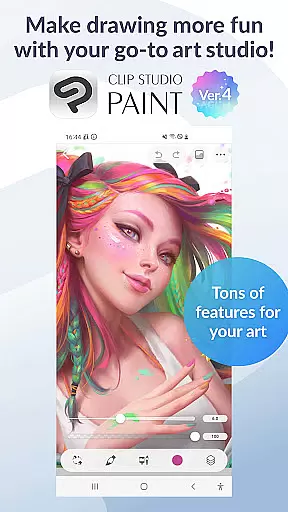
Clip Studio Paint is a premier digital art application tailored for artists, illustrators, and animators who require robust tools for creating comics, manga, and animations on their mobile devices. It offers a free 30-day trial, allowing users to explore its rich feature set before committing to a subscription plan.
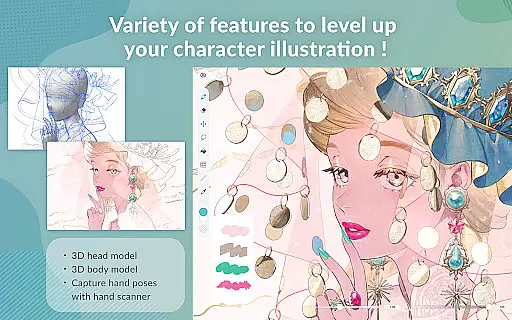
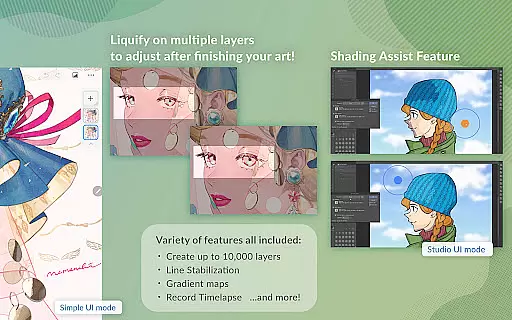
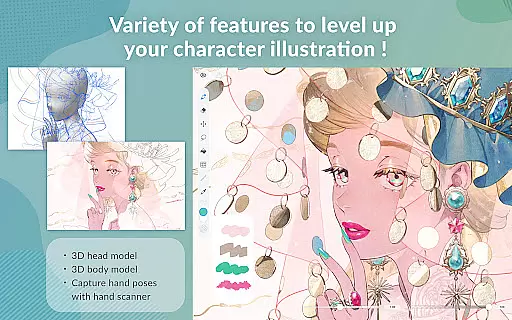
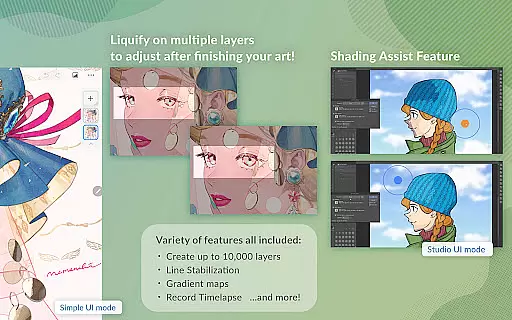
This app excels in providing detailed artwork capabilities, such as creating up to 10,000 layers, posing 3D models, and utilizing gradient maps for superior color control. Artists can leverage innovative tools like Puppet Warp and live video references to capture complex poses easily.
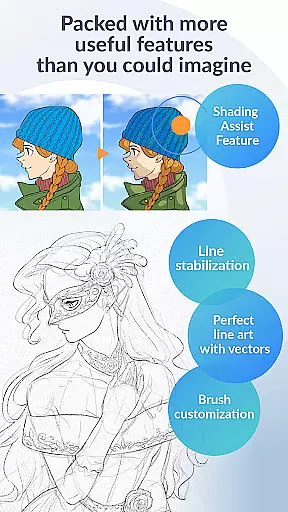
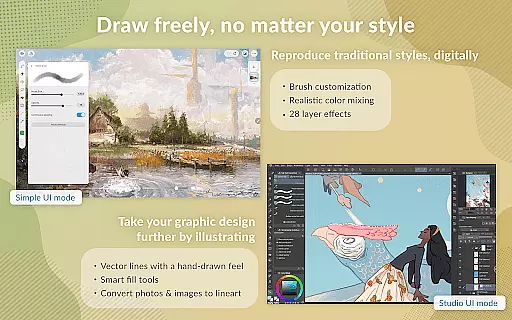
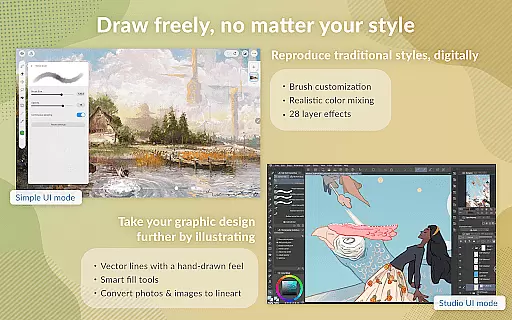
With support for vector drawing, 28 layer effects, and perceptual color mixing, Clip Studio Paint ensures high-quality results. Its versatility extends to animation, enabling users to add sound and camera movements. Suitable for both beginners and professionals, CSP transforms digital art creation into an accessible and powerful experience.
Clip Studio Paint stands out with its comprehensive suite of digital art tools designed for both amateur and professional artists. The application provides an extensive range of features including the ability to create up to 10,000 layers, pose 3D models, and liquify multiple layers for instant adjustments.
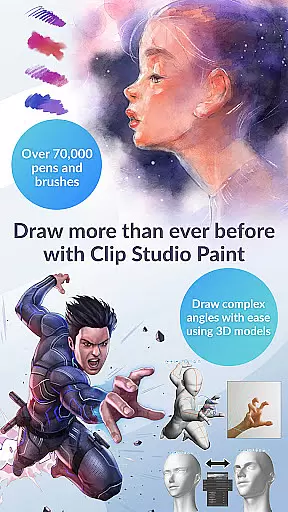
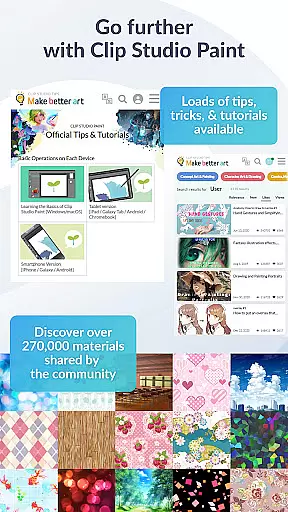
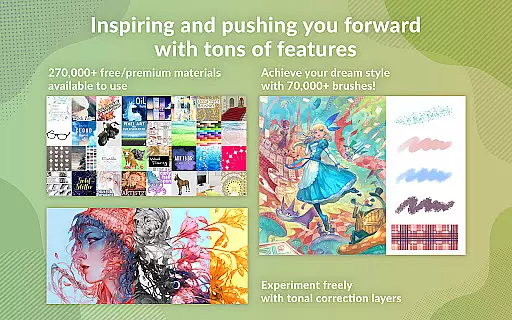
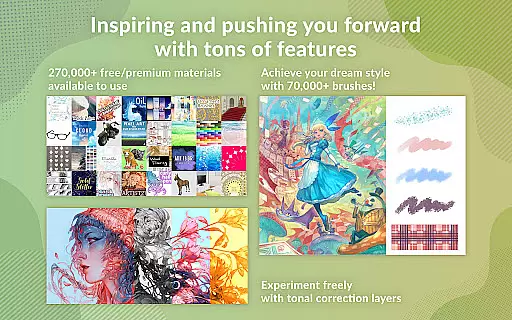
One of the key highlights is the vast library of downloadable content, featuring over 270,000 materials crafted by creators globally. Users can customize brushes extensively, accessing more than 70,000 brushes through the dedicated Assets store. Additionally, CSP supports vector drawing, ensuring scalable artwork without quality loss.
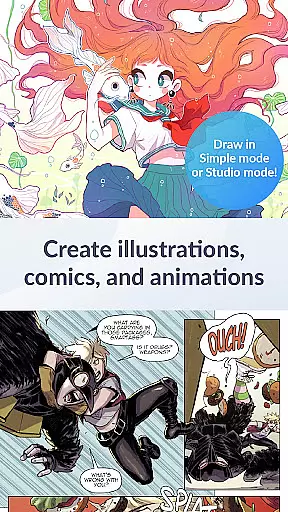
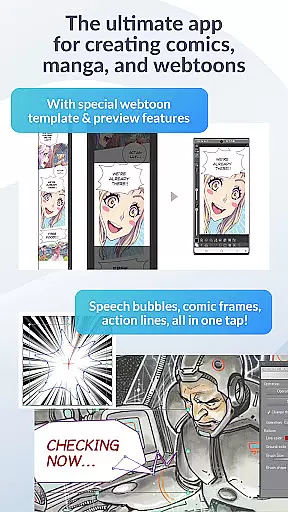
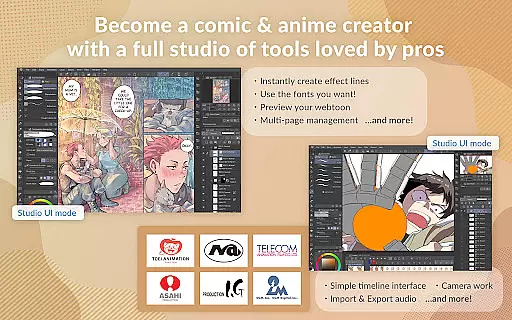
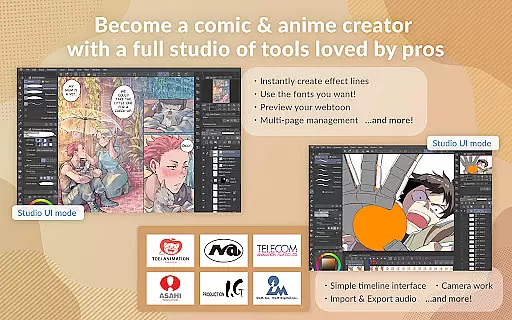
The app caters to comic and manga creators with specialized tools for speech bubbles, frames, and shading. Animators can produce everything from simple GIFs to complex animations with sound and camera movements. These capabilities make CSP a top choice for artists seeking professional-grade features on mobile devices.
In the realm of digital art, having access to a comprehensive suite of creative tools is paramount. Clip Studio Paint excels in this area by offering an extensive array of features that cater to both amateur and professional artists. With over 70,000 brushes available, including those crafted by artists worldwide, users can find the perfect brush for their unique style. These brushes are not just limited to simple strokes; they offer customizable textures, shapes, dual brush settings, color mixing, spray effects, and more.
Moreover, Clip Studio Paint provides advanced layer effects, perceptual color mixing, and vector painting capabilities, ensuring that artwork retains its quality even when scaled. The inclusion of 3D primitives allows for rapid idea generation, particularly useful for layouts and perspective drawing. Artists can also leverage gradient maps and puppet warp features to refine their creations further.
The app's dedication to providing a complete toolkit is evident in its support for complex animations, making it possible to create anything from simple GIFs to full-length animations with sound and camera movements. This versatility ensures that whether you're sketching, painting, or animating, Clip Studio Paint stands as a robust platform for unleashing creativity without bounds.
Flexibility in canvas and format options is crucial for artists who demand precision and adaptability in their work. Clip Studio Paint addresses these needs by enabling users to create highly detailed artworks with up to 10,000 layers, allowing for intricate compositions and edits. This level of layer management empowers artists to construct complex scenes while maintaining organization and control over individual elements.
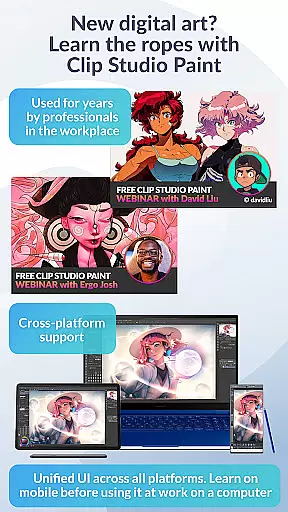
Beyond layer capacity, the application supports various file formats, which is essential for exporting and sharing work across different platforms and devices. Whether you're working on an Android tablet, Chromebook, or utilizing DeX mode, Clip Studio Paint ensures that your projects can be saved and exported in formats that suit your requirements. This cross-compatibility enhances workflow efficiency and collaboration possibilities.
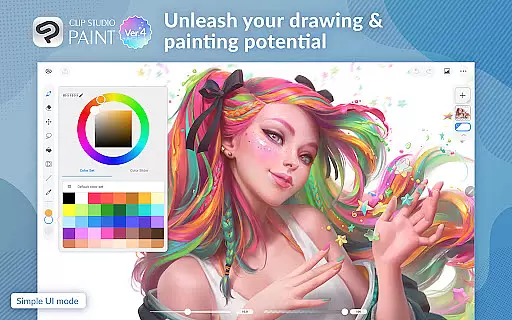
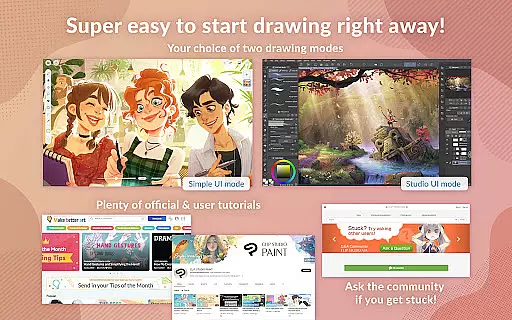
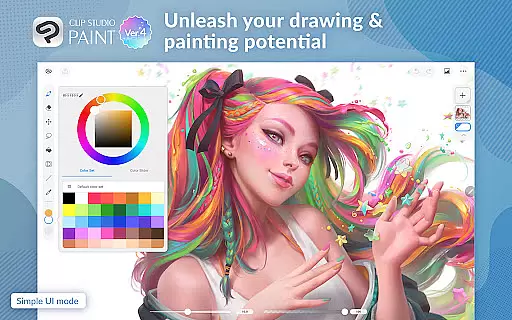
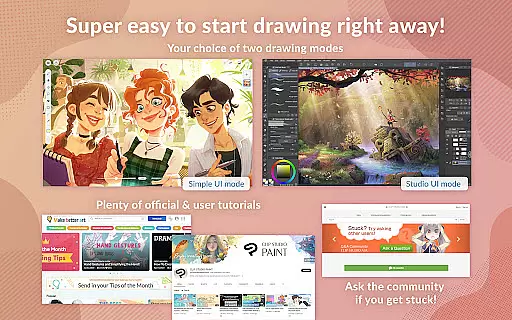
Additionally, Clip Studio Paint offers specialized modes like Simple Mode for quick starts and Studio Mode for accessing the full feature set. Such flexibility extends to accommodating diverse skill levels and project demands, reinforcing the app's position as a versatile choice for digital artists seeking both power and convenience in their creative endeavors.
Extensive brush library
Powerful layer management
Vector drawing support
Comprehensive tutorial resources
Advanced animation tools
Subscription required
Limited free trial
Advanced features need high-end devices
Complex for beginners
Occasional bugs reported

Download now for a stylish and functional timepiece
 4.0
4.0
Customizable Outlined Fonts. Watch Face Format. Battery friendly Digital Clock.
4.20
Create sweet, cool and unique couple avatars easily, in just a few steps!
3.40
Logo Generator powered by AI: Create stunning logos effortlessly!
4.70
Your Essential Color Theory Guide: Red, Yellow, Blue (RYB)
4.0
See Color, Paint Color
4.90
Make your phone cooler and have a fantastic experience
4.80
Nano Banana AI Image Generator, Anime Filter, AI Portrait, AI Photo Generator
4.30
Draw Trace image sketch by, AR art projector app, Easy to trace any image.
4.50
Draw on screen: FP sDraw is a simple and lightweight drawing app
4.70
Convert image to JPG PNG HEIC PDF, support almost all kinds of image formats
4.70
Photo stitcher for automatically screenshot stitching into a long screenshot
4.70
Everything you need to create hand drawn animation, anywhere you go!
4.40
Just trace a projected picture on paper and color! Draw & Paint with AR drawing
4.40
AI generated images & photos, turn your words into drawing, painting & pictures.
4.30
Bring One UI 8.5 Icons to life -elegant dark icons with a modern, premium touch.
4.30
Resize photos and print photos in exact size with our powerful photo printer!
3.80
Your homescreen as an elegant glass with customized blur, lighting, and visuals.
3.70
Inky runs Inkscape on Android devices and Chromebooks
2.90


User Reviews