
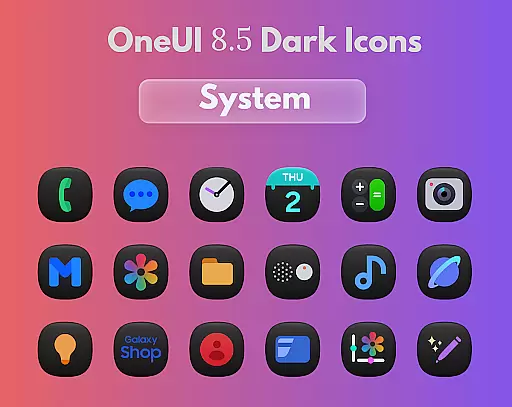
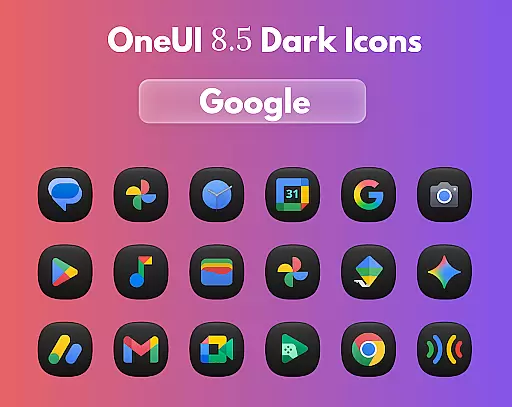
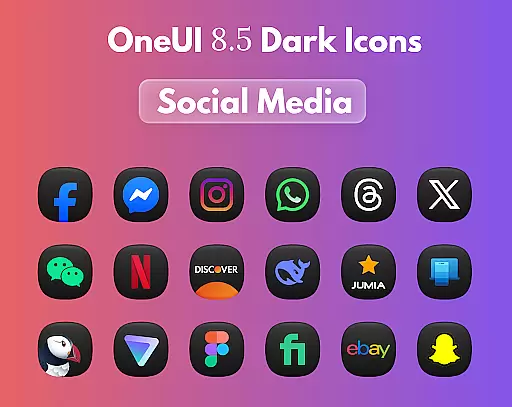
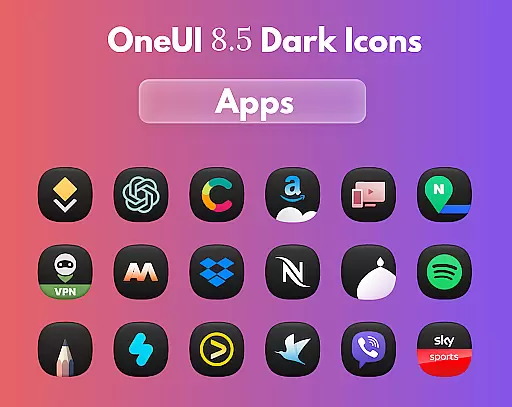
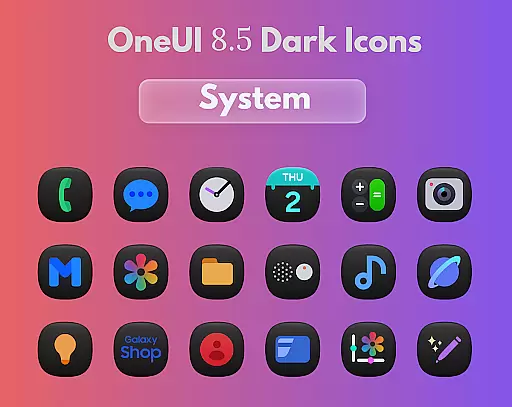
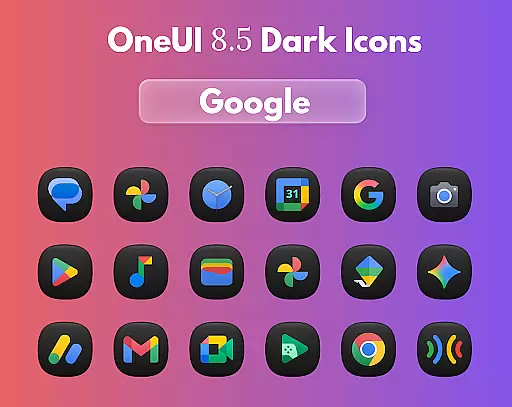
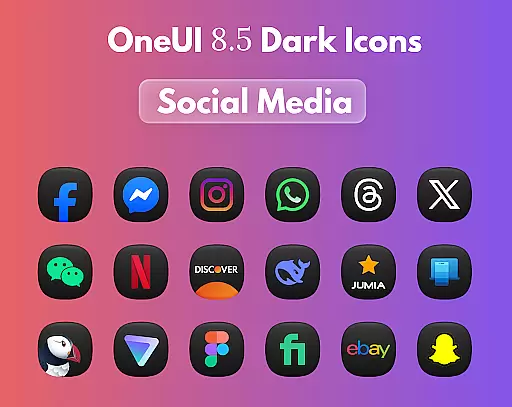
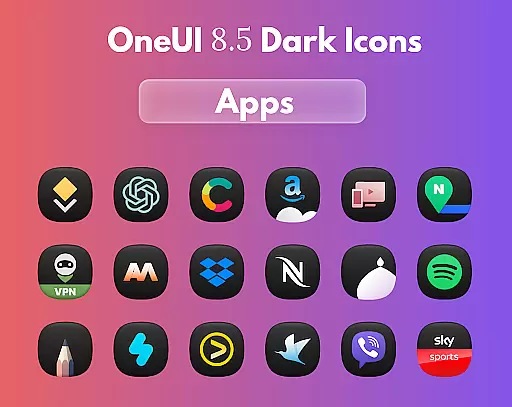
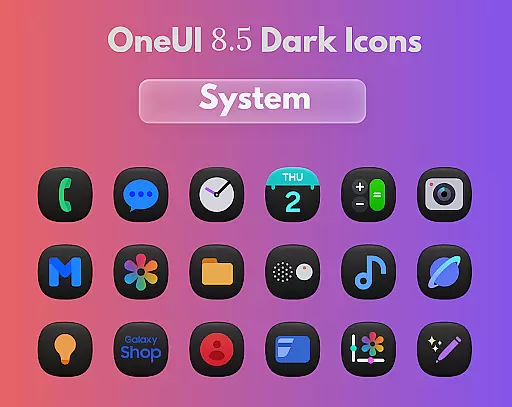
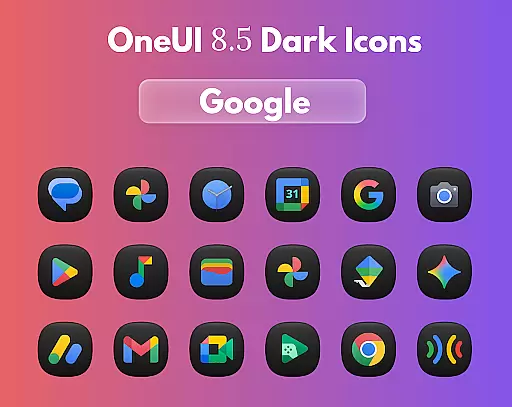
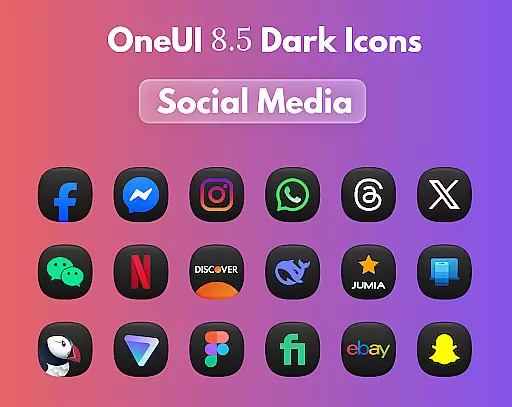
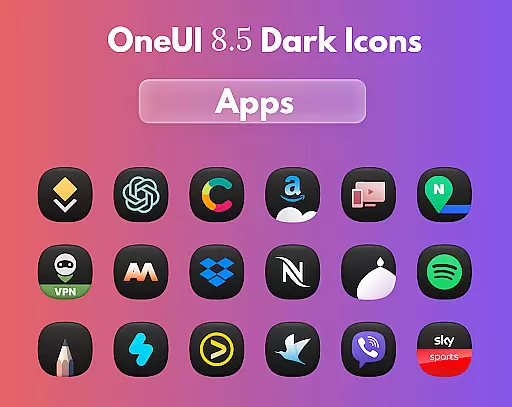
OneUi 8.5 Dark Icons is a premium icon pack that brings an elegant dark aesthetic to your device's home screen. Featuring 1775 meticulously crafted icons with smooth gradients and refined 3D lighting, this pack creates a stunning visual experience on any wallpaper.
The icons are inspired by Samsung's One UI 8.5 design language, offering users a cohesive and modern look across their devices. Compatible with all major launchers, it allows for easy customization while maintaining a consistent style. Whether you're using a light or dark theme, these icons add a touch of sophistication to your interface.
For optimal results, pair the icon pack with a dark wallpaper to enhance the carefully designed details and shadows. The regular updates ensure your home screen stays fresh and up-to-date, making it an ideal choice for design-conscious users seeking both functionality and aesthetics.
OneUi 8.5 Dark Icons stands out with its comprehensive set of features designed for customization enthusiasts. The pack includes 1775 unique icons, each crafted with attention to detail, featuring smooth gradients and subtle 3D effects that create depth and dimension.
A key advantage is its compatibility with all major launchers, allowing users to seamlessly integrate these icons into their existing setup. The open request limit enables users to suggest new icons, ensuring their favorite apps receive the same polished treatment. Regular updates keep the collection fresh and relevant.
The design draws inspiration from Samsung's One UI 8.5, creating a unified appearance across different applications. This consistency enhances usability while maintaining visual appeal. For best results, users can combine these icons with dark wallpapers to emphasize the carefully considered lighting effects and gradients.
OneUi 8.5 Dark Icons offers a comprehensive suite of creative tools designed to enhance your home screen aesthetics. With 1775 beautifully redesigned icons, the app provides an extensive library that ensures compatibility with all major launchers.
The icons are meticulously crafted using elegant 3D lighting and smooth gradients, offering users a refined dark finish. This attention to detail guarantees that every icon not only fits seamlessly into the overall design but also stands out individually on any wallpaper.
Regular updates introduce new icons, ensuring that your home screen remains fresh and up-to-date. The ability to send unlimited icon requests further enhances customization options, allowing users to tailor their experience precisely as they envision.
Flexibility is at the core of OneUi 8.5 Dark Icons, providing users with the freedom to customize their home screens extensively. The app supports various formats and resolutions, ensuring that each icon looks stunning regardless of the device or launcher used.
For an optimal visual experience, it is recommended to use a dark wallpaper. This approach complements the dark aesthetics inspired by One UI 8.5, creating a cohesive and visually pleasing interface. The smooth, unified shapes and subtle gradients of the icons add to this effect, enhancing the overall look.
Users can freely send icon requests without any limitations, allowing for personalized adjustments. This feature ensures that even specific needs are met, making OneUi 8.5 Dark Icons a versatile choice for those seeking both simplicity and style in their mobile design.
Stunning 3D lighting
Regular icon updates
Wide launcher support
Open request system
Premium dark aesthetic
Limited light themes
Requires compatible launcher
No widget customization
Dark wallpaper needed
Subscription required

Customizable Outlined Fonts. Watch Face Format. Battery friendly Digital Clock.
 4.20
4.20
Transform photos into amazing monochrome dither art with professional algorithms
4.2
AI Assistant, powered by ChatGPT GPT-4 & GPT-4o. Your intelligent companion.
3.50
Unleash Your Creativity with Draw Cartoon - AR Drawing App
4.10
Photo editor for art, avatars, filters & fun transformations.
4.60
Image resizer to resize, crop, rotate, flip, change dpi photo or picture in bulk
4.60
Art of Combination Wear OS Watch faces (for Wear OS 5+ devices)
3.90
Explore future self face age filter & remove background image for a unique look.
3.50
How to draw anime step by step for beginner easily by AR drawing sketch & paint.
3.60
See Color, Paint Color
4.90
Logo Generator powered by AI: Create stunning logos effortlessly!
4.70
2D animation studio for Android tablets - unlimited layers, infinite timeline
4.70
Everything you need to create hand drawn animation, anywhere you go!
4.40
Beauty Camera - Selfie Camera is the ultimate beauty camera and selfie app
4.30
OneUI 8.5 icons ✨ Smooth, modern & based on the latest Play Store design ??
4.10
Paint with oils and sketch with natural tools on a realistic virtual canvas.
3.80
Create sweet, cool and unique couple avatars easily, in just a few steps!
3.40
Art of Combination Wear OS Watch Faces
3.30
Art of Combination Wear OS Watch faces (for Wear OS 5+ devices)
3.00


User Reviews