
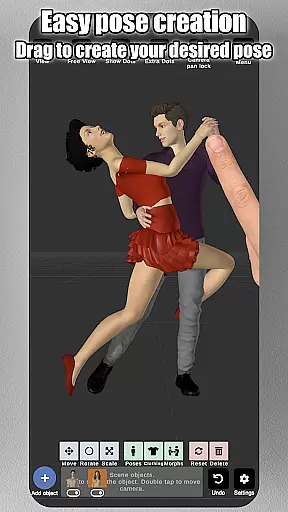
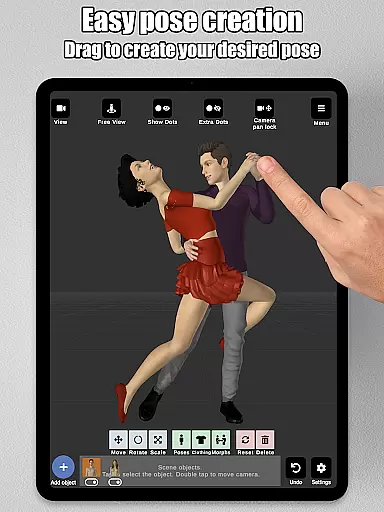
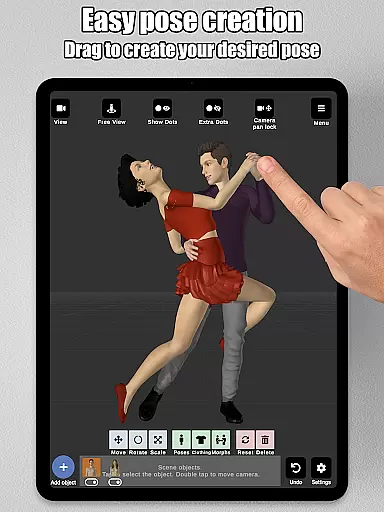
Art Model is a feature-rich 3D posing app designed for artists and designers who need realistic human models for reference. The app allows users to pose an unlimited number of male, female, and wooden mannequin models simultaneously in the scene. With its intuitive drag-and-drop control system, creating poses is as simple as tapping a control point and dragging the limb into position, eliminating the need for complex joint rotations.
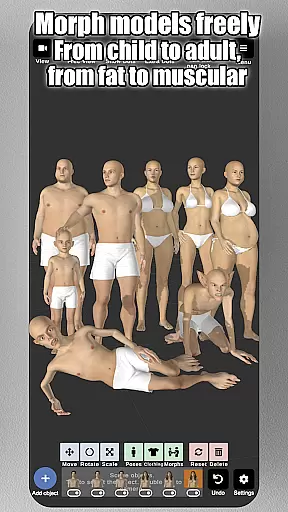
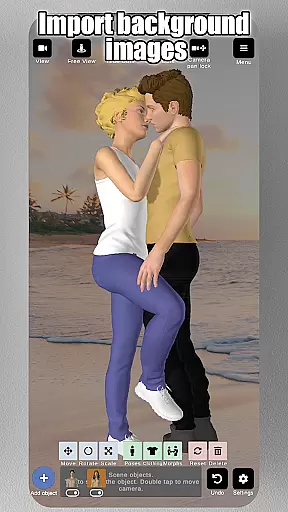
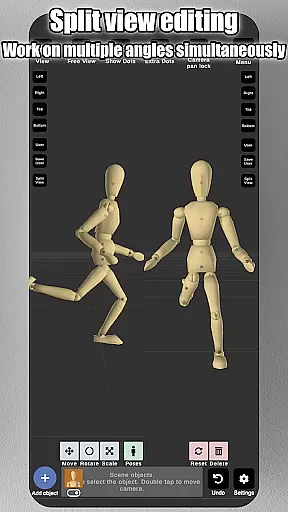
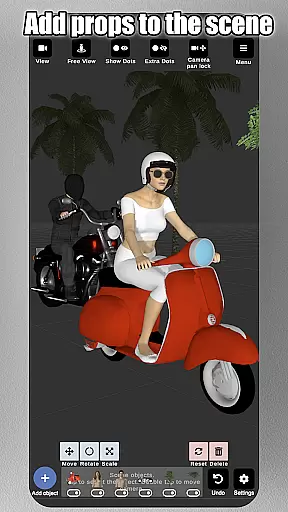
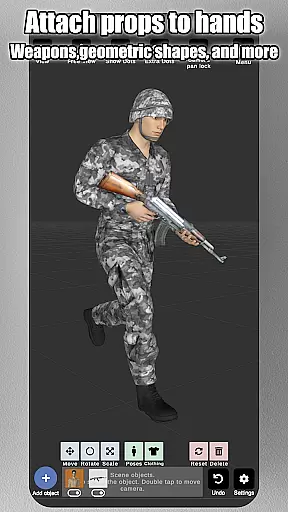
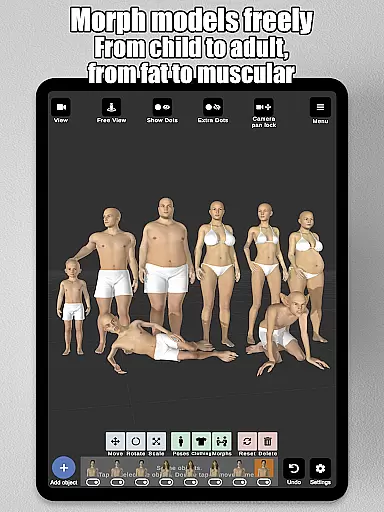
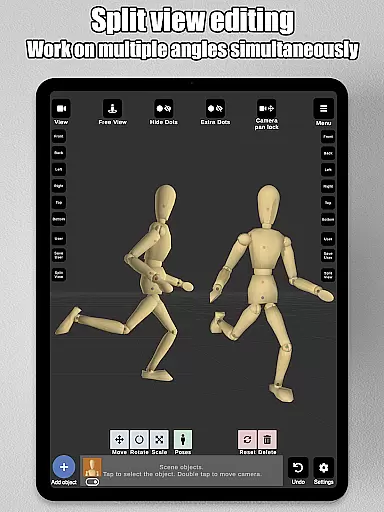
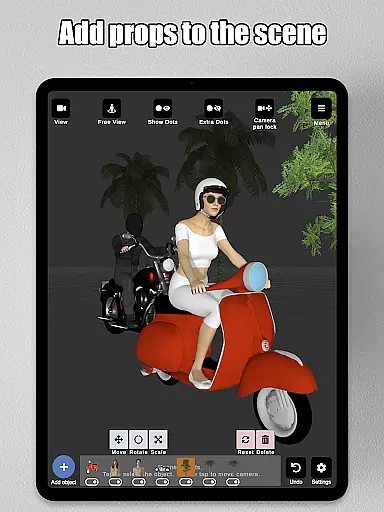
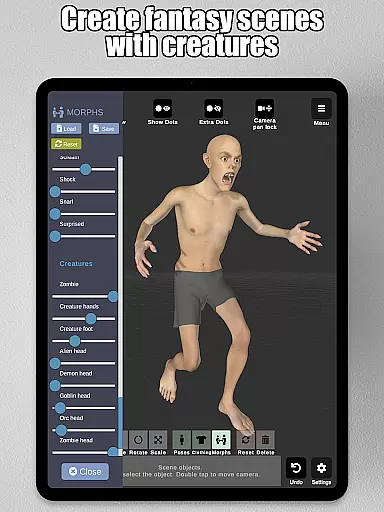
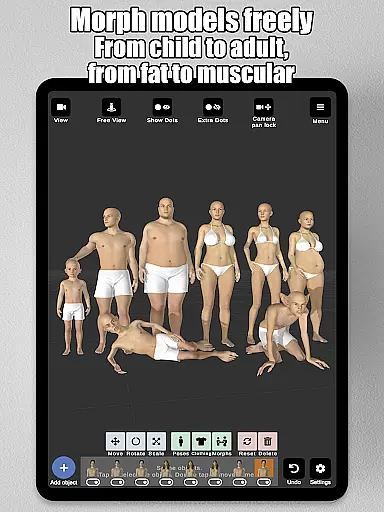
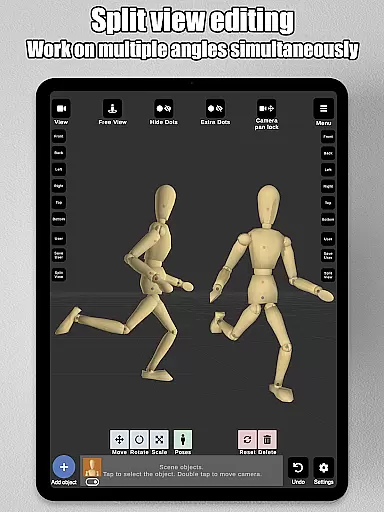
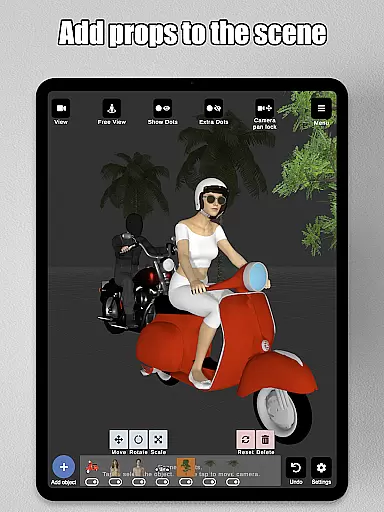
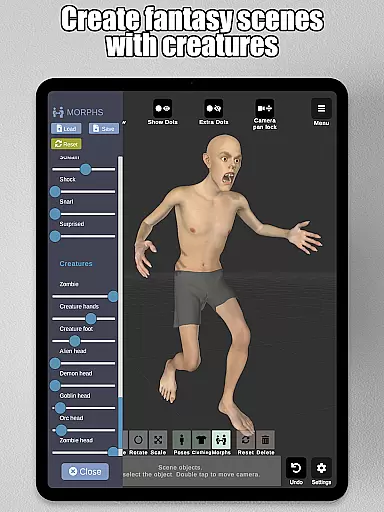
Beyond posing, Art Model offers a powerful morphing tool that lets users customize their models extensively. Whether transforming a model from a child to an adult, adjusting body types, or modifying specific body parts like arms or legs, the app provides endless creative possibilities. Artists can also import background images, add props such as chairs or weapons, and utilize split-view editing to work from multiple camera angles at once. These features make it ideal for character design, storyboarding, and improving drawing skills.
Art Model stands out with its comprehensive set of tools tailored for both digital and traditional artists. One of its key features is the fast pose creation system, which uses an innovative drag-and-drop mechanism to adjust limbs effortlessly. This functionality saves time and enhances precision when designing complex poses. Additionally, the app includes realistic 3D male and female models, along with a wooden mannequin option for those who prefer classic art references.
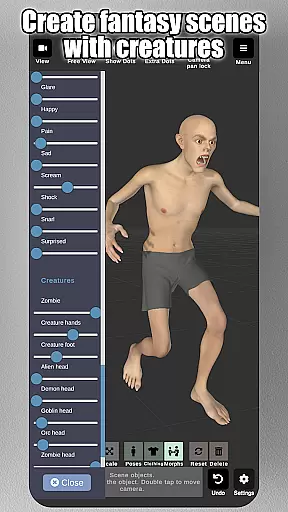
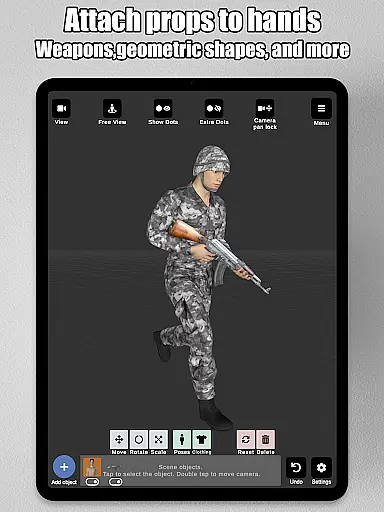
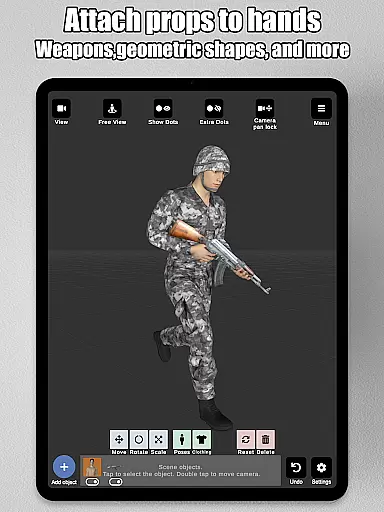
The morphing system is another highlight, enabling users to create unique characters by altering body types and specific body parts. From muscular builds to pregnancy simulations, the customization options are vast. The app also supports importing backgrounds, adding props, and attaching objects directly to models' hands. Advanced lighting controls, preset poses, and headgear options further enrich the creative process. With split-view editing, users can view their models from two angles simultaneously, ensuring accurate adjustments without constant scene rotation.
Art Model - 3D Art pose tool offers an extensive suite of creative tools that cater to both digital artists and traditional illustrators. The application provides realistic 3D male and female models alongside a wooden mannequin option, ensuring that all artistic preferences are covered.
The app stands out with its powerful morphing system which allows users to modify their models extensively. From adjusting the age and body type to more specific alterations like chest or limb dimensions, the level of customization is vast.
In addition to character customization, users can enrich their scenes with various props and background images. This feature enables artists to create detailed environments for their characters, thus improving the overall drawing experience.
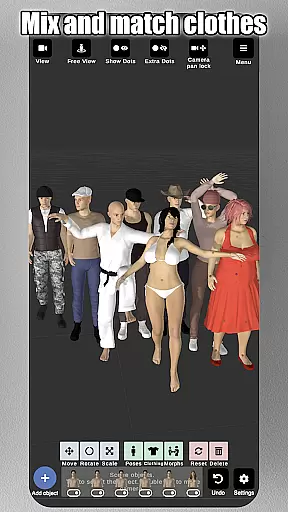
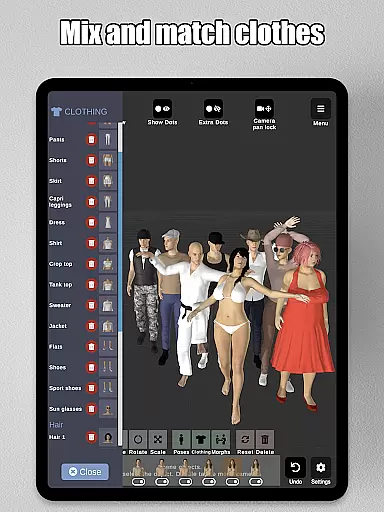
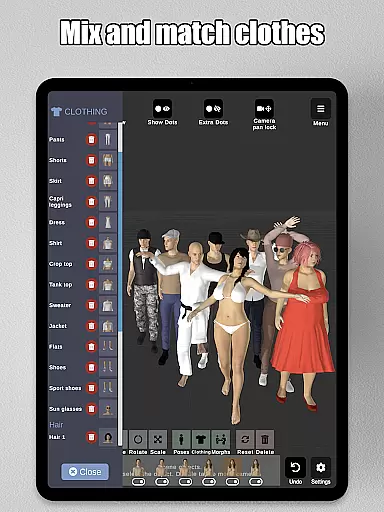
With advanced lighting options, preset poses, clothing, headgear choices, and split-view editing, this software equips artists with everything needed to design characters efficiently. These comprehensive tools make it an ideal choice for character design, illustrations, storyboarding, and enhancing drawing skills.
The canvas and format flexibility of Art Model empower artists to bring their visions to life without constraints. Users can manipulate the camera with simple gestures: zoom in and out with a two-finger pinch, rotate the view with a two-finger drag, and pan across the scene effortlessly.
This poser app supports an unlimited number of human models within a scene, allowing complex compositions that require multiple figures. Artists have complete freedom over how they construct their artwork's narrative by positioning each model as desired.
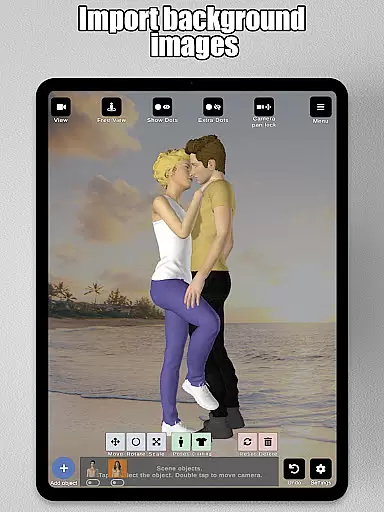
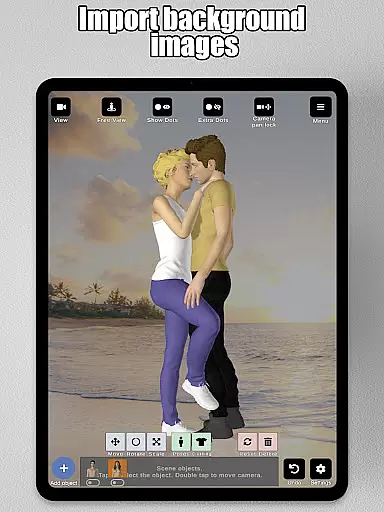
Moreover, Art Model includes features such as importing custom background images which serve as references or environmental elements. This ability enhances visualization capabilities by placing characters into real-world settings or imaginative backdrops tailored by the artist.
By offering both full-body morphs and individual body part adjustments, along with attachment points for props, this application ensures that every aspect of the canvas is adaptable. Such versatility guarantees that whether you're working on concept art, animation references, or detailed illustrations, your creative process remains uninterrupted.
User-friendly interface
Extensive morphing options
Realistic 3D models
Versatile prop library
Split-view editing
Limited clothing options
No advanced animation tools
Basic hair customization
Premium price tag
Steep learning curve

Customizable Outlined Fonts. Watch Face Format. Battery friendly Digital Clock.
 4.20
4.20
Design your dream room with AI. Get decor ideas & plan home interiors
3.90
Image/ Text to Video Generator
4.40
Digital illustration drawing & painting pad app to paint Anime and Manga art
4.50
AI Face Swap, Video Effects Editor, Realtime Morph, Funny Video FX,AI Filters
3.70
Unleash your drawing and painting potential
4.50
Photo editor for art, avatars, filters & fun transformations.
4.60
Draw Trace image sketch by, AR art projector app, Easy to trace any image.
4.50
800+ Drawing, Painting Lessons App to Practice, Sketch & Paint Art.
4.30
See Color, Paint Color
4.90
Draw anime & manga drawing, art with templates to create stunning picture!
4.50
Create neon drawing with magic doodle and fun doodle art effects!
4.50
Everything you need to create hand drawn animation, anywhere you go!
4.40
Nano Banana AI Image Generator, Anime Filter, AI Portrait, AI Photo Generator
4.30
Bring One UI 8.5 Icons to life -elegant dark icons with a modern, premium touch.
4.30
OneUI 8.5 icons ✨ Smooth, modern & based on the latest Play Store design ??
4.10
Your homescreen as an elegant glass with customized blur, lighting, and visuals.
3.70
Vidu is an AI video generator made for creators and aspiring makers.
3.30
Transform photos into amazing monochrome dither art with professional algorithms
4.5


User Reviews