
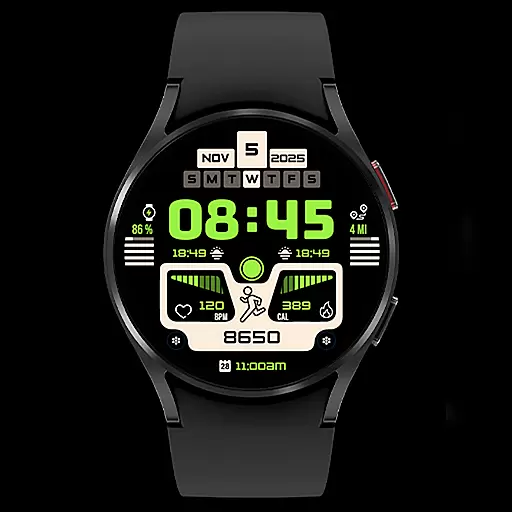
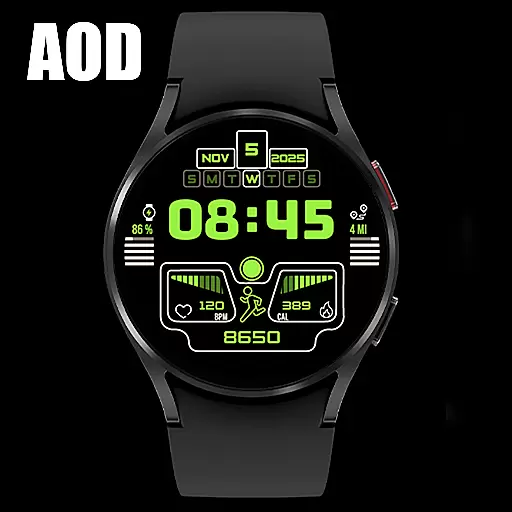
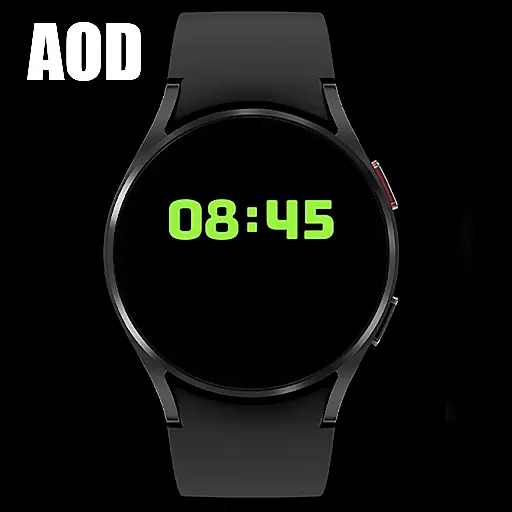
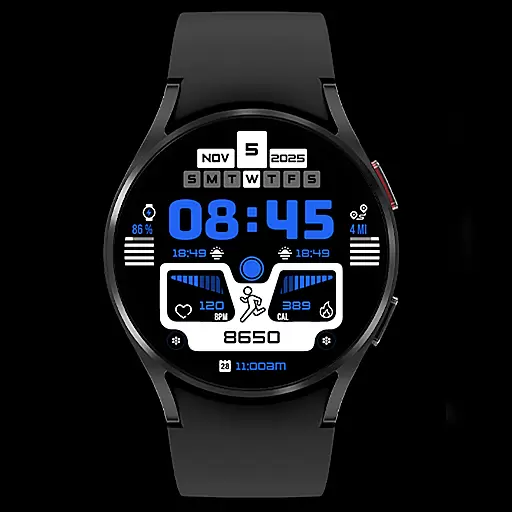
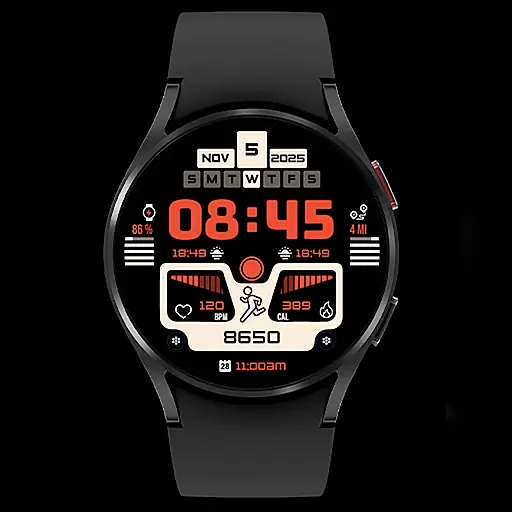
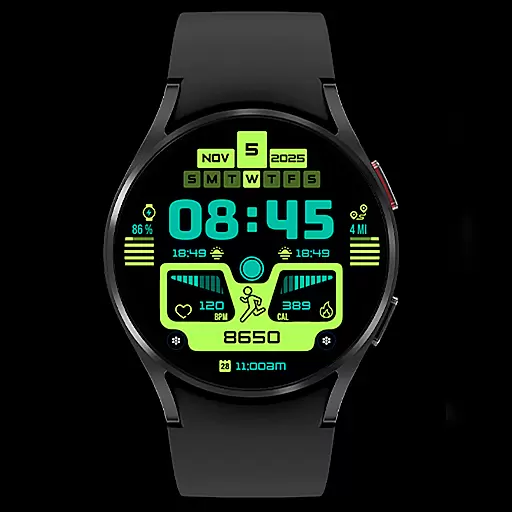
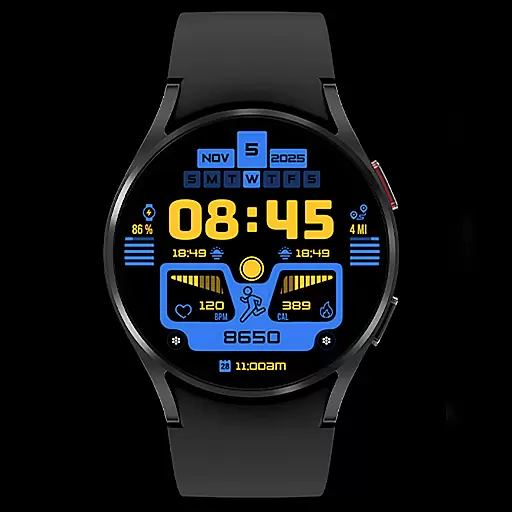
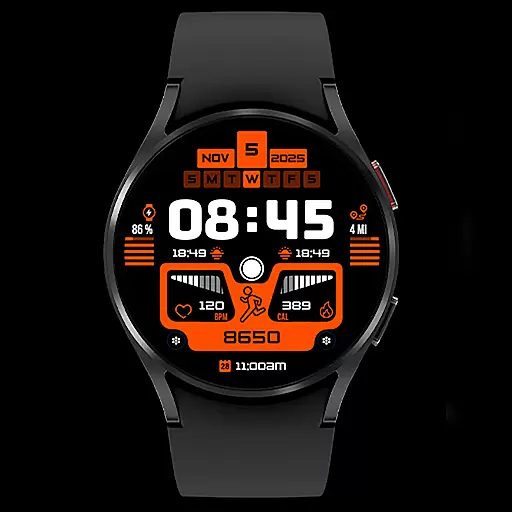
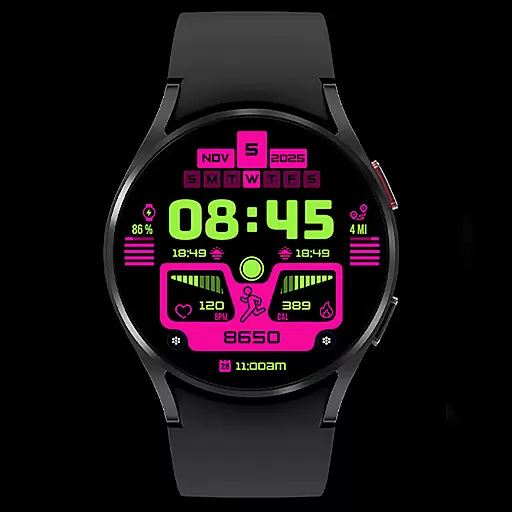
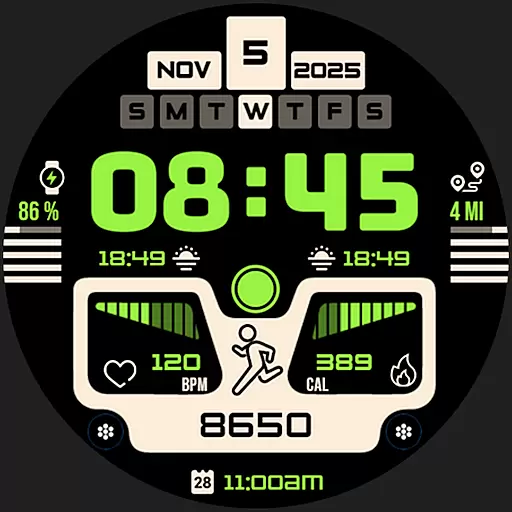
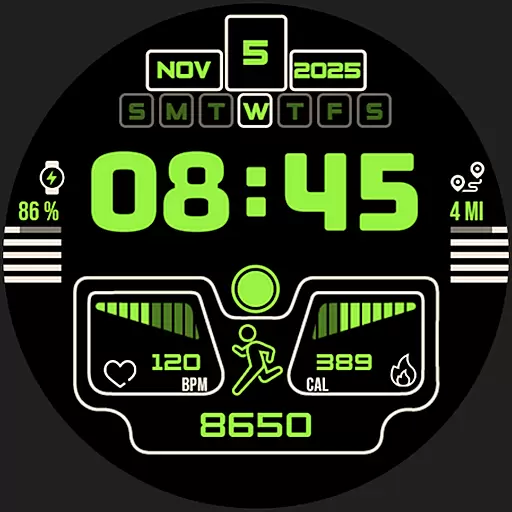
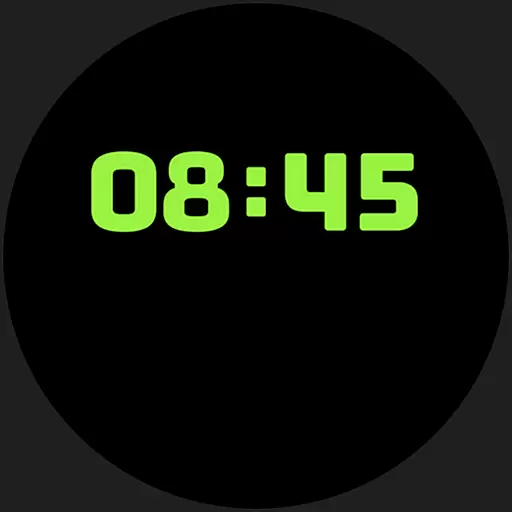
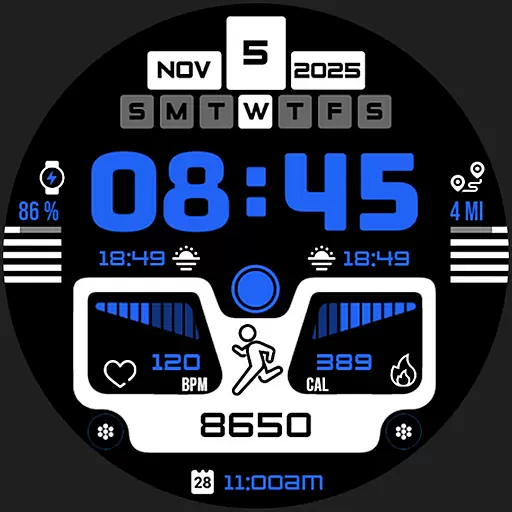
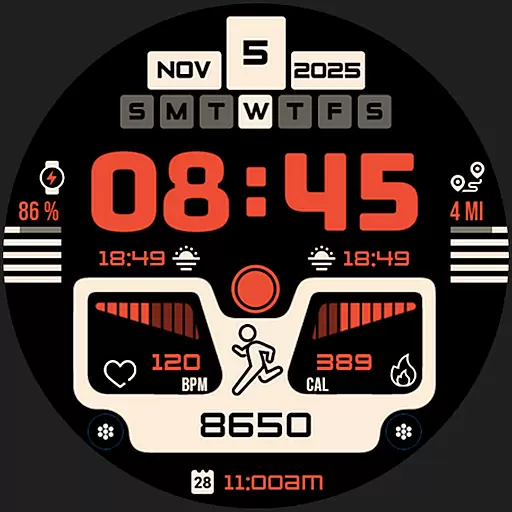
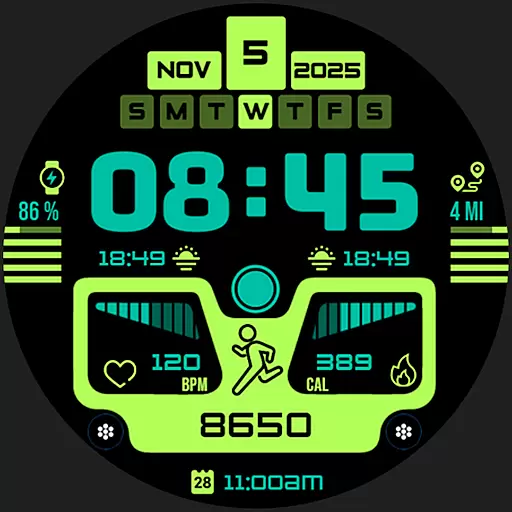
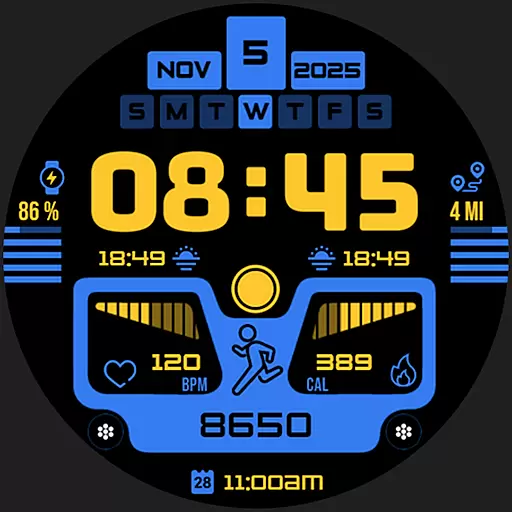
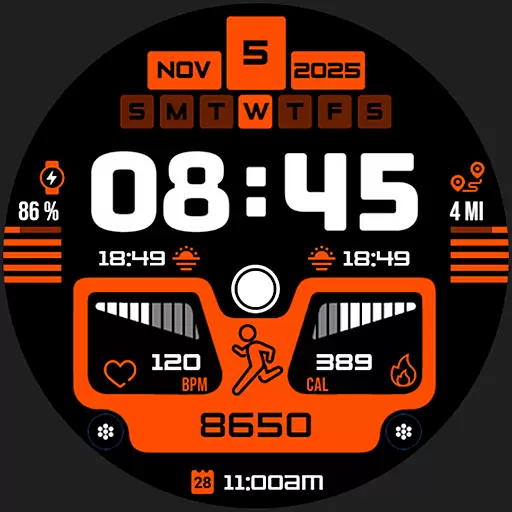
Silas Watch Face is a premium Wear OS application that transforms your smartwatch into a stylish and functional timepiece. Designed for the modern user, this app offers a sophisticated watch face with essential features like date display, real-time digital time, battery life indicator, heart rate monitoring, and fitness tracking.
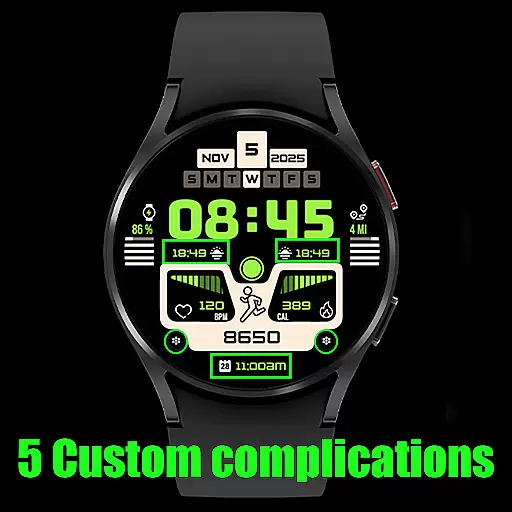
What sets Silas apart is its customizable complications, allowing users to personalize their experience. Whether you're tracking daily steps or monitoring moon phases, this app provides both aesthetic appeal and practical utility, making it an indispensable tool for smartwatch owners who value design and functionality.
The Silas Watch Face stands out with its comprehensive feature set tailored for both style and practicality. Key functionalities include precise timekeeping through digital display, health tracking via heart rate and step counters, and lifestyle enhancements such as moon phase indicators and customizable complications.
Each feature is thoughtfully integrated to ensure seamless usability. The customizable complications offer a personalized touch, while the fitness tracking metrics provide valuable insights into your daily activities. This combination of aesthetics and utility makes Silas Watch Face a versatile choice for users seeking both fashion and function in their smartwatch experience.
When it comes to designing a smartwatch face, having a comprehensive set of creative tools is essential. Silas Watch Face offers an impressive suite of features that allow users to customize their watch face with precision and ease.
The app includes vital information displays such as the date, real-time digital time, battery life indicator, heart rate display, and fitness tracking elements like steps, distance, and calories burned. Additionally, unique features like moon phase indicators and five customizable complications enable users to tailor their experience according to personal preferences.
This extensive toolset empowers users to not only tell time but also to track their health and daily activities without compromising on style or functionality. The availability of these creative tools ensures that your smartwatch becomes an indispensable companion throughout your day.
A versatile canvas is crucial for personal expression on a smartwatch, and Silas Watch Face excels in providing format flexibility. Users can modify various elements on the watch face, ensuring that it aligns perfectly with their individual style and needs.
From visual displays showing the time and date to more intricate details like heart rate and moon phases, each component can be adjusted within the app's settings. This adaptability allows for a personalized experience where every detail reflects the weareru2019s personality and lifestyle choices.
Moreover, by offering multiple customization options, Silas Watch Face caters to both aesthetic desires and practical requirements, making certain that every user finds value in its design. Such flexibility enhances user engagement and satisfaction, setting this application apart from other watch faces available today.
Stylish Design
Customizable Options
Health Tracking
User-Friendly Interface
Comprehensive Features
Limited Compatibility
Battery Consumption
Premium Cost
Complex Setup
Few Customization Limits

Discover Cartoon Dream : Unleash Your Creativity with CuttingEdge AI
 4.50
4.50
Create stunning video, photo & magic from text with FlixAI GPT video generator.
3.10
Draw glowing spinners, relax, and spin your creative art
4.60
800+ Drawing, Painting Lessons App to Practice, Sketch & Paint Art.
4.30
Your homescreen as an elegant glass with customized blur, lighting, and visuals.
3.70
Inky runs Inkscape on Android devices and Chromebooks
2.90
Video AI: Revolutionize Your Content Creation with Advanced Video Generation
4.50
Create amazing pictures and unleash your creative genius with AR Drawing Sketch
4.40
Explore future self face age filter & remove background image for a unique look.
3.50
The ultimate tool for creating animations
4.60
Digital illustration drawing & painting pad app to paint Anime and Manga art
4.50
Share the joy of painting with ibis Paint! Drawing anime and manga art.
4.50
Kling AI is an image and video generation and editing studio powered by AI.
4.50
Nano Banana AI Image Generator, Anime Filter, AI Portrait, AI Photo Generator
4.30
Text to Image, Image to Video & AI Chat
4.20
Floor Plan Creator lets you create, edit and share floor plans.
4.00
AI Face Swap, Video Effects Editor, Realtime Morph, Funny Video FX,AI Filters
3.70
Experience next-gen icons with a modern liquid glass look.
3.60
Art of Combination Wear OS Watch Faces
4.1


User Reviews