
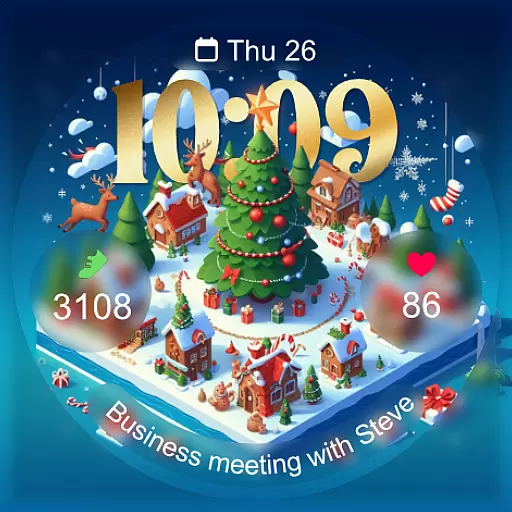
Christmas - Festive - Christmas Village - Winter - Christmas lights
 5.00
5.00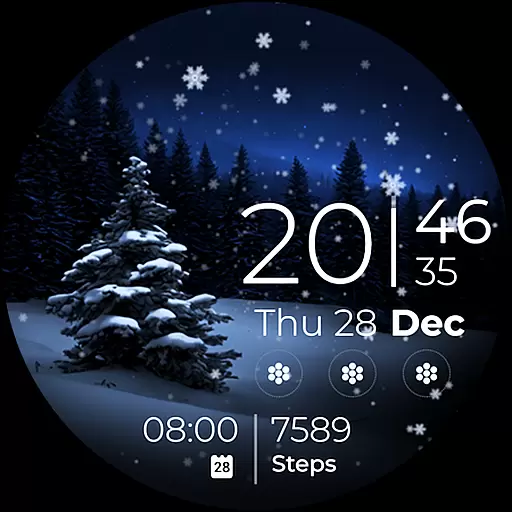
Beautiful artistic animated digital watch face, with a customizable layout!
4.40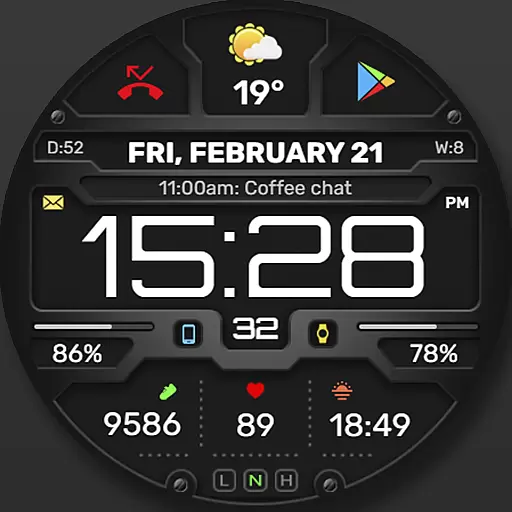
Digital, flexibly customizable watch face. For Wear OS 5.0, API 34+ and later.
5.00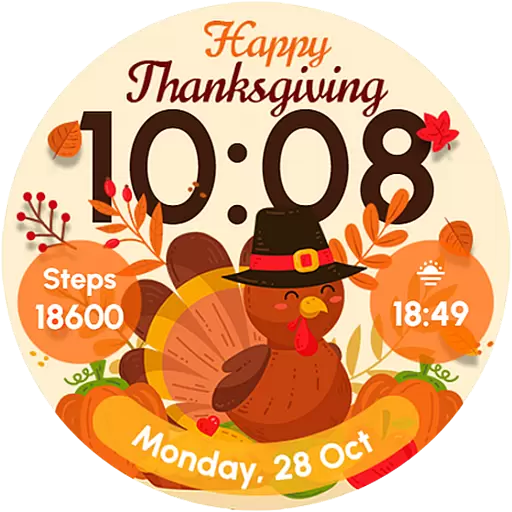
Let's celebrate Thanksgiving - Wear Os watch face
4.20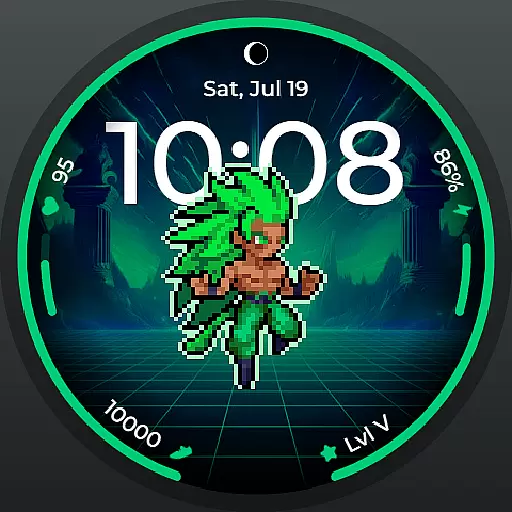
Fitness interactive virtual pet super fighter boy watch face
4.0
sleep, alarm, snoring, stress, healing, focus, sound therapy, circadian rhythm
4.10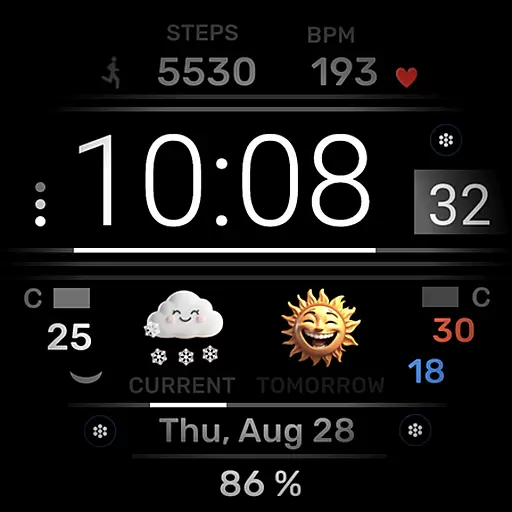
Minimalistic design modern digital watch face.
4.5
Toyota app currently supports 2010 or newer vehicles (2018 or newer for Hawaii).
4.50
Download full tracks, listen to music offline, make unlimited playlists.
4.80
Period, ovulation & pregnancy tracker. Fertility insights & menstrual calendar.
4.90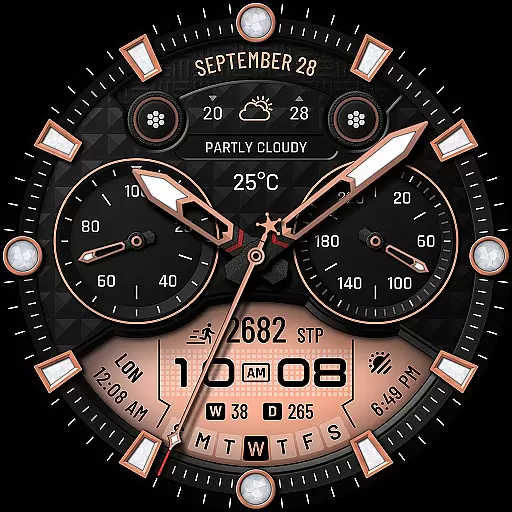
WTW M17 is a premium and luxurious hybrid watch face
4.70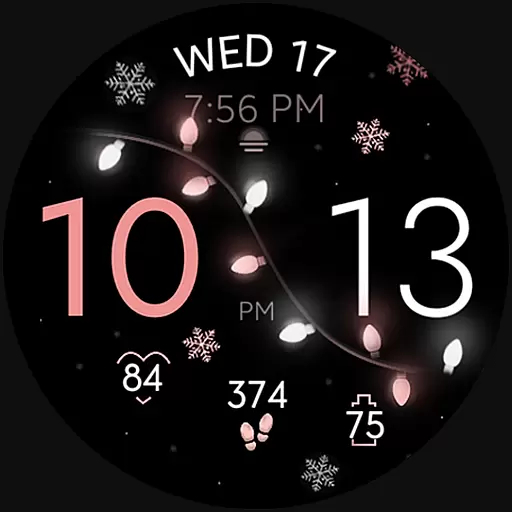
Rose gold watch face with festive lights & customizable features.
4.60
Monitor health with the stress test and pulse checker in the heart rate app.
4.60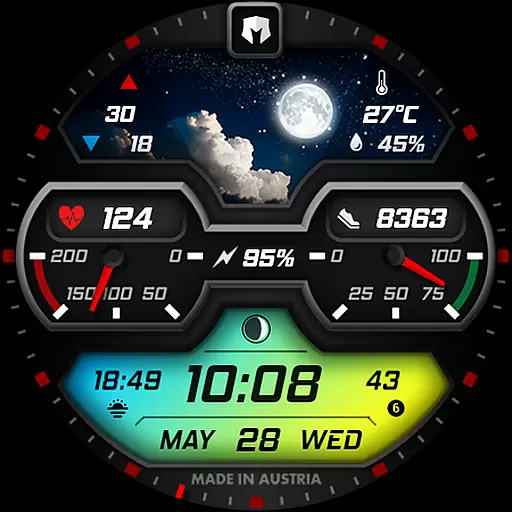
Stylish, Energizing and Modern Watch Face crafted by Dominus Mathias.
4.50
Calming & relaxing sounds for sleeping and stress relief. Stay focused all day!
4.20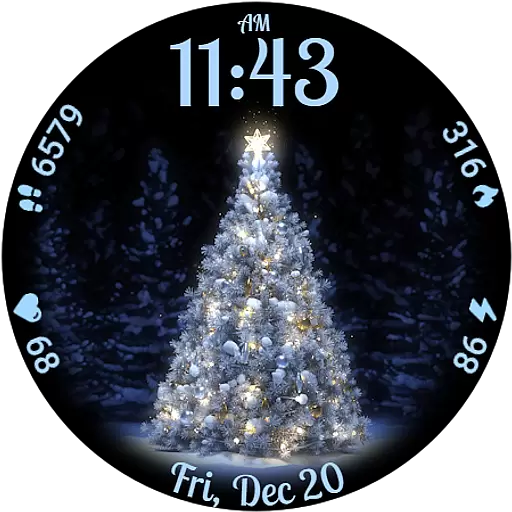
Elegant animated Christmas tree with multiple customization options
4.20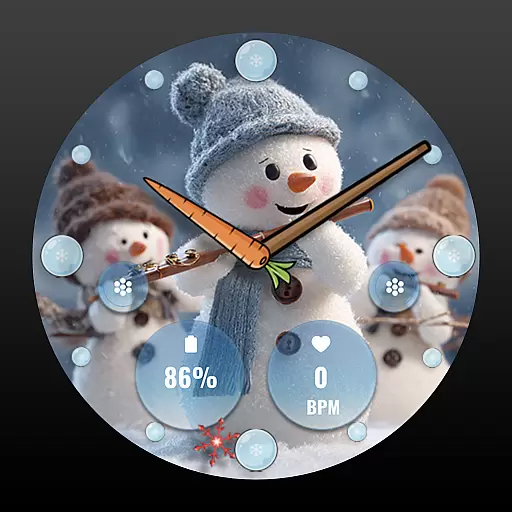
an Analog Watch Face for winter season with freeze winter background for Wear OS
4.0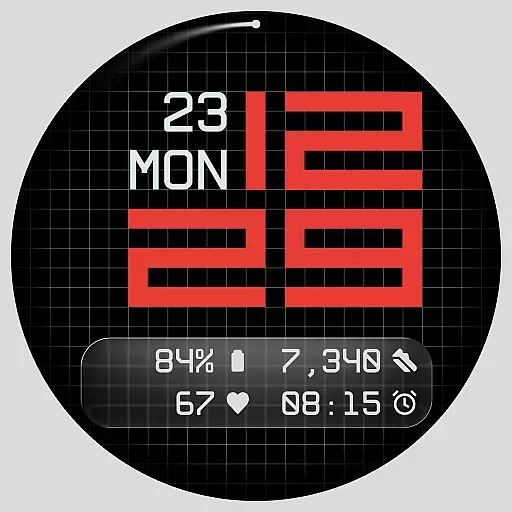
Contemporary digital watch face with five complications
4.3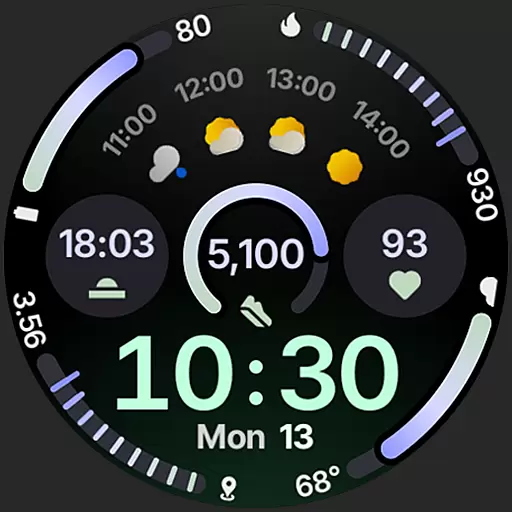
Sleek, highly customizable watch face inspired by Galaxy Watch Circle Dashboard.
4.5


