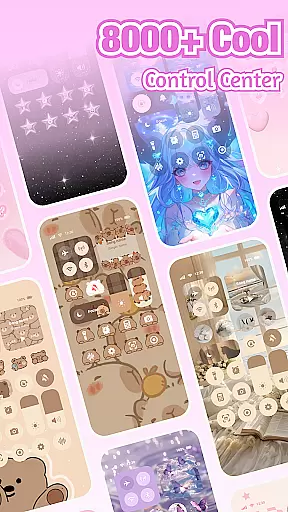
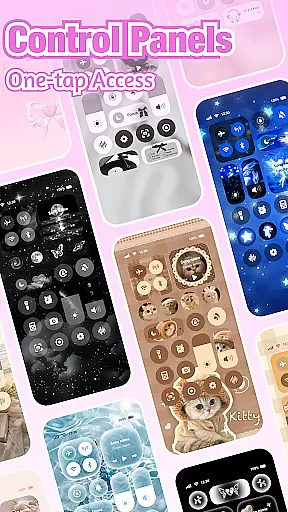
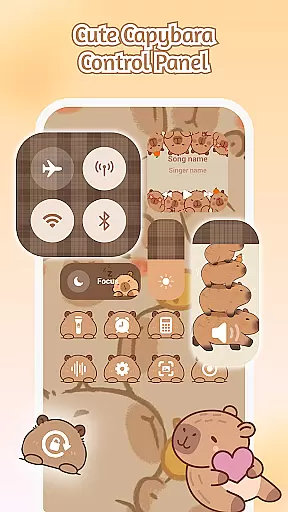
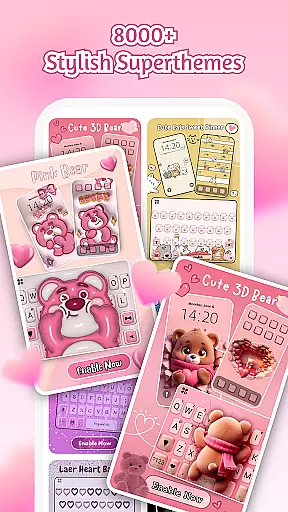
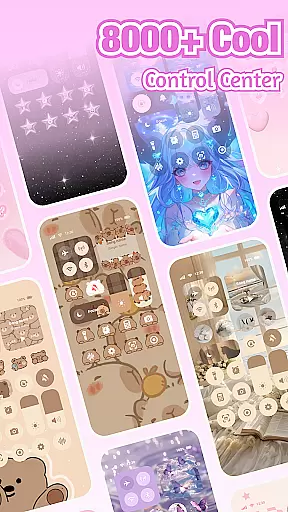
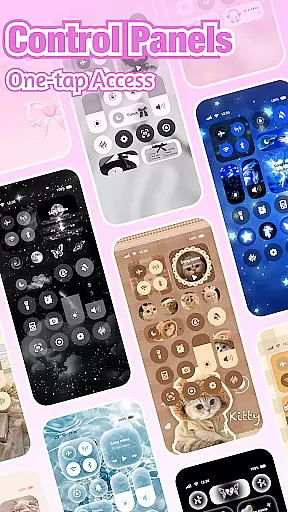
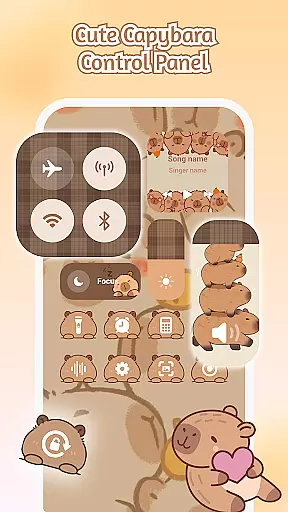
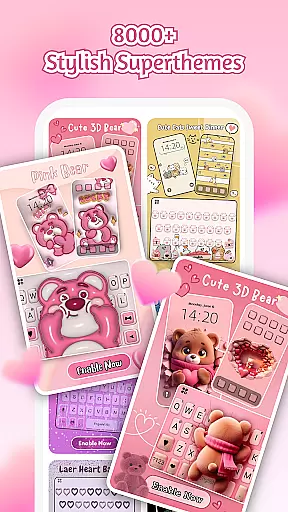
iControl is a feature-rich personalization app designed to transform your Android device into a personalized canvas. With its extensive collection of aesthetic control packs, keyboard themes, and customization options, users can create a unique smartphone experience that reflects their individual style.
The app offers a comprehensive Control Center with essential tools like brightness adjustment, dark mode switching, Wi-Fi and Bluetooth controls, and more. iControl also includes advanced keyboard functionalities such as multi-language support for over 150 languages, contextual prediction, and cloud-based enhancements. Its SuperTheme feature provides unified aesthetics across the device interface, while the Zero-Skill DIY option makes designing accessible to everyone.
iControl stands out with its diverse range of features tailored for personalization enthusiasts. The Control Center combines practicality with style, offering quick access to frequently used settings through an intuitive interface. Users can adjust display settings, toggle connectivity options, and manage notifications with ease.
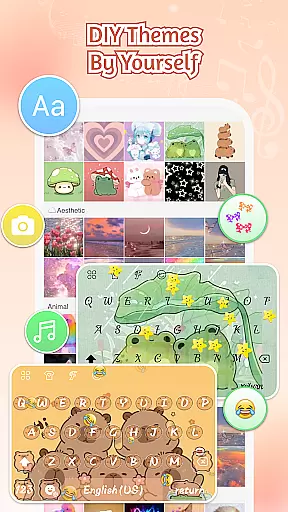
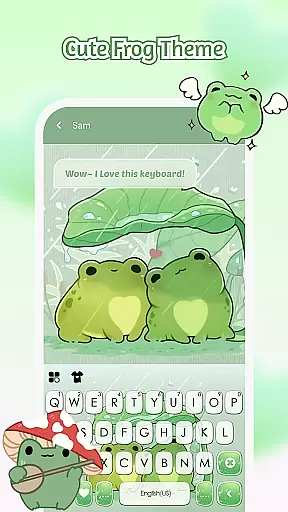
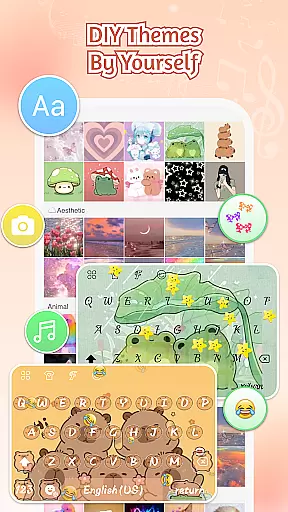
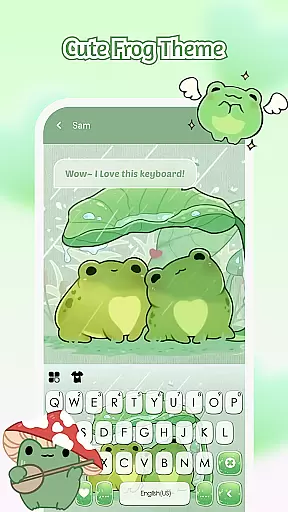
The app's Custom Keyboard feature allows users to design exclusive keyboard themes using photos, colors, sounds, and fonts. It supports fast and smart typing with innovative functions like swipe-to-type, clipboard management, and powerful auto-correction. The SuperTheme functionality ensures cohesive design elements across various device components, while maintaining high standards of privacy and security.
Notably, iControl's commitment to accessibility is evident in its implementation of Accessibility Services, which enables features like music and volume control without compromising user data. The app's dedication to regular updates and expanding language support demonstrates its continuous improvement approach.
Customization is at the heart of iControl, offering users a vast array of options to personalize their Android devices.
From aesthetic control packs and keyboard themes to custom keyboard colors, backgrounds, sounds, effects, fonts, and layout, the app provides comprehensive tools for personalization.
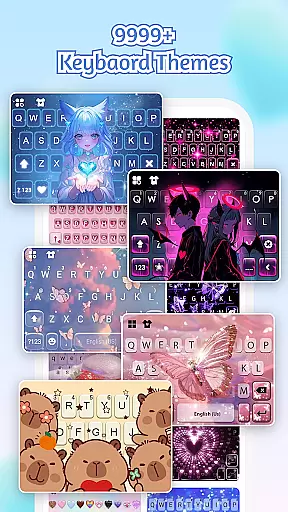
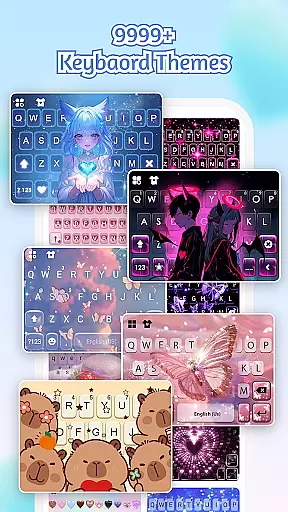
Users can choose from over 500 designer templates updated daily or import photos to craft their own exclusive keyboard theme.
This level of customization empowers users to reshape keys, tweak transparency, add touch effects/sounds, and even use AI-generated art for pro-level designs, ensuring that everyone can be a designer with zero skill required.
iControl ensures seamless Theme compatibility across various device functionalities, enhancing user experience.
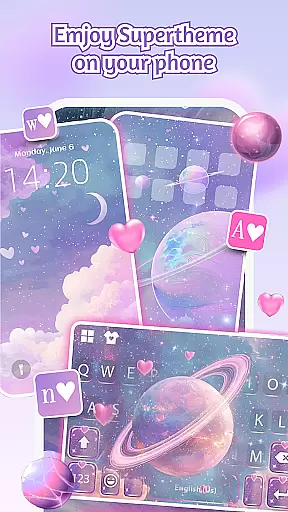
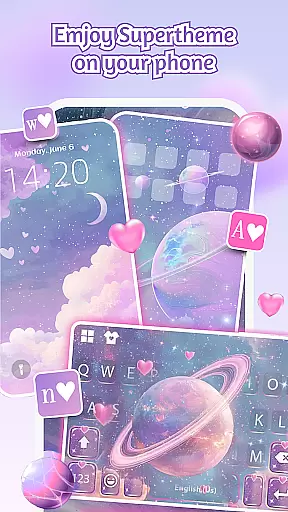
The app's SuperTheme feature offers unified aesthetics, making sure that all elements from Galaxy keyboards to Sakura keys blend perfectly into chosen themes.
With one-tap activation, your creation comes alive instantly on your deviceu2019s home screen as well as in specific features like Control Center which includes brightness & volume sliders, dark mode switch, Wi-Fi & Bluetooth controls among others.
This cohesive integration guarantees that whether you're adjusting settings or typing away, the visual experience remains consistently stunning throughout your interaction with the device.
User-friendly interface
Extensive customization options
Advanced keyboard features
Comprehensive theme library
Strong privacy protection
May consume additional system resources
Some features require accessibility permissions
Premium themes might be paid
Occasional performance issues
Learning curve for advanced features

Ultra realistic gold analog watch face with lots of customization options.
 4.50
4.50
Unique Android Launcher
4.60
Over 28,000 high quality icons to bring color & homogeneity to your phone.
4.60
Zip lock screen with magic wallpaper to decorate your phone with fun zipper lock
4.60
Icons made of colorful linear lines
4.60
Stylish Pink Cute Hippo keyboard with 10000+ customized keyboard themes!
4.60
300+ Beautifully crafted widgets inspired by OneUI.
4.60
Enjoy a variety of amazing live wallpapers and colorful EDGE lighting borders!
4.80
Transform your phone with stylish zipper lock themes and 4D live wallpaper
4.10
Sparkle your screen with Glitter Wallpapers For Girls and Cute Backgrounds!
4.80
300+ Stunning and well-designed widgets inspired by NOTHING.
4.70
Stunningly Different look with Line Icons and Neon Colors
4.60
Embrace the Night. Unleash the power of darkness with Raven Dark Icon Pack
4.60 4.50
4.50
Yandex Browser — stylish and secure, with voice search and data compression
4.40
Transform your phone with stunning video wallpapers and a unique, personal touch
3.80
Turn your lock screen into fun with smile live wallpapers & animated wallpapers!
2.50
Struggling to find apps? Use this app to locate and open any app on your phone!
2.20
Prank your friends with realistic broken screen and cracked HD effects!
4.1


User Reviews