Manage your data, talk & text - affordable phone plans & data usage made simple
 4.30
4.30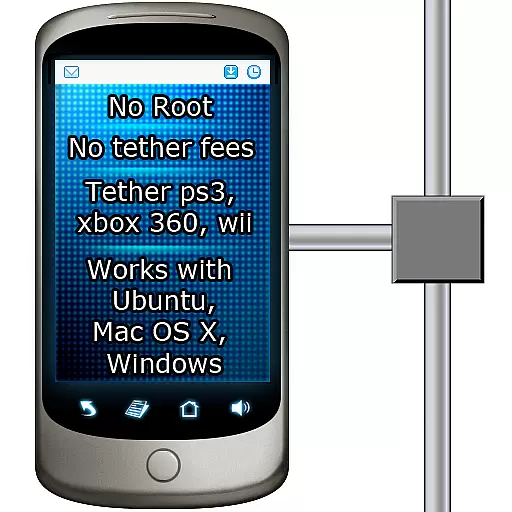
Tether to Windows, OS X, Linux PCs or Android tablets. No root. No tether fees.
3.90
Secure Messaging App to Enhance Messenger Texting Experience and Organize SMS.
3.50
A web browser that respects your privacy.
4.30
Save 10% automatically on your first international mobile top up.
4.60
Official NDI app: turn your phone into a professional live-streaming IP camera.
3.20
Chat on the Jabber network (XMPP protocol); support for SMS and other gateways
2.10
Stay in touch with the people who matter most.
4.60
Get through your inbox faster with the mail app designed to simplify your life.
4.40
Enhance browsing with AI-powered features and Copilot.
4.70
Manage your mobile phone plan, check unlimited 5g data usage and track rewards
4.50
Create a secure hotspot on-the-go with Portable WiFi - Mobile hotspot.
4.40
Block spam calls & scam - no more annoying calls with the call blocker function
4.30
SMS Messenger is a lightning-fast messaging app.
4.20
BE PRIVATE
Anonymous. No Trace. Fast.
4.20
Federated instant messaging for your mobile device (Jabber, XMPP, Snikket)
4.10
Fast Dialer & Contact Manager with Caller ID and Spam Protection
4.00
Telegram is a messaging app with a focus on speed and security.
4.00
This app enables the phone to receive and send FT8 traffic!
3.80


