
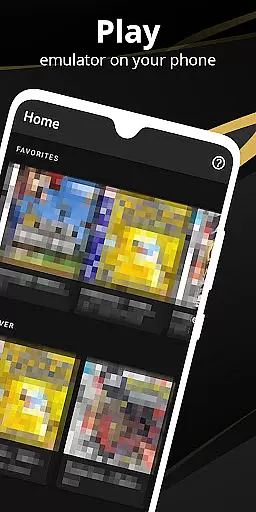

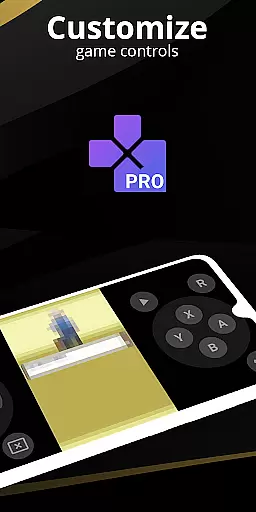
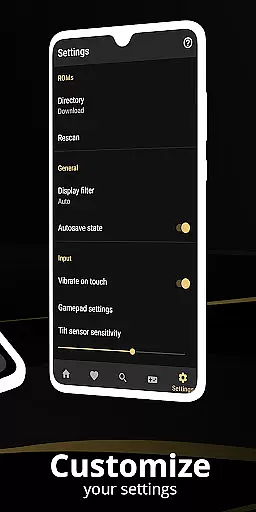
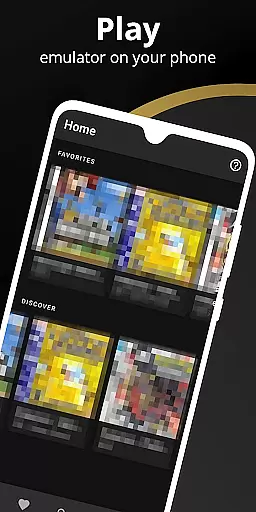
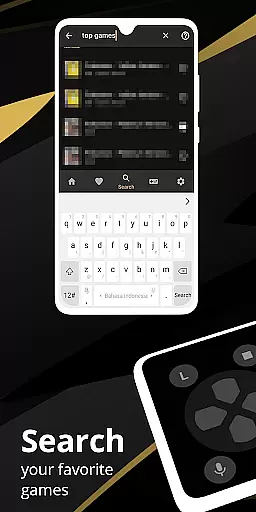
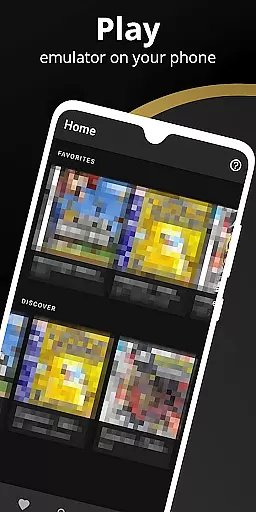
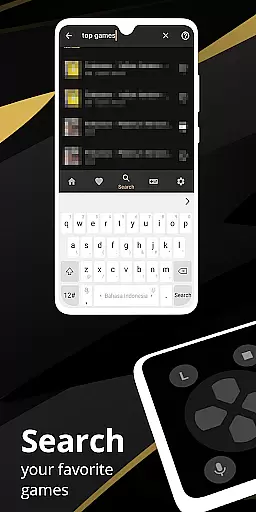
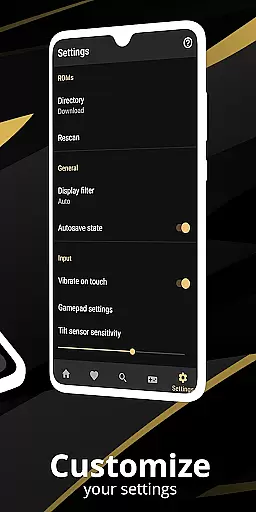
Pro Emulator for Game Consoles is a versatile emulator designed to bring classic gaming experiences to Android devices. This powerful tool supports emulation of various consoles, ensuring high compatibility with nearly all games. The app automatically saves and restores game states, offers quick save/load slots, and includes advanced features like link cable emulation across devices using Bluetooth or Wi-Fi.
The emulator provides optimized touch controls, customizable in size and position, along with OpenGL rendering for enhanced graphics. It also supports external controllers such as MOGA gamepads, and includes innovative features like tilt-to-stick functionality and video filters through GLSL shaders. With cloud save sync and display simulation options, this emulator delivers an authentic retro gaming experience on modern hardware.
Ideal for gamers who own physical copies of retro games, the emulator allows users to legally enjoy their favorite classics on mobile devices. The software ensures outstanding visuals and seamless gameplay while discouraging any illegal use. Whether playing solo or engaging in local multiplayer, Pro Emulator offers a comprehensive solution for reliving the nostalgia of retro gaming.
Pro Emulator for Game Consoles stands out with its extensive feature set tailored for both casual and hardcore gamers. One of its key strengths is the high-level BIOS emulation that eliminates the need for BIOS files, making setup easier for users. The emulator supports ROM scanning and indexing, along with IPS/UPS zipped ROM patching, allowing for expanded game compatibility and customization.
Performance optimization is another major advantage. The app's lightning-fast emulation saves battery life while maintaining excellent speed. Users can utilize fast-forward to skip lengthy storylines or slow down gameplay to overcome challenging levels. The screen layout editor provides unprecedented control over UI elements, letting players customize the position and size of on-screen controls and game video display.
Additional notable features include gyroscope and solar sensor emulation, rumble feedback, and support for multiple key-mapping profiles. The clean, modern user interface integrates seamlessly with the latest Android versions, while cloud save synchronization ensures progress is never lost. These robust features make Pro Emulator a top choice for enjoying retro games on contemporary devices.
At the heart of any emulator lies its ability to accurately replicate the original system's functionality. Pro Emulator for Game Consoles achieves this with remarkable precision, ensuring that each game runs as it was originally intended. The software meticulously emulates various console features, including gyroscope, tilt, solar sensor, and rumble functionalities, providing an authentic experience.
The emulator supports a vast array of games with very high compatibility, allowing users to run nearly all titles without encountering issues. This is made possible through high-level BIOS emulation, which eliminates the need for BIOS files, and advanced ROM scanning and indexing capabilities. Such comprehensive support ensures that gamers can enjoy their favorite classics without worrying about technical hindrances.
Optimized performance is another cornerstone of this emulator's design. With lightning-fast emulation that conserves device battery life and options for fast-forwarding through lengthy story segments or slowing down challenging levels, users gain unprecedented control over their gaming sessions. These features not only enhance playability but also contribute significantly to user satisfaction by offering flexibility tailored to individual preferences.
A well-designed interface is crucial for ensuring a seamless user experience, especially when dealing with complex software like an emulator. Pro Emulator for Game Consoles excels in this area by providing a clean and simple yet well-designed user interface that integrates seamlessly with the latest Android versions. Users can easily navigate through the appu2019s features without feeling overwhelmed by unnecessary complexities.
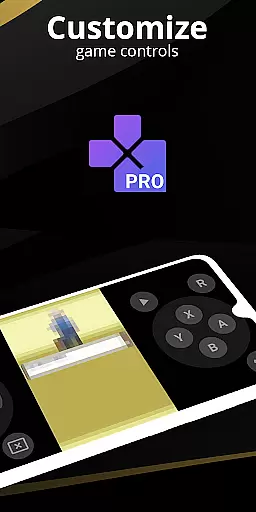
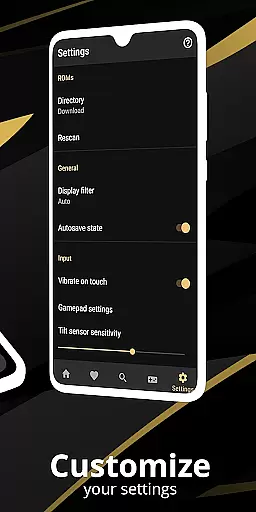
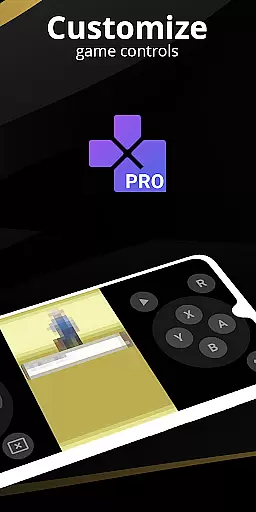
Customization plays a significant role in enhancing usability. The emulator offers highly customizable touch controls where players can adjust both size and position according to their comfort. Additionally, a powerful screen layout editor allows users to define specific positions and sizes for on-screen controls as well as game video displays, catering to personal preferences and optimizing gameplay ergonomics.
Support for external controllers further enriches the intuitive nature of this emulator. By accommodating devices such as MOGA controllers, along with multi-touch on-screen keypads compatible with Android 2.0 or later, it ensures broad accessibility across different player setups. Moreover, innovative functionalities like tilt-to-stick support add another layer of convenience, making interactions feel natural and effortless during extended gaming sessions.
High game compatibility
Optimized touch controls
Cloud save synchronization
External controller support
Advanced BIOS emulation
Powerful device required
No legal game library
Complex setup process
Limited newer console support
Battery consumption concerns

A recovery soft,it features photo recovery, video recovery, file recovery.
 3.40
3.40
HD Video player and downloader for all formats, fast & smooth 4K video playback.
4.60
card-reader app
2.20
App to pay for FUTO Keyboard
4.60
The ultimate tool for network analysis, wifi scanning and problem detection.
4.90
A simple app to back up and restore SMS & MMS messages and call logs.
4.10
Introducing Smart Printer, your ultimate destination for printing solutions!
4.00
Creation, Learning, Entertainment & More — The All-in-One AI Search Engine
4.70
Clean up large files and similar photos, fast and easy to use
4.40
Enjoy smooth gameplay with Game Booster
4.90
Powerful collection of electronics tools and reference.A must for any enthusiast
4.90
With videos, electrical calculators, and built-in ebook, Ugly’s has your answer.
4.50
Game Booster, GFX Tool is now compatible with newer game update
4.50
Complete kernel toolbox with features to manage and tweak your rooted device
4.30
View detailed information about your Nissan Leaf the dealer never shows you.
4.10
A convenient photo, video, and file recovery tool.
4.00
Create your own live wallpaper or check out thousands already made presets
3.90
Create your own custom widget with endless possibilities
3.90
Transfer Files, APK from Phone to Watch & Install.
4.5


User Reviews