
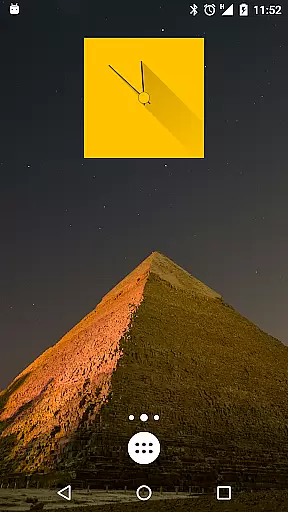
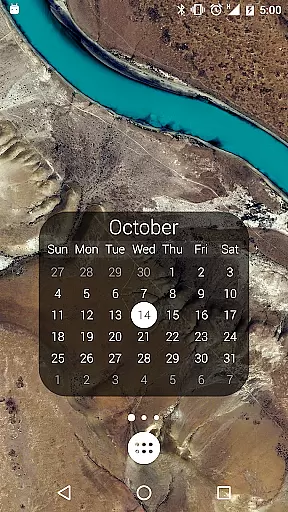
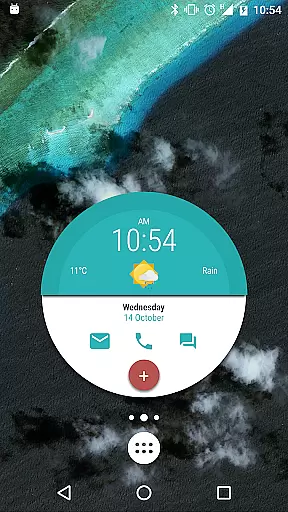
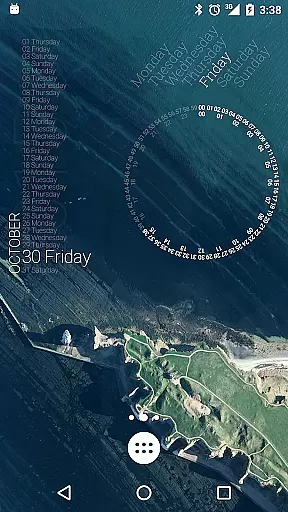
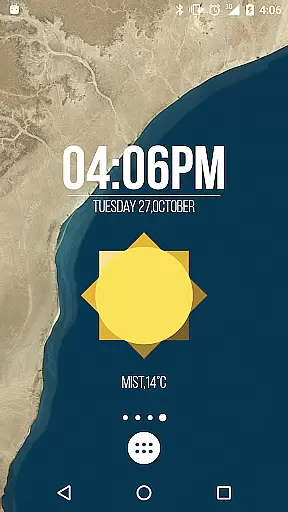
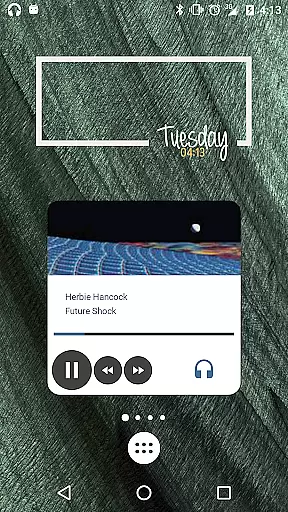
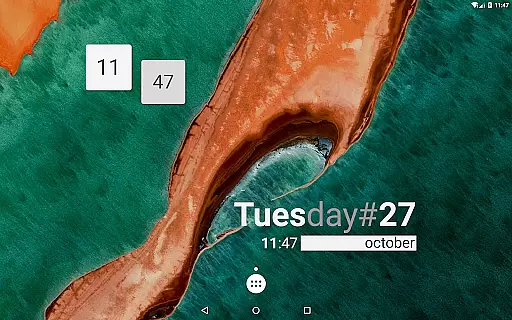
KWGT Kustom Widget Pro Key is a powerful tool designed to enhance the customization capabilities of the Kustom Widget app. This pro key unlocks advanced features that allow users to create unique and sophisticated widgets for their Android devices. With this key, you can remove ads, import skins from SD cards, recover presets, and even support the developer.
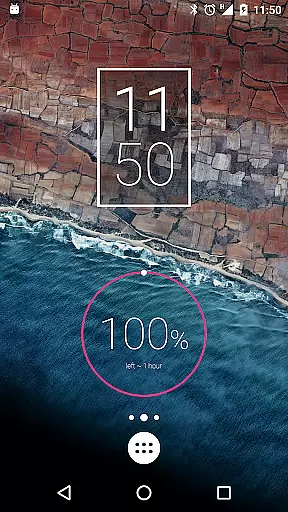
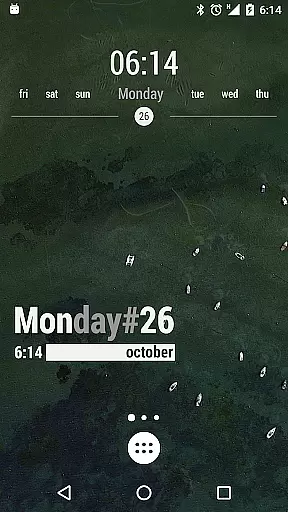
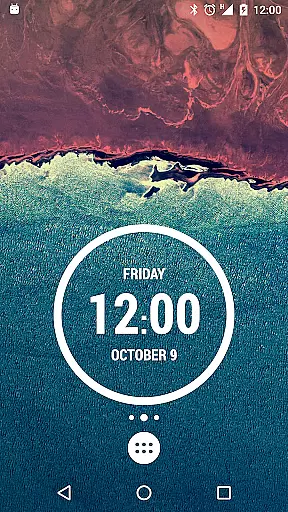
The application enables the creation of both digital and analog clocks, live map widgets, weather displays, battery meters, and much more. KWGT offers an extensive range of customization options including custom fonts, shapes, 3D transformations, gradients, and touch actions. It also supports complex programming functions, dynamic content downloads, and integration with Google Fitness and Tasker.
Whether you're looking to design a personalized launcher or lockscreen, KWGT provides the tools necessary to bring your vision to life. Its versatility makes it suitable for tech-savvy individuals who want to tailor their device's appearance and functionality according to their preferences.
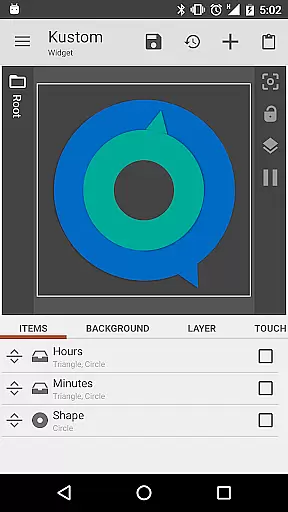
One of the standout features of KWGT Kustom Widget Pro Key is its WYSIWYG editor, which allows for intuitive design and layout adjustments. Users can manipulate text with custom fonts, colors, sizes, and effects while also incorporating various shapes such as ovals, rectangles, arcs, triangles, and hexagons. The app supports 3D flip transformations, curved and skewed text, providing a dynamic visual experience.
In addition to visual customization, KWGT offers functional enhancements like layers with overlay effects similar to professional image editors. It includes touch actions on any created object, PNG/JPG/WEBP image support, and SVG scalability. Furthermore, the app integrates with Google Fitness and Tasker, expanding its utility beyond mere aesthetics.
For those interested in data display, KWGT provides a plethora of options including date, time, battery status, calendar events, astronomy data, CPU speed, memory usage, countdowns, WiFi and cellular statuses, traffic information, next alarms, location tracking, moving speed, ROM/device details, IP addresses, and network data. This comprehensive suite of features ensures that users have all the tools they need to create highly personalized and functional widgets.
KWGT Kustom Widget Pro Key is designed to enhance the functionality of the Kustom Widget app, providing users with powerful tools for creating unique and customized widgets. The core functions include advanced customization options such as custom fonts, colors, sizes, and effects for text, along with support for various shapes like ovals, rectangles, arcs, triangles, and hexagons.
The app ensures accuracy and effectiveness by offering sophisticated features like 3D flip transformations, curved and skewed text, gradients, shadows, tiling, and color filters. These elements allow users to create visually appealing and highly functional widgets that can display a wide range of data without compromising on performance or battery life.
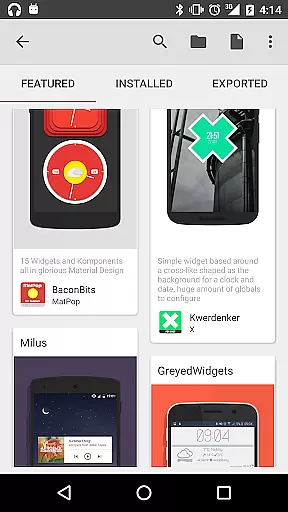
Users benefit from the ability to import skins from SD cards and external sources, recover presets, and enjoy Buzz Launcher import support. This flexibility empowers users to personalize their Android launchers or lock screens with precision and creativity, making KWGT an indispensable tool for those seeking to make their devices truly unique.
The interface of KWGT Kustom Widget Pro Key is crafted to provide a seamless and intuitive user experience. With its WYSIWYG (What You See Is What You Get) editor, users can effortlessly design and customize widgets using a straightforward drag-and-drop approach. This simplifies the process of creating complex designs, ensuring that even beginners can achieve professional-looking results.
Despite its extensive feature set, KWGT maintains an easy-to-navigate interface. Users can access layers with overlay effects similar to professional image editors, apply touch actions or hotspots to any object, and utilize a variety of image formats including PNG, JPG, WEBP, and SVG. These capabilities are presented in a manner that minimizes learning curves while maximizing creative potential.
Additionally, KWGT offers a comprehensive programming language with functions, conditionals, and global variables, allowing advanced users to implement dynamic changes based on touch, time, location, weather, and more. This blend of simplicity and depth ensures that KWGT caters to both novice and experienced users, enhancing overall satisfaction and usability.
Extensive customization
Advanced widget creation
Developer support
Ad-free experience
Versatile functionality
Requires separate app
Complex for beginners
Higher cost
Limited standalone use
Premium only features

A convenient photo, video, and file recovery tool.
 4.00
4.00
Quickly & easily calculate the spacing of handrail balusters
4.20
Optimize your WiFi network, turn your phone into Wifi Analyzer
4.70
Amateur Radio app for APRS: Track friends, exchange messages, get tactical info.
3.90
Forza Tuning Calculator App for Forza Horizon 5, Motorsport and Earlier Titles
4.40
The ultimate tool for network analysis, wifi scanning and problem detection.
4.90
Screen Mirroring with sound for Samsung TV, LG TV, Sony TV, Smart TV and Browser
4.20
Fun lie-detection pranks for friends and parties.
3.80
The ideal app to be the digital eye of your family
3.40
Connect wirelessly to your computer to watch movies, browse the web, play games
5.00
Monitor car performance in real time and troubleshoot malfunctions.
4.80
Bedrock Together: Join any bedrock server on Xbox/PS
4.80
Fast Video Downloader, Movie Downloader, Torrent Downloader & Adblock Browser
4.70
Connect instantly to a fast, encrypted VPN with one tap
4.60
Just swipe the edge to do something!
4.40
pdf merge, word to pdf, jpg to pdf, edit pdf, convert to pdf and much more!
4.20
Detect hidden spy camera with advanced scanning {{ Premium version }}
4.00
Unleash gamepad precision for ultimate mobile gaming dominance.
3.90
Safely recover deleted photos, videos, and files with a single easy tap.
3.70


User Reviews