


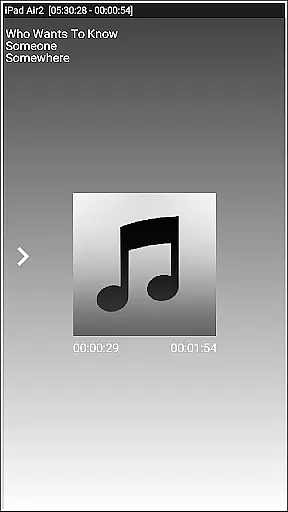
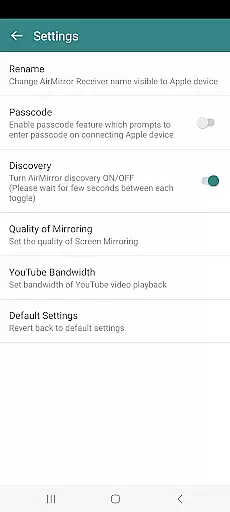
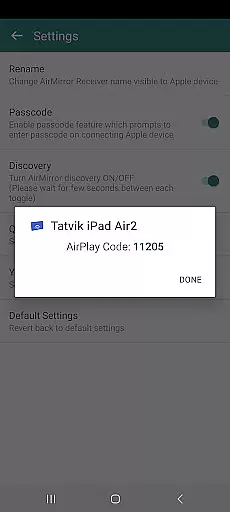
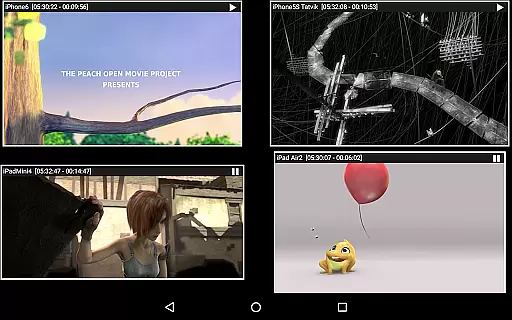


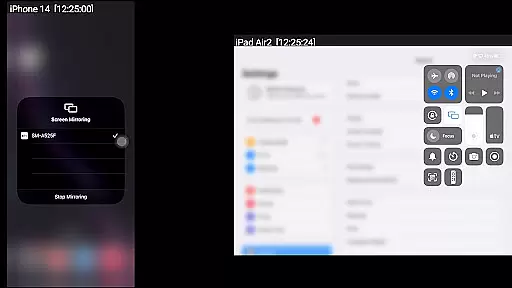
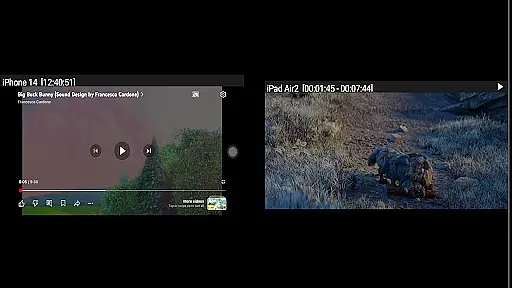
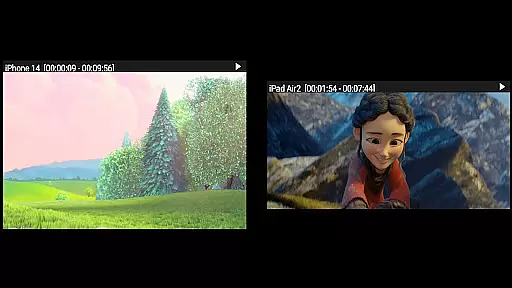

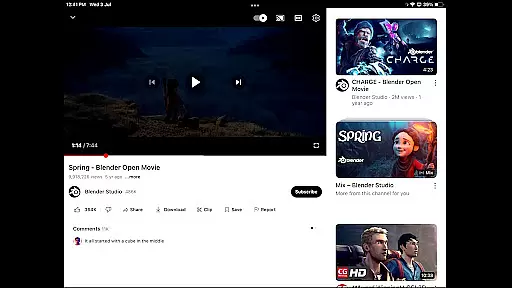
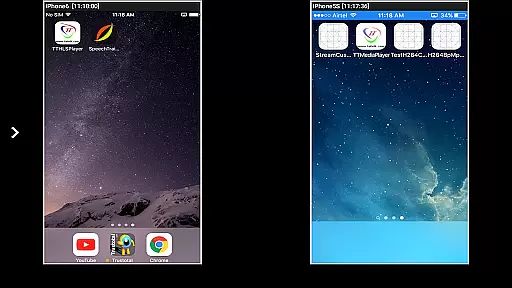

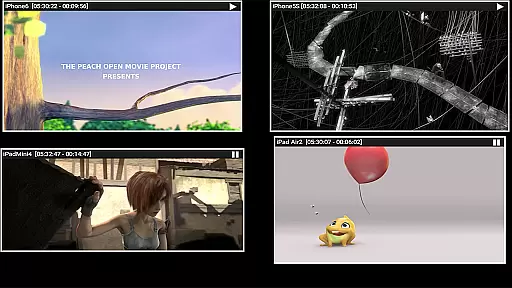
AirMirror is a specialized receiver application designed for Android devices, enabling seamless screen mirroring and casting from Apple devices such as iPhones, iPads, MacBooks, and iMacs. This app allows users to mirror screens, play back media content, and share YouTube links over the local network. It supports iOS versions 9 to 15 and can handle simultaneous connections from up to four Apple devices.
One of the key strengths of AirMirror is its ability to facilitate collaborative and engaging experiences by sharing screens and content with family, friends, or business partners. The app also features passcode protection to restrict unauthorized access, ensuring secure sharing sessions. With its user-friendly interface and robust functionality, AirMirror serves as an essential tool for presentations, entertainment, and collaborative work environments.
AirMirror offers a comprehensive set of features tailored for efficient screen mirroring and media sharing. Users can resize and move the mirroring window within the app view, allowing for flexible viewing options. The app supports the playback of photos, images, and videos stored on Apple devices, making it ideal for presentations or casual sharing.
Advanced functionalities include Bluetooth Low Energy based advertising for cross-subnet device mirroring and the ability to share game screens in real-time. Additionally, AirMirror provides a semi-transparent control screen that displays connected devices and allows users to manage connections effortlessly. These features collectively enhance user interaction and streamline the mirroring process, offering a versatile solution for both personal and professional use cases.
Video format compatibility is a crucial feature for any video player or editor, ensuring that users can access and manipulate a wide range of video files without hassle. AirMirror excels in this area by supporting screen mirroring and casting from Apple devices to Android, accommodating various media formats available on iOS.
The application facilitates the playback of audio, video, and photos stored on Apple devices, extending its support to YouTube content as well. This versatility allows users to share not just their screens but also specific media files during presentations, family gatherings, or business meetings, enhancing interactive experiences.
AirMirror's ability to mirror screens from iOS versions 9 to 15 ensures broad compatibility across different devices and operating systems. Whether it's an iPhone, iPad, MacBook, or iMac, users can connect and mirror their screens effortlessly, making it an invaluable tool for collaboration and entertainment.
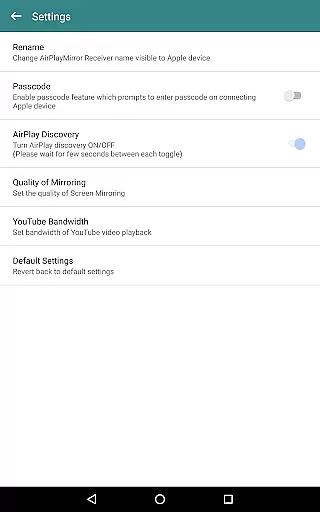
While AirMirror primarily focuses on screen mirroring and casting, its AI-powered editing features subtly enhance user interaction and content management. The app intelligently manages the quality of mirroring and optimizes settings for YouTube bandwidth, ensuring smooth playback and efficient resource utilization.
Users benefit from advanced functionalities like resizing and moving the mirroring window within the app view, allowing for a customizable viewing experience. This flexibility is particularly useful when multitasking or when sharing game screens while playing on an Apple device, providing an uninterrupted and engaging experience.
Additionally, AirMirror incorporates security measures such as passcode protection to restrict unauthorized access, demonstrating its commitment to safeguarding user data. These intelligent features collectively contribute to a seamless and secure screen mirroring process, setting AirMirror apart in the realm of video players and editors.
User-friendly interface
Secure passcode feature
Multi-device support
Flexible window resizing
Real-time game sharing
No DRM content support
Limited live TV capability
Network dependency
iOS version restrictions
Occasional connectivity issues

HD Video player all format, HD Videos, Cast & Subtitle. No annoying ads.
 4.60
4.60
Watch full episodes of your favorite Cartoon Network and Cartoonito shows!
3.50
Snaptubè Video Downloader app allows to download videos and music in Snaptube. .
4.60
GENRAL PRO - General Pro is the best video player that fully supports all formats.
4.70
Fast & Private Video Downloader App. Save all videos easily from the Internet.
4.40
The essential companion to your Blue Iris PC software
2.50
Browser for Fire TV to stream webvideos, online movies, livestreams in HD
4.40
VLC for Android is the best open source video and music player, fast and easy!
4.10
Photo editor & video maker with music and slideshows.
4.10
Find, download, and play torrents with the official BitTorrent® Pro app
4.70
A Simple app to download Video & Music from the Internet.
4.70
Cast movies, tv shows and live streams to Chromecast, Roku, DLNA, Fire TV & more
4.60
Auto video maker with music & exclusive filters. Video editing made simple.
4.50
Full HD Video mp3 Player, MP4 player play 1080p, File manager, Video Downloader
4.40
Powerful video player with advanced hardware acceleration and subtitle supports
4.20
Video player with 4K & 1080P support, popup play, background play and subtitle.
4.20
IPTV-Smarters Player Pro M3U - Watch Live Stream TV Channels with Chromecast
4.00
This app is an emulator of some specific IPTV boxes
3.50
You can play SWF format file!
2.50


User Reviews