
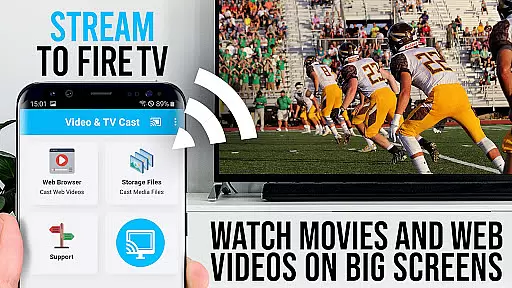
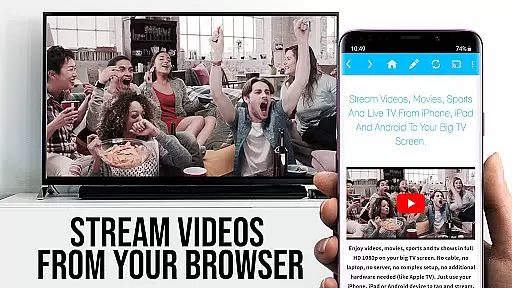
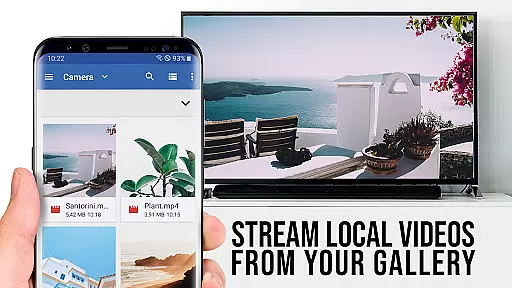
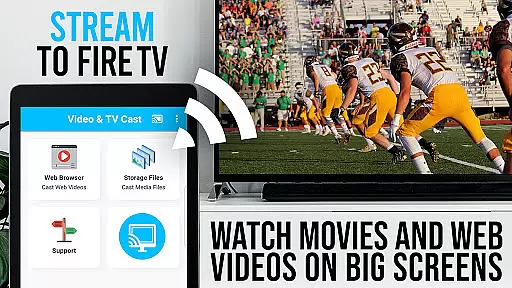
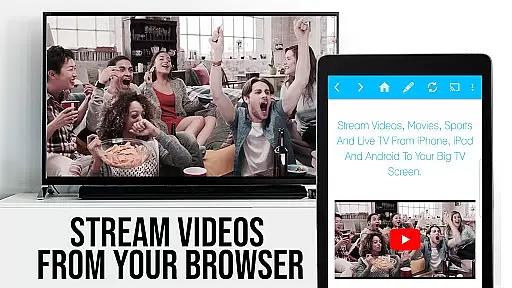
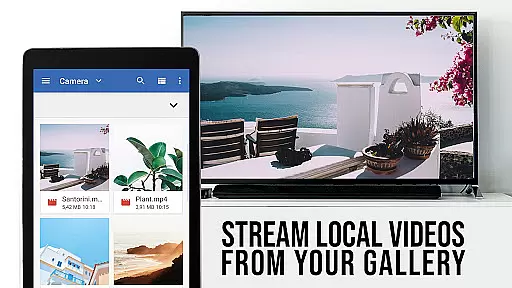
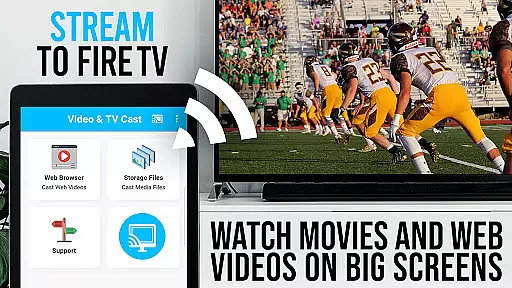
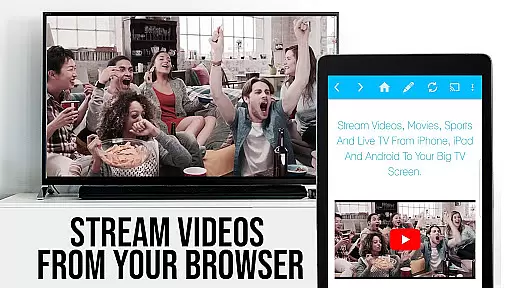
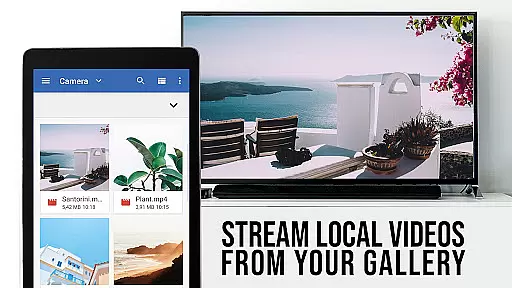
TV Cast Pro for Fire TV is the ultimate solution for streaming web videos, online movies, livestreams, and live TV shows directly to your largest screen. Designed specifically for Amazon Fire TV and Fire TV Stick users, this premium app supports a wide range of video formats including MP4, M3U8, HLS livestreams, and Full HD content delivered over HTTPS. With its intuitive interface, you can effortlessly browse the web and cast any embedded video with a single tap, making it easier than ever to enjoy high-quality content on your big screen.
This PRO edition unlocks all premium features, offering advanced functionalities such as Remote Playbar for enhanced video control, an Ad-Blocker to eliminate ads and popups, and the ability to manage bookmarks and change the homepage. Whether you're looking to stream your favorite web series or watch live sports, TV Cast Pro ensures a seamless and immersive viewing experience without the need for complex media servers.
TV Cast Pro stands out with its comprehensive set of features tailored for Fire TV users. The app's core functionality allows you to browse the web and cast videos directly to your Fire TV, supporting various formats like MP4, M3U8, and HLS livestreams. It also includes a Remote Playbar that syncs across Android and iOS devices, providing advanced controls such as video scrubbing, forward, rewind, play, pause, and stop. This feature enhances user interaction and ensures smooth playback control while browsing.
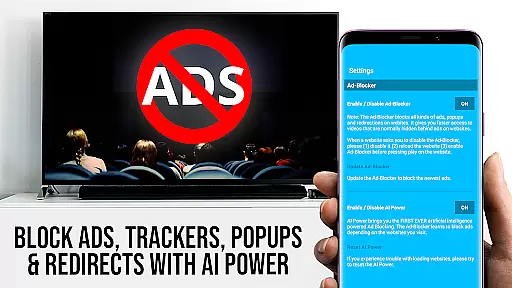
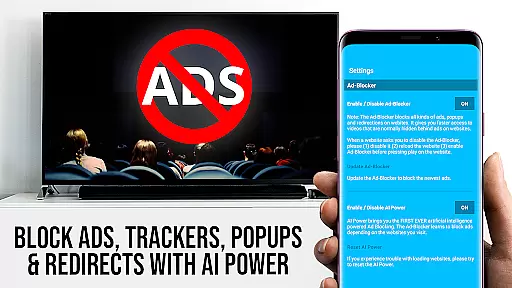
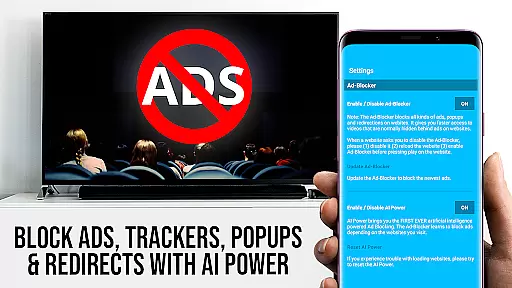
In addition to its casting capabilities, TV Cast Pro offers an Ad-Blocker that removes ads and popups from most websites, ensuring an uninterrupted viewing experience. Users can also take advantage of the Desktop Mode, which changes the browser user-agent to mimic a desktop PC, allowing access to desktop versions of websites. Furthermore, the app provides options to manage bookmarks and customize the homepage, giving users greater flexibility and personalization. These features collectively make TV Cast Pro a versatile tool for enhancing your Fire TV entertainment experience.
TV Cast Pro for Fire TV offers extensive video format compatibility, ensuring users can enjoy a wide range of content without technical hindrances. The app supports popular formats such as Mp4, m3u8, and HLS livestreams, making it versatile for different types of videos.
With the capability to handle video over https and Full HD support, users are guaranteed high-quality streaming experiences. This flexibility allows you to browse through the web and cast any compatible video with ease directly to your Amazon Fire TV or Fire TV Stick.
The application simplifies the casting process by automatically detecting video links on websites. Once detected, these videos can be sent to your Fire TV with just a single tap. This seamless integration enhances user convenience and broadens the scope of viewable content.
Moreover, if certain videos do not cast successfully, the app provides a reporting feature to inform the developers. This feedback loop helps in continually improving the app's compatibility, ensuring that more web-videos, online-movies, livestreams, and live-tv shows become accessible over time.
Although TV Cast Pro for Fire TV does not focus on traditional AI-powered editing features like video trimming or effects, it incorporates advanced functionalities that enhance user interaction and control over video playback. One standout feature is the Remote Playbar, which allows for sophisticated video control while browsing.
The Remote Playbar enables actions such as video scrubbing, forward, rewind, play, pause, and stop. These controls are synced across all Android and iOS devices running Video & TV Cast, providing a unified and intuitive user experience. Such functionality mimics the intelligence of AI-driven interfaces by adapting to user preferences and commands seamlessly.
In addition to playback controls, the app includes an Ad-Blocker that intelligently filters out ads and popups on most websites. This feature ensures uninterrupted viewing and reduces distractions, thereby enhancing the overall user experience. Users have the flexibility to enable or disable this feature at any time through the settings menu.
By integrating these smart features, TV Cast Pro significantly improves how users interact with and manage their video content on Fire TV, offering a level of control and personalization akin to AI-powered editing tools found in other contexts.
User-friendly interface
Wide format support
Ad-free experience
Remote Playbar functionality
Customizable settings
No DRM video support
Limited device compatibility
Occasional connectivity issues
Requires manual URL entry
No full device mirroring

The smartest M3U IPTV Player your playlists have ever seen.
 4.3
4.3
Connect 2 UVC devices for recording and broadcast video/audio stream
3.90
HD Video player all format, HD Videos, Cast & Subtitle. No annoying ads.
4.60
IPTV-Smarters Player Pro M3U - Watch Live Stream TV Channels with Chromecast
4.00
HD video & music player - All format support with floating & PIP mode!
3.80
Play ALL formats in 4K & HD. Video downloader, MP3 player, Chromecast & more.
4.80
Fast & Private Video Downloader App. Save all videos easily from the Internet.
4.40
Mix with Virtual DJ directly from your phone or tablet !
3.10
Powerful video player with advanced hardware acceleration and subtitle supports
4.20
Pro video editor app for Instagram, edit video with song, AI, effect & slowmo.
4.80
High-Quality USB Camera Viewer & HDMI Display
4.70
Fast & easy HD video downloader for all formats, support 4K playback & download.
4.60
This app was created to edit the metadata of music files.
4.20
Browser for Samsung TV to stream webvideos, online movies and livestreams in HD
4.10
Kodi media center, a free and open source cross-platform entertainment hub
3.60
Save photos and videos from social apps in one tap.
3.60
All in one multi protocols stream receiver for AirPlay, Cast and DLNA.
3.60
Connect EasyCap or UVC devices for recording and broadcast video/audio stream
3.60
Play and download HD videos from all sources — fast, simple, and all-in-one.
4.1


User Reviews