
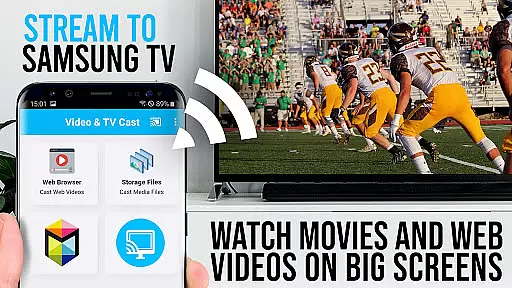
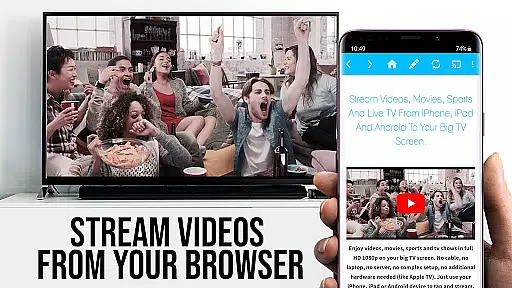
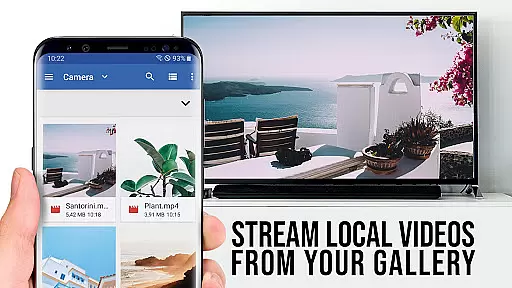
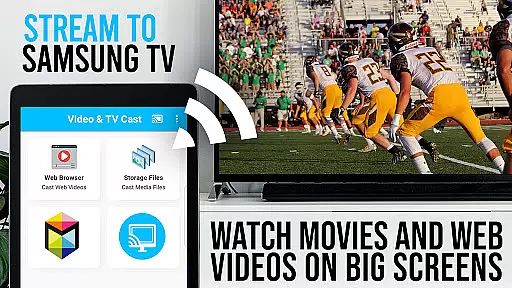
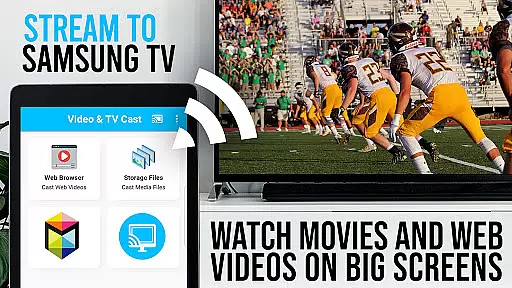
TV Cast Pro for Samsung TV is a premier application designed to enhance your home entertainment experience by streaming web videos, online movies, livestreams, and live TV shows directly to your Samsung Smart TV or Blu-ray Player. This app eliminates the need for an additional streaming box, supporting formats like Mp4, m3u8, HLS livestreams, video over https, and Full HD content. Compatible with all Samsung Smart TV models from 2010 (C series) to 2017 (new M/MU/Q series), it allows users to browse the web and cast any video they desire with just a single tap.
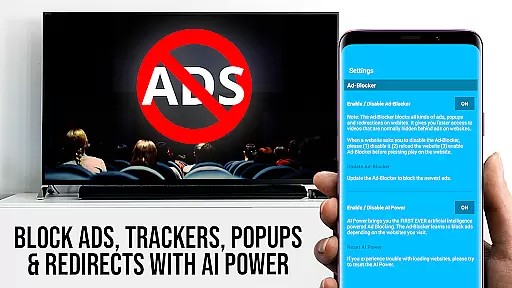
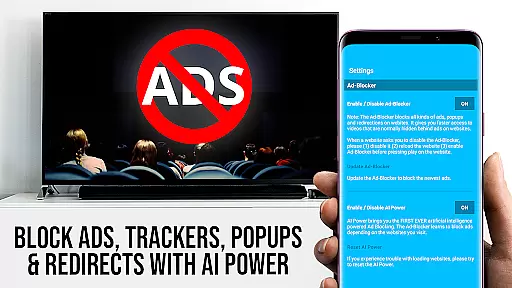
The PRO edition of this app includes all premium features unlocked, offering advanced functionalities such as Remote Playbar for enhanced video control, Ad-Blocker to eliminate ads and popups, Bookmarks for easy access to favorite sites, Desktop Mode to load desktop versions of websites, and customizable Homepage settings. With its user-friendly interface and comprehensive support, TV Cast Pro transforms your Samsung TV into a versatile media hub, providing seamless streaming and casting capabilities.
TV Cast Pro stands out with its innovative features tailored for Samsung Smart TV users. The app's ability to cast videos directly from websites to your TV screen without the need for additional hardware makes it a convenient solution for streaming content. It supports a wide range of video formats including Mp4, m3u8, HLS livestreams, and Full HD, ensuring high-quality playback on your big screen.
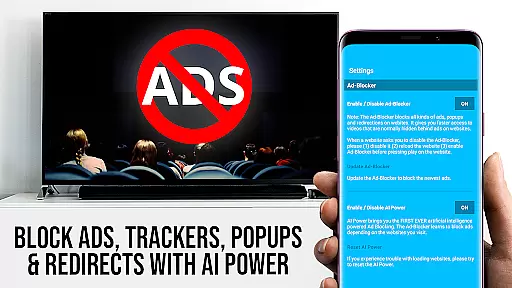
Among its standout features are the Remote Playbar, which provides advanced video controls such as scrubbing, forward, rewind, play, pause, and stop directly from your device; an Ad-Blocker that removes ads and popups on most websites; and a Bookmarks function allowing users to save and manage their favorite sites effortlessly. Additionally, the Desktop Mode feature enables users to view desktop versions of websites, enhancing compatibility with various web services. These features collectively offer a superior streaming experience, making TV Cast Pro an indispensable tool for Samsung TV owners seeking to maximize their viewing pleasure.
TV Cast Pro for Samsung TV stands out with its extensive video format compatibility, ensuring users can stream a wide variety of content without technical hindrances. The app supports popular formats such as Mp4, m3u8, and HLS livestreams, making it versatile for different types of web videos, online movies, and live TV shows.
The ability to handle video over https further enhances its utility, allowing secure streaming from websites that employ this protocol. This feature is crucial in today's digital environment where security is paramount, and many content providers are moving towards encrypted connections to protect their data and users.
Moreover, the app's support for Full HD ensures high-quality viewing experiences on Samsung Smart TVs and Blu-ray Players. Users can enjoy crisp, detailed images that bring their favorite content to life on the big screen, providing an immersive entertainment experience without the need for additional streaming devices.
By covering a broad spectrum of video formats and resolutions, TV Cast Pro positions itself as a comprehensive solution for anyone looking to enhance their home entertainment system with minimal hassle and maximum flexibility.
While TV Cast Pro for Samsung TV focuses primarily on streaming capabilities, it incorporates AI-powered features that simplify the user experience akin to advanced editing functionalities. Although not a traditional video editor, the app leverages intelligent algorithms to optimize video playback and streaming efficiency.
The integrated Ad-Blocker exemplifies this approach by intelligently filtering out ads and popups on most websites visited through the appu2019s browser. This feature not only enhances viewing pleasure by removing interruptions but also speeds up page loading times, indirectly contributing to a smoother video selection process.
Additionally, the Remote Playbar offers sophisticated video control options like scrubbing, forward, rewind, play, pause, and stop, all while browsing. These controls mimic non-linear editing interfaces found in professional software, giving users precise command over their viewing experience without needing to interact directly with the TV interface.
By blending smart technology with user-centric design, TV Cast Pro delivers an optimized, interruption-free media consumption platform that aligns with modern expectations for convenience and performance in video applications.
User-friendly interface
Wide format support
No ads in PRO version
Advanced video controls
Desktop mode available
Requires companion app
Limited DRM support
Device restarts needed
Not all videos supported
Premium version costly

IPTV-Smarters Player Pro M3U - Watch Live Stream TV Channels with Chromecast
 4.00
4.00
KineMaster, Your Ultimate Video Editor!
4.40
Turn your phone into a wireless camera!
4.20
All in one HD video downloader & player for multiple formats with full privacy
4.70
IPTV Player - Watch live TV from m3m & m3u8 playlist, stream IPTV on mobile
3.30
Fast & Private Video Downloader App. Save all videos easily from the Internet.
4.40
Web Browser for LG TV to stream webvideos, online movies and livestreams in HD
4.20
AI Video Editor with Music, Filter, Slideshow, Effect, Merge & Trim Video.
4.80
Photo editor & video maker with music and slideshows.
4.10
Browser + Remote for Roku to stream webvideos, online movies and livestreams
4.60
Auto video maker with music & exclusive filters. Video editing made simple.
4.50
Full HD Video mp3 Player, MP4 player play 1080p, File manager, Video Downloader
4.40
Download website videos fast&privacy
4.40
Browser for Fire TV to stream webvideos, online movies, livestreams in HD
4.40
Create & edit videos with AI
4.30
LumaFusion: The Ultimate Storytelling Experience for Video Editing
4.10
All format media Player, no need video converter any more!
4.00
1)AirPlay/DLNA Mirroring/Streaming, up to 4 connections; 2)Samba/NAS/DMS Player.
4.00
This app is an emulator of some specific IPTV boxes
3.50


User Reviews