
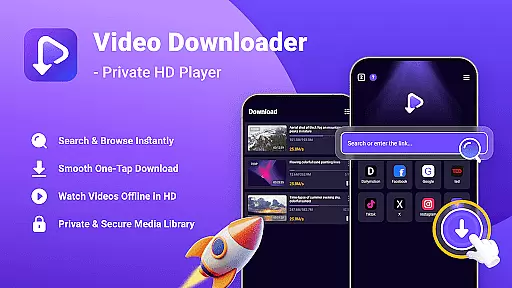
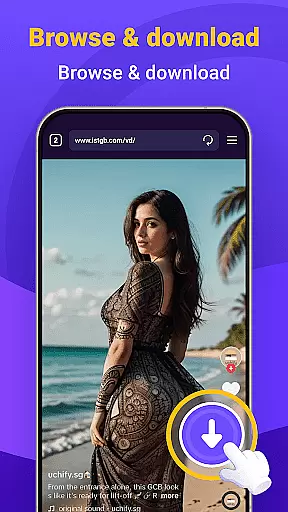
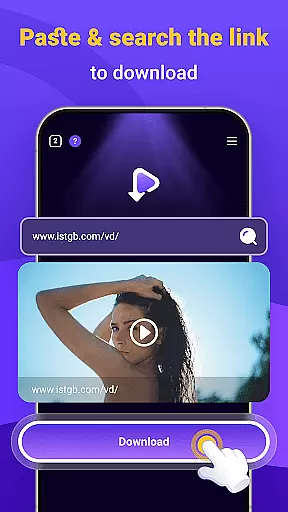
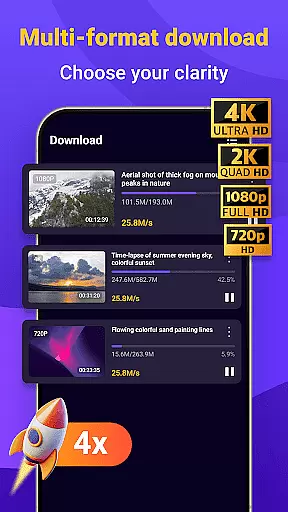
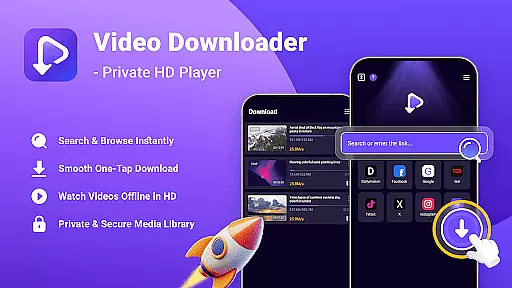
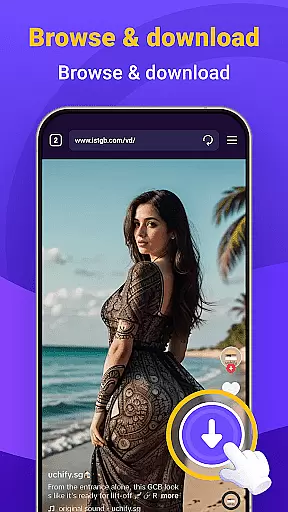
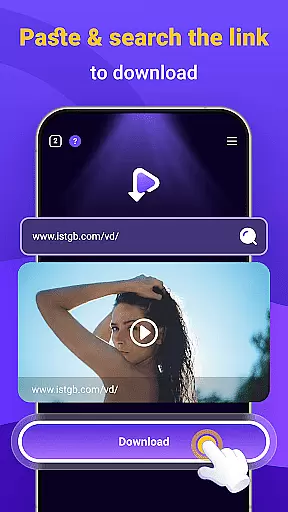
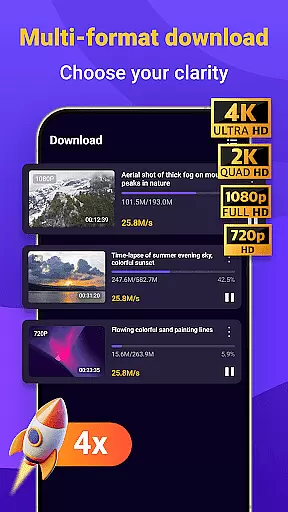
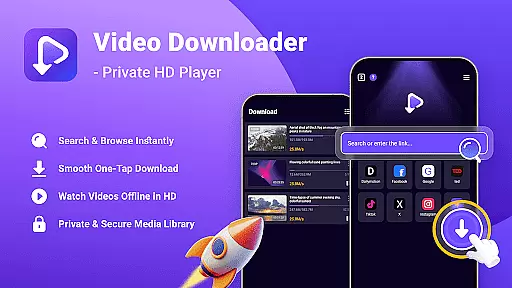
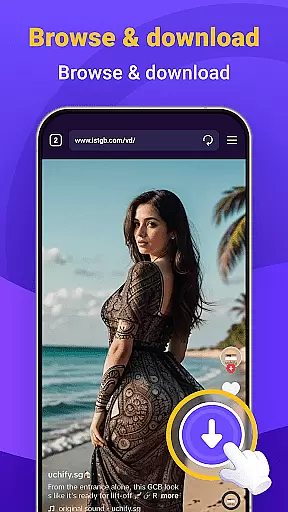
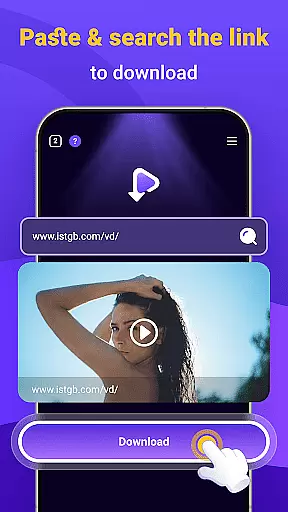
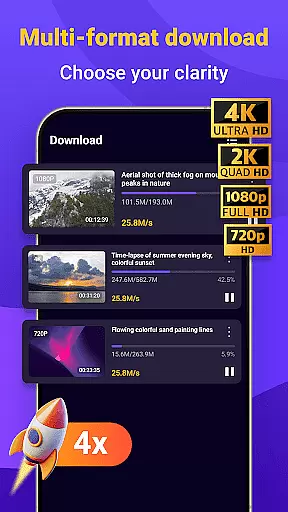
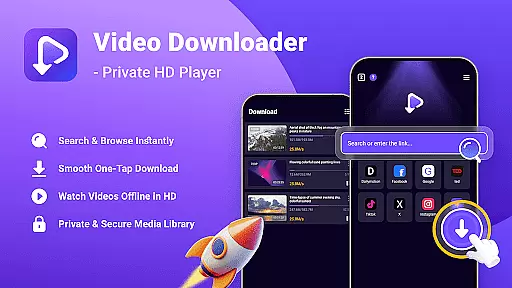
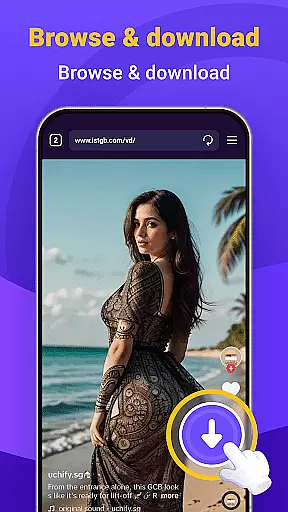
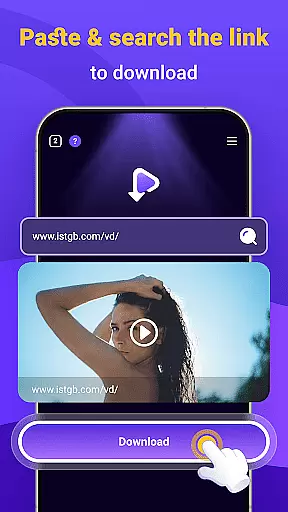
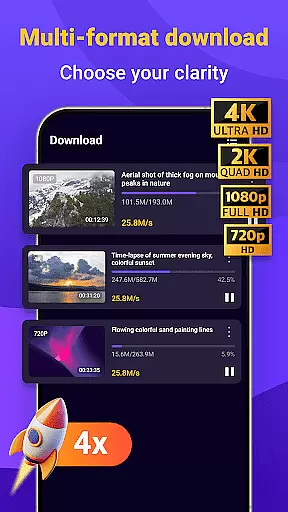
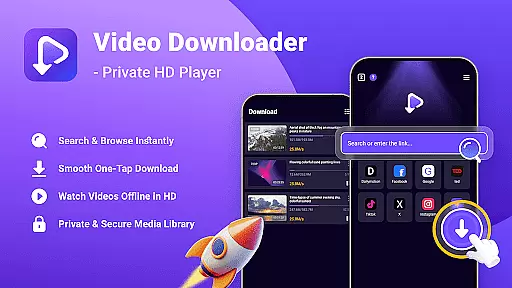
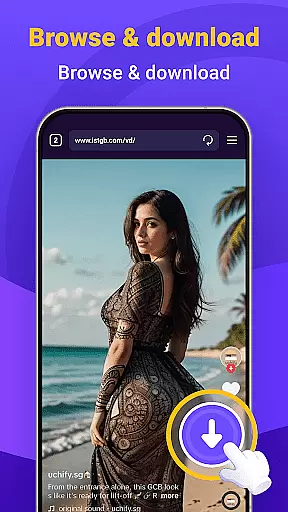
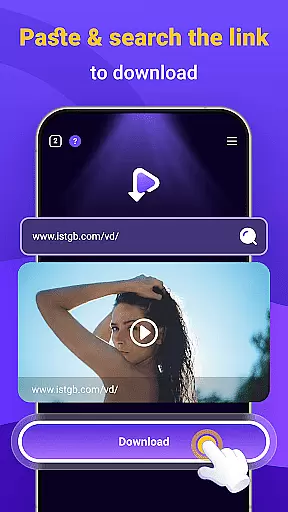
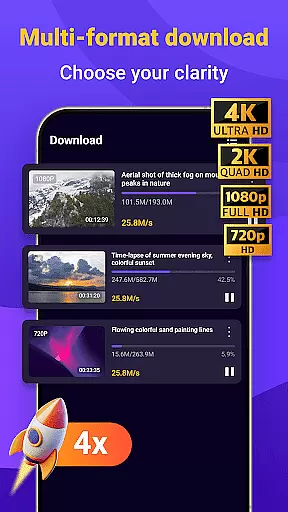
Video Downloader - Private HD Player is a versatile app designed for users who want to search, download, and play high-quality videos and audio files in one place. With its built-in search feature, you can easily find content without leaving the app. The one-tap download functionality allows you to save HD videos and MP3s directly from websites or apps, keeping your media library organized. Enjoy offline playback with full resolution support and multiple file formats, ensuring smooth performance anytime, anywhere.
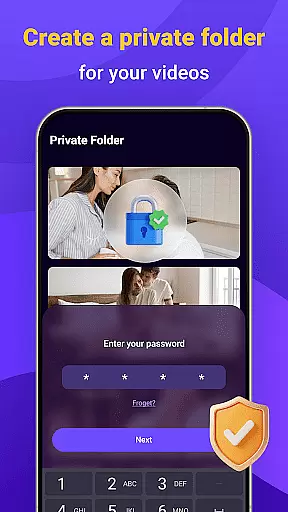
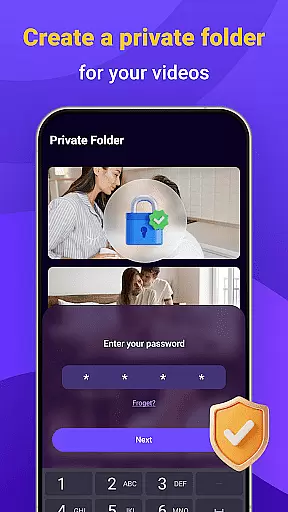
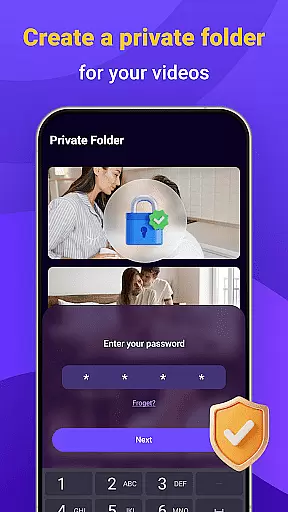
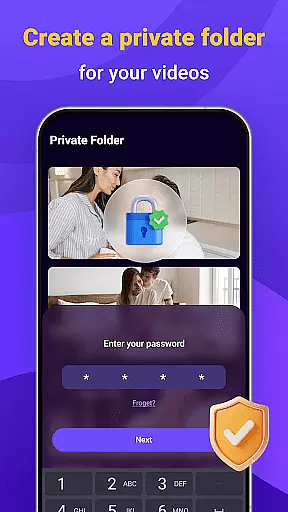
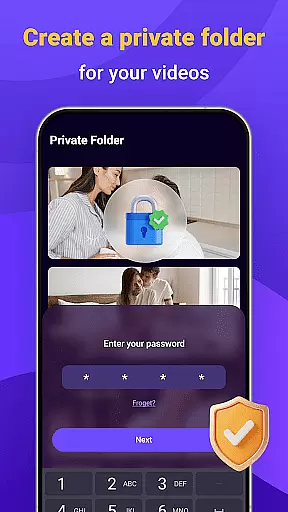
The app also emphasizes privacy and security. You can lock your media library with a secure password, ensuring that your downloaded files remain private and under your control. Whether you're commuting or traveling, Video Downloader - Private HD Player provides a reliable solution for managing your media with convenience and peace of mind.
Video Downloader - Private HD Player offers an impressive range of features tailored for seamless media management. Its built-in search engine lets you browse and open links without switching between apps, streamlining your experience. The one-tap download option supports various file formats, including MP4, MP3, AVI, and more, making it easy to save content quickly and efficiently.
Offline HD playback is another standout feature, allowing you to watch videos or listen to audio files without an internet connection. The app ensures smooth performance across different formats while maintaining high resolution. Additionally, the privacy controls are robust, enabling you to protect your activity with a secure password. These features make Video Downloader - Private HD Player an all-in-one solution for managing, securing, and enjoying your media library with ease.
Video format compatibility is a crucial feature for any video player, ensuring that users can enjoy content in various formats without technical limitations. Video Downloader - Private HD Player supports an extensive range of file types including MP4, MP3, AVI, and more.
This app allows you to play videos and audio files directly within the application, eliminating the need for additional software or format conversion tools. The wide format support ensures that no matter what type of media file you download, it will be compatible with your device.
With this level of compatibility, users are empowered to manage their media library with ease. Whether it's high-definition videos or music tracks, the playback experience remains smooth and uninterrupted, providing a seamless entertainment solution.
AI-powered editing features represent the cutting-edge advancement in video player applications, enhancing user interaction with multimedia content through intelligent automation. Video Downloader - Private HD Player incorporates such smart functionalities that assist users in organizing and optimizing their downloaded videos effortlessly.
The integration of AI technology enables automated tagging, sorting, and even basic edits on your media files. This means less time spent on manual adjustments and more time enjoying your content. Imagine having your video library automatically categorized by genre, date, or resolution without lifting a finger.
By leveraging these advanced capabilities, Video Downloader - Private HD Player not only simplifies but also enriches the user's engagement with their personal media collection. It transforms routine playback into an intuitive and customized viewing journey tailored to individual preferences.
User-friendly interface
Fast download speeds
Wide format compatibility
Secure privacy controls
All-in-one functionality
Limited free features
Occasional ads
Requires storage space
No cloud backup
Premium subscription needed

Auto video maker with music & exclusive filters. Video editing made simple.
 4.50
4.50
A Quick and Pro Video Editor
4.70
Watch a large amount of high-definition short drama content
4.60
Fast video downloader & private browser. Save HD clips to watch offline.
4.40
Play and download HD videos from all sources — fast, simple, and all-in-one.
4.0
Make your own Animations, Video and Photo Edits, Visual Effects, and more!
4.00
Browser for Fire TV to stream webvideos, online movies, livestreams in HD
4.40
Cast movies, tv shows and live streams to Chromecast, Roku, DLNA, Fire TV & more
4.60
Capture the moment and Cut
3.40
Flud is a simple and beautiful BitTorrent client for Android.
4.80
Snaptubè Video Downloader app allows to download videos and music in Snaptube. .
4.60
Full HD Video mp3 Player, MP4 player play 1080p, File manager, Video Downloader
4.40
1)AirPlay/DLNA Mirroring/Streaming, up to 4 connections; 2)Samba/NAS/DMS Player.
4.00
Cast to Smart TV, Fire TV. Cast video, photo - Fast & Stable!
3.90
Download videos easily & play them all in one smart, powerful video manager.
3.40
You can play SWF format file!
2.50
The essential companion to your Blue Iris PC software
2.50
Video player with powerful streaming playback and various convenient features.
2.10
The smartest M3U IPTV Player your playlists have ever seen.
4.2


User Reviews