
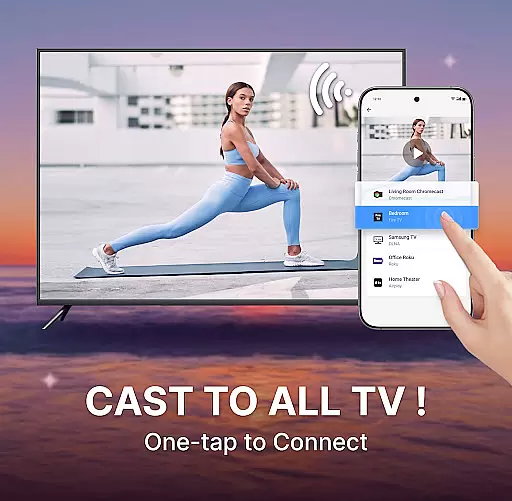
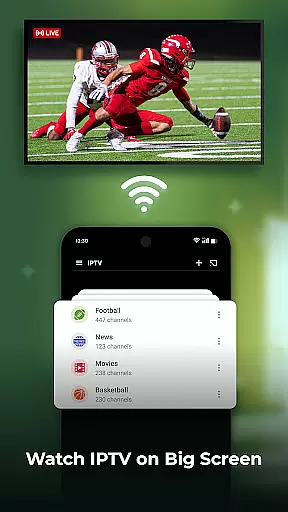
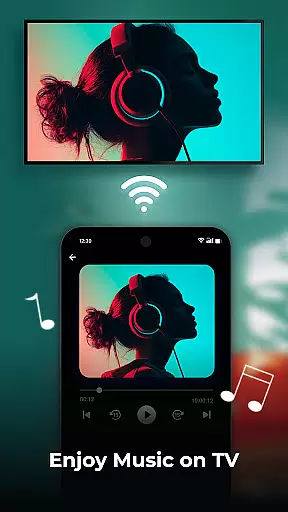
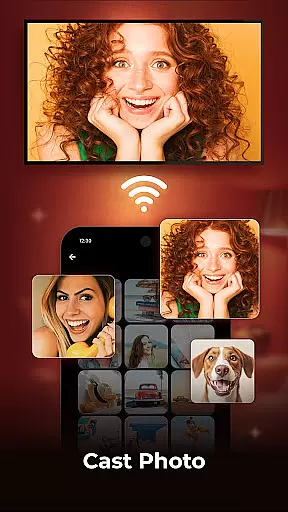
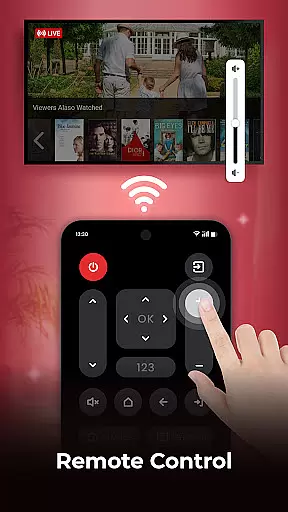
Cast to TV is a versatile screen casting application designed for users who want to stream their mobile content to larger screens. The app allows you to cast videos, photos, and music from your phone directly to smart TVs and other popular streaming devices with ease. With support for real-time screen mirroring, this tool transforms your smartphone into a powerful remote control for multimedia playback.
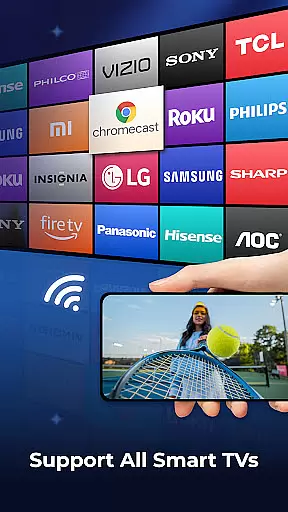
The application stands out with its user-friendly interface and robust feature set that includes HD video playback, playlist management, and playback history. Whether you're looking to enjoy your favorite shows in full HD or share holiday photos with family, Cast to TV provides a seamless experience across multiple device types including Sony, Samsung, LG TVs, Apple TV, Fire TV, Xbox, and more.
This app is particularly useful during family gatherings or business presentations where wireless casting can significantly enhance the viewing experience. By allowing users to control TV functions through their mobile devices, it creates an integrated entertainment ecosystem that maximizes convenience and enjoyment.
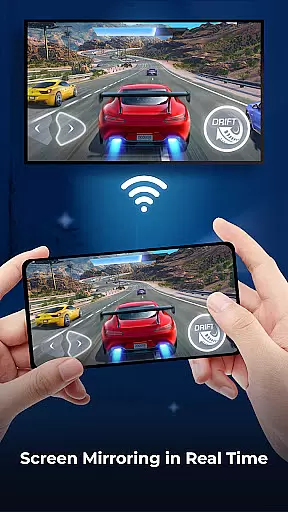
Cast to TV offers an impressive array of features that cater to diverse user needs. The app's screen mirroring capability allows real-time display of your mobile screen on larger television sets, making it perfect for gaming sessions or photo sharing with friends and family. Its compatibility with major streaming devices ensures maximum versatility across different home entertainment setups.
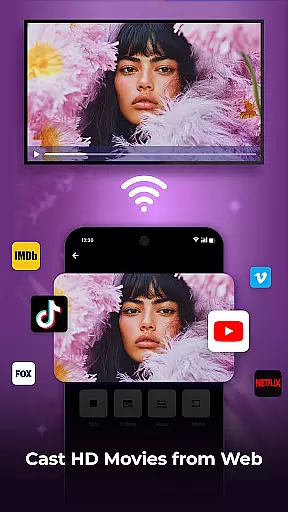
One of the standout features is the built-in web browser that enables direct casting of online videos while providing options to manage bookmarks, playback history, and resolution settings. Users can also take advantage of advanced media controls including play/pause functionality, volume adjustment, subtitle management, and channel switching - all from their mobile device.
The application's support for various playback modes such as shuffle, loop, and repeat adds another layer of customization to the viewing experience. Additionally, its ability to block pop-ups and advertisements ensures uninterrupted streaming sessions. These comprehensive features make Cast to TV an essential tool for anyone looking to enhance their home entertainment system with minimal hassle.
One of the key strengths of Cast to TV lies in its exceptional video format compatibility. The app supports a wide range of video formats, ensuring that users can cast virtually any media file to their smart TVs without worrying about format restrictions.
The application's adaptive streaming technology automatically adjusts the video quality based on your network conditions, providing uninterrupted playback. Whether you're streaming high-definition movies or sharing casual mobile recordings, the app maintains optimal performance across different resolutions and codecs.
This versatility extends to various devices including Sony, Samsung, LG TVs, Apple TV, Fire TV, and even gaming consoles like Xbox and PS4. By supporting cross-platform casting, Cast to TV enables users to enjoy their content on multiple devices without compatibility concerns.
Moreover, the built-in HD Video Player ensures premium viewing experiences regardless of the original file format. This comprehensive format support makes Cast to TV an ideal solution for users who work with diverse video sources and need reliable casting capabilities.
While primarily a casting application, Cast to TV incorporates several AI-powered editing features that enhance the user's media management experience. The app's intelligent algorithms can automatically optimize video settings during casting, adjusting parameters such as brightness, contrast, and color balance for optimal display on larger screens.
The built-in web browser utilizes AI technology to identify and block intrusive advertisements during web video casting, creating a cleaner viewing environment. Additionally, the application's smart playlist generator uses machine learning to analyze viewing habits and suggest personalized media compilations.
Cast to TV's AI capabilities extend to its screen mirroring function, where real-time processing ensures smooth transmission of mobile content to TV screens. The app also employs intelligent compression techniques that maintain video quality while optimizing bandwidth usage during streaming sessions.
These AI-driven enhancements demonstrate how Cast to TV goes beyond basic casting functionality, offering users advanced tools that improve both the technical and aesthetic aspects of their media sharing experience.
User-friendly interface
Wide device compatibility
Real-time screen mirroring
Built-in web browser
Advanced media controls
Limited free features
Occasional connection issues
Ads in free version
Premium subscription required
Device compatibility varies

Fast, private downloading, video saving, social media
 4.50
4.50
Your media, on your terms.
4.10
Cast to Chromecast, Xbox, Fire Stick, Roku, DLNA, Smart TV & No Feature Limited!
4.50
Capture images & record videos for USB Camera, Webcam, Microscopes, Endoscopes
3.80
Seamlessly connect and control your smart devices, anytime, anywhere with ease.
4.60
Download videos and play them offline
4.70
A Simple app to download Video & Music from the Internet.
4.70
AI Video Editor with Music, Filter, Slideshow, Effect, Merge & Trim Video.
4.80
Create, Publish & Maximize
4.70
Cast movies, tv shows and live streams to Chromecast, Roku, DLNA, Fire TV & more
4.60
Download website videos fast&privacy
4.40
Web Browser for LG TV to stream webvideos, online movies and livestreams in HD
4.20
Online Videos Player
3.90
Download videos easily & play them all in one smart, powerful video manager.
3.40
Client application for NextPVR software
3.00
The essential companion to your Blue Iris PC software
2.50
The smartest M3U IPTV Player your playlists have ever seen.
4.0
Powerful HD video player with support for all formats & subtitles.
4.1
Play and download HD videos from all sources — fast, simple, and all-in-one.
4.5


User Reviews