



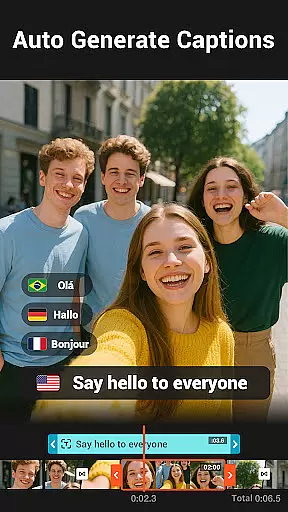
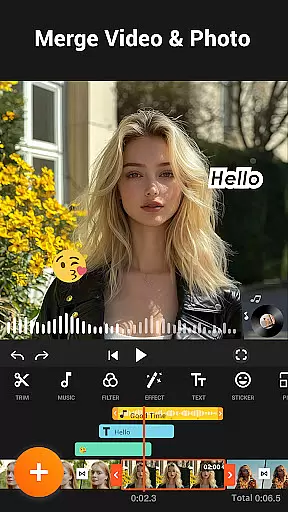
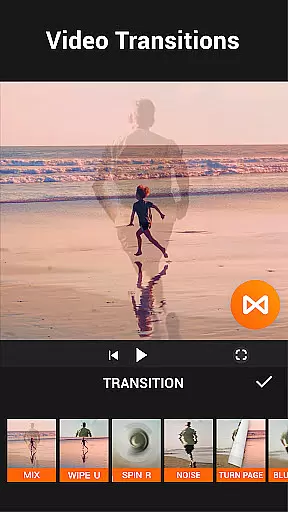

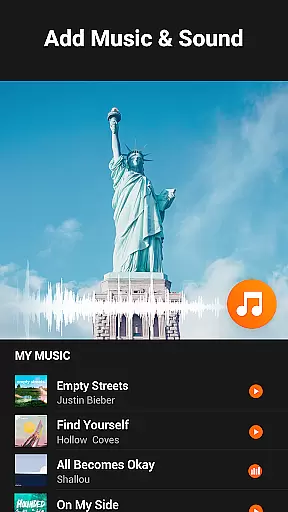
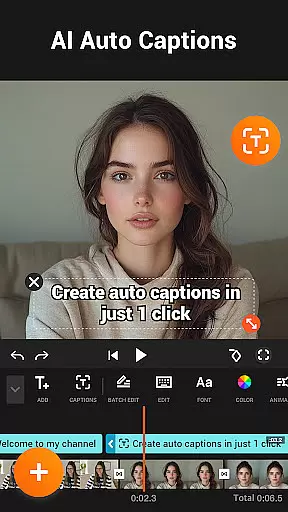
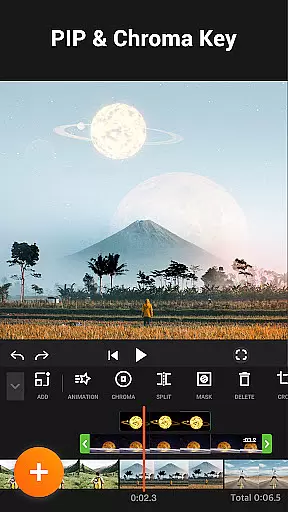

YouCut is a versatile video editing app designed for both casual users and content creators. It offers professional-grade tools including AI-powered features like auto captions and background removal, making video editing accessible to everyone. The app stands out with its no-watermark policy and ad-free editing experience.
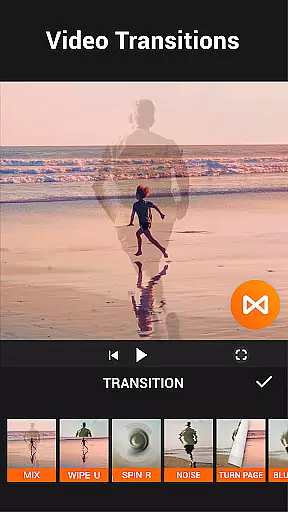
With functionalities ranging from video merging and slicing to speed control and color adjustment, YouCut provides a comprehensive suite for creating high-quality videos. Its intuitive interface allows users to easily add music, filters, and effects, while supporting 4K resolution export. Whether you're editing for YouTube or social media, YouCut ensures your videos look polished and professional.
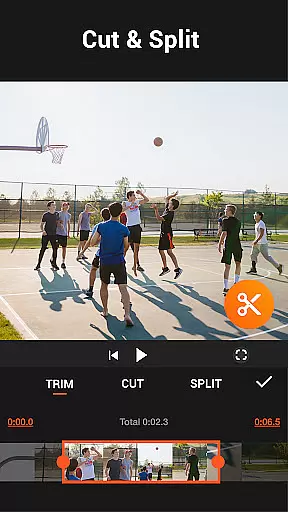
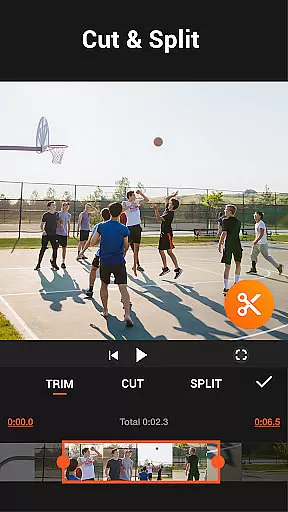
YouCut distinguishes itself through innovative AI features and robust editing tools. The AI Video Boost includes auto captions, background removal, and video enhancement, streamlining the editing process. Users can merge, cut, trim, and split videos effortlessly, ensuring precise edits without quality loss.
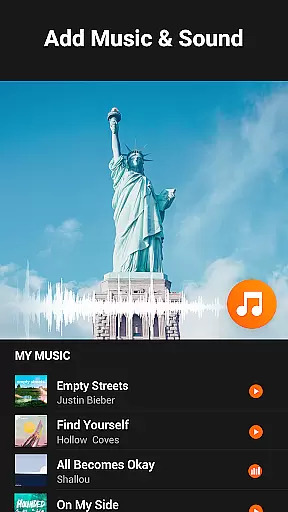
The app supports advanced features such as chroma key editing, video speed adjustments from 0.2× to 100×, and aspect ratio customization. With options to adjust brightness, contrast, and saturation, users can fine-tune every detail. Additionally, YouCut's slideshow maker and music integration enable creative storytelling, while the compression tool reduces file size by up to 90% without compromising quality.
Video format compatibility is a crucial feature for any video editing application, ensuring that users can work with a wide range of video file types. YouCut excels in this area by supporting various formats, allowing creators to import and export videos without worrying about compatibility issues.
The app's ability to handle high-resolution files up to 4K demonstrates its dedication to quality and modern standards. This ensures that whether you're editing casual home videos or professional-grade content, the output will meet your expectations in clarity and detail.
YouCut also provides tools for compressing video size while retaining quality, which is essential for sharing on social media platforms with file size restrictions. Users can save up to 90% of the original file size without significant loss of quality, making it easier to distribute their work widely.
By offering such comprehensive format support and compression options, YouCut empowers users to focus on their creative process rather than technical limitations, enhancing both productivity and creative freedom.
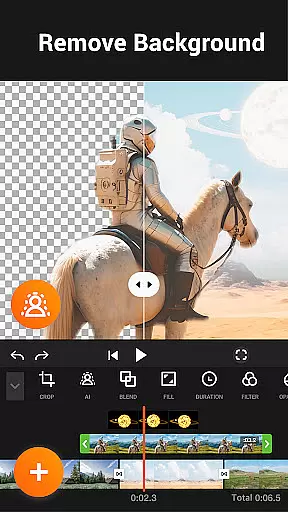
AI-powered editing features are revolutionizing how we approach video creation, and YouCut incorporates these advancements effectively. With AI Video Boost, users have access to auto captions through speech-to-text technology, background removal, and one-tap video enhancement, streamlining the editing process significantly.
These intelligent tools not only save time but also open new creative possibilities. For instance, the smooth slow-motion effect allows creators to add dramatic flair to their videos effortlessly. Such capabilities make sophisticated edits accessible even to beginners who may lack traditional editing skills.
YouCut's commitment to integrating cutting-edge AI solutions sets it apart from other video editors. By leveraging machine learning algorithms, the app continuously improves its functionality, ensuring that users always have access to the latest innovations in digital storytelling.
Ultimately, these AI-driven enhancements enable YouCut users to produce polished, professional-looking videos quickly and easily, empowering them to share their stories with confidence across various platforms.
User-friendly interface
AI-powered editing tools
No watermark on exports
Ad-free experience
Supports 4K resolution
Limited advanced features in free version
Occasional bugs reported
Heavy on device resources
Learning curve for beginners
Frequent updates may disrupt workflow

Kodi media center, a free and open source cross-platform entertainment hub
 3.60
3.60
You can play SWF format file!
2.50
IPTV-Smarters Player Pro M3U - Watch Live Stream TV Channels with Chromecast
4.00
Pro video editor app for Instagram, edit video with song, AI, effect & slowmo.
4.80
All in one HD video downloader & player for multiple formats with full privacy
4.70
Cast to Smart TV, Fire TV. Cast video, photo - Fast & Stable!
3.90
#1 Torrent App on Android ** No Ads Ever + Battery Saver **
4.80
Powerful video player with advanced hardware acceleration and subtitle supports
4.20
Photo editor & video maker with music and slideshows.
4.10
Video Trimmer, Video to MP3 Converter. Extract music from video, Easy & Fast.
4.80
Download videos and play them offline
4.70
Create photo video with music & template. AI video maker for stunning slideshow.
4.60
Full HD Video mp3 Player, MP4 player play 1080p, File manager, Video Downloader
4.40
Turn your phone into a wireless camera!
4.20
1)AirPlay/DLNA Mirroring/Streaming, up to 4 connections; 2)Samba/NAS/DMS Player.
4.00
Capture images & record videos for USB Camera, Webcam, Microscopes, Endoscopes
3.80
This app is an emulator of some specific IPTV boxes
3.50
Mix with Virtual DJ directly from your phone or tablet !
3.10
Play and download HD videos from all sources — fast, simple, and all-in-one.
4.4


User Reviews