
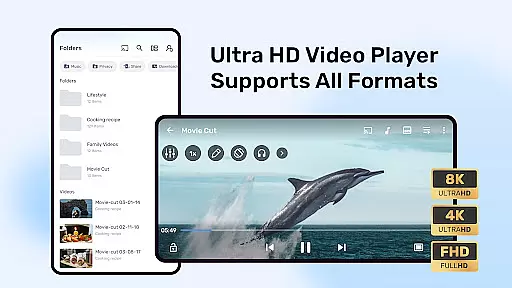
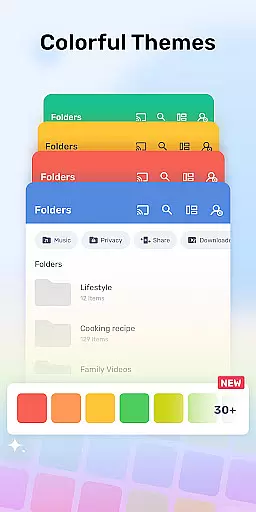
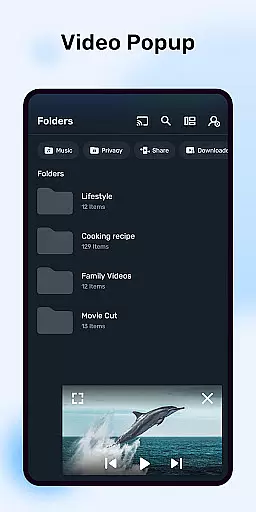
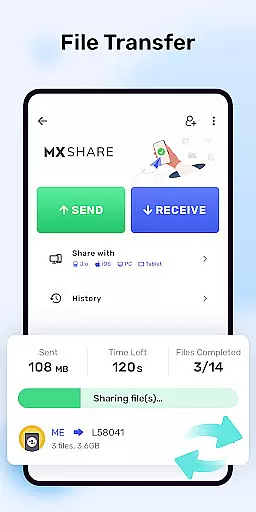

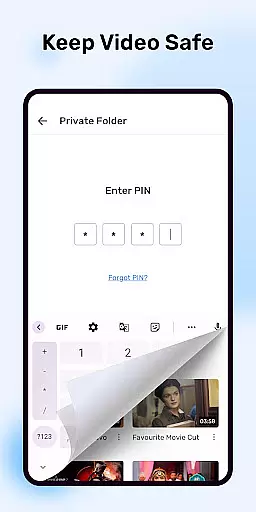
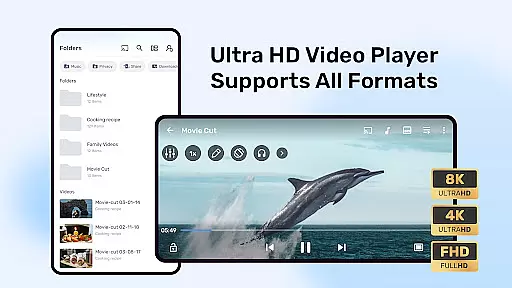
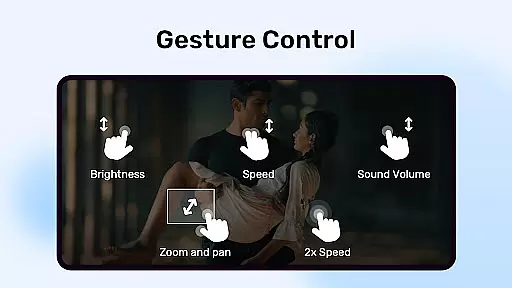
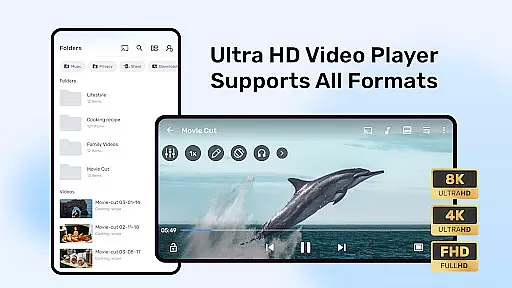
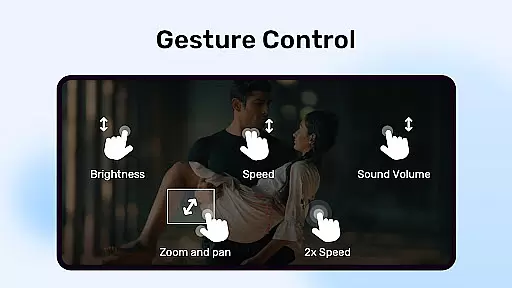
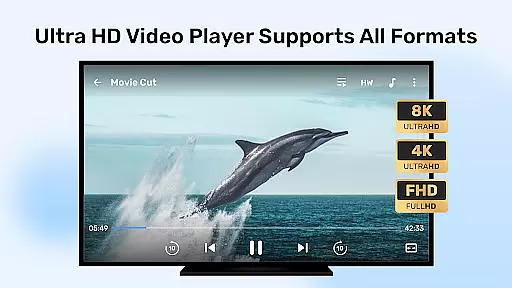
MX Player stands out with its extensive video format compatibility, ensuring users can play nearly any video file they encounter. The app supports a wide range of formats including but not limited to AVI, MKV, MP4, and FLV.
This versatility is powered by advanced hardware acceleration and multi-core decoding, which not only broadens the spectrum of playable formats but also enhances playback smoothness and efficiency.
For users, this means no more frustration with unsupported files. Whether you're watching locally stored videos or streaming online content, MX Player ensures seamless playback without the need for additional codec downloads.
The inclusion of specialized decoders like HW+ further optimizes performance on various devices, making it an ideal choice for users who require reliable video playback across different formats.
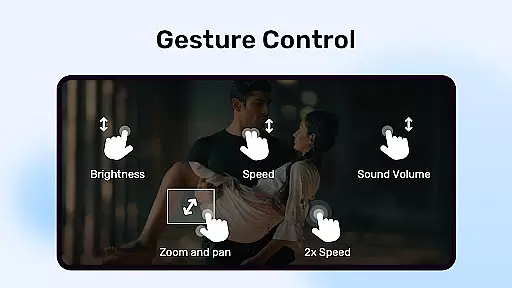
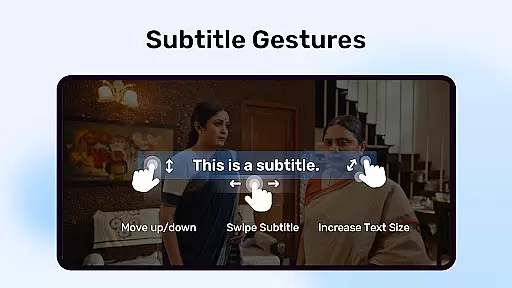
While primarily a video player, MX Player incorporates AI-powered features that enhance user interaction with multimedia content. Its intelligent subtitle support automatically adjusts timing and positioning based on video content.
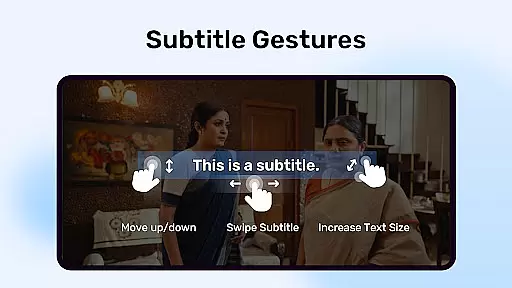
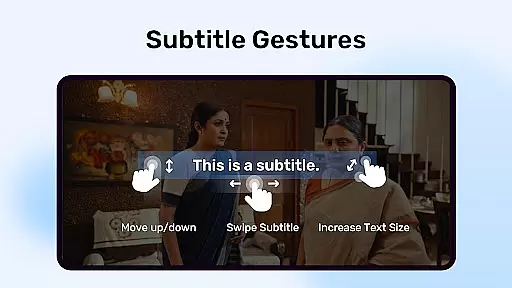
The application's AI capabilities extend to gesture controls for subtitles, allowing users to manipulate text size and positioning through intuitive zoom gestures. This feature particularly benefits viewers who prefer customized subtitle presentations.
Additionally, the app's advanced processing power enables real-time video enhancement, optimizing picture quality while maintaining original file integrity. These smart features work together to create a more personalized viewing experience.
Although not a traditional video editor, MX Player's AI-driven tools provide essential editing capabilities that improve accessibility and viewing comfort, setting a new standard in media player functionality.

The smartest M3U IPTV Player your playlists have ever seen.
 4.4
4.4
Online Videos Player
3.90
Watch full episodes of your favorite Cartoon Network and Cartoonito shows!
3.50
Watch a large amount of high-definition short drama content
4.60
Fast video downloader & private browser. Save HD clips to watch offline.
4.40
All format media Player, no need video converter any more!
4.00
Fast & easy HD video downloader for all formats, support 4K playback & download.
4.60
Play and download HD videos from all sources — fast, simple, and all-in-one.
4.5
Create, Publish & Maximize
4.70
Video Trimmer, Video to MP3 Converter. Extract music from video, Easy & Fast.
4.80
A Quick and Pro Video Editor
4.70
Video Player - Unlimited features, 30 days money back guarantee.
4.60
HD video maker with no watermark, no ads & vlog maker with music, PIP, text
4.50
Fast & Private Video Downloader App. Save all videos easily from the Internet.
4.40
Powerful Video Editor & Photo Editing App —— Quick Edits & Stunning Effects!
4.30
Video Downloader is an utility that can save videos and music from web sites
4.20
Web Browser for LG TV to stream webvideos, online movies and livestreams in HD
4.20
Cast to Smart TV, Fire TV. Cast video, photo - Fast & Stable!
3.90
Capture images & record videos for USB Camera, Webcam, Microscopes, Endoscopes
3.80


User Reviews