
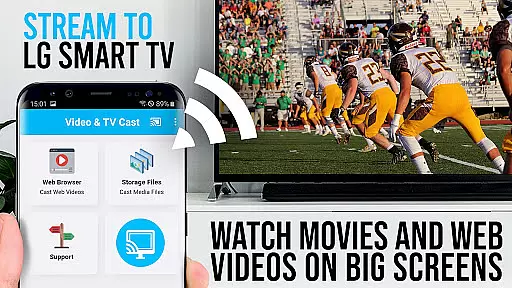
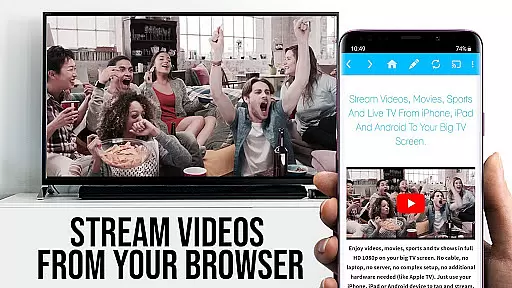
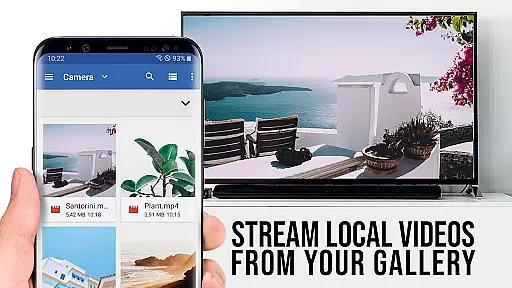
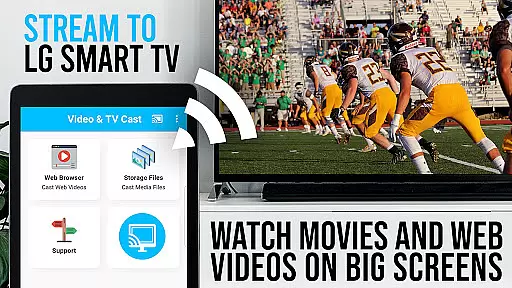
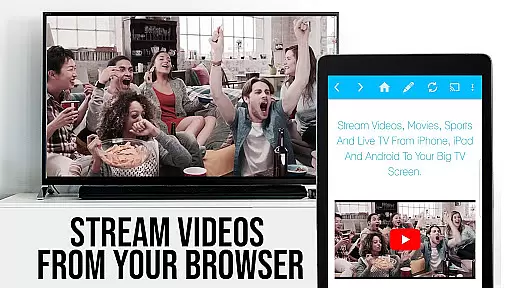
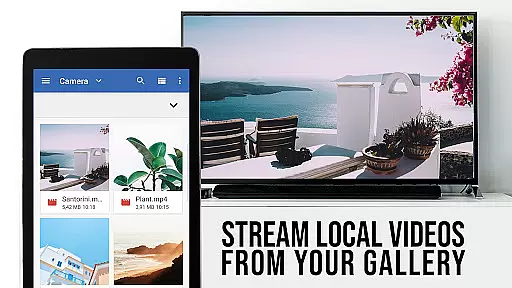
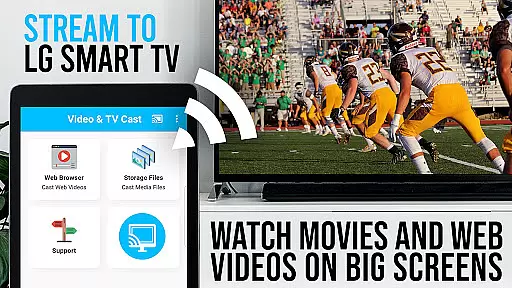
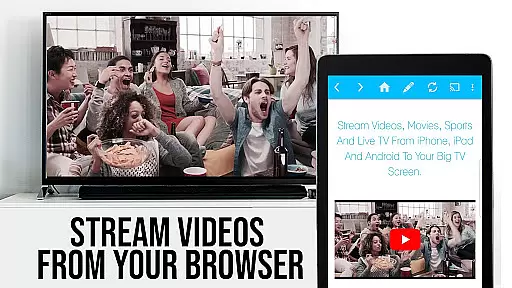
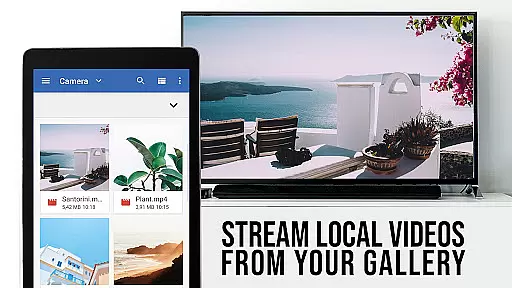
TV Cast Pro for LG webOS is a premium application designed to enhance your streaming experience on LG Smart TVs. This app allows users to stream web-videos, online-movies, livestreams, and live TV shows directly to their LG TV without the need for an additional streaming box. With support for mp4, m3u8, and other video formats in full HD, it ensures high-quality playback. The app supports multitasking, enabling users to close the app or even shut down their phone while casting continues uninterrupted.
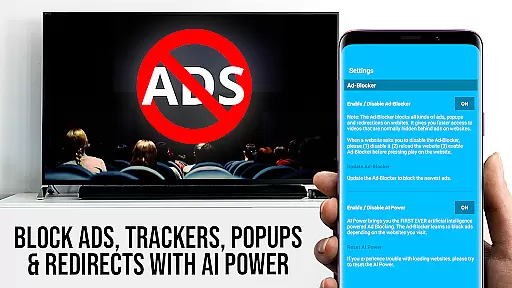
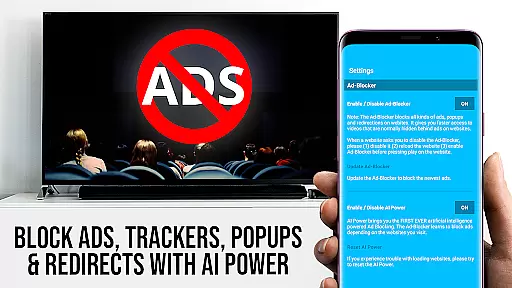
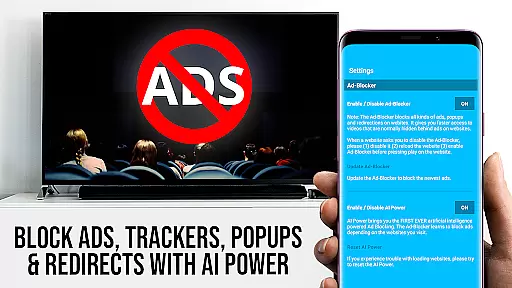
The PRO edition offers all premium features unlocked, including advanced video control with the Remote Playbar, an Ad-Blocker to eliminate ads and popups, and the ability to manage bookmarks and change the homepage. It stands out from Miracast by offering Full HD casting regardless of Android device resolution, reduced Wi-Fi usage, and broader device compatibility. To use the app, users must install the free companion app from the LG App Store and connect via QR Code or IP Address entry.
TV Cast Pro for LG webOS boasts several standout features that cater to seamless streaming. One key feature is its ability to cast videos in Full HD, overcoming the resolution limitations of Android devices when using Miracast. The app facilitates multitasking, allowing users to perform other activities on their phone or even power it down while casting continues. Its compatibility spans all Android devices, unlike Miracast which has restricted device support.
Additional PRO features include the Remote Playbar for advanced video control such as scrubbing, forward, rewind, play, pause, and stop functions. An integrated Ad-Blocker enhances user experience by blocking ads and popups on most websites. Users can also enjoy the convenience of managing bookmarks directly within the browser and switching to Desktop Mode to access desktop versions of websites. These features collectively ensure a superior streaming experience tailored to user preferences and device capabilities.
TV Cast Pro for LG webOS stands out with its versatile video format compatibility, ensuring users can stream a wide range of content without limitations. The app supports popular formats such as mp4 and m3u8, allowing seamless streaming of web-videos, online-movies, livestreams, and live TV shows in full HD quality.
The ability to cast videos in Full HD is particularly noteworthy, as it delivers crisp visuals even on Android devices with lower screen resolutions. This feature ensures that users enjoy an optimal viewing experience regardless of their device's native resolution.
Moreover, the app's support for various video formats eliminates the need for additional conversion tools or plugins. Users can simply navigate to their desired website, locate the embedded video, and send it to their LG Smart TV with a single tap.
This comprehensive format compatibility not only enhances user convenience but also expands the range of content that can be enjoyed on the big screen, making TV Cast Pro an essential tool for maximizing entertainment options on LG webOS and Netcast TVs.
While TV Cast Pro for LG webOS primarily focuses on video streaming, it incorporates several intelligent features that function similarly to AI-powered editing tools. The app's advanced algorithms automatically detect embedded videos on web pages, streamlining the casting process and eliminating manual selection steps.
The integrated Ad-Blocker serves as another smart feature, effectively filtering out unwanted advertisements and popups from most websites. This automated content management system enhances the viewing experience by presenting clean, uninterrupted video streams to users.
Additionally, the Remote Playbar offers sophisticated video control capabilities, including scrubbing, forward, rewind, play, pause, and stop functions. These features provide users with precise control over their streaming content, similar to professional editing software interfaces.
The combination of automatic video detection, ad-blocking technology, and advanced playback controls creates an intelligent streaming environment that optimizes both content discovery and viewing experience, setting a new standard for smart TV applications.
Full HD casting
Ad-Blocker included
Remote Playbar
Device compatibility
Multitasking support
No DRM video support
QR code required
Limited refunds
Companion app needed
Third-party app issues

The smartest M3U IPTV Player your playlists have ever seen.
 4.1
4.1
HD video & music player - All format support with floating & PIP mode!
3.80
?100% FREE! Download & save videos? safely in this app. All formats supported.
4.60
Video Downloader is an utility that can save videos and music from web sites
4.20
Stream high quality video from your camera over NDI protocol
4.1
Pro video editor app for Instagram, edit video with song, AI, effect & slowmo.
4.80
GENRAL PRO - General Pro is the best video player that fully supports all formats.
4.70
Flud is a simple and beautiful BitTorrent client for Android.
4.80
Enjoy your favorite videos and channels with the official YouTube app.
3.90
All in one HD video downloader & player for multiple formats with full privacy
4.70
High-Quality USB Camera Viewer & HDMI Display
4.70
Cast Videos from Web Browser, IPTV to Roku, Chromecast, DLNA, Smart TV +more
4.60
Support 1000+ Video Format, Subtitle Download, mp3 & Background Play, Cast On TV
4.60
Browser + Remote for Roku to stream webvideos, online movies and livestreams
4.60
Movie maker & video editing app with AI effects and green screen
4.30
Browser for Samsung TV to stream webvideos, online movies and livestreams in HD
4.10
LumaFusion: The Ultimate Storytelling Experience for Video Editing
4.10
Online Videos Player
3.90
A full editing room to accompany your Insta360 cameras and handheld gimbals.
3.30


User Reviews