
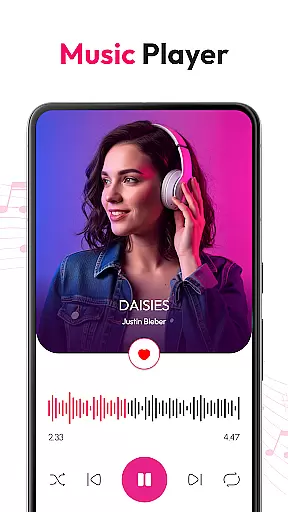
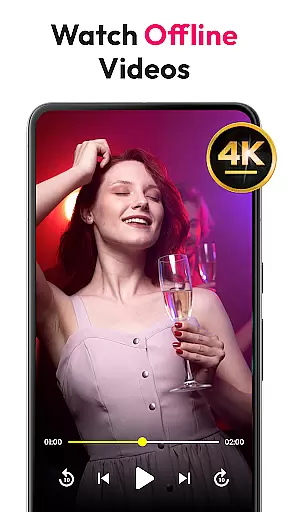
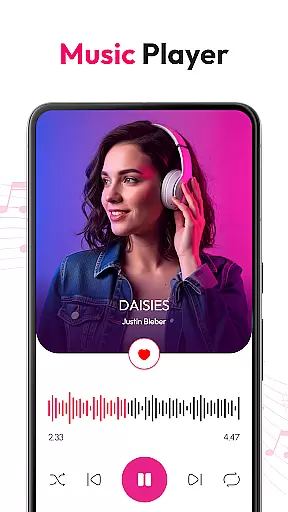
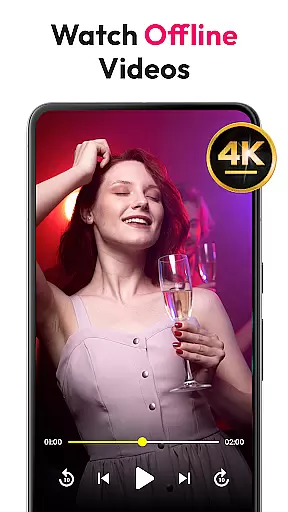
HD Video & Music Player is a versatile media player for Android that supports all video and audio formats. Whether you're watching 4K Ultra HD or listening to MP3 files, this app delivers smooth playback with advanced controls. The app combines both video and music capabilities, making it an all-in-one solution for your media needs.
With features like Picture-in-Picture mode, auto file scanning, and a built-in file manager, the app ensures seamless media management. It also includes powerful audio tools such as equalizer presets and bass boost. Suitable for both casual users and audiophiles, this player enhances your entertainment experience on Android devices.
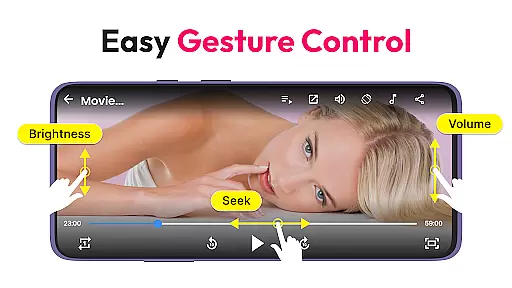
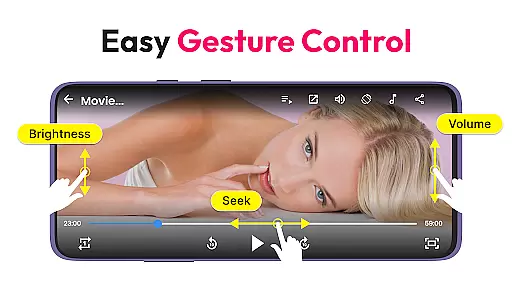
HD Video & Music Player stands out with its comprehensive format support, including MP4, AVI, MKV, MP3, FLAC, and more. The app provides smooth 4K video playback and advanced audio controls, ensuring high-quality performance across all media types. Its floating player and gesture controls make navigation effortless.
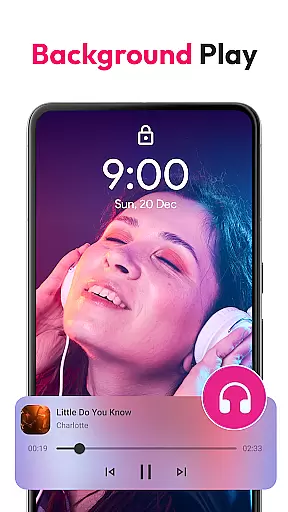
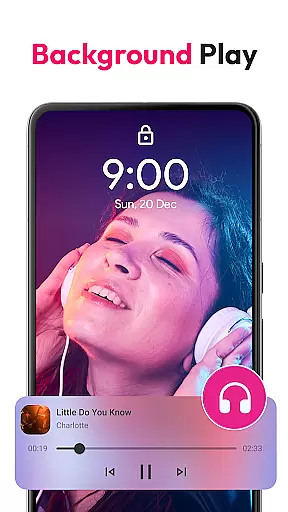
The music player offers professional-grade features like a powerful equalizer, 3D sound effects, and customizable playlists. Users can browse songs by album, artist, or genre while enjoying background play functionality. With offline access and widget support, this app truly caters to every possible media need on Android devices.
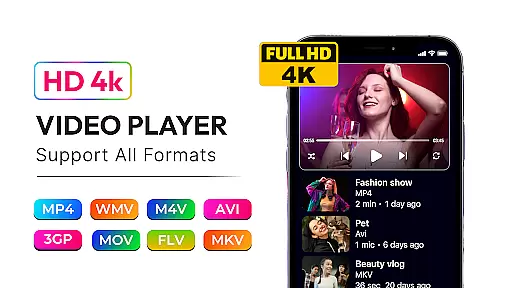
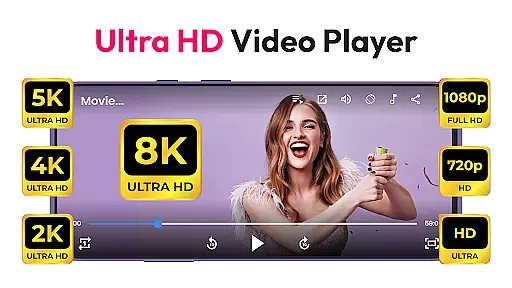
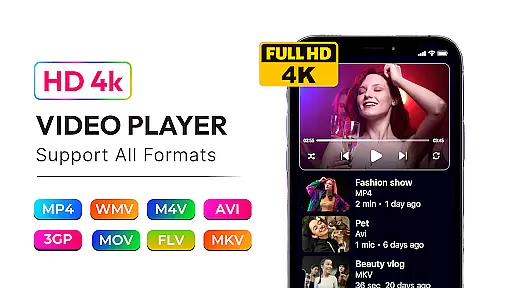
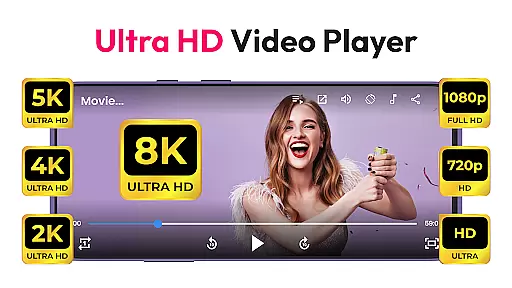
Video format compatibility is a crucial feature for any media player, ensuring that users can enjoy content in various formats without technical limitations. HD Video & Music Player excels in this area by supporting an extensive range of video formats including MP4, AVI, MKV, 3GP, FLV, MOV, WMV, and TS.
This versatile video player delivers smooth playback for high-resolution videos such as 4K, Ultra HD, and Full HD content. The app's advanced decoding capabilities ensure that no matter the source or quality of the video file, users will experience crisp visuals and accurate audio synchronization.
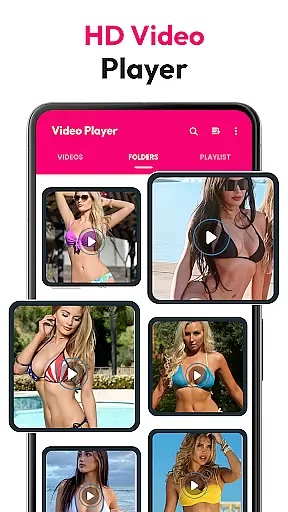
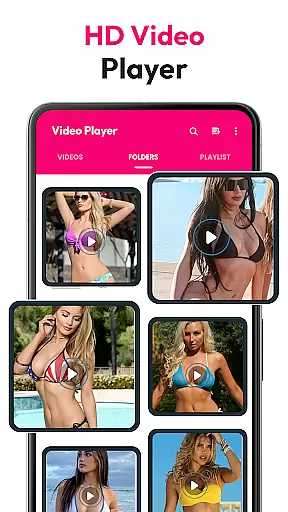
With automatic scanning of video files from both internal storage and SD cards, the app makes it easy to access all your media in one place. This comprehensive format support allows users to watch their favorite movies, TV shows, and personal recordings without worrying about compatibility issues.
The inclusion of features like floating player mode and Picture-in-Picture (PIP) functionality further enhances the viewing experience. These features, combined with broad format support, make HD Video & Music Player a complete solution for Android users seeking a reliable and feature-rich media player.
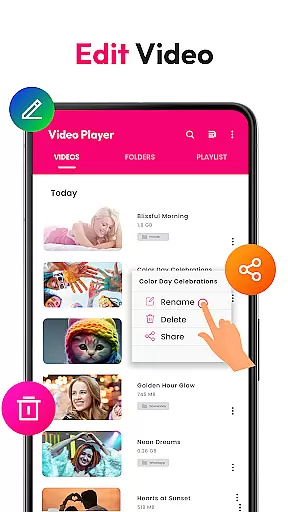
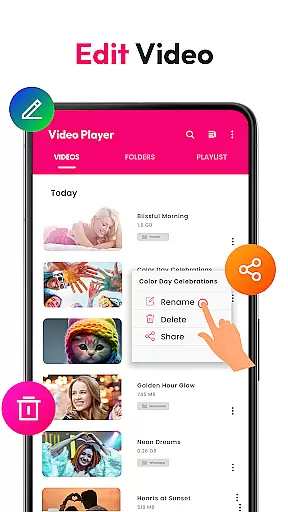
While primarily known for its playback capabilities, HD Video & Music Player also incorporates AI-powered editing features that enhance the overall media experience. The application uses artificial intelligence to optimize video playback settings automatically, adjusting parameters such as brightness, contrast, and color balance for optimal viewing.
The built-in file manager not only helps organize media but also suggests improvements based on AI analysis of video content. This includes recommendations for aspect ratio adjustments and resolution enhancements, particularly useful when viewing older or lower-quality video files.
Gesture controls for volume, brightness, and seeking are enhanced through AI learning algorithms. As users interact with the player, the system adapts to their preferences, creating a more intuitive and personalized control scheme over time.
Although the app doesn't provide traditional video editing tools, its intelligent features contribute significantly to improving playback quality. These AI-driven enhancements ensure that every viewing experience is optimized, regardless of the original video quality or format, making HD Video & Music Player a smart choice for discerning Android users.
User-friendly interface
Wide format compatibility
Advanced equalizer settings
Picture-in-Picture mode
Offline playback support
Occasional ads in free version
Large app size
No cloud integration
Limited theme options
High system requirements

Watch a large amount of high-definition short drama content
 4.60
4.60
Cast to Chromecast, Xbox, Fire Stick, Roku, DLNA, Smart TV & No Feature Limited!
4.50
Full HD Video mp3 Player, MP4 player play 1080p, File manager, Video Downloader
4.40
Stream Web Videos to Chromecast, Samsung, LG, Sony, Roku, Fire TV, DLNA + more
4.00
Video Downloader, Multiple Resolution Options, Video Player
4.50
Find, download, and play torrents with the official BitTorrent® Pro app
4.70
Browser + Remote for Roku to stream webvideos, online movies and livestreams
4.60
Viddo: Generate Action Figure, AI Anime, AI kiss, AI hug Video from image & text
4.40
Make videos you’re proud to share with Edits, a video editor for creators.
4.70
Pro video editor app for Instagram, edit video with song, AI, effect & slowmo.
4.80
Download Hub, easy and private way to download and enjoy your videos offline
4.80
Fast & easy HD video downloader for all formats, support 4K playback & download.
4.60
Download website videos fast&privacy
4.40
Your media, on your terms.
4.10
Powerful, professional, versatile teleprompter. Developed by an active film crew
4.00
All format media Player, no need video converter any more!
4.00
AI Video Editor:AI Music, Text to Video,Text to Speech,Auto Caption,Video Effect
4.00
Capture images & record videos for USB Camera, Webcam, Microscopes, Endoscopes
3.80
Mix with Virtual DJ directly from your phone or tablet !
3.10


User Reviews