
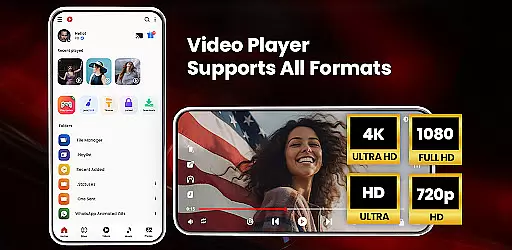

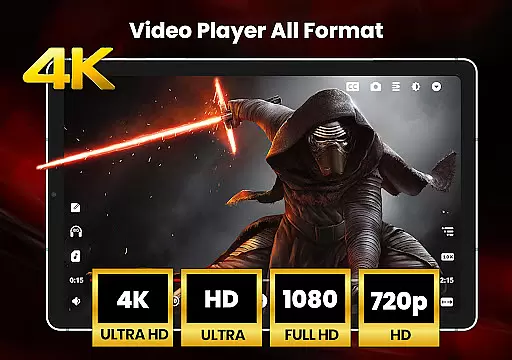
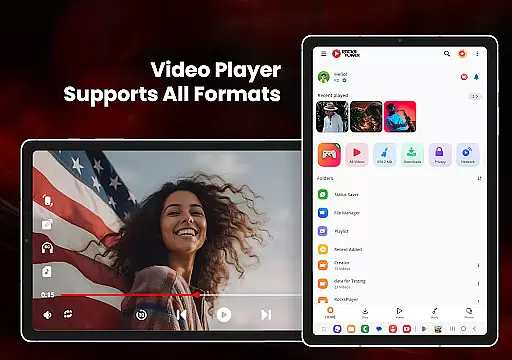
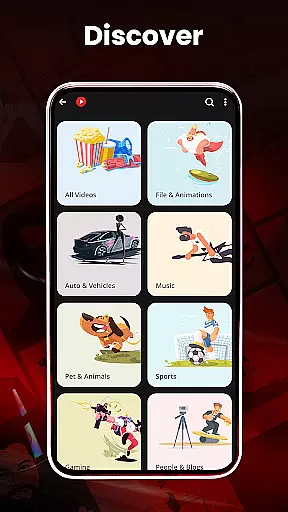
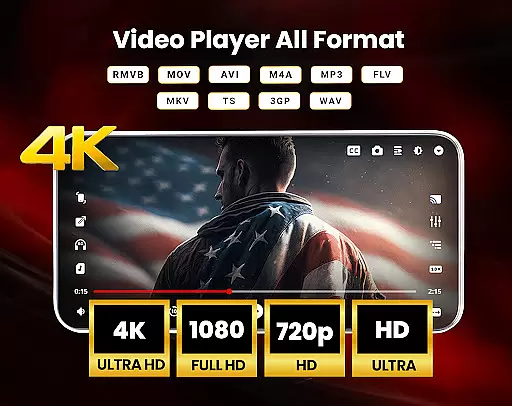
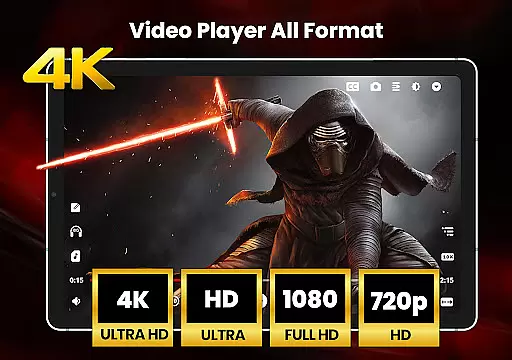
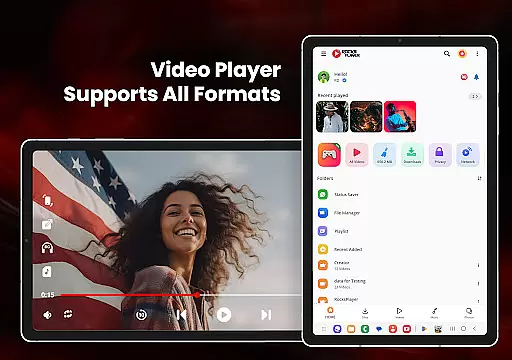

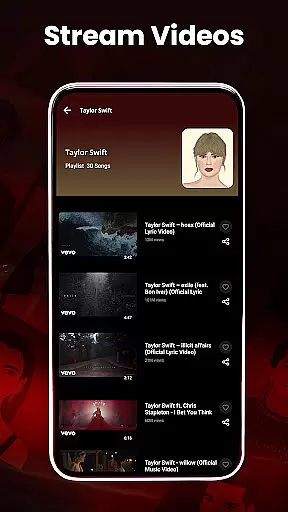
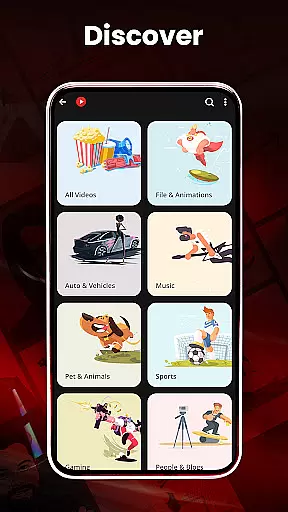
HD Video Player All Formats is a versatile media player designed for Android users who need comprehensive support for various video and audio formats. This application not only plays files in formats like MP4, MOV, and MP3 but also supports high-definition options including HD, Full HD, 4K, and Ultra HD. The app's functionality extends beyond basic playback, offering features such as file management, duplicate file scanning, and privacy controls.
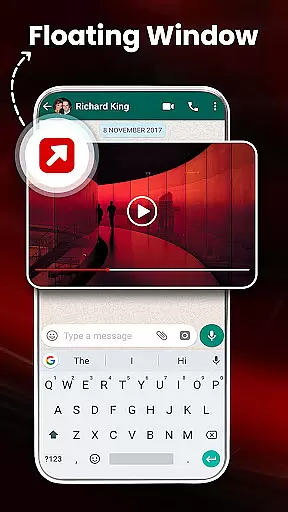
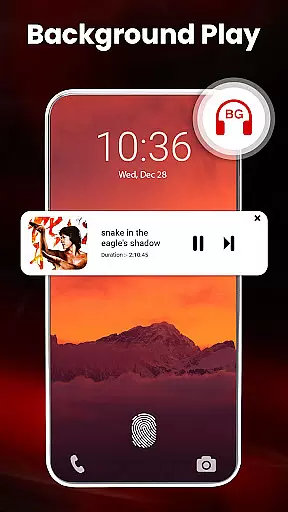
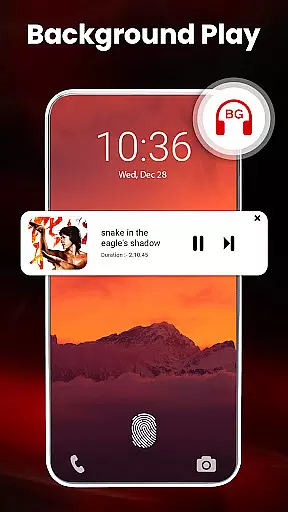
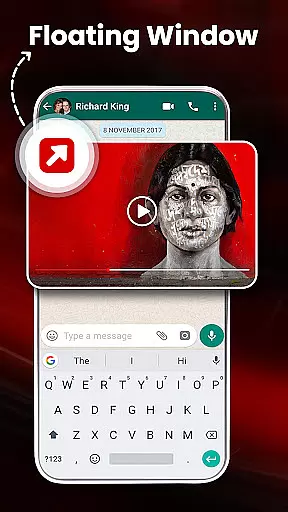
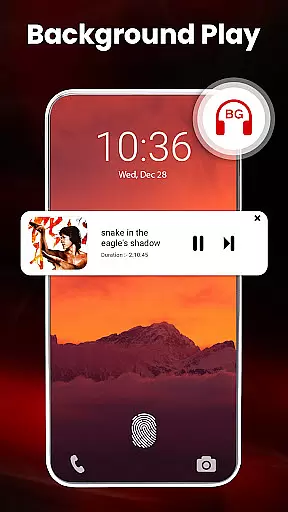
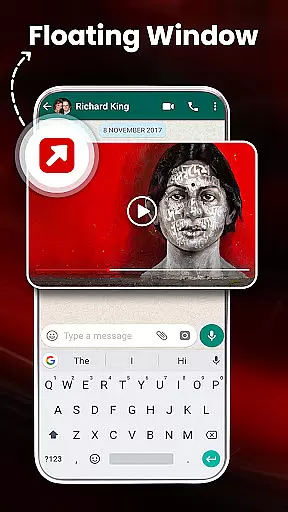
One of the standout capabilities of this video player is its ability to cast videos to a TV directly from an Android phone. It includes a built-in video downloader, making it easy to save and manage content from platforms like Facebook and Instagram. Additionally, the app provides advanced playback options, such as pop-up windows and background audio play, alongside hardware acceleration for smoother performance. These features make it an ideal choice for users seeking a powerful yet user-friendly media player.
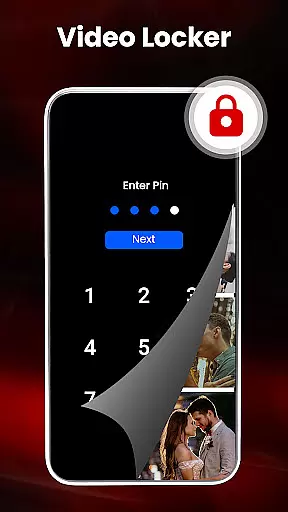
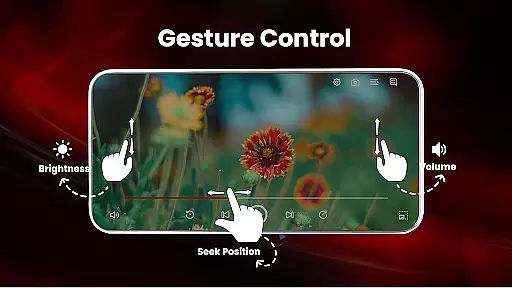
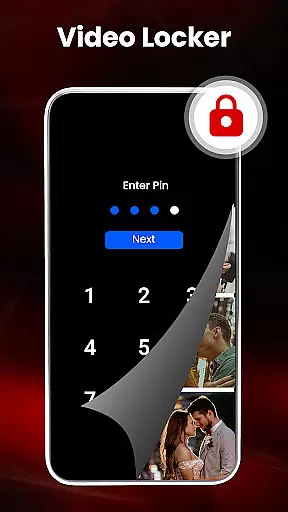
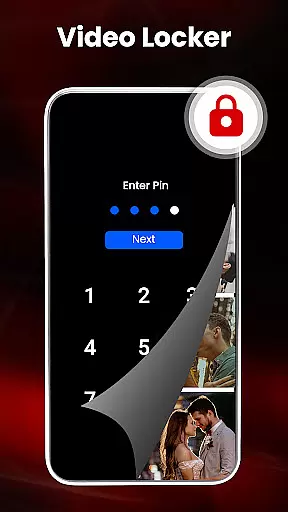
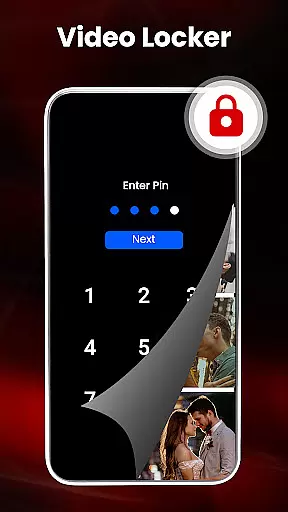
The app's value lies in its all-in-one approach to media management. Users can organize files, create playlists, and even hide private videos using the integrated locker feature. With added functionalities like night mode and gesture controls for volume and brightness, HD Video Player All Formats ensures a comfortable viewing experience. Whether managing a media library or enjoying high-quality video playback, this app delivers both utility and convenience.
HD Video Player All Formats distinguishes itself through a rich set of features tailored for diverse media needs. One of its primary strengths is the extensive format compatibility, supporting popular types such as MKV, MP4, M4V, MOV, and more. This ensures that users can play almost any video file without worrying about format restrictions. Additionally, the app integrates a video downloader, allowing users to download and manage content from social media platforms efficiently.
Beyond playback, the app offers innovative tools like a built-in file manager and gallery vault. These features enable users to organize their media files, hide private content, and scan for duplicates. The inclusion of hardware acceleration with the new HW+ decoder enhances video rendering, particularly for high-resolution files. Moreover, the app supports advanced playback options such as picture-in-picture mode, dual audio tracks, and adjustable playback speed, providing users with greater control over their viewing experience.
Another notable aspect is the app's focus on customization and security. Users can apply multiple themes, lock sensitive videos, and protect their files with secure PIN access. The equalizer with bass boost and virtualizer further enriches audio playback, while smart gestures allow intuitive control over volume and brightness. Collectively, these features position HD Video Player All Formats as a robust solution for managing and enjoying multimedia content on Android devices.
Video format compatibility is a crucial feature for any video player, ensuring that users can enjoy their media files without worrying about format restrictions. HD Video Player All Formats excels in this area by supporting an extensive range of popular formats such as MKV, MP4, M4V, MOV, 3GP, FLV, WMV, TS, MP3, and MPG.
The application's comprehensive codec support allows it to play HD, Full HD, 4K, and Ultra HD video files seamlessly. This versatility ensures that whether you're watching downloaded movies or streaming online content, the experience remains smooth and uninterrupted.
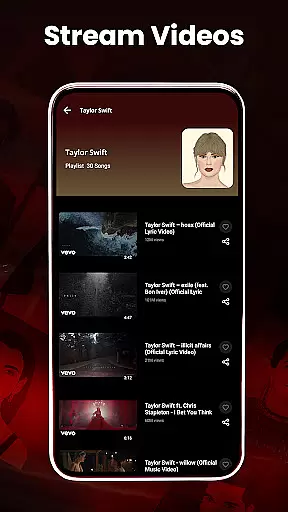
For users, this means freedom and convenience. You can transfer videos from different sources knowing that the player will handle them effortlessly. The built-in video downloader further enhances this capability by enabling downloads from social media platforms like Facebook and Instagram, all while maintaining full format support.
Ultimately, the app's dedication to video format compatibility makes it a reliable choice for anyone seeking a versatile media player that can manage all their video playback needs efficiently.
While HD Video Player All Formats primarily focuses on video playback, it also offers AI-powered editing features that enhance the overall user experience. These intelligent tools help streamline media management and optimize file handling, making it more than just a video player.
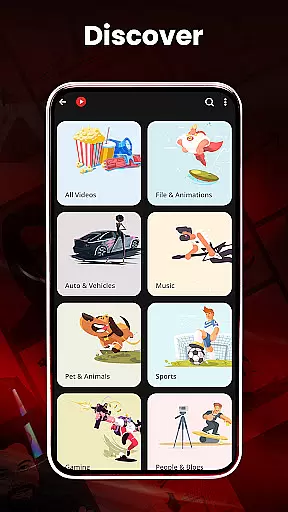
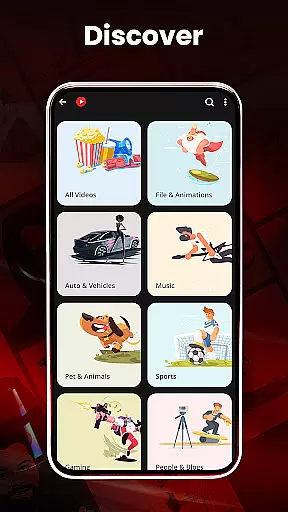
One notable feature is the automatic scanning and organization of media files. The app intelligently identifies all video and music files on your device and SD card, categorizing them for easy access. It even includes a duplicate file scanner, which uses smart algorithms to filter out redundant media, saving valuable storage space.
Additionally, the integrated file manager provides advanced functionalities such as file encryption, decryption, and secure pin protection. These features ensure that your media files remain private and secure, while still being easily accessible through the app's intuitive interface.
By incorporating these AI-driven capabilities, HD Video Player All Formats not only plays videos but also offers a complete media management solution, setting it apart from conventional video players.
User-friendly interface
Extensive format support
Advanced playback options
Integrated file manager
Privacy protection features
Occasional ads in free version
Heavy on system resources
Limited iOS availability
No cloud integration
Complex for beginners

Client application for NextPVR software
 3.00
3.00
Powerful, professional, versatile teleprompter. Developed by an active film crew
4.00
Watch full episodes of your favorite Cartoon Network and Cartoonito shows!
3.50
Video Trimmer, Video to MP3 Converter. Extract music from video, Easy & Fast.
4.80
Watch a large amount of high-definition short drama content
4.60
Cast to Chromecast, Xbox, Fire Stick, Roku, DLNA, Smart TV & No Feature Limited!
4.50
Download videos easily & play them all in one smart, powerful video manager.
3.40
Fast & Private HD Video Downloader with Built-in Proxy Browser and Video Player.
4.50
Download Hub, easy and private way to download and enjoy your videos offline
4.80
HD Video player all format, HD Videos, Cast & Subtitle. No annoying ads.
4.60
Seamlessly connect and control your smart devices, anytime, anywhere with ease.
4.60
Web Browser for LG TV to stream webvideos, online movies and livestreams in HD
4.20
Powerful video player with advanced hardware acceleration and subtitle supports
4.20
Video player with 4K & 1080P support, popup play, background play and subtitle.
4.20
LumaFusion: The Ultimate Storytelling Experience for Video Editing
4.10
Make your own Animations, Video and Photo Edits, Visual Effects, and more!
4.00
Live TV, anywhere in your home
3.80
Save photos and videos from social apps in one tap.
3.60
Video player with powerful streaming playback and various convenient features.
2.10


User Reviews