
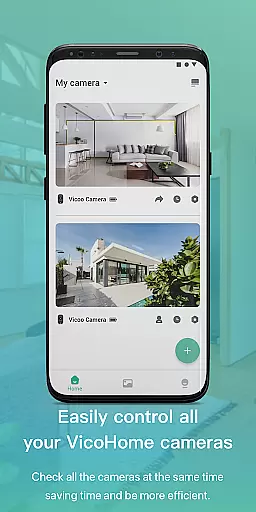
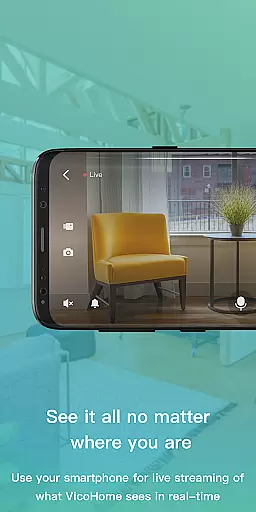
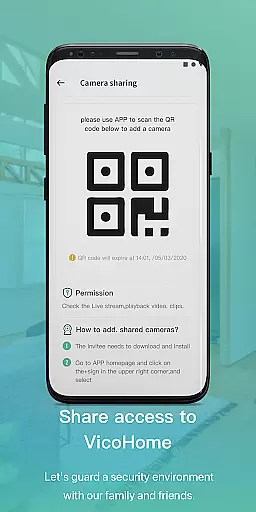
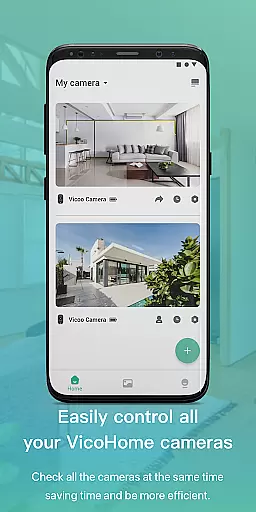
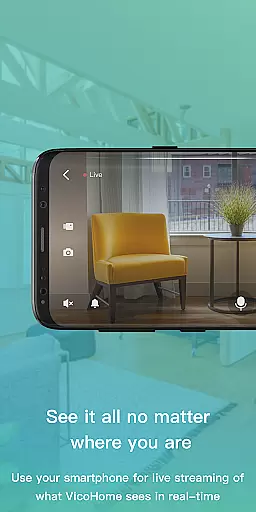
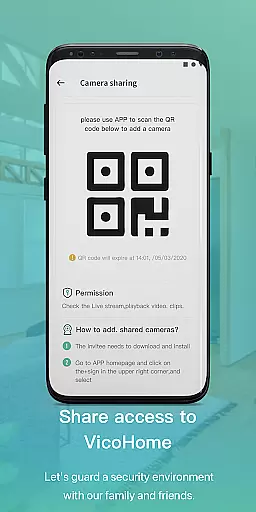
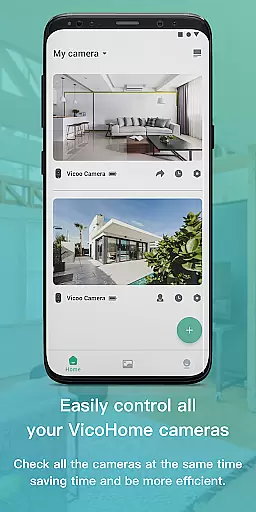
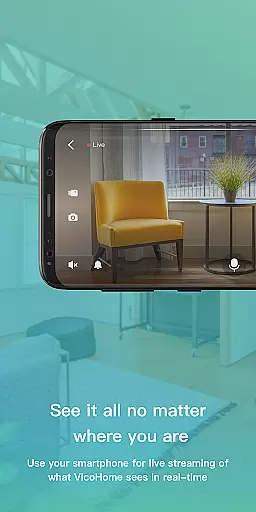
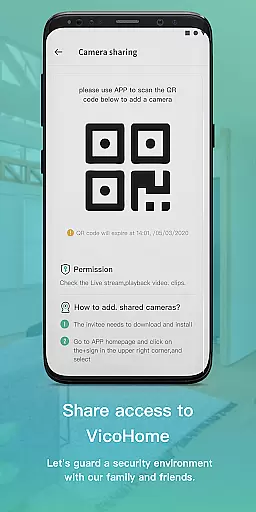
VicoHome is a smart home monitoring application that allows users to connect with their smart devices, especially cameras. Through the live screen feature, users can access their cameras anytime and anywhere to monitor their home environment in real-time. This ensures that users never miss important details or events happening at home.
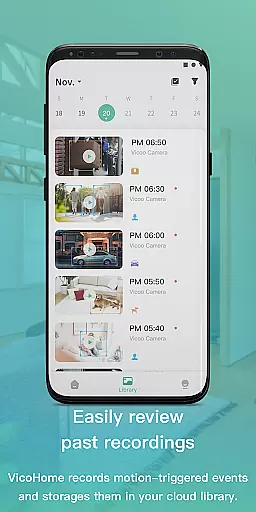
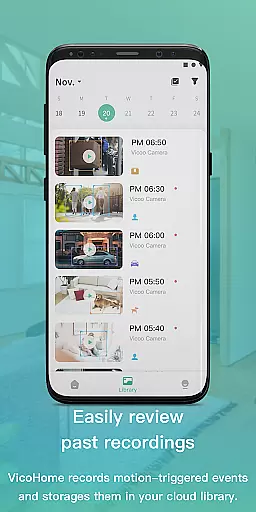
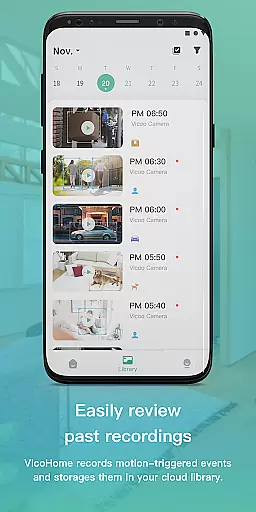
The app also provides access to recorded videos, giving users the ability to review past footage. This feature is particularly useful for security purposes or simply keeping track of daily activities. VicoHome brings convenience and peace of mind to users by offering a comprehensive solution for home monitoring on both mobile and web platforms.
VicoHome offers a range of features designed to enhance home security and convenience. The live screen functionality enables real-time monitoring of connected cameras, allowing users to check in on their property from anywhere. This feature is complemented by cloud storage options for recorded videos, ensuring that footage is safely stored and easily accessible.
In addition to live monitoring, users can review previously recorded videos without missing any crucial details. The app supports integration with various smart devices, creating a cohesive smart home ecosystem. With an intuitive interface and customizable settings, VicoHome provides a user-friendly experience while maintaining robust security protocols to protect user data.
Video format compatibility is a crucial feature for any video player, ensuring that users can access their content in various formats without technical barriers. VicoHome supports multiple video formats commonly used by smart cameras, allowing seamless playback of recorded footage.
The application ensures that whether you're viewing live streams or recorded videos, the format will not hinder your ability to monitor your home. This flexibility enables users to connect different camera models and brands, making it a versatile solution for home security needs.
By supporting standard video codecs and containers, VicoHome provides a smooth experience when accessing past recordings. Users can retrieve and review footage without worrying about format incompatibility, ensuring no critical moments are missed.
AI-powered editing features represent the next step in video management, offering intelligent tools that enhance the user's ability to process and analyze recorded videos. VicoHome incorporates AI technology to assist users in managing their camera footage more effectively.
Through machine learning algorithms, the app can automatically categorize and tag video segments, making it easier to locate specific events or timeframes. This saves users valuable time when searching through hours of recorded material, providing quick access to relevant clips.
Additionally, VicoHome's AI capabilities may include motion detection highlights or smart summaries, which help users focus on important activities while filtering out uneventful periods. These features collectively improve the overall efficiency of video monitoring and analysis.
User-friendly interface
Real-time camera access
Cloud video storage
Smart device integration
Comprehensive security features
Limited device compatibility
Subscription fees for premium features
Occasional connectivity issues
Privacy concerns with cloud storage
High system requirements

Video Trimmer, Video to MP3 Converter. Extract music from video, Easy & Fast.
 4.80
4.80
Explore the largest library of free GIFs, Stickers & Memes - or create your own!
3.90
An easy-to-use and all-round screen recorder with audio
4.80
All in one HD video downloader & player for multiple formats with full privacy
4.70
Cast to Smart TV, Fire TV. Cast video, photo - Fast & Stable!
3.90
Browser for Samsung TV to stream webvideos, online movies and livestreams in HD
4.10
Browser + Remote for Roku to stream webvideos, online movies and livestreams
4.60
Web Browser for LG TV to stream webvideos, online movies and livestreams in HD
4.20
Fast private browser with secure, seamless access & supported video downloads!
4.00
A Simple app to download Video & Music from the Internet.
4.70
Screen recorder with audio to take live videos & Screenshot in high quality!
4.70
Cast movies, tv shows and live streams to Chromecast, Roku, DLNA, Fire TV & more
4.60
Movie maker & video editing app with AI effects and green screen
4.30
Turn your phone into a wireless camera!
4.20
LumaFusion: The Ultimate Storytelling Experience for Video Editing
4.10
Stream Web Videos to Chromecast, Samsung, LG, Sony, Roku, Fire TV, DLNA + more
4.00
HD video & music player - All format support with floating & PIP mode!
3.80
You can play SWF format file!
2.50
The essential companion to your Blue Iris PC software
2.50


User Reviews