
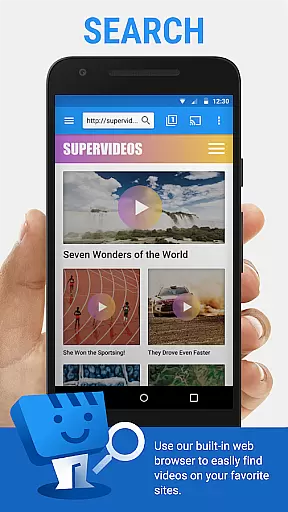
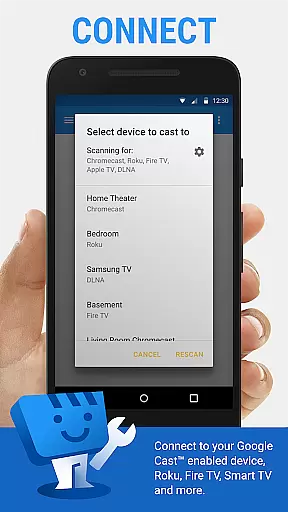
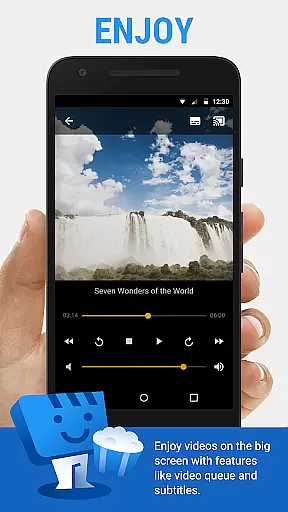
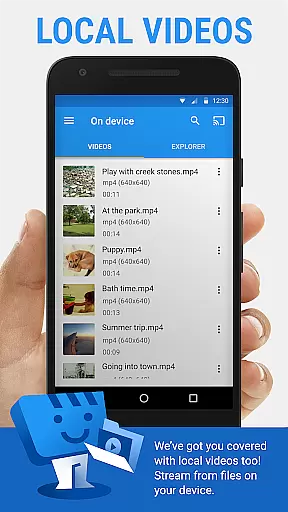
Web Video Cast is a versatile streaming application that allows users to cast videos, photos, and audio files from their mobile devices to various streaming devices. The app supports popular platforms like Chromecast, Roku, Amazon Fire TV, and Smart TVs from major manufacturers. It enables users to stream content directly from websites or local storage, including movies, live streams, and music.
The app's key strength lies in its ability to detect subtitles automatically while browsing web pages. Users can also upload custom subtitles or search for them through OpenSubtitles.org. With support for HLS live streams in M3U8 format and HTML5 videos, Web Video Cast provides a comprehensive solution for media streaming needs. Whether you want to watch your favorite shows on a bigger screen or share photos with friends, this app offers a seamless casting experience.
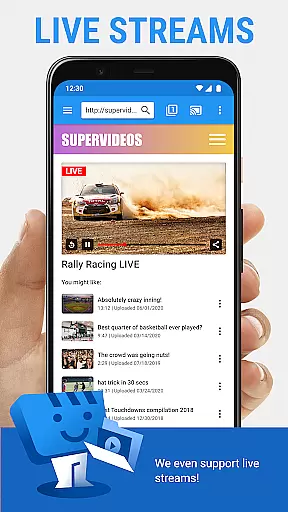
One notable use case is streaming live sports events from supported websites directly to your smart TV. This feature makes it an ideal companion for sports enthusiasts who want to enjoy high-quality streaming on their home entertainment systems. By supporting multiple streaming protocols and offering cross-device compatibility, Web Video Cast delivers significant value to users looking to enhance their multimedia viewing experience.
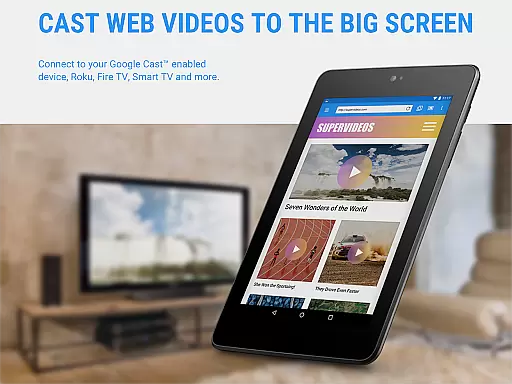
Web Video Cast stands out with its extensive feature set designed to maximize user convenience. The app supports a wide range of streaming devices, including Chromecast, Roku, DLNA receivers, and various smart TVs. This broad compatibility ensures that users can connect to their preferred display devices without limitations. Additionally, the app works with PlayStation 4 through its web browser, expanding its reach to gaming consoles.
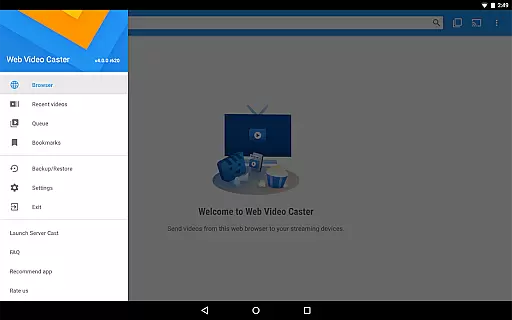
A key innovation is the integrated subtitle management system. While browsing web pages, the app automatically detects available subtitles. Users have the flexibility to use their own subtitle files or search for alternatives through OpenSubtitles.org. The app also supports premium features such as bookmarking, video history tracking, and queue management, though these may vary across different streaming devices.
The implementation of advanced streaming protocols sets Web Video Cast apart from competitors. It handles HLS live streams in M3U8 format and HTML5 videos, provided the streaming device supports these formats. The app maintains original video quality without performing any transcoding, ensuring optimal performance. These technical capabilities, combined with user-friendly interface elements, make Web Video Cast a powerful tool for managing and streaming digital media content across devices.
Video format compatibility is a crucial feature for any video player and editor, ensuring that users can enjoy a wide range of media without technical barriers. Web Video Cast supports various formats including MP4 videos, HLS live streams in M3U8 format, and any HTML5 videos, provided your streaming device can decode them. This flexibility allows you to cast local videos stored on your phone, movies, TV shows, live news, sports, photos, and audio files to your TV effortlessly.
The application's strength lies in its ability to work seamlessly with popular streaming devices like Chromecast, Roku, DLNA receivers, Amazon Fire TV, and many smart TVs. By supporting these devices, Web Video Cast ensures that no matter what brand or model you own, you're likely covered. However, it's important to note that the app does not perform any video/audio decoding or transcoding, relying instead on the capabilities of your streaming device.
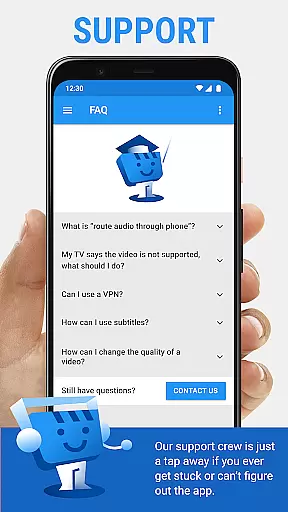
For users, this means an uninterrupted entertainment experience where they can enjoy content from their favorite websites directly on their TV. Whether it's a movie night or watching live sports, the broad format support ensures that you won't be limited by compatibility issues. If problems do arise, the developers are open to feedback and aim to assist with compatibility concerns upon contact.
AI-powered editing features represent the cutting edge of video player and editor technology, offering users advanced tools to enhance their viewing experience. While Web Video Cast focuses primarily on casting and streaming capabilities, it incorporates intelligent features such as automatic subtitle detection on web pages. This functionality not only simplifies the process of finding and displaying subtitles but also enhances accessibility for viewers who rely on them.
In addition to detecting subtitles automatically, Web Video Cast allows users to upload their own subtitle files or search for subtitles via OpenSubtitles.org. This integration of AI-driven features ensures that language barriers or hearing impairments don't hinder the enjoyment of content. The app intelligently matches subtitles to the video being played, providing a seamless experience without manual intervention.
While the app doesn't offer traditional video editing capabilities like trimming or effects, its smart features add significant value. Users benefit from an enriched viewing experience with minimal effort, thanks to the app's intuitive handling of subtitles and other automated enhancements. These AI-powered functionalities make Web Video Cast a versatile tool for anyone looking to enjoy personalized and accessible media consumption.
User-friendly interface
Wide device compatibility
Subtitle detection
Live stream support
Cross-platform casting
No tab casting
Limited server control
Premium costs extra
Device limitations
Occasional buffering

Kodi media center, a free and open source cross-platform entertainment hub
 3.60
3.60
Save photos and videos from social apps in one tap.
3.60
Snaptubè Video Downloader app allows to download videos and music in Snaptube. .
4.60
Create & edit videos with AI
4.30
High-Quality USB Camera Viewer & HDMI Display
4.70
An easy-to-use and all-round screen recorder with audio
4.80
IPTV Player - Watch live TV from m3m & m3u8 playlist, stream IPTV on mobile
3.30
The essential companion to your Blue Iris PC software
2.50
Browser for Samsung TV to stream webvideos, online movies and livestreams in HD
4.10
Video Trimmer, Video to MP3 Converter. Extract music from video, Easy & Fast.
4.80
Watch IPTV on your Android device
4.60
Fast, private downloading, video saving, social media
4.50
Cast to Chromecast, Xbox, Fire Stick, Roku, DLNA, Smart TV & No Feature Limited!
4.50
Your media, on your terms.
4.10
Stream Web Videos to Chromecast, Samsung, LG, Sony, Roku, Fire TV, DLNA + more
4.00
Fast private browser with secure, seamless access & supported video downloads!
4.00
Cast to Smart TV, Fire TV. Cast video, photo - Fast & Stable!
3.90
Manage your IPTV live channels and VOD playlists (no playlist included)
3.80
You can play SWF format file!
2.50


User Reviews