
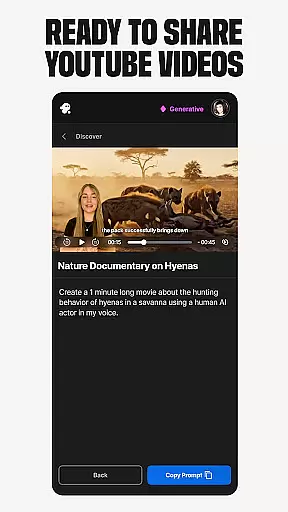
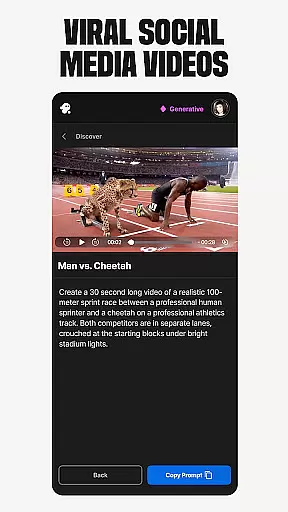
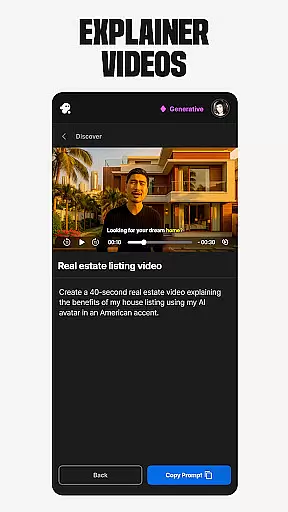
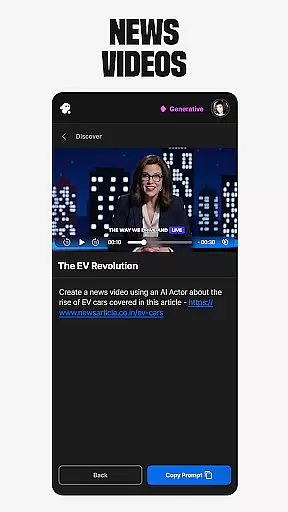
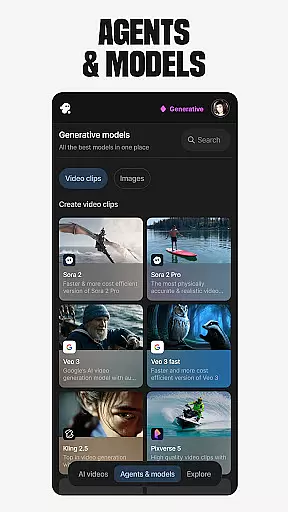
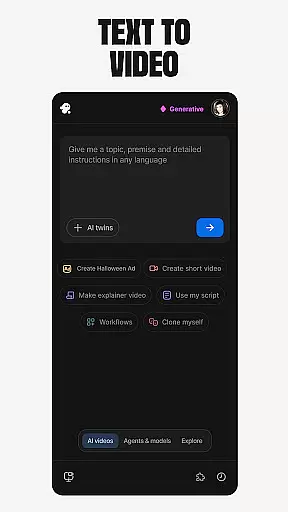
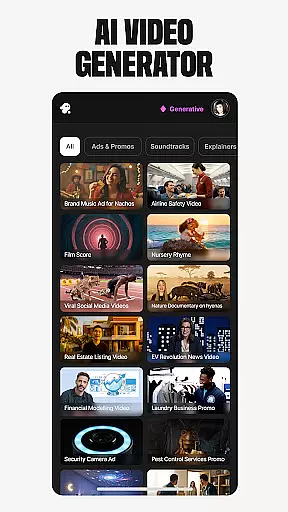
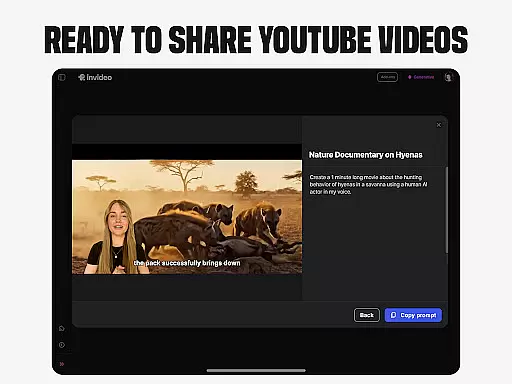
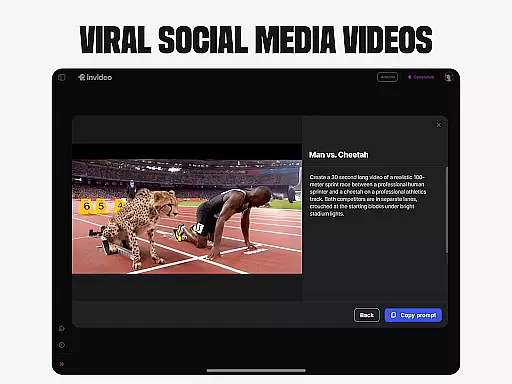
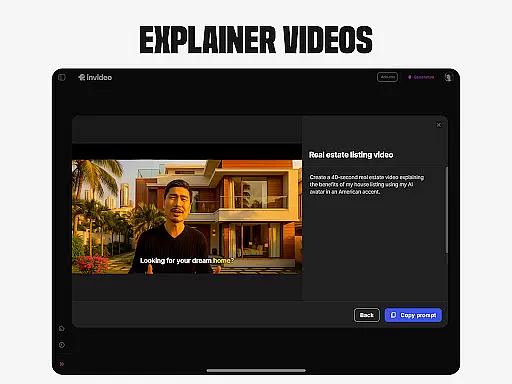
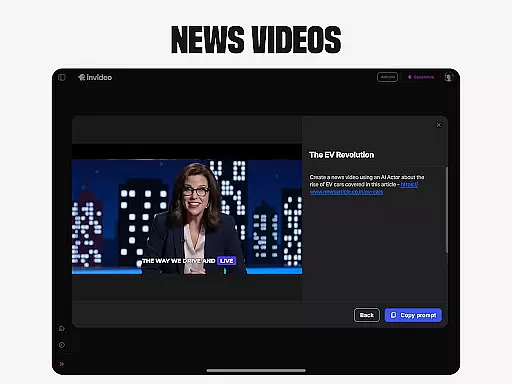
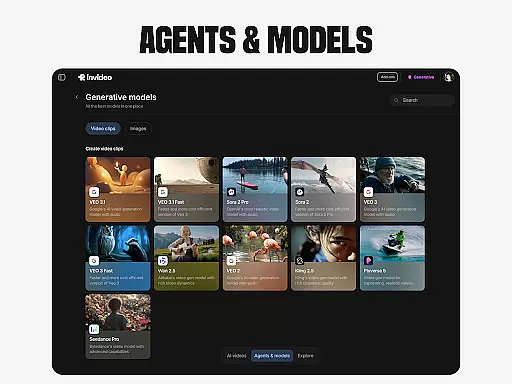
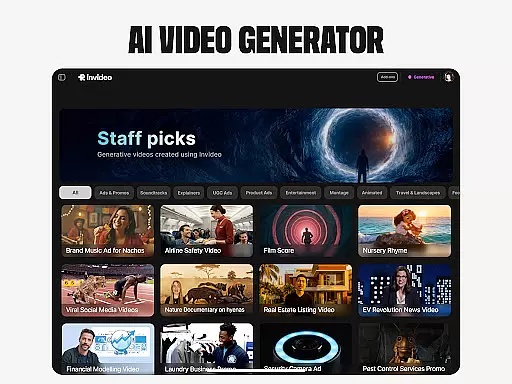
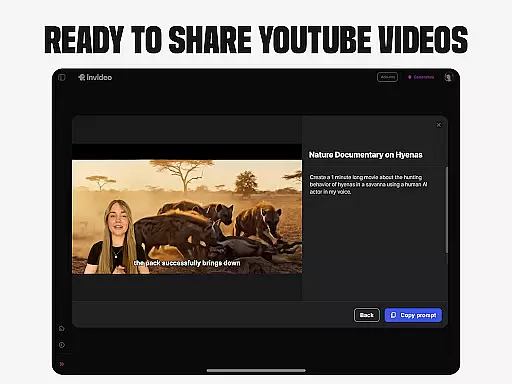
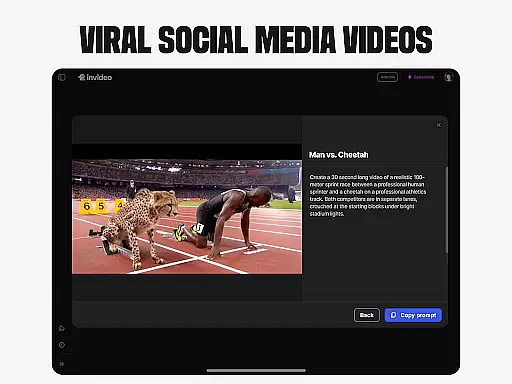
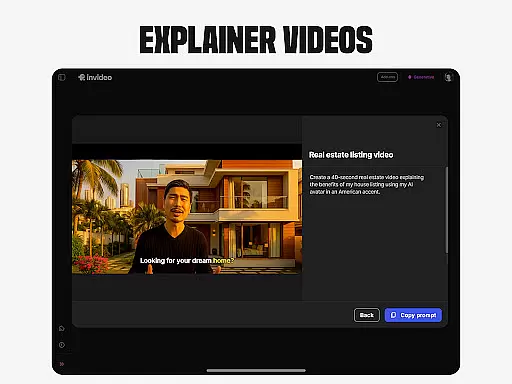
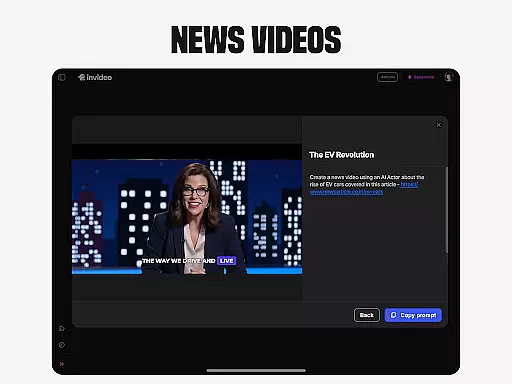
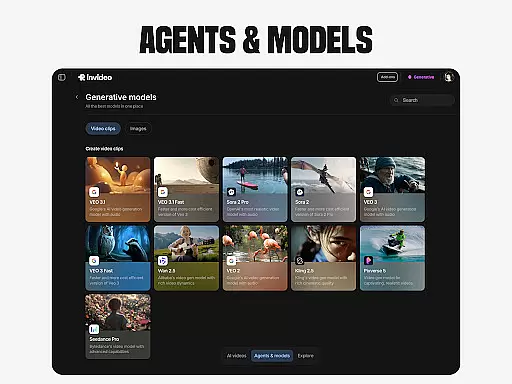
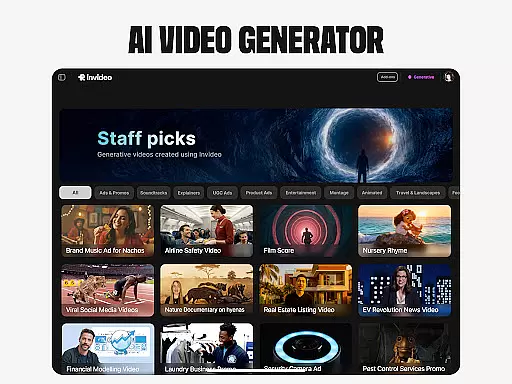
Invideo AI revolutionizes video creation by offering a user-friendly platform that empowers both beginners and professionals to craft high-quality AI videos effortlessly. With its comprehensive suite of tools, users can generate explainer videos, advertisements, and even full-length films in over 50 languages.
The app stands out with unique features like AI Avatars, enabling creators to design digital twins for various content needs, and AI voice cloning for multilingual voiceovers. Its virtual try-ons and UGC video generation further expand creative possibilities, making it an indispensable tool for modern video production.
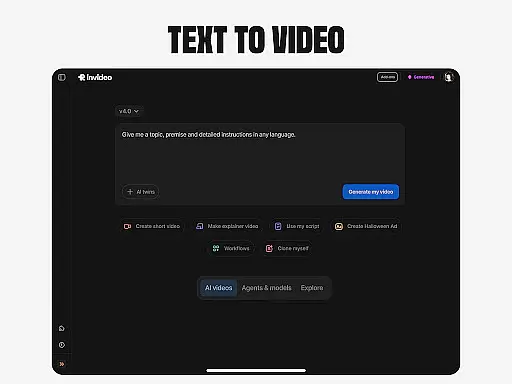
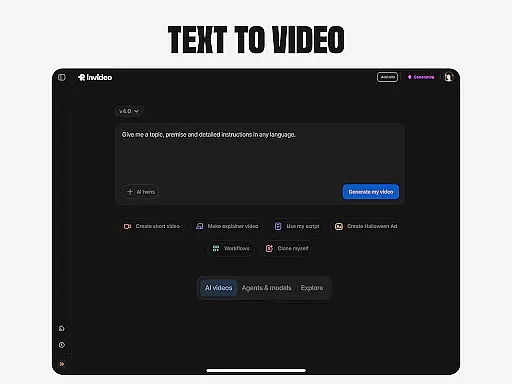
Invideo AI boasts an impressive array of features designed to streamline video creation. The AI Text-to-video function converts scripts into engaging visual content, while the AI Image to video capability transforms static images into dynamic presentations.
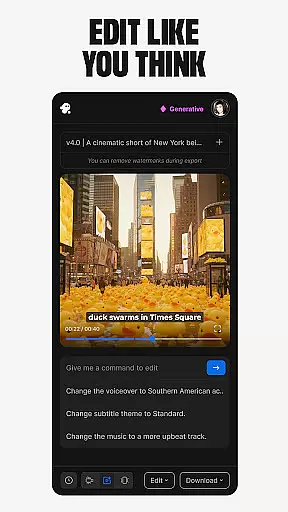
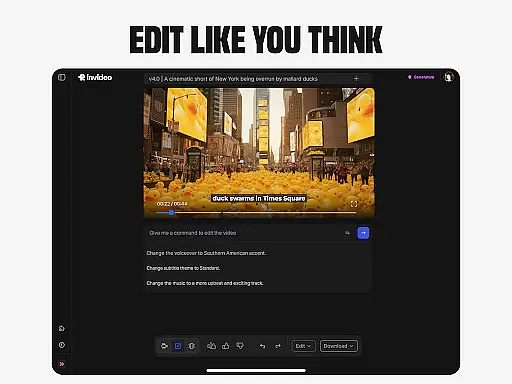
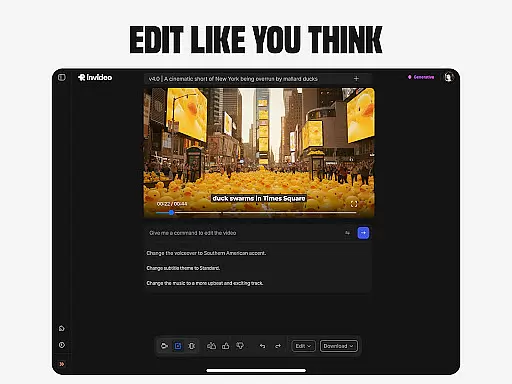
Advanced editing tools allow users to modify scenes, adjust music, and refine video tone through simple text commands. The platform's AI-powered capabilities extend to creating realistic UGC content and virtual product demonstrations, eliminating traditional production challenges and delivering professional results with minimal effort.
In the realm of video creation and editing, the compatibility with various video formats stands as a pivotal feature. Invideo AI shines in this aspect by supporting over 50 languages and enabling the creation of full-length videos complete with scripts, generative media, captions, voiceovers, music, and effects.
This extensive support for multiple elements within video production not only broadens the scope of creative expression but also ensures that users from different linguistic backgrounds can utilize the platform effectively. Whether it's crafting explainers, promos, ads, or stories, the versatility in format compatibility empowers creators to bring their visions to life without constraints.
Furthermore, the ability to convert prompts into full scenes and visualize scripts with AI capabilities enhances the user experience. Creators are not just limited to text-to-video conversions; they can also transform images into videos, clone voices, and even create virtual product try-ons, all while enjoying seamless integration across diverse formats.
The innovation of AI-powered editing features marks a significant leap forward in video editing technology. Invideo AI incorporates advanced tools that allow users to change scenes, edit music, refine tone, and swap voiceovers effortlessly. This removes the traditionally steep learning curve associated with complex timeline-based editing applications.
By leveraging simple text commands for editing, invideo AI democratizes the video editing process, making it accessible to both novices and professionals. Users can now focus more on the creative aspects rather than getting bogged down by technical intricacies. The inclusion of AI-driven functionalities like AI avatars, AI voice cloning, and AI image to video conversion further enriches the editing suite.
Ultimately, these sophisticated yet user-friendly AI-powered editing features enable creators to produce ultra-realistic testimonial videos, spokesperson clips, and engaging UGC content. With minimal effort, users can generate high-quality videos that captivate audiences and enhance their digital presence.
User-friendly interface
Extensive feature set
Multilingual support
Professional-grade output
Time-saving automation
Subscription costs
Learning curve
Occasional glitches
Limited free options
Internet dependency

Your media, on your terms.
 4.10
4.10
A Quick and Pro Video Editor
4.70
HD video maker with no watermark, no ads & vlog maker with music, PIP, text
4.50
This app was created to edit the metadata of music files.
4.20
High-Quality USB Camera Viewer & HDMI Display
4.70
AirMirror Receiver - Screen mirroring/cast web videos to Android TV by AirPlay.
4.40
Mix with Virtual DJ directly from your phone or tablet !
3.10
AI Video Editor with Music, Filter, Slideshow, Effect, Merge & Trim Video.
4.80
Create, Publish & Maximize
4.70
Play ALL formats in 4K & HD. Video downloader, MP3 player, Chromecast & more.
4.80
Snaptubè Video Downloader app allows to download videos and music in Snaptube. .
4.60
IPTV Loader, loads your own Playlist. DOES NOT CONTAIN ANY LIST OR CHANNELS
4.60
Watch IPTV on your Android device
4.60
Browser + Remote for Roku to stream webvideos, online movies and livestreams
4.60
Cast movies, tv shows and live streams to Chromecast, Roku, DLNA, Fire TV & more
4.60
Powerful video player with advanced hardware acceleration and subtitle supports
4.20
LumaFusion: The Ultimate Storytelling Experience for Video Editing
4.10
All in one multi protocols stream receiver for AirPlay, Cast and DLNA.
3.60
Watch full episodes of your favorite Cartoon Network and Cartoonito shows!
3.50


User Reviews