
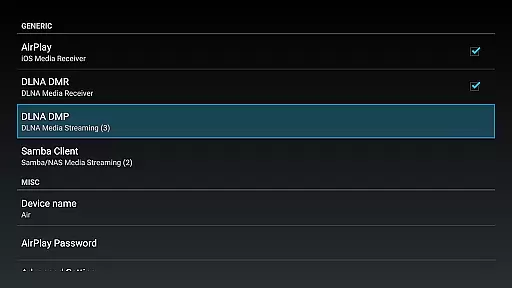
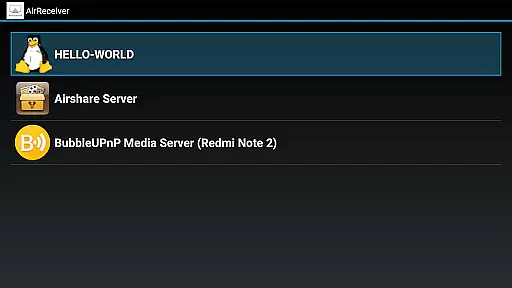

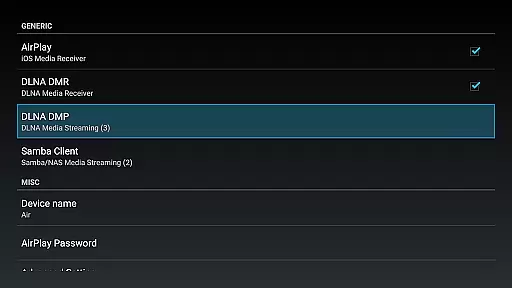
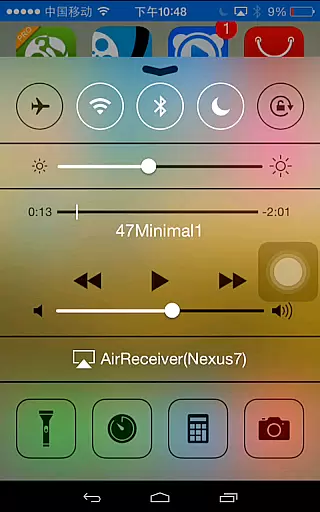
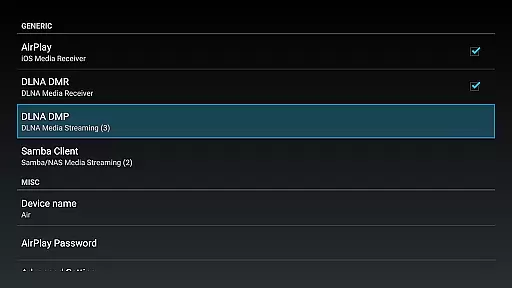
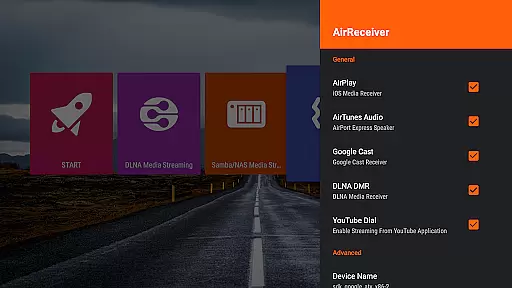
AirReceiver is a versatile streaming solution that supports multiple protocols including AirPlay, Cast, Wireless Display, and DLNA. This application allows users to stream screens, photos, music, and videos from their phones or laptops directly to their TV screens.
Designed to operate seamlessly in the background, AirReceiver is optimized for Android TV/Box, making it an ideal choice for users looking to enhance their multimedia experience without interruptions.
Whether you're at home or in the office, AirReceiver provides a reliable way to enjoy your digital content on a larger display, offering both convenience and high-quality streaming capabilities.
AirReceiver stands out with its comprehensive feature set tailored for seamless media streaming. It supports YouTube video streaming and offers audio sync with other AirExpress devices, ensuring a synchronized viewing experience across different platforms.
The app excels in AirMirror functionality, providing top-tier performance among third-party AirPlay applications. With full support for iOS 16 and slideshow features, users can enjoy a wide range of multimedia options.
Additionally, AirReceiver's compatibility with AirParrot enables PC screen mirroring onto Android tablets. The ability to run as a background service, configurable network names, and startup-on-boot options further enhance user control and convenience.
Video format compatibility is a crucial feature for any video player or editor, ensuring that users can enjoy a wide range of media content without worrying about format restrictions. AirReceiver AirPlay Cast DLNA supports multiple protocols including AirPlay, Cast, Wireless Display, and DLNA, making it versatile for streaming various types of media.
This application allows you to stream screen, photos, music, and videos from your phones and laptops directly to your TV. It works seamlessly in the background, providing an uninterrupted streaming experience to Android devices, especially suitable for Android TV/Box setups.
AirReceiver stands out with its support for popular formats and sources such as YouTube videos, AirMirror for high-performance mirroring, full IOS16 support, slideshow features, and compatibility with AirParrot for PC screen mirroring. This ensures that no matter what device or content you have, AirReceiver can handle it efficiently.
AI-powered editing features are transforming the landscape of video players and editors by introducing smart tools that enhance user experience and streamline the editing process. While AirReceiver AirPlay Cast DLNA focuses primarily on streaming capabilities, it incorporates several intelligent functionalities that improve media handling and presentation.
The app supports audio sync with other AirExpress devices, ensuring that sound and visuals are perfectly aligned during playback. Additionally, its compatibility with AirMirror offers one of the best performances among third-party AirPlay applications, providing smooth and responsive screen mirroring.
Moreover, AirReceiver includes advanced options like configurable network names, auto-start on boot, and Windows Screen Mirror through the free tool AirSender. These features collectively contribute to a smarter, more adaptable multimedia environment where users can effortlessly manage and enjoy their digital content.
User-friendly interface
Multi-protocol support
Seamless streaming experience
Optimized for Android TV/Box
Reliable performance
High CPU usage during AirMirror
Limited to powerful devices
Potential conflicts with other apps
No built-in media player
Refund policy limitations

Watch a large amount of high-definition short drama content
 4.60
4.60
Full HD Video mp3 Player, MP4 player play 1080p, File manager, Video Downloader
4.40
Play ALL formats in 4K & HD. Video downloader, MP3 player, Chromecast & more.
4.80
Powerful HD video player with support for all formats & subtitles.
4.1
Video Downloader, Multiple Resolution Options, Video Player
4.50
Watch IPTV on your Android device
4.60
Video&Drama Player All Format is a HD video player, music player
3.00
Enjoy your favorite videos and channels with the official YouTube app.
3.90
Capture the moment and Cut
3.40
High-Quality USB Camera Viewer & HDMI Display
4.70
Snaptubè Video Downloader app allows to download videos and music in Snaptube. .
4.60
Movie maker & video editing app with AI effects and green screen
4.30
Turn your phone into a wireless camera!
4.20
Your media, on your terms.
4.10
Powerful, professional, versatile teleprompter. Developed by an active film crew
4.00
Make your own Animations, Video and Photo Edits, Visual Effects, and more!
4.00
Online Videos Player
3.90
A full editing room to accompany your Insta360 cameras and handheld gimbals.
3.30
Client application for NextPVR software
3.00


User Reviews