

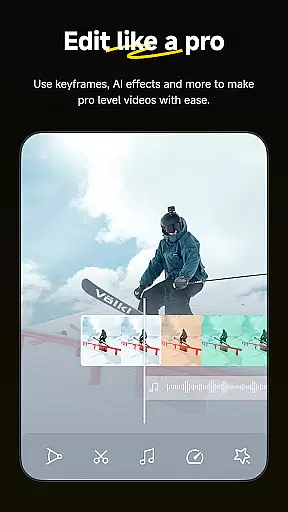


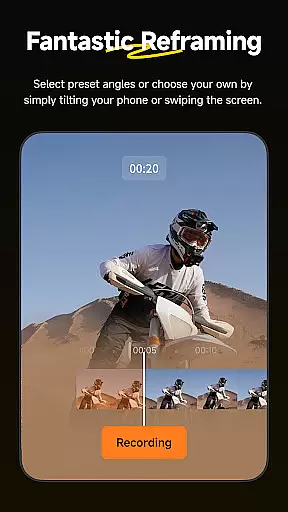
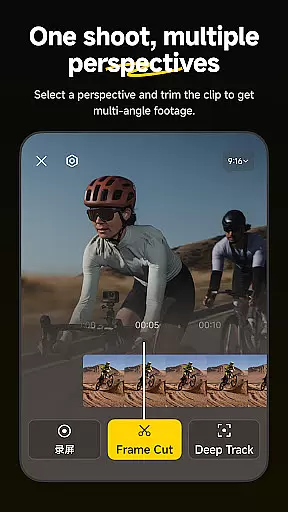
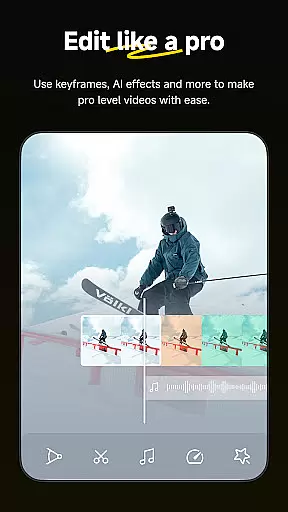
Insta360 is a powerful video editing and camera companion app designed for creators, athletes, and adventurers. It offers advanced AI-powered tools to streamline the editing process while providing creative freedom. The app supports seamless integration with Insta360 cameras and handheld gimbals, enhancing your shooting experience.
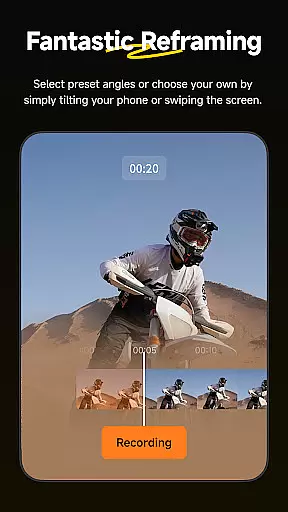
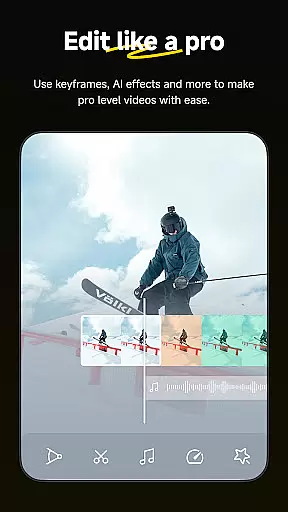
With features like auto-reframing, hyperlapses, and AI templates, users can create professional-quality videos effortlessly. Whether you're editing on the go or exploring new content ideas, Insta360 ensures an intuitive and efficient workflow. Its innovative tools cater to both beginners and experienced creators, making it a versatile choice for all video enthusiasts.
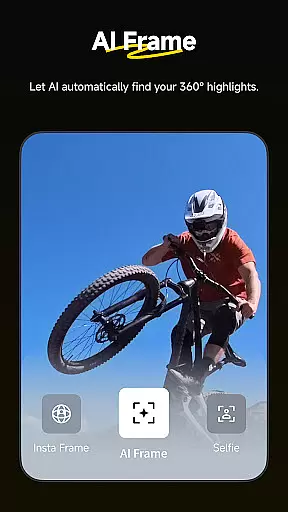
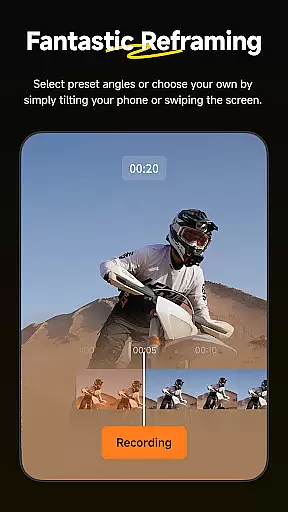
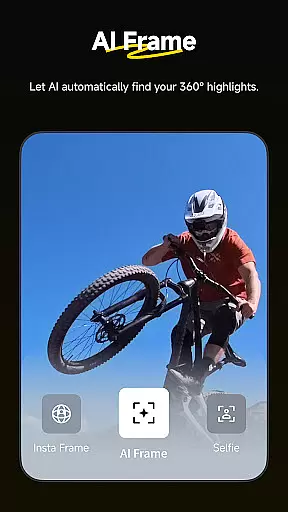
Insta360 stands out with its robust set of features tailored for modern creators. The AI Edit functionality automates the reframing process, detecting subjects and highlighting key moments in your footage. This saves time while ensuring high-quality edits.
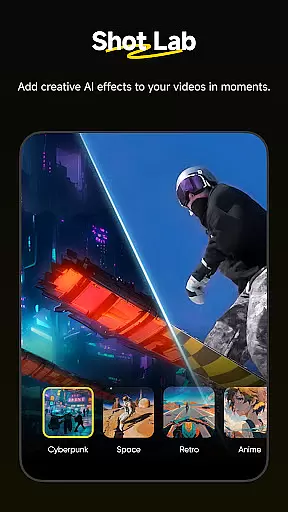
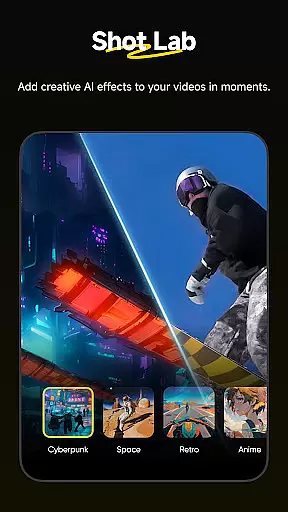
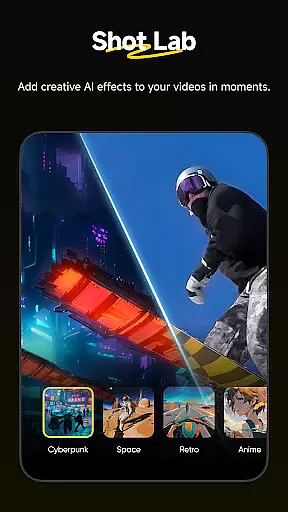
The Shot Lab provides over 25 customizable templates, such as Clone Trail and Sky Swap, enabling users to craft viral-worthy clips with minimal effort. Additionally, tools like Deep Track and Download-Free Editing enhance usability by simplifying complex tasks. These innovations make Insta360 a leader in mobile video editing solutions.
Insta360 supports a wide range of video formats, ensuring that creators can work with their preferred file types without any hassle. The app is designed to handle everything from standard MP4 files to more specialized 360-degree video formats, providing users the flexibility they need.
With this extensive compatibility, you can easily import footage from various sources and devices, making it simple to compile and edit videos from multiple cameras or shoots. This versatility is crucial for creators who use different gear for different projects.
The app's ability to manage such a diverse array of formats also simplifies the editing process. You won't need to convert files before starting your project, saving both time and storage space on your device. This seamless integration allows for a smoother workflow.
Moreover, Insta360 ensures that output options are equally versatile, allowing users to export their creations in formats suitable for various platforms like YouTube, Instagram, and more. This guarantees that your final content will look great no matter where it's shared.
Insta360 leverages advanced AI-powered editing features to revolutionize how creators approach post-production. With tools like AI Edit, Shot Lab, and Deep Track, the app automates complex processes, enabling users to produce high-quality edits with minimal effort.
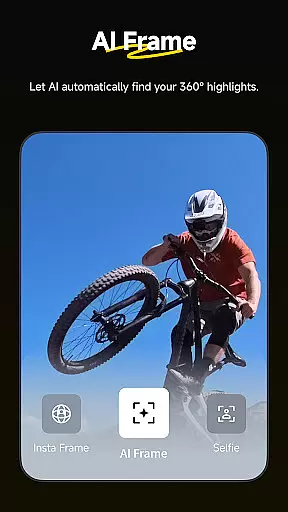
AI Edit takes care of the entire reframing process, automatically detecting subjects and highlighting action-packed moments. This feature not only speeds up editing but also enhances accuracy with improved subject detection capabilities. Creators can now focus more on storytelling and less on technical adjustments.
Shot Lab offers over 25 AI-powered templates, including innovative modes like Nose Mode, Sky Swap, AI Warp, and Clone Trail. These templates allow users to craft viral clips in just a few taps, opening up endless creative possibilities without requiring professional editing skills.
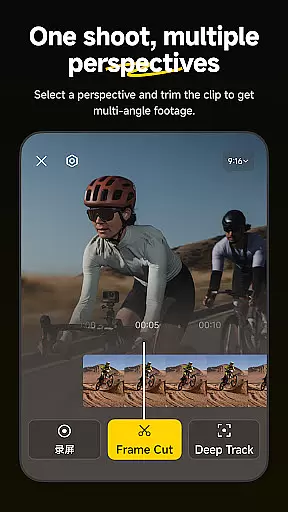
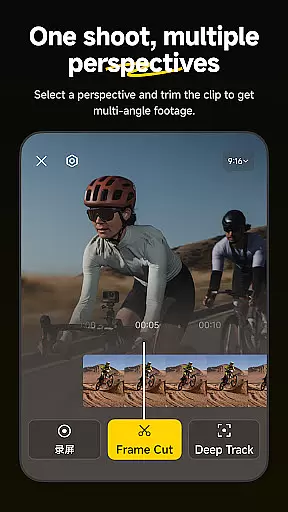
Deep Track ensures that whether you're filming a person, animal, or moving object, the subject remains perfectly centered with a single tap. This intuitive tool simplifies dynamic shooting scenarios, providing stable and engaging footage every time.
User-friendly interface
Advanced AI editing tools
Wide range of creative templates
Seamless camera integration
Efficient download-free editing
Requires learning curve
Some features need premium access
Dependent on device performance
Limited offline support
Occasional bugs in updates

Video Player - Unlimited features, 30 days money back guarantee.
 4.60
4.60
Create & edit videos with AI
4.30
Video player with powerful streaming playback and various convenient features.
2.10
All in one multi protocols stream receiver for AirPlay, Cast and DLNA.
3.60
Connect EasyCap or UVC devices for recording and broadcast video/audio stream
3.60
Download Hub, easy and private way to download and enjoy your videos offline
4.80
Video player with 4K & 1080P support, popup play, background play and subtitle.
4.20
Enjoy your favorite videos and channels with the official YouTube app.
3.90
convenient, safe and fast at Video Downloader & Player
4.60
Flud is a simple and beautiful BitTorrent client for Android.
4.80
A Quick and Pro Video Editor
4.70
Download videos and play them offline
4.70
Viddo: Generate Action Figure, AI Anime, AI kiss, AI hug Video from image & text
4.40
Browser for Samsung TV to stream webvideos, online movies and livestreams in HD
4.10
Powerful, professional, versatile teleprompter. Developed by an active film crew
4.00
AI Video Editor:AI Music, Text to Video,Text to Speech,Auto Caption,Video Effect
4.00
HD video & music player - All format support with floating & PIP mode!
3.80
Live TV, anywhere in your home
3.80
Mix with Virtual DJ directly from your phone or tablet !
3.10


User Reviews