
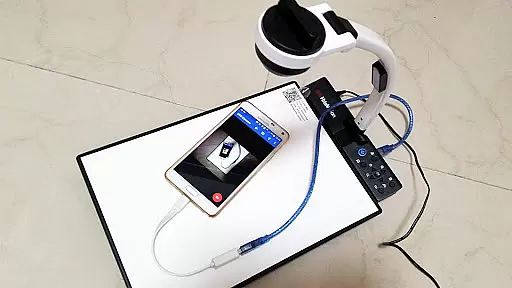
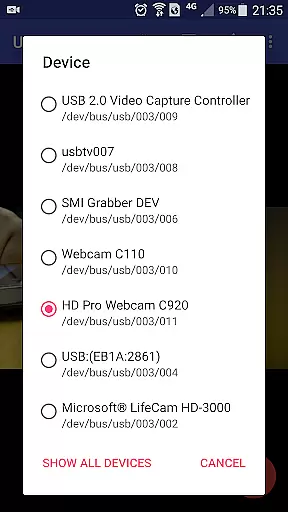
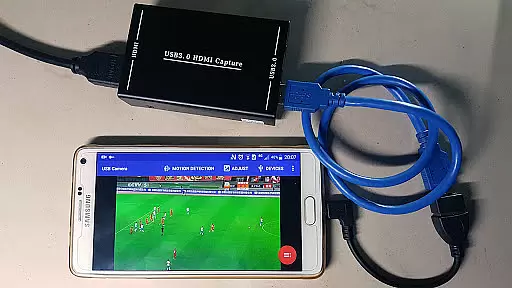
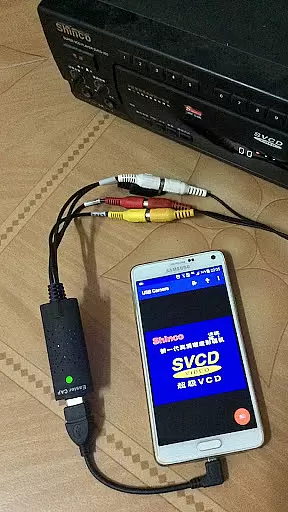
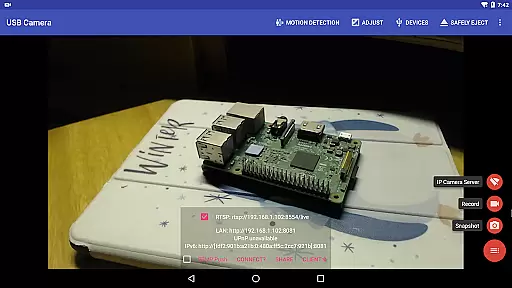
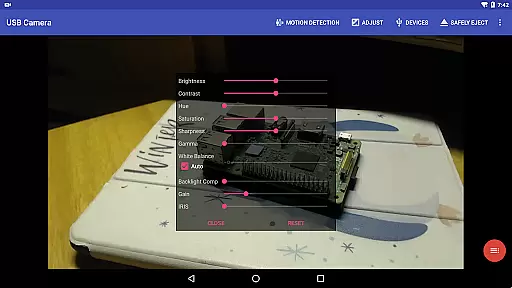
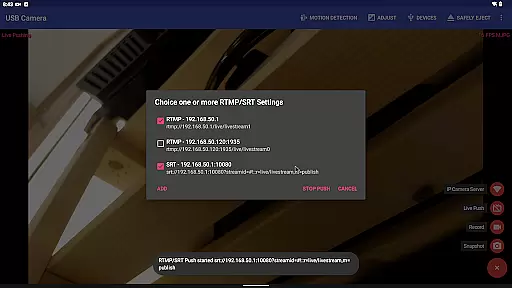
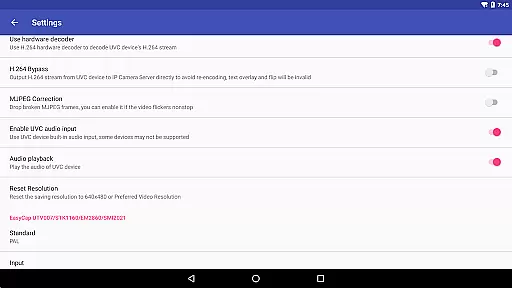
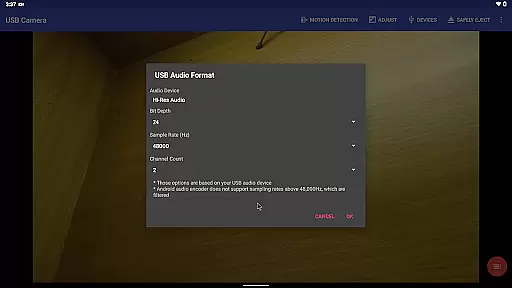
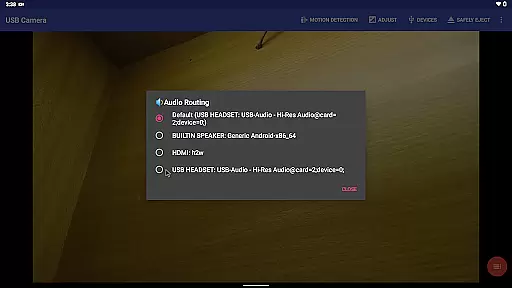
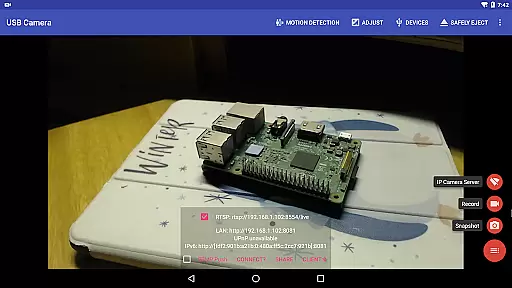
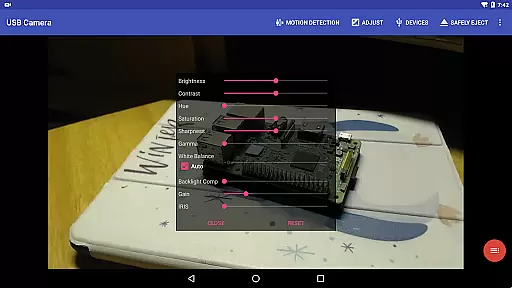
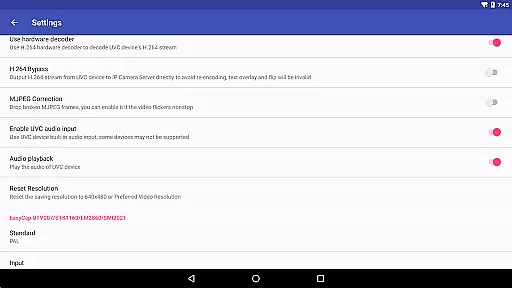
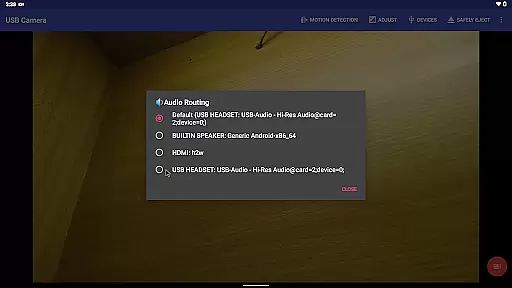
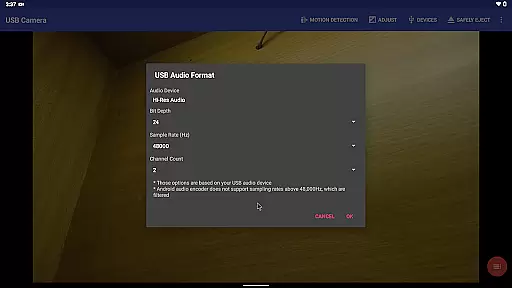
USB Camera Pro is a versatile application designed for Android users who need to connect their devices with USB WebCams or video capture cards. This app allows you to record high-quality videos, take snapshots, and even transform your phone into a wireless IP camera through its built-in RTSP and HTTP server capabilities. With support for bi-directional audio, it's ideal for security monitoring.
The app supports a wide range of devices including UVC WebCams, video grabbers, Windows Hello Cameras, and various non-UVC devices like USB Endoscopes. It also features advanced functionalities such as Picture in Picture, VR/FPV view, and the ability to display video on the lock screen. Whether you're using it for personal projects or professional broadcasts, USB Camera Pro offers the tools necessary to enhance your multimedia experience.
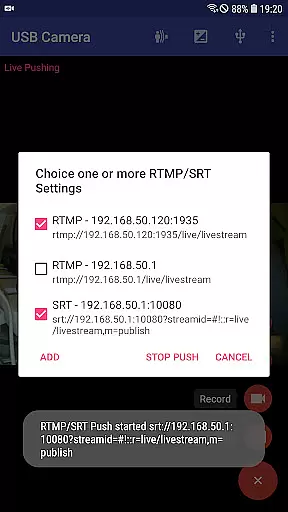
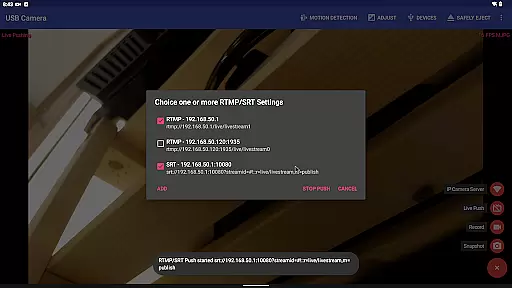
One of the standout features of USB Camera Pro is its ability to mix USB audio with built-in microphones or system audio, providing a seamless audiovisual experience. The app can overlay internal camera footage onto external camera video, creating dynamic visual effects. Additionally, it supports pushing video and audio to RTMP/SRT live media servers, making it suitable for network live broadcasts.
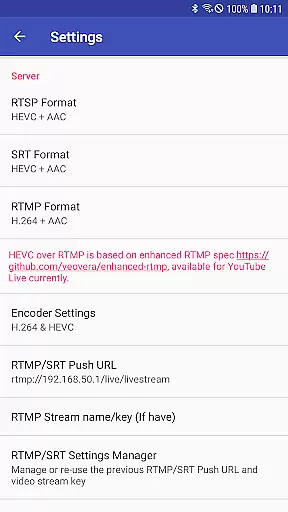
USB Camera Pro also supports advanced video codecs like HEVC and AV1, ensuring compatibility with modern streaming platforms such as YouTube Live. Its Side by Side (SBS) view functionality works well with FPV goggles, enhancing its utility for drone enthusiasts. Moreover, the app includes practical features like timestamp overlays, GPS data integration, and speed information on video frames, which are particularly useful for dashcam usage.
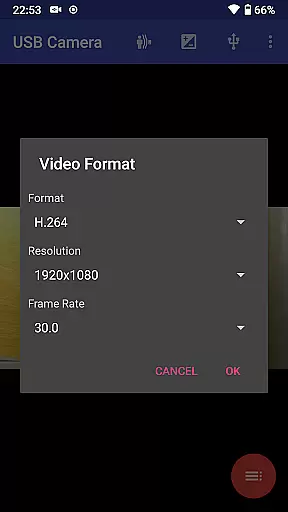
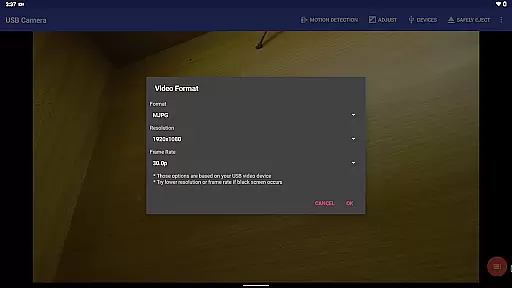
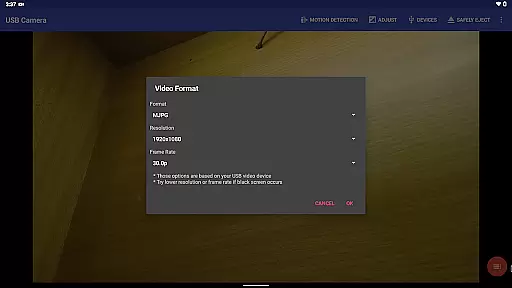
USB Camera Pro demonstrates exceptional versatility in video format compatibility, making it a powerful tool for various professional and personal use cases. The application supports an extensive range of video formats including H.264, H.265, HEVC, MJPG, YUY2, P010, and NV12 among others.
This broad compatibility ensures that users can connect their Android devices to a multitude of USB webcams and video capture cards without worrying about format restrictions. Whether you're using a UVC webcam with a built-in microphone or an advanced HDMI video grabber, the app facilitates seamless integration and operation.
The significance of this feature lies in its ability to cater to different video quality requirements, from standard definition to 4K resolution. This flexibility allows content creators, security professionals, and hobbyists alike to choose the best equipment for their specific needs while relying on USB Camera Pro to handle the technical aspects of video format processing.
By supporting both progressive and interlaced video formats, the application ensures smooth video playback and recording across various devices and scenarios. This comprehensive approach to video format compatibility ultimately enhances user experience by providing reliable performance and consistent results regardless of the connected device's specifications.
While USB Camera Pro primarily focuses on video capture and streaming capabilities, it incorporates several innovative features that resemble AI-powered editing functionalities. One notable aspect is its automatic video segmentation and intelligent motion detection system.
The application's loop-recording feature with auto-segmentation demonstrates basic AI-like behavior by analyzing video content and creating manageable video files based on user-defined parameters. This functionality helps users efficiently manage storage space while maintaining continuous recording capabilities.
Furthermore, the motion detection-based recording system shows characteristics of intelligent processing by identifying significant changes in video frames and triggering recording accordingly. This feature not only optimizes storage usage but also enables automated security monitoring solutions.
Although not traditional AI editing tools, these smart features contribute to workflow efficiency by automating routine tasks and enabling users to focus on more creative aspects of their projects. The ability to automatically upload recorded videos to FTP servers and send email notifications further enhances the application's value as a smart video management solution.
User-friendly interface
Wide device compatibility
Advanced codec support
Bi-directional audio capability
Robust feature set
Requires good OTG cables
Some features need specific hardware
Background mode may drain battery
Complex for beginners
Permissions needed for full access

Online Videos Player
 3.90
3.90
Fast, private downloading, video saving, social media
4.50
Cast Videos from Web Browser, IPTV to Roku, Chromecast, DLNA, Smart TV +more
4.60
Search & download videos from net with all video downloader, auto-detect & safe.
4.60
All format media Player, no need video converter any more!
4.00
Download website videos fast&privacy
4.40
Browser + Remote for Roku to stream webvideos, online movies and livestreams
4.60
Screen recorder with audio to take live videos & Screenshot in high quality!
4.70
Fast private browser with secure, seamless access & supported video downloads!
4.00
Tik & Story Saver-Download ALL social media videos, photos & reels no watermark.
4.80
Play ALL formats in 4K & HD. Video downloader, MP3 player, Chromecast & more.
4.80
An easy-to-use and all-round screen recorder with audio
4.80
Fast video downloader & private browser. Save HD clips to watch offline.
4.40
KMPlayer Plus (Divx Codec) officially support Divx codec.
4.30
Movie maker & video editing app with AI effects and green screen
4.30
AI Video Editor:AI Music, Text to Video,Text to Speech,Auto Caption,Video Effect
4.00
Connect 2 UVC devices for recording and broadcast video/audio stream
3.90
HD video & music player - All format support with floating & PIP mode!
3.80
AirMirror is Receiver for Screen Mirroring and Casting from Apple Devices.
3.60


User Reviews