
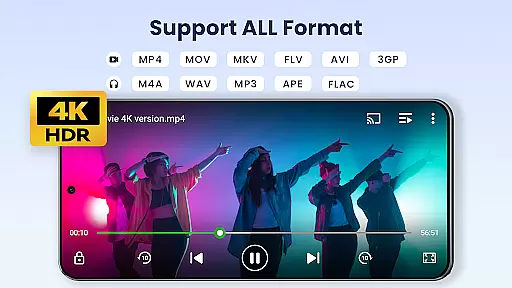

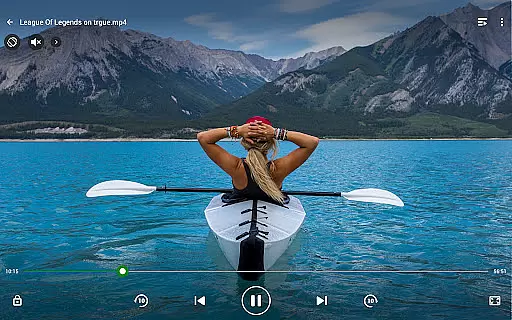
Video Player All Format is a versatile video playback tool designed for Android users. This professional-grade player supports all video formats including MKV, MP4, AVI, and more, with specialized support for 4K/Ultra HD content. The app ensures high-definition playback while offering advanced features like hardware acceleration and Chromecast support.
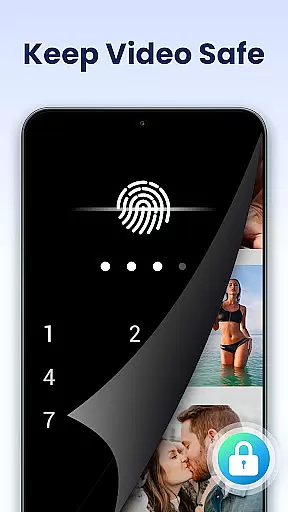
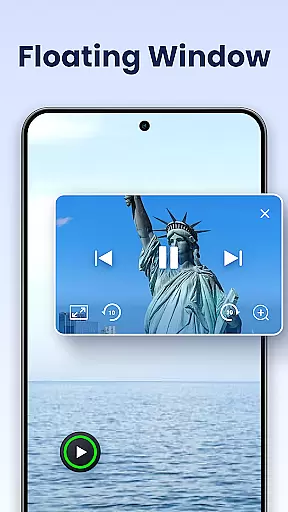
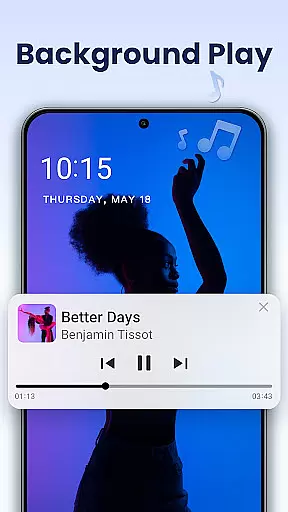
Beyond its core functionality, the player provides practical tools such as private folder protection, pop-up and background video modes, and subtitle downloading. It also includes usability enhancements like night mode, quick mute, and adjustable playback speed. These features make it an ideal choice for users seeking both privacy and convenience in their video playback experience.
Whether you're using an Android phone or tablet, Video Player All Format delivers a seamless experience across devices. Its automatic file detection and easy management options further simplify media handling, ensuring that users can focus on enjoying their content without unnecessary hassle.
Video Player All Format stands out with its comprehensive feature set tailored to meet diverse user needs. One of its key strengths is universal format compatibility, supporting everything from common formats like MP4 to less common ones like RMVB. This ensures no video goes unplayed, regardless of its source or encoding.
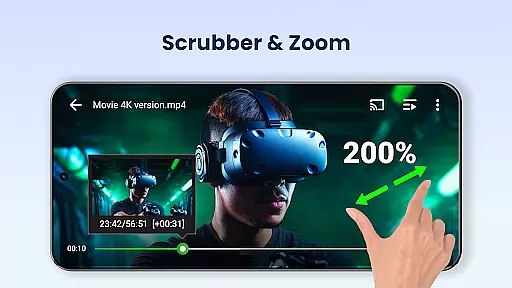
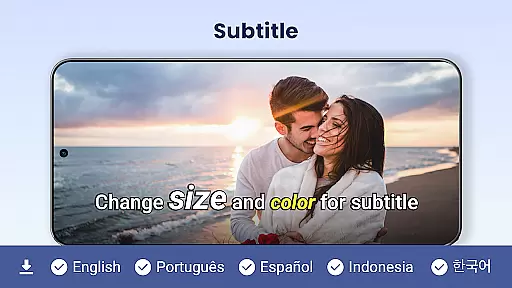
The app's performance is further enhanced by hardware acceleration and 4K playback capabilities, which ensure smooth, high-quality viewing even for large files. Additional functionalities like Chromecast integration allow users to stream videos directly to their TVs, while subtitle downloader support caters to multilingual audiences. The inclusion of floating and background video modes adds multitasking flexibility, making it easier than ever to consume content on your terms.
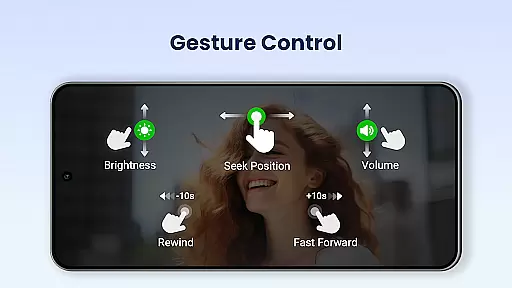
Usability is another area where this app excels. Features like automatic file detection, intuitive volume/brightness controls, and multi-playback options (auto-rotation, aspect ratio adjustment) create a polished user experience. Privacy-conscious users will appreciate the private folder feature, which safeguards sensitive content with password protection, ensuring peace of mind.
Video Player All Format stands out as a versatile video playback tool that supports an extensive range of video formats, making it adaptable to various user needs.
The application is engineered to handle ALL video formats including MKV, MP4, AVI, and more, ensuring that users are not limited by file type. Whether you're dealing with 4K or ultra HD video files, this player provides smooth, high-definition playback.
For users who value flexibility in their media consumption, the app's comprehensive format support means they can enjoy content from different sources without worrying about compatibility issues. This feature significantly enhances the viewing experience by removing barriers associated with varying video standards.
By incorporating hardware acceleration, Video Player All Format ensures optimal performance while playing demanding video files, offering both casual viewers and tech enthusiasts a reliable and high-quality playback solution.
While Video Player All Format primarily focuses on video playback, its AI-powered capabilities extend into enhancing the viewer's control and interaction with their media.
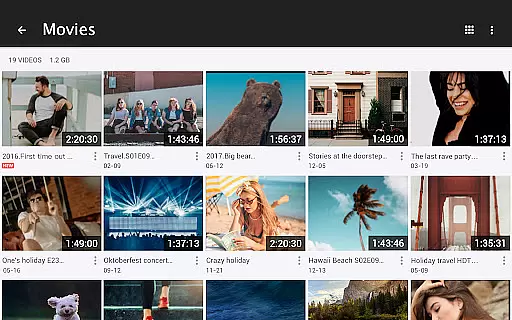
One innovative feature is the automatic identification of all video files on your device and SD Card, streamlining the management and sharing process. This simplifies navigation through large media libraries and contributes to a more organized viewing experience.
Additionally, advanced settings such as speed control from 0.5 to 2.0 allow for customized playback options that cater to individual preferences. The integration of night mode, quick mute, and pop-up video functionalities demonstrates the app's commitment to leveraging technology for improved usability.
These smart features collectively create a dynamic environment where users have greater command over their playback settings, resulting in a personalized and engaging entertainment session.
Supports all video formats
4K Ultra HD playback
Private folder protection
Chromecast integration
Floating video mode
No iOS version available
Occasional ads in free version
Limited editing tools
Interface may feel cluttered
Advanced features require learning

Cast Videos from Web Browser, IPTV to Roku, Chromecast, DLNA, Smart TV +more
 4.60
4.60
Snaptubè Video Downloader app allows to download videos and music in Snaptube. .
4.60
Search & download videos from net with all video downloader, auto-detect & safe.
4.60
Movie maker & video editing app with AI effects and green screen
4.30
Add date and time watermark to photos and videos
4.50
Mix with Virtual DJ directly from your phone or tablet !
3.10
All in one multi protocols stream receiver for AirPlay, Cast and DLNA.
3.60
The essential companion to your Blue Iris PC software
2.50
convenient, safe and fast at Video Downloader & Player
4.60
#1 Torrent App on Android ** No Ads Ever + Battery Saver **
4.80
An easy-to-use and all-round screen recorder with audio
4.80
HD Video player all format, HD Videos, Cast & Subtitle. No annoying ads.
4.60
IPTV Loader, loads your own Playlist. DOES NOT CONTAIN ANY LIST OR CHANNELS
4.60
Create & edit videos with AI
4.30
Fast private browser with secure, seamless access & supported video downloads!
4.00
Cast to Smart TV, Fire TV. Cast video, photo - Fast & Stable!
3.90
AirMirror is Receiver for Screen Mirroring and Casting from Apple Devices.
3.60
IPTV Player - Watch live TV from m3m & m3u8 playlist, stream IPTV on mobile
3.30
Play and download HD videos from all sources — fast, simple, and all-in-one.
4.0


User Reviews