
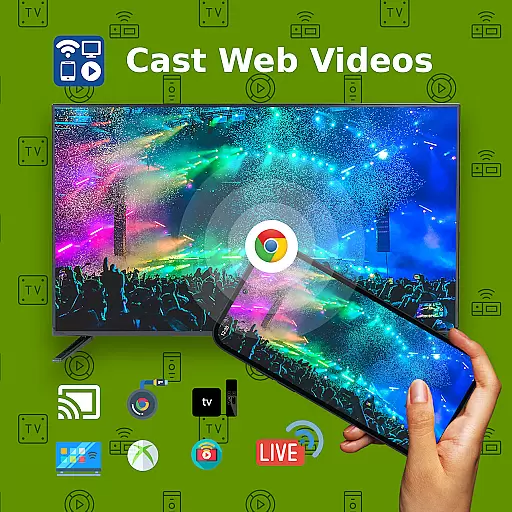
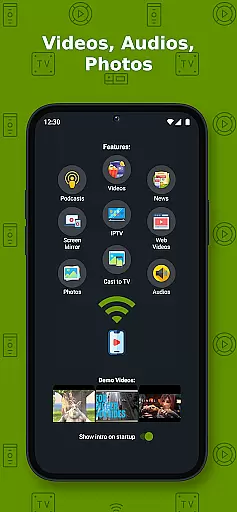
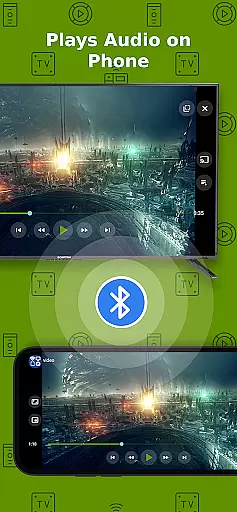
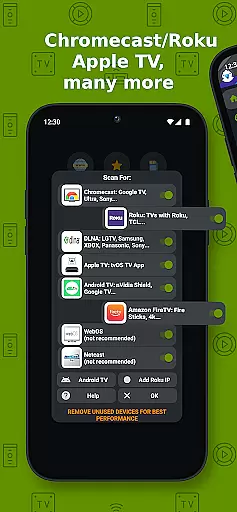
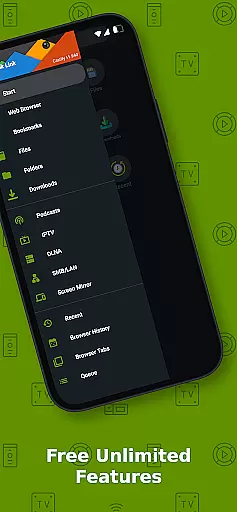
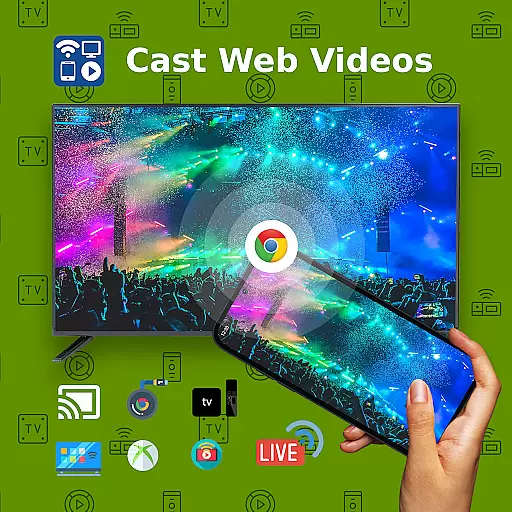
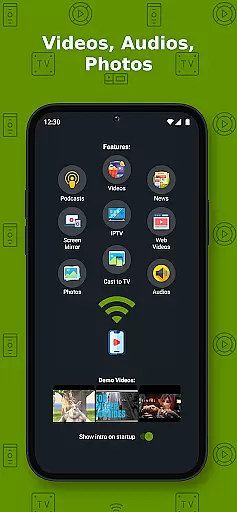
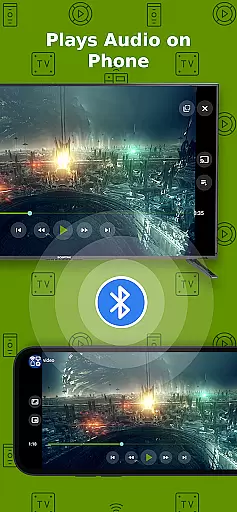
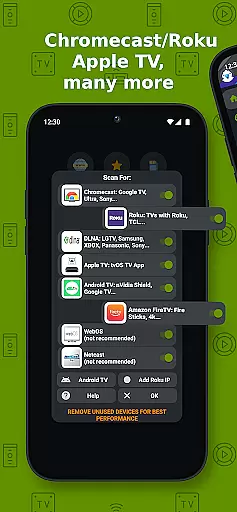
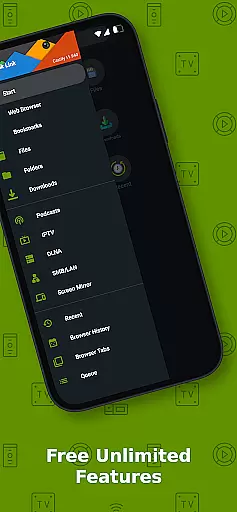
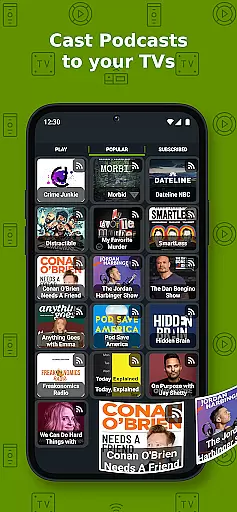
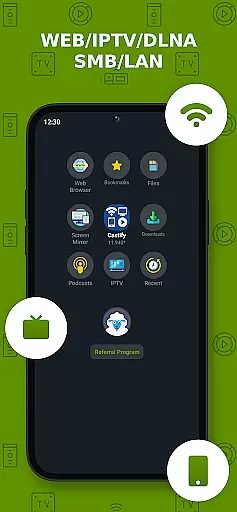
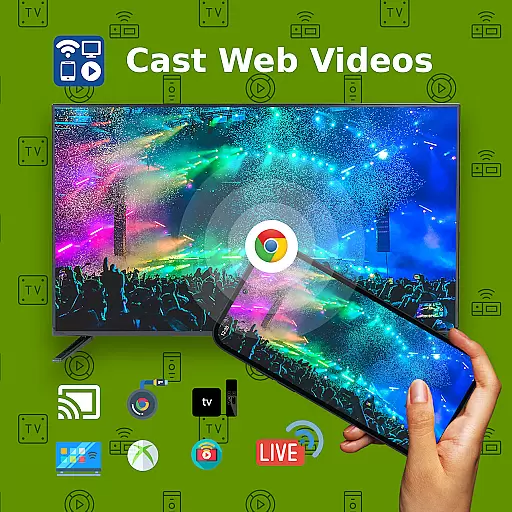
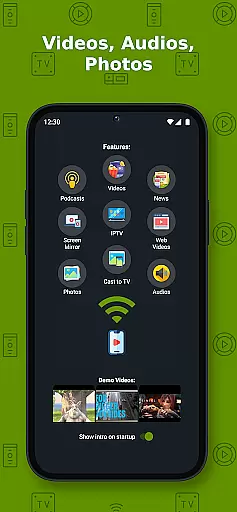
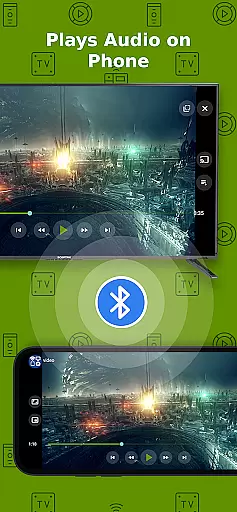
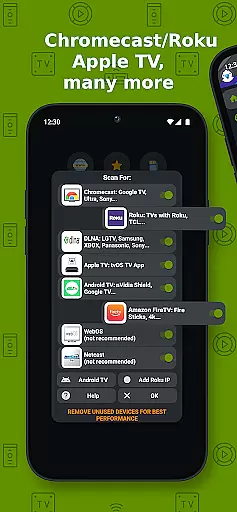
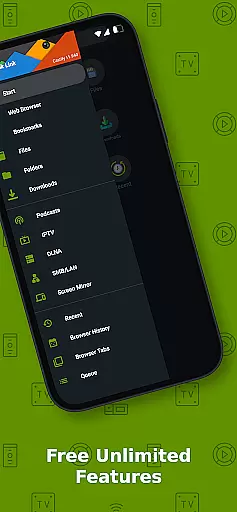
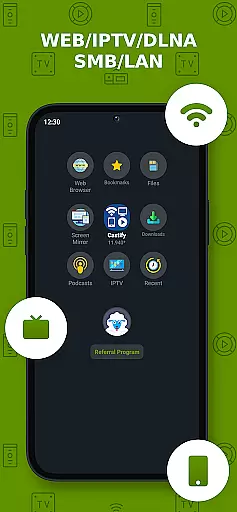
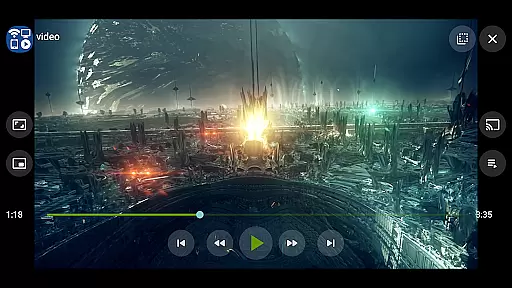
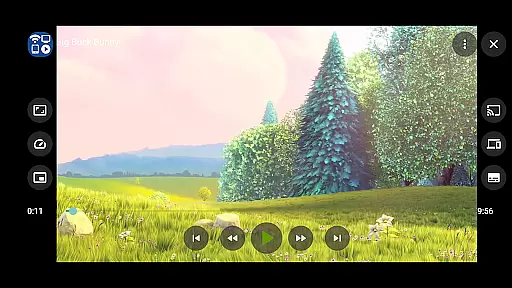
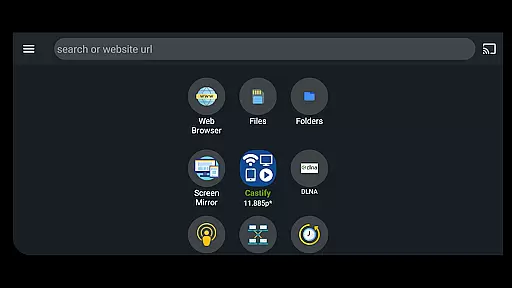
Cast to TV+ Chromecast Roku TV is a versatile streaming application that allows users to cast videos, music, photos, and other media content from their mobile devices to various streaming devices. The app supports a wide range of streaming devices including Chromecast, Roku TV, Fire TV, DLNA receivers, Xbox One, and many smart TVs with built-in DLNA support. It also enables casting to web browsers such as Chrome and Firefox.
In addition to its core casting functionality, the app offers advanced features like AI Subtitle Generation and Translation, Universal Remote Controls for different devices, Screen Mirroring, and Picture in Picture (PiP) mode. These features make it an ideal solution for users who want to enjoy multimedia content on larger screens without compatibility issues. Whether you're streaming local files or online content, this app provides a seamless experience across multiple platforms.
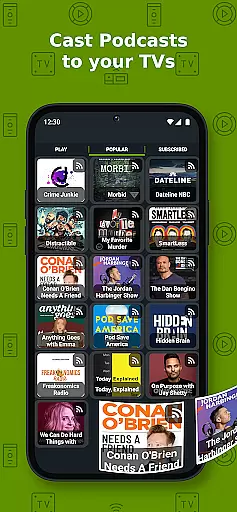
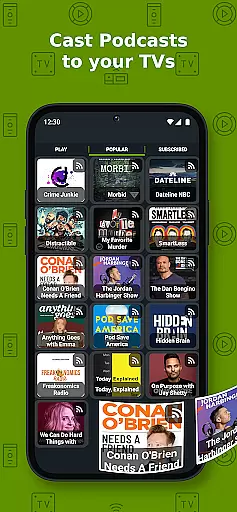
The application's ability to stream IPTV playlists, podcasts, and content from DLNA servers makes it particularly valuable for users seeking a comprehensive entertainment solution. With support for various formats including MP4, MKV, MP3, JPG, and PNG, the app ensures broad compatibility. While it works best with Roku and Google Chromecast, users may experience limited functionality with other devices. Overall, Cast to TV+ delivers a reliable and feature-rich streaming experience.
One of the standout features of Cast to TV+ Chromecast Roku TV is its extensive device compatibility. The app supports not only popular streaming devices like Chromecast and Roku but also works with DLNA-enabled smart TVs from major manufacturers such as LG, Sony Bravia, Samsung, and Panasonic. This broad compatibility ensures that users can connect to most modern entertainment systems without difficulty.
The application incorporates several innovative technologies to enhance user experience. Its AI-powered subtitle generation and translation capabilities allow users to create and translate subtitles for any video content. The Universal Remote Control feature provides convenient access to multiple streaming devices through a single interface. Additionally, advanced functions like Screen Mirroring, Picture in Picture (PiP), and website bookmarking demonstrate the app's commitment to providing comprehensive streaming solutions.
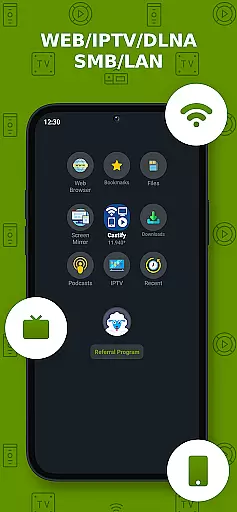
Another significant advantage is the app's support for various media sources and formats. Users can stream content from phone files, browser websites, IPTV services, podcasts, and network-attached storage devices. The app handles multiple file formats including MP4, MKV, MP3, and JPG, while also supporting HTML5 video and HLS live streaming. Although some features may be limited on certain devices, the overall functionality remains robust and reliable across supported platforms.
Video format compatibility is a crucial feature for any video player and editor, ensuring that users can enjoy a wide range of content without technical barriers. Cast to TV+ Chromecast Roku TV supports an extensive array of formats including MP4, MKV, MP3, JPG, PNG, HTML5 video, HLS Live Streaming, and IPTV m3u files or URLs. This versatility allows users to stream movies, music, and photos from their devices to TVs equipped with compatible streaming receivers like Chromecast, Roku, Xbox, and DLNA-enabled Smart TVs.
The app's ability to handle 4K and HD videos where available enhances the viewing experience, providing crisp and clear visuals. However, it's important to note that some proprietary video and movie formats may not be supported due to restrictions imposed by source websites. Despite this limitation, the app ensures that all public format videos are accessible, offering users flexibility in content consumption.
For optimal performance, users should ensure a stable WIFI connection and verify that both their device and the streaming receiver are on the same network. While some streaming devices have specific limitationsu2014such as Apple TV AirPlay not supporting local cast of audio and photo or MKV filesu2014it's reassuring to know that most connection issues can be resolved by simply restarting the casting receivers or phone.
AI-powered editing features represent a significant advancement in video players and editors, enabling users to enhance their content with minimal effort. Cast to TV+ Chromecast Roku TV incorporates cutting-edge AI technologies such as AI Subtitle Generate and AI Subtitle Translation. These features allow users to create subtitles for any given video and translate SRT subtitles into different languages, making content more accessible to a global audience.
In addition to subtitle capabilities, the app offers universal remote controls for various devices including Roku, Android TV, Samsung, LGTV, and FireTV. This functionality simplifies the user experience by consolidating control over multiple devices into a single interface. Furthermore, the Picture in Picture (PiP) feature enables multitasking, allowing users to continue watching videos while navigating other apps or performing tasks on their device.
While enjoying these advanced features, users should be aware of certain limitations. For instance, screen mirroring is only available on newer Android devices, and some streaming devices like Apple TV require AirPlay to be enabled in settings. Nevertheless, the app's comprehensive support for IPTV m3u playlists and DLNA servers ensures seamless integration with a variety of media sources, enhancing the overall utility and convenience of the application.
User-friendly interface
Wide device compatibility
Advanced AI features
Comprehensive format support
Regular feature updates
Limited functionality on some devices
Occasional connectivity issues
Ads in free version
Complex setup for beginners
Device-specific limitations

The smartest M3U IPTV Player your playlists have ever seen.
 4.3
4.3
A full editing room to accompany your Insta360 cameras and handheld gimbals.
3.30
Kodi media center, a free and open source cross-platform entertainment hub
3.60
Create & edit videos with AI
4.30
Create photo video with music & template. AI video maker for stunning slideshow.
4.60
An easy-to-use and all-round screen recorder with audio
4.80
Play and download HD videos from all sources — fast, simple, and all-in-one.
4.4
Powerful video player with advanced hardware acceleration and subtitle supports
4.20
Photo editor & video maker with music and slideshows.
4.10
AI Video Editor with Music, Filter, Slideshow, Effect, Merge & Trim Video.
4.80
Pro video editor app for Instagram, edit video with song, AI, effect & slowmo.
4.80
Download Hub, easy and private way to download and enjoy your videos offline
4.80
AirMirror Receiver - Screen mirroring/cast web videos to Android TV by AirPlay.
4.40
Browser for Fire TV to stream webvideos, online movies, livestreams in HD
4.40
KMPlayer Plus (Divx Codec) officially support Divx codec.
4.30
Video Downloader is an utility that can save videos and music from web sites
4.20
AirMirror is Receiver for Screen Mirroring and Casting from Apple Devices.
3.60
This app is an emulator of some specific IPTV boxes
3.50
Mix with Virtual DJ directly from your phone or tablet !
3.10


User Reviews