


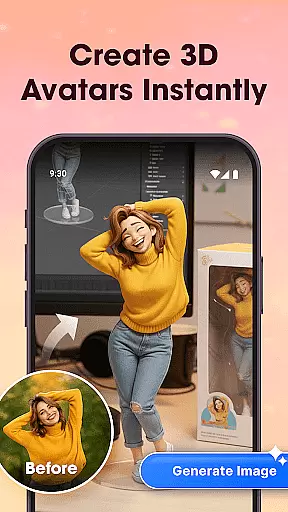







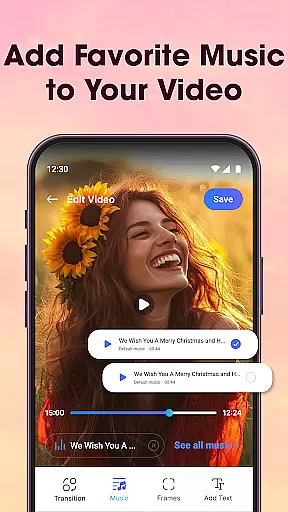
Photo Editor Video Maker Music is a versatile video editing application designed to transform your photos into captivating video stories. The app offers an intuitive interface that allows users to add background music, stylish effects, custom text, and themed frames to their creations. Whether you're commemorating special occasions or simply sharing everyday moments, this app helps you craft videos that are both personal and emotionally engaging.
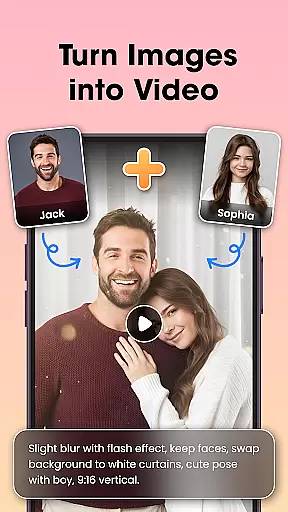
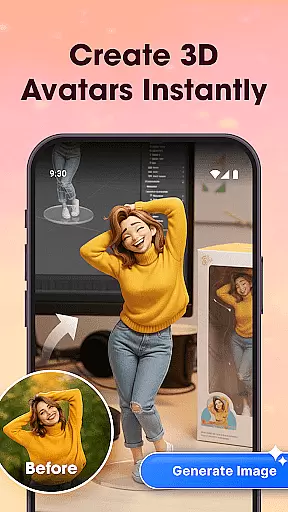
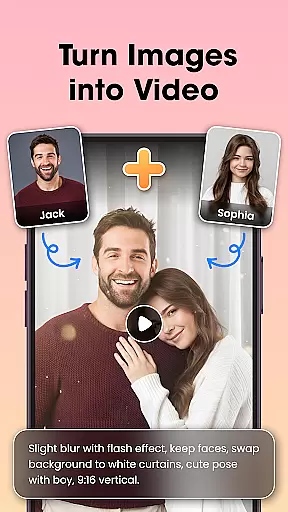
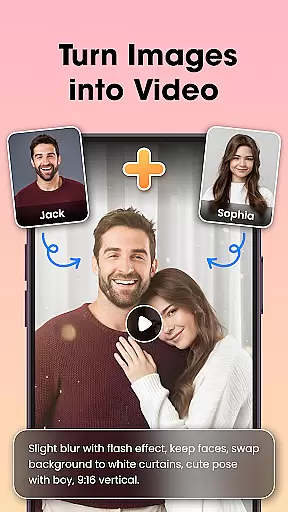
One of the standout features is the AI Video Generator, which includes specialized templates like AI Hug and AI Kiss. These tools enable users to turn static images into dynamic video content with minimal effort. Additionally, the built-in photo editor provides essential tools for enhancing images before incorporating them into videos. With options for filters, cropping, retouching, and fine-tuning, users can ensure their visuals are polished and professional.
The app's value lies in its ability to simplify complex video editing tasks while maintaining creative control. From adding soundtracks to applying visual effects, Photo Editor Video Maker Music empowers users to produce high-quality videos ready for sharing across various platforms. Its seamless integration of AI technology and user-friendly design makes it an ideal choice for anyone looking to create memorable video content.
Photo Editor Video Maker Music boasts an impressive array of features tailored to enhance your video creation experience. At the core of its functionality is the AI Video Generator, which revolutionizes how users transform photos into videos. With unique templates such as AI Hug and AI Kiss, the app simplifies the process of creating emotionally resonant video content. Users can select a template, choose their desired photo, and let the AI work its magic, producing visually stunning results with minimal input.
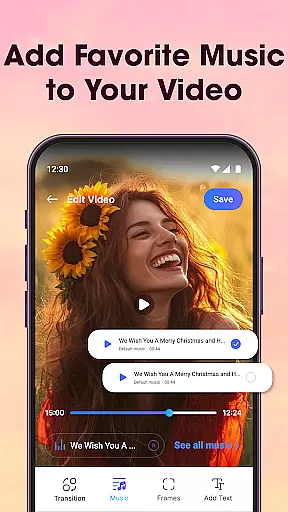
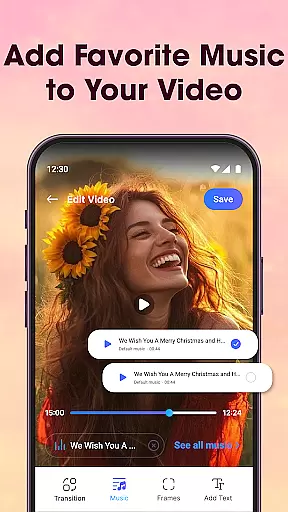
In addition to its AI capabilities, the app provides robust photo editing tools. Before compiling a video, users can enhance their images using features like filters, lighting adjustments, cropping, and retouching. This ensures that every frame included in the final product meets high aesthetic standards. The app also supports adding music tracks to videos, allowing creators to match their visuals with appropriate soundscapes. Whether it's a birthday celebration or a wedding anniversary, the right music can elevate the emotional impact of any video story.
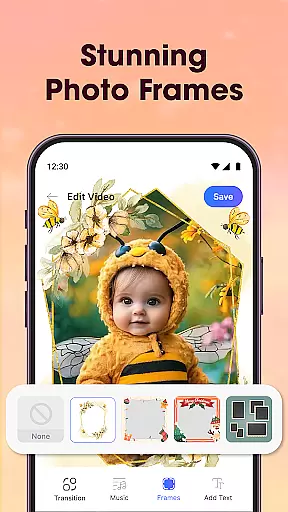
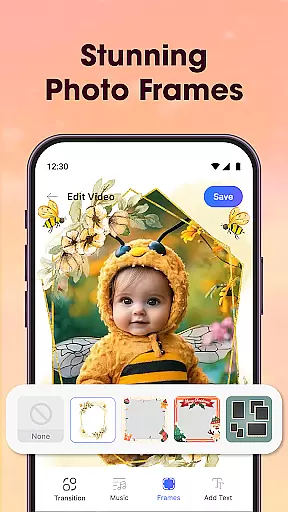
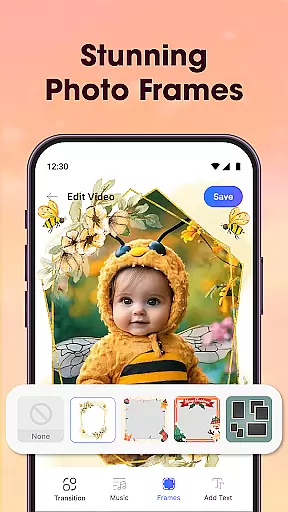
Furthermore, Photo Editor Video Maker Music offers a variety of visual effects, transitions, and customization options. Users can apply stylish frames, insert customizable text, and experiment with different effects to make their videos stand out. The combination of these features not only enhances creativity but also streamlines the editing process, making it accessible even to beginners. Overall, the app's comprehensive toolkit positions it as a top choice for those seeking to create engaging video content effortlessly.
Video format compatibility is crucial for any video editing application, ensuring that users can work with a wide range of file types without conversion hassles. Photo Editor Video Maker Music supports an extensive array of video formats, allowing creators to import and export projects in their desired resolutions and codecs.
This app's dedication to comprehensive format support means you can seamlessly integrate videos from different sources, whether they're from a professional camera, smartphone, or downloaded media. The flexibility enhances your creative process by removing technical barriers, letting you focus on storytelling and visual expression.
Moreover, the app ensures high-quality output across all supported formats, preserving the integrity of your original footage while applying effects, transitions, and music. This guarantees that your final video maintains crisp visuals and clear audio, regardless of the platform where it will be shared or stored.
By prioritizing video format compatibility, Photo Editor Video Maker Music empowers users to create content that meets industry standards and personal preferences alike, making it a versatile tool for both amateur enthusiasts and seasoned videographers.
AI-powered editing features revolutionize the way users enhance their videos, offering smart solutions that automate complex tasks and elevate the quality of edits with minimal effort. Photo Editor Video Maker Music incorporates advanced AI tools like the AI Video Generator, AI Background Remover, and AI Photo Enhancer to streamline the editing process.
The AI Video Generator transforms static images into dynamic video stories through innovative templates such as AI Hug and AI Kiss, adding motion and emotion to your memories. Meanwhile, the AI Background Remover allows for one-click background changes, giving your compositions a professional touch without manual masking or clipping paths.
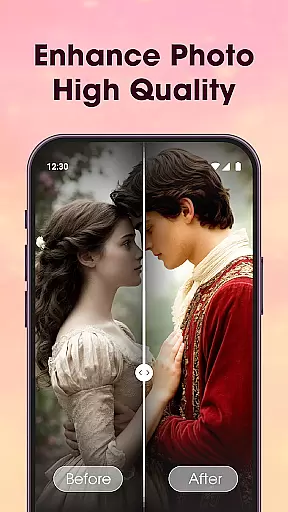
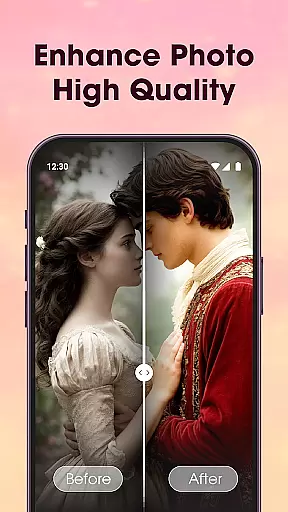
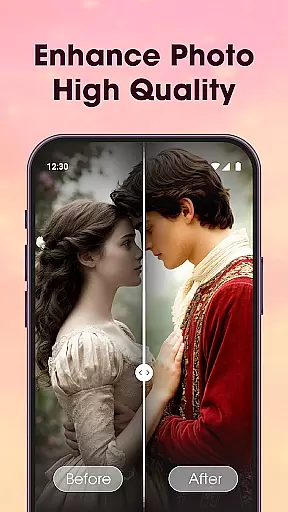
Additionally, the AI Photo Enhancer optimizes image clarity, lighting, and detail with just a tap, ensuring every frame contributes to a visually stunning narrative. These intelligent features not only save time but also open up new creative possibilities, enabling even novice editors to produce polished, engaging content.
By leveraging these cutting-edge AI-powered editing features, Photo Editor Video Maker Music sets itself apart as an intuitive yet powerful video editor that caters to creators seeking efficiency and excellence in their multimedia projects.
User-friendly interface
AI-powered video generation
Extensive editing tools
Versatile music library
High-quality export options
Limited free features
Occasional ads
Premium subscription required
Advanced tools may overwhelm new users
Export quality varies on free version

Client application for NextPVR software
 3.00
3.00
Video Trimmer, Video to MP3 Converter. Extract music from video, Easy & Fast.
4.80
Tik & Story Saver-Download ALL social media videos, photos & reels no watermark.
4.80
Play ALL formats in 4K & HD. Video downloader, MP3 player, Chromecast & more.
4.80
VLC Remote lets you control your VLC Media Player on Mac, PC or Linux.
4.60
High-Quality USB Camera Viewer & HDMI Display
4.70
Stream Web Videos to Chromecast, Samsung, LG, Sony, Roku, Fire TV, DLNA + more
4.00
AirMirror Receiver - Screen mirroring/cast web videos to Android TV by AirPlay.
4.40
Flud is a simple and beautiful BitTorrent client for Android.
4.80
All in one HD video downloader & player for multiple formats with full privacy
4.70
Photo and Music Video Creator into Stunning Videos—Effortlessly
4.40
Fast video downloader & private browser. Save HD clips to watch offline.
4.40
Fast & Private Video Downloader App. Save all videos easily from the Internet.
4.40
KMPlayer Plus (Divx Codec) officially support Divx codec.
4.30
Cast to Smart TV, Fire TV. Cast video, photo - Fast & Stable!
3.90
Kodi media center, a free and open source cross-platform entertainment hub
3.60
Save photos and videos from social apps in one tap.
3.60
Watch full episodes of your favorite Cartoon Network and Cartoonito shows!
3.50
Download videos easily & play them all in one smart, powerful video manager.
3.40


User Reviews