
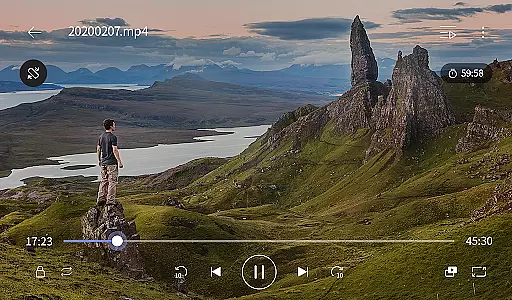
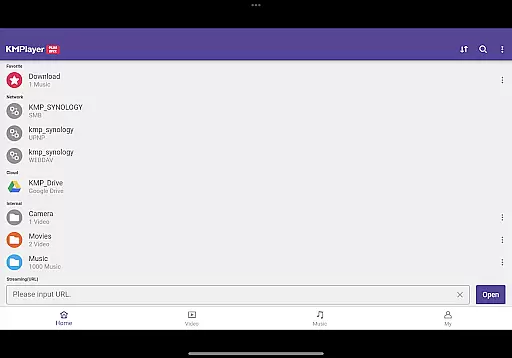
KMPlayer Plus (Divx Codec) is a versatile video player that supports Divx codec, making it ideal for users who need to play various video formats. The app offers high-definition playback for HD, 4K, and even 8K videos, ensuring an exceptional viewing experience.
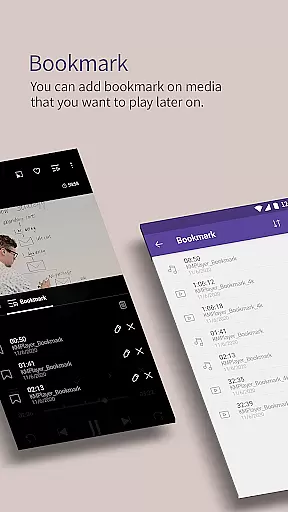
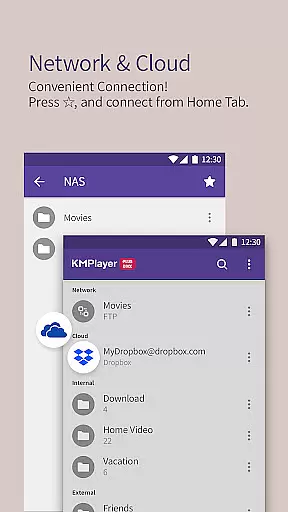
With advanced features like bookmarking, color adjustment, zoom functionality, and section repeat, KMPlayer Plus enhances user control over media playback. Additionally, its support for multiple subtitle formats and network streaming options makes it a comprehensive tool for both casual viewers and tech-savvy users.
The app boasts an array of powerful features including support for numerous video codecs such as DXMF, DIVX, and MP4V. It also handles various subtitle formats like SubStation Alpha, SAMI, and WebVTT, providing flexibility in multimedia consumption.
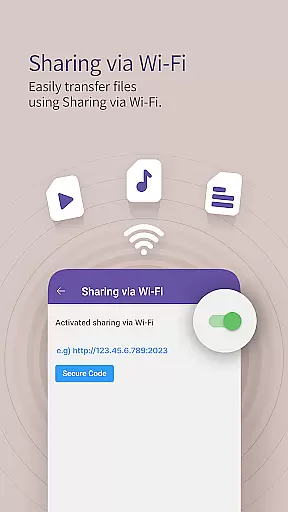
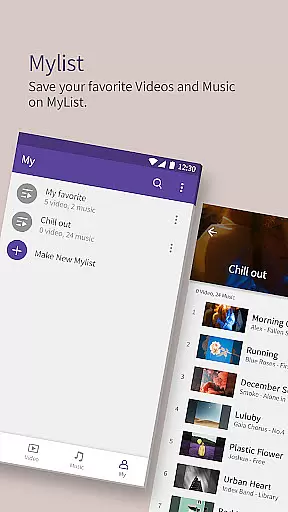
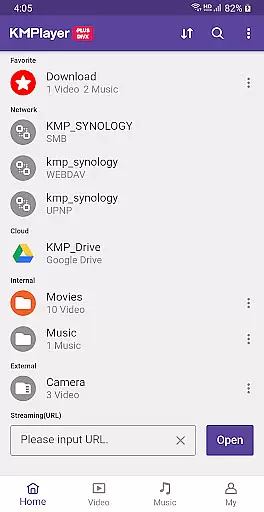
KMPlayer Plus includes practical functions such as Wi-Fi sharing, playlist creation, and external storage support. Moreover, the VIP version offers exclusive features like torrent client integration, video cropping, GIF creation, and MP3 conversion, adding significant value for power users seeking advanced editing capabilities.
Video format compatibility is a crucial feature for any video player, determining the range of file types it can play. KMPlayer Plus (Divx Codec) excels in this area by supporting an extensive list of codecs including DXMF, DX50, DIVX, DIV4, DIV3, and MP4V for AVI and MKV files.
The application ensures users won't be limited by codec issues, as it officially supports Divx codec and provides a comprehensive checklist of supported and unsupported codecs. This allows users to know exactly what to expect when loading various video formats.
With such wide-ranging support, users can enjoy seamless playback of their video collections without worrying about format restrictions. The app's ability to handle high-definition content like HD, 4K, 8K, UHD, and Full HD further enhances its value.
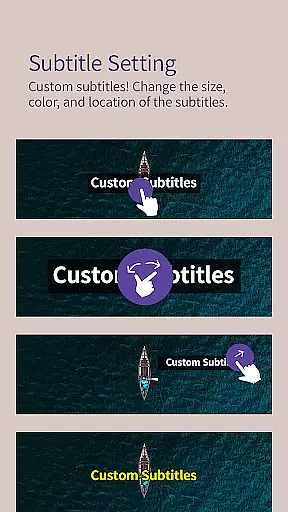
By offering compatibility with numerous subtitle formats such as SubStation Alpha, SAMI, SubRip, and more, KMPlayer Plus ensures an enriched viewing experience. Users benefit from adjustable subtitles, adding convenience and personalization to their media consumption.
AI-powered editing features are revolutionizing how users interact with their media, providing smart tools that simplify complex tasks. KMPlayer Plus (Divx Codec) incorporates several advanced functionalities that leverage AI for enhanced user experience.
Among these features is the ability to crop videos and audio, allowing users to select and cut desired sections effortlessly. The MP3 Converter tool demonstrates AI capabilities by extracting and converting audio from video files into MP3 format quickly and easily.
The GIF toast function utilizes AI to create dynamic GIFs from favorite video segments, enabling creative expression and easy sharing. These intelligent features save time and effort, making media editing accessible to users of all skill levels.
Furthermore, the inclusion of special VIP features like Torrent Client for real-time playback during downloads showcases the app's commitment to integrating cutting-edge technology. Such innovations ensure KMPlayer Plus remains at the forefront of multimedia applications.
User-friendly interface
Wide codec support
Advanced playback controls
Comprehensive subtitle options
VIP features for enhanced functionality
Some features locked behind paywall
Occasional compatibility issues
High system resource usage
Limited free trial period
Subscription auto-renews by default

Auto video maker with music & exclusive filters. Video editing made simple.
 4.50
4.50
A full editing room to accompany your Insta360 cameras and handheld gimbals.
3.30
Video player with powerful streaming playback and various convenient features.
2.10
Download videos easily & play them all in one smart, powerful video manager.
3.40
Seamlessly connect and control your smart devices, anytime, anywhere with ease.
4.60
Browser for Sony TV to stream web videos, online movies and live tv
3.20
Watch IPTV on your Android device
4.60
Fast & Private HD Video Downloader with Built-in Proxy Browser and Video Player.
4.50
Fast private browser with secure, seamless access & supported video downloads!
4.00
Browser for Fire TV to stream webvideos, online movies, livestreams in HD
4.40
Full HD Video mp3 Player, MP4 player play 1080p, File manager, Video Downloader
4.40
Movie maker & video editing app with AI effects and green screen
4.30
LumaFusion: The Ultimate Storytelling Experience for Video Editing
4.10
VLC for Android is the best open source video and music player, fast and easy!
4.10
IPTV-Smarters Player Pro M3U - Watch Live Stream TV Channels with Chromecast
4.00
AI Video Editor:AI Music, Text to Video,Text to Speech,Auto Caption,Video Effect
4.00
Capture images & record videos for USB Camera, Webcam, Microscopes, Endoscopes
3.80
IPTV Player - Watch live TV from m3m & m3u8 playlist, stream IPTV on mobile
3.30
Mix with Virtual DJ directly from your phone or tablet !
3.10


User Reviews