
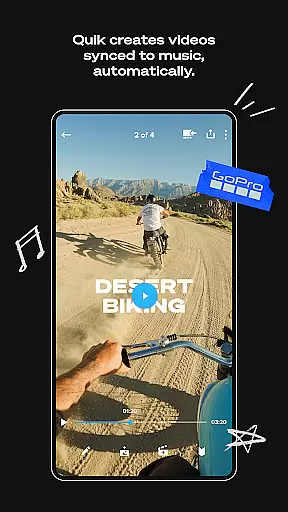
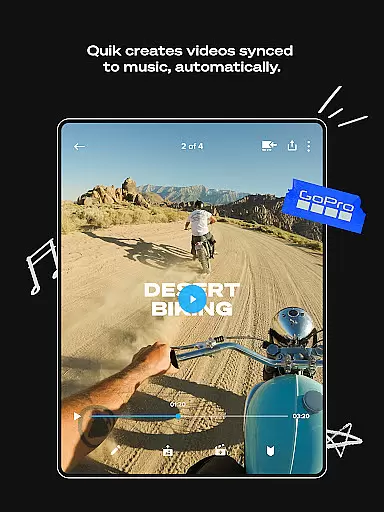
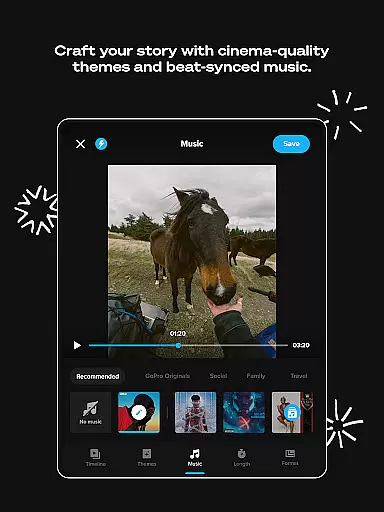
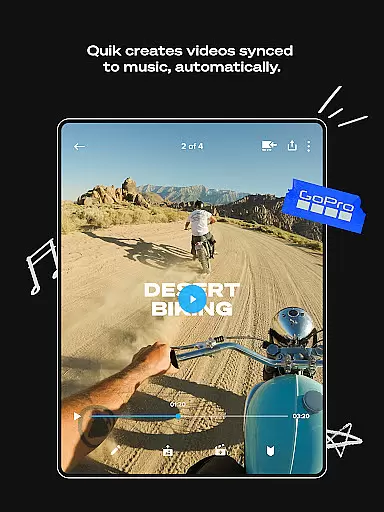
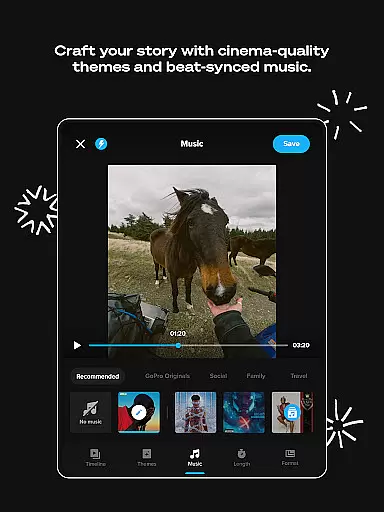
GoPro Quik is a powerful video editing application designed to simplify the process of creating professional-quality videos. The app automatically identifies your best shots, syncs them to music, and adds polished transitions to generate captivating videos with minimal effort. It offers cloud backup functionality, ensuring all your footage is safely stored and accessible across devices, which is particularly beneficial for content creators who need to edit on-the-go.
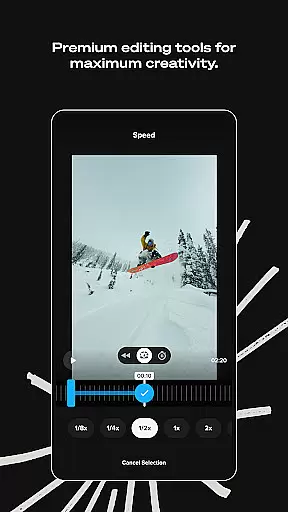
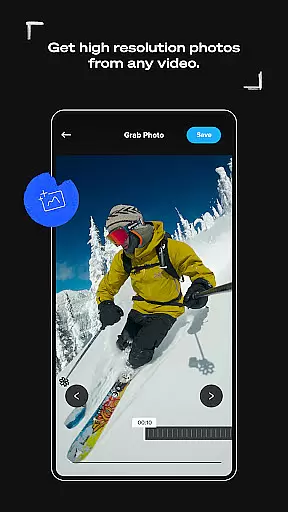
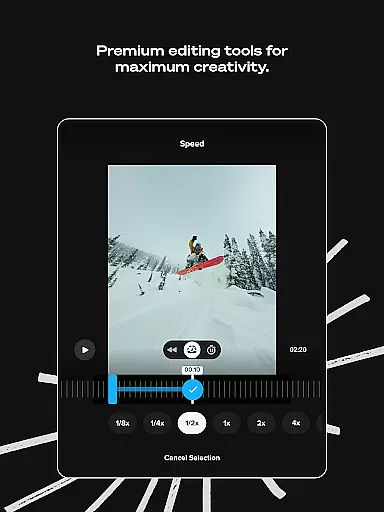
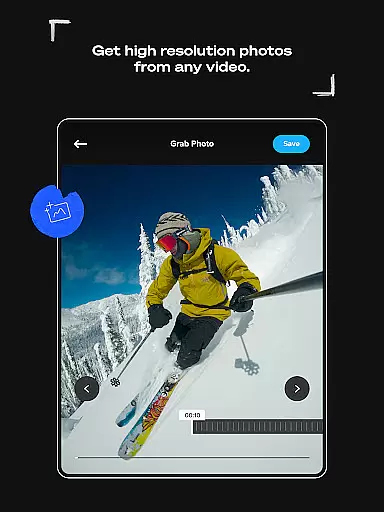
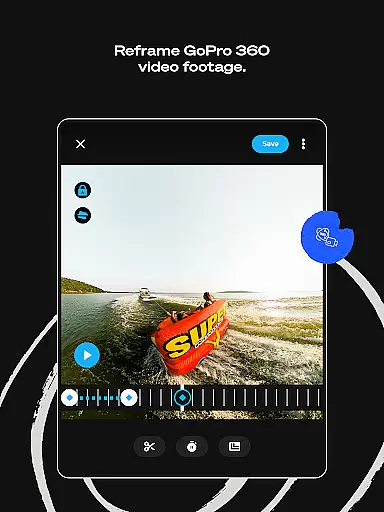
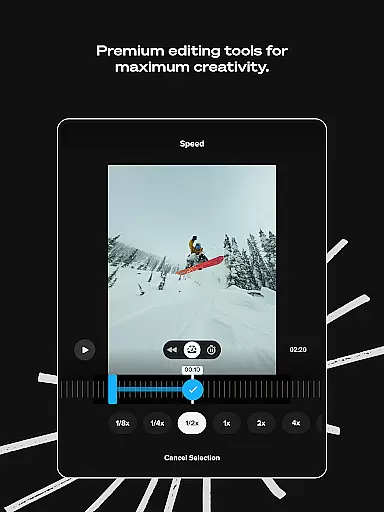
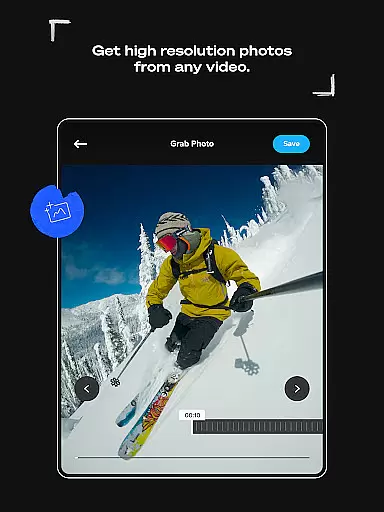
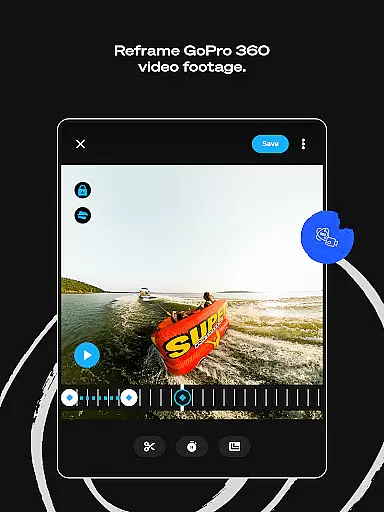
In addition to its automatic editing capabilities, GoPro Quik provides a comprehensive suite of premium editing tools. These include advanced color adjustments, trimming features, sticker additions, and specialized filters optimized for different environments. The app also supports 360-degree video editing through its Reframe feature, allowing users to create dynamic perspectives and transitions. With options like Beat Sync, Frame Grab, and Text Overlays, the app ensures that every video can be customized to match the creator's vision while maintaining high production value.
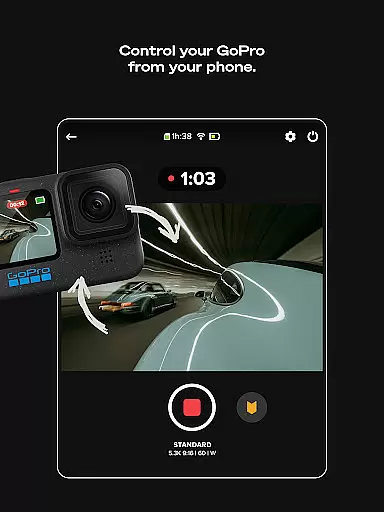
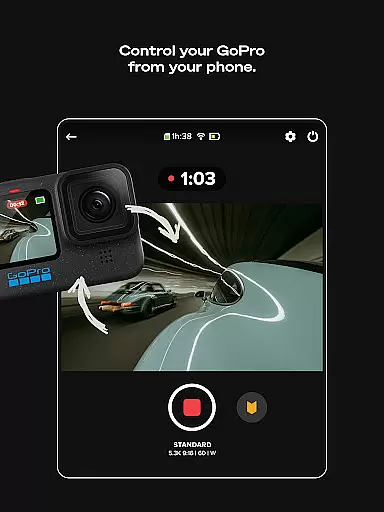
This app is especially valuable for GoPro camera owners, offering seamless integration with GoPro devices for quick transfers, previews, and media management. Whether you're an action sports enthusiast or a casual videographer, GoPro Quik empowers you to transform raw footage into engaging stories that are ready to share with your audience.
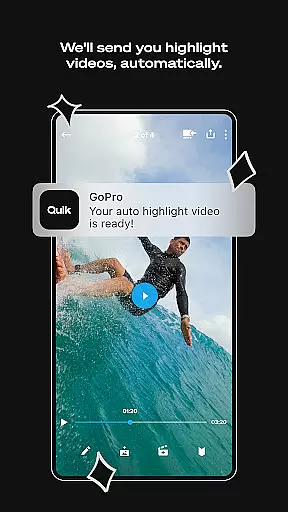
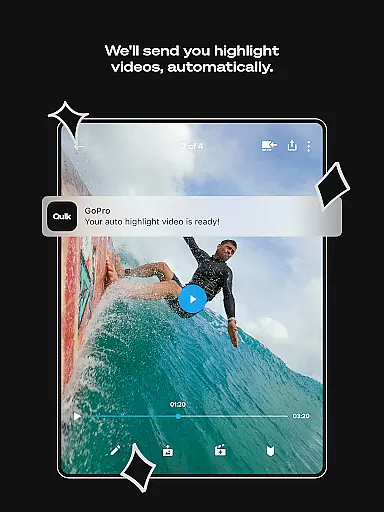
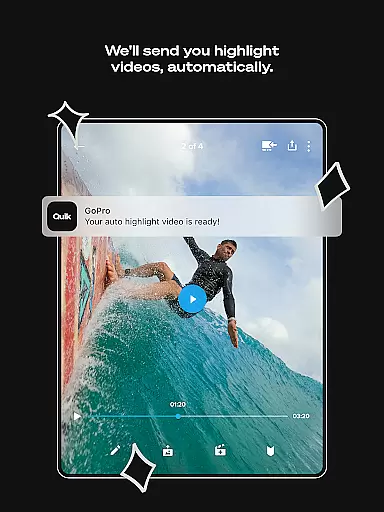
GoPro Quik stands out with its innovative Automatic Highlight feature, which intelligently selects key moments from your footage and compiles them into a cohesive video synced to music. This feature saves significant time in the editing process while delivering professional-grade results. Additionally, the app offers unlimited cloud storage at full quality with a Premium subscription, allowing users to back up all their GoPro footage and up to 500GB from other cameras, ensuring no creative moment is lost.
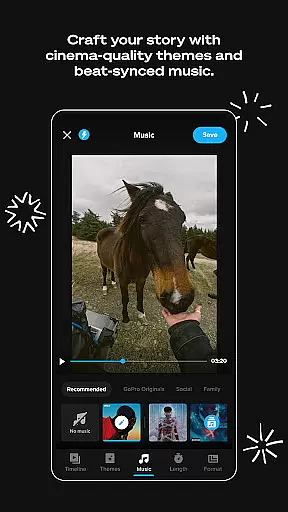
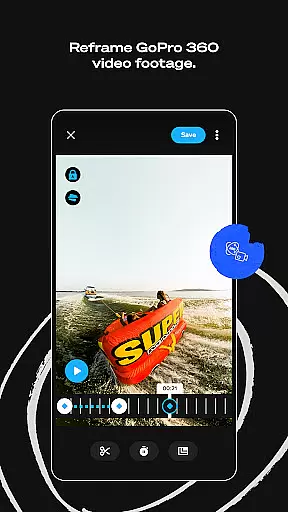
The app includes a robust set of editing tools such as Beat Sync, which aligns video elements with the rhythm of the soundtrack, and Reframe, enabling users to extract traditional videos from 360-degree footage with cinematic transitions. Other notable features include customizable themes, frame adjustments, text overlays, and exclusive filters tailored for specific environments like snow and water. These tools collectively enhance the storytelling potential of each video by providing creative flexibility without compromising ease of use.
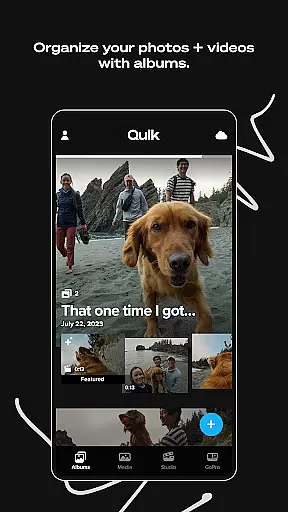
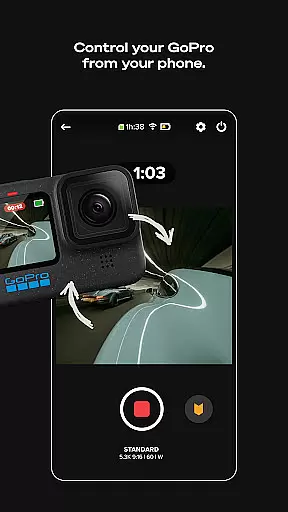
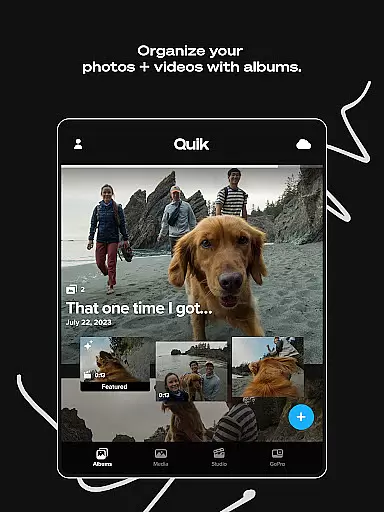
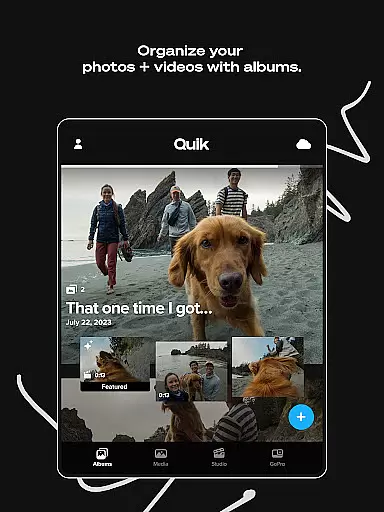
For GoPro camera owners, the app provides Auto Detection and Transfer functionality, simplifying the import process via USB connection. Users can preview shots directly within the app, delete unwanted files, and manage both local and cloud-stored media efficiently. This seamless integration ensures that GoPro users have a streamlined workflow from capture to post-production, making it easier than ever to produce high-quality content consistently.
GoPro Quik supports a wide range of video formats, ensuring that users can import and edit footage from various devices seamlessly. The app is optimized to handle files captured by GoPro cameras as well as other popular camera models, making it versatile for different user needs.
The application's compatibility extends to high-resolution videos, including 4K content, allowing creators to work with premium-quality footage without any hitches. This flexibility ensures that whether you're editing action-packed adventure clips or professional-grade cinematography, the app maintains the original quality throughout the editing process.
Additionally, GoPro Quik offers cross-device synchronization, which means your projects are accessible on multiple devices without worrying about format issues. This feature is particularly beneficial for users who switch between their smartphones, tablets, and computers, providing a consistent experience across platforms.
For those using GoPro cameras, the app provides automatic detection and transfer of footage, streamlining the workflow and eliminating the need for manual conversions. This seamless integration enhances productivity and allows users to focus more on creativity rather than technical limitations.
GoPro Quik incorporates advanced AI-powered editing features that revolutionize how users create and customize their video content. One standout feature is Automatic Highlight videos, where the app intelligently identifies the most compelling moments from your footage and compiles them into a dynamic video, complete with music synchronization and smooth transitions.
The Beat Sync functionality further enhances this by aligning video cuts, transitions, and effects with the rhythm of the selected soundtrack. This creates a professional and engaging viewing experience, even for users with minimal editing expertise. Such automation not only saves time but also ensures that every video has a polished and cinematic feel.
Moreover, the app offers a suite of premium editing tools driven by AI, such as color correction, trimming, and the ability to add stickers and text overlays. These tools empower users to experiment with creative elements while maintaining ease of use. The AI algorithms assist in optimizing these edits for different environments, like snow and water, ensuring that each video looks its best regardless of the setting.
With cloud backup and cross-device sync, all AI-enhanced edits are automatically saved and updated across devices, enabling users to pick up right where they left off, no matter which device they use. This combination of intelligent editing features and robust cloud support makes GoPro Quik an indispensable tool for modern content creators.
User-friendly interface
Powerful editing tools
Unlimited cloud storage
Seamless GoPro integration
Automatic video creation
Premium subscription required
Limited free storage
Advanced features locked
Occasional syncing issues
High device compatibility

Snaptubè Video Downloader app allows to download videos and music in Snaptube. .
 4.60
4.60
Create & edit videos with AI
4.30
Play ALL formats in 4K & HD. Video downloader, MP3 player, Chromecast & more.
4.80
This app was created to edit the metadata of music files.
4.20
Explore the largest library of free GIFs, Stickers & Memes - or create your own!
3.90
Download website videos fast&privacy
4.40
Connect EasyCap or UVC devices for recording and broadcast video/audio stream
3.60
Browser for Samsung TV to stream webvideos, online movies and livestreams in HD
4.10
Enjoy your favorite videos and channels with the official YouTube app.
3.90
Video Trimmer, Video to MP3 Converter. Extract music from video, Easy & Fast.
4.80
All in one HD video downloader & player for multiple formats with full privacy
4.70
Create photo video with music & template. AI video maker for stunning slideshow.
4.60
Browser + Remote for Roku to stream webvideos, online movies and livestreams
4.60
Movie maker & video editing app with AI effects and green screen
4.30
Powerful Video Editor & Photo Editing App —— Quick Edits & Stunning Effects!
4.30
Powerful video player with advanced hardware acceleration and subtitle supports
4.20
All format media Player, no need video converter any more!
4.00
Stream Web Videos to Chromecast, Samsung, LG, Sony, Roku, Fire TV, DLNA + more
4.00
Play and download HD videos from all sources — fast, simple, and all-in-one.
4.3


User Reviews