
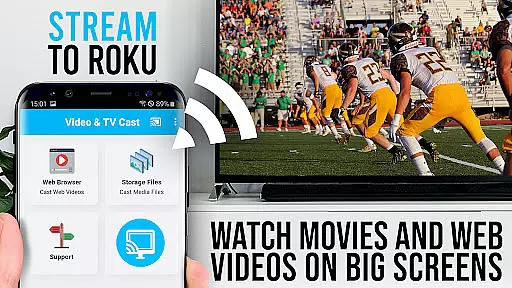
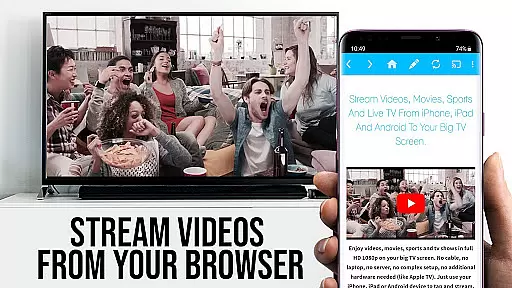
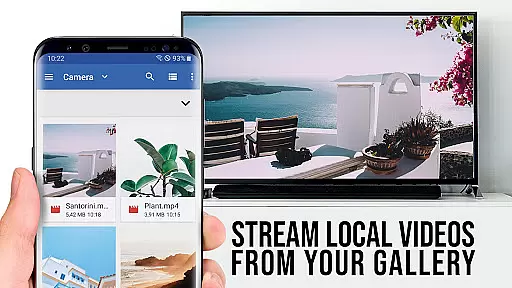

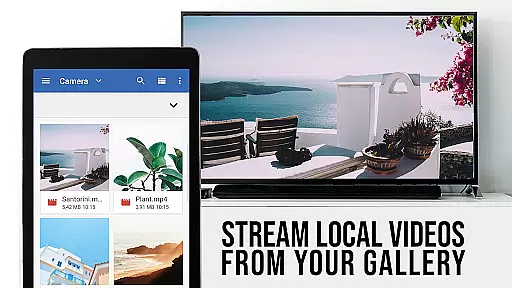

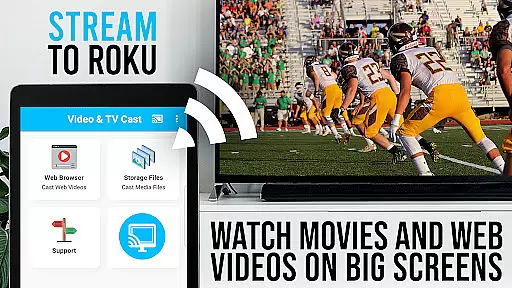
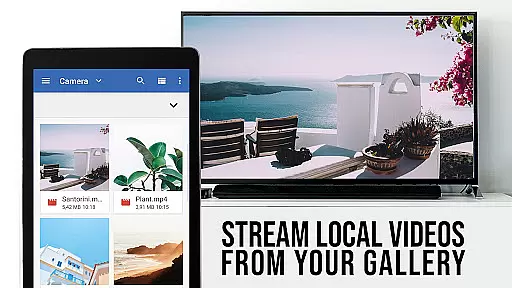

TV Cast Pro for Roku is a premier application designed to enhance your Roku streaming experience. It allows users to effortlessly cast web videos, online movies, livestreams, and live TV shows directly onto their largest screens. Supporting formats like MP4, M3U8, HLS livestreams, and Full HD, this app ensures high-quality viewing. Integrated with an intuitive Roku Remote, users can easily control their Roku devices.
This PRO edition unlocks all premium features including an ad-blocker, bookmarks, desktop mode, and personalized homepage settings. With these capabilities, users can enjoy uninterrupted streaming, save favorite content, and customize their browsing experience. Whether you're looking to stream content from popular websites or lesser-known platforms, TV Cast Pro for Roku provides a seamless solution for enjoying digital media on your TV.
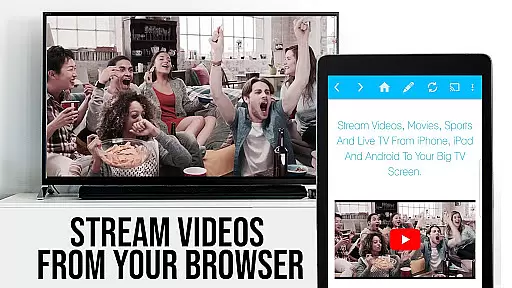
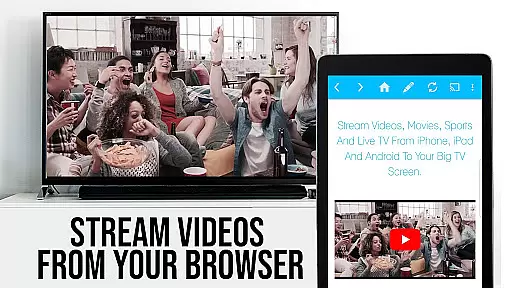
TV Cast Pro for Roku stands out with its comprehensive feature set tailored for avid streamers. One of its key functionalities is the ability to browse the web and cast any video with a single tap. Once a video is discovered, it appears below the browser, ready to be sent to your Roku device instantly. This streamlined process makes streaming straightforward and efficient.
The app also includes a built-in Roku Remote, allowing users to control video playback directly from their Android device. Users can forward, rewind, pause, and switch between Roku channels with ease. Additionally, the PRO version offers advanced features such as an ad-blocker that removes ads and pop-ups from most websites, ensuring a cleaner viewing experience. Other notable features include the ability to manage bookmarks, change the browser's user-agent to desktop mode, and set a custom homepage, providing users with extensive customization options.
TV Cast Pro for Roku stands out with its robust video format compatibility, ensuring users can stream a wide variety of content without technical hindrances. The app supports popular formats such as Mp4, m3u8, and HLS livestreams, making it versatile for different types of videos available online.
The ability to handle video over https further enhances its utility, allowing secure streaming from websites that employ this protocol. This feature is crucial in today's digital environment where security is paramount, and many sites have transitioned to https to protect user data.
Moreover, the app's support for Full HD ensures that users can enjoy high-quality visuals on their biggest screen. Whether it's web videos, online movies, or live TV shows, the clarity and detail offered by Full HD compatibility significantly enrich the viewing experience.
By focusing on these essential formats and resolutions, TV Cast Pro for Roku provides a seamless bridge between online content and the home entertainment system, enabling users to fully leverage their Roku devices for diverse multimedia needs.
While TV Cast Pro for Roku does not offer traditional AI-powered editing features found in dedicated video editing software, it incorporates intelligent functionalities that enhance the streaming experience. One notable feature is its ability to detect video links embedded within websites, showcasing them below the browser for easy access.
This detection mechanism works like an intuitive assistant, simplifying the process of finding and casting videos. Users can navigate to their favorite sites, and with a single tap, send discovered videos directly to their Roku. This streamlined approach eliminates the need for manual searching and complex setups.
Additionally, the integrated Roku Remote allows users to control video playback intelligently. They can forward, rewind, pause/play videos, and switch between Roku channels effortlessly. These controls mimic the convenience of advanced editing tools by providing precise command over media consumption.
Although not a conventional take on AI-powered editing, these smart features collectively create a more interactive and user-friendly interface, empowering viewers to manage their content efficiently while enjoying a personalized streaming experience.
Seamless video casting
Integrated Roku remote
Ad-free experience
Customizable settings
User-friendly interface
Limited Roku model support
No DRM video casting
Requires stable Wi-Fi
Premium features cost
Occasional connectivity issues

Online Videos Player
 3.90
3.90
Powerful, professional, versatile teleprompter. Developed by an active film crew
4.00
Video Player - Unlimited features, 30 days money back guarantee.
4.60
Tik & Story Saver-Download ALL social media videos, photos & reels no watermark.
4.80
Search & download videos from net with all video downloader, auto-detect & safe.
4.60
KMPlayer Plus (Divx Codec) officially support Divx codec.
4.30
An easy-to-use and all-round screen recorder with audio
4.80
Play and download HD videos from all sources — fast, simple, and all-in-one.
4.3
This app is an emulator of some specific IPTV boxes
3.50
Download Hub, easy and private way to download and enjoy your videos offline
4.80
Screen recorder with audio to take live videos & Screenshot in high quality!
4.70
Watch a large amount of high-definition short drama content
4.60
Seamlessly connect and control your smart devices, anytime, anywhere with ease.
4.60
Fast, private downloading, video saving, social media
4.50
Full HD Video mp3 Player, MP4 player play 1080p, File manager, Video Downloader
4.40
Video player with 4K & 1080P support, popup play, background play and subtitle.
4.20
AI Video Editor:AI Music, Text to Video,Text to Speech,Auto Caption,Video Effect
4.00
Live TV, anywhere in your home
3.80
Download videos easily & play them all in one smart, powerful video manager.
3.40


User Reviews