
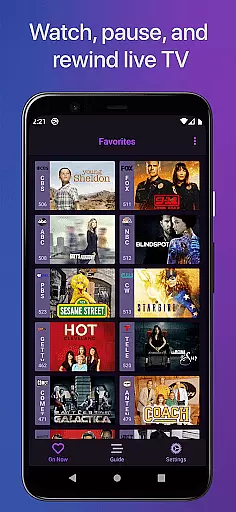
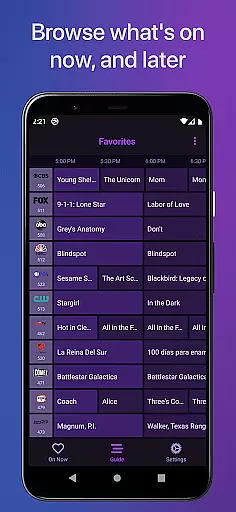
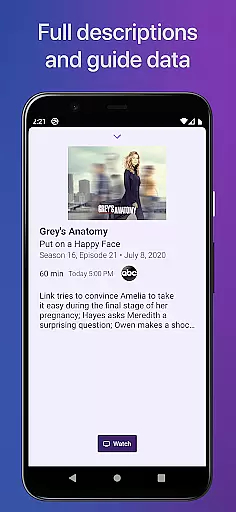
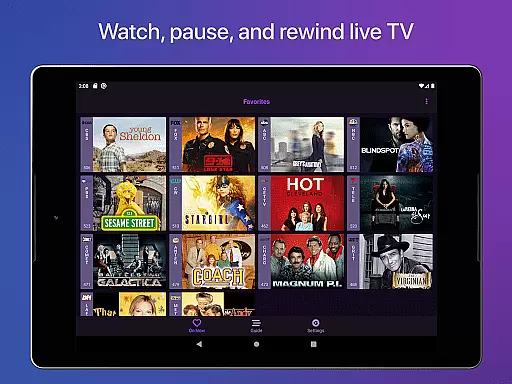
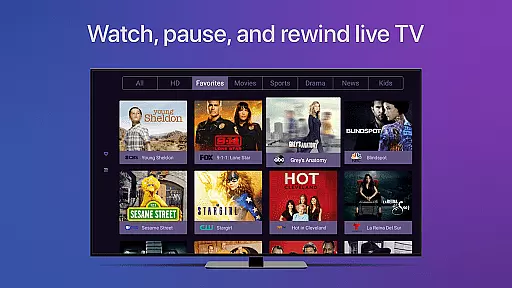
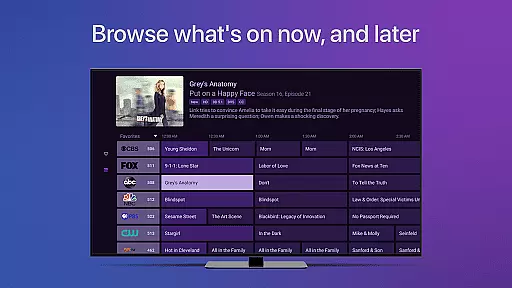
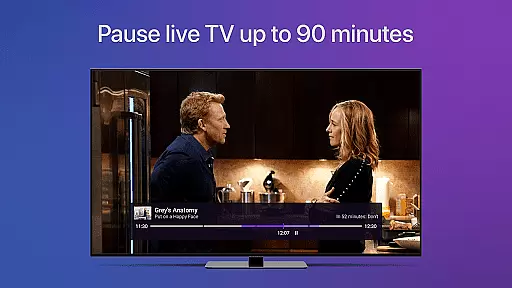
Channels for HDHomeRun is a versatile live TV streaming application designed specifically for Android users who own an HDHomeRun networked TV tuner. This app allows you to seamlessly watch, pause, and rewind both local and cable TV directly on your Android device. With its intuitive interface, Channels offers a full grid guide, Full HD streaming, 5.1 Surround Sound, closed captioning, and complete VoiceOver support. Whether you're looking to catch up on primetime TV, stay updated with local news, or enjoy sports events, this app brings the complete live TV experience right to your fingertips.
One of the standout features of Channels is its ability to integrate effortlessly into your existing digital ecosystem. By using just one antenna, you can stream live TV to any screen in your house, effectively eliminating the need for multiple cable boxes. The app also supports advanced functionalities such as channel favoriting, jumping back to the last viewed channel, and managing your HDHomeRun devices directly from the app interface. These features make Channels an indispensable tool for anyone seeking to enhance their home entertainment system without the hassle of traditional setups.
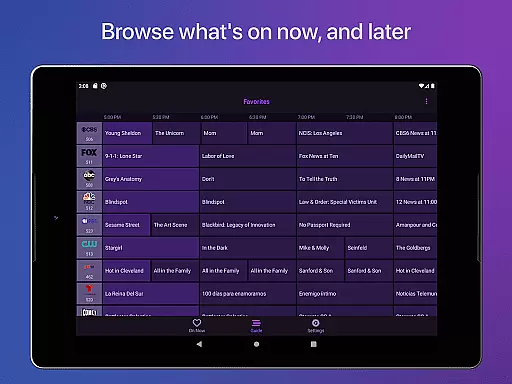
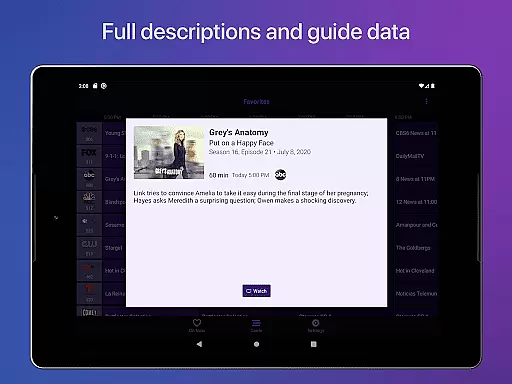
Channels for HDHomeRun boasts a rich array of features that cater to diverse user needs. One of its core functionalities is the ability to pause, rewind, and fast forward live TV, providing users with unprecedented control over their viewing experience. The app also includes a comprehensive electronic program guide (EPG) that displays a full grid guide, allowing users to easily navigate through various channels and programs. Additionally, Channels supports Full HD streaming, ensuring that users enjoy crisp and clear video quality, provided their network bandwidth permits.
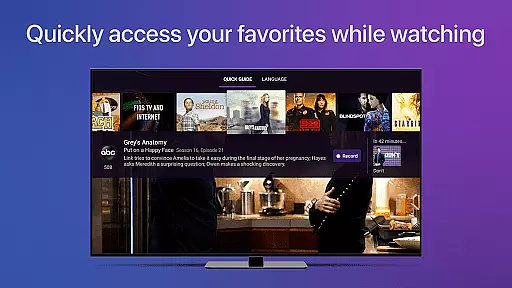
Beyond basic streaming capabilities, Channels incorporates several advanced features that elevate the user experience. It offers 5.1 Surround Sound for an immersive audio experience and closed captioning for accessibility. The app also fully supports VoiceOver, making it accessible to visually impaired users. Moreover, Channels provides practical tools like channel favoriting, which lets users bookmark their preferred channels, and a quick guide feature that allows users to browse other channels while watching TV. These thoughtful additions ensure that Channels remains a top choice for tech-savvy individuals seeking a modern and flexible TV viewing solution.
Channels for HDHomeRun offers extensive video format compatibility, ensuring users can stream live TV seamlessly on their Android devices. The app supports a wide range of formats broadcasted by HDHomeRun tuners, including both standard and high-definition content.
The application's ability to handle Full HD streaming is dependent on network bandwidth, providing flexibility for different home network setups. This ensures that whether you're using an antenna or cable input, the quality of your live TV experience remains consistently high.
Additionally, Channels includes support for 5.1 Surround Sound and closed captioning, making it suitable for various viewing preferences and accessibility needs. These features enhance the overall entertainment value while maintaining broad format compatibility.
It's important to note that DRM-protected streams aren't currently supported, but the app still covers most common broadcast formats. This comprehensive format support enables users to enjoy their favorite shows and live events without worrying about technical limitations.
While primarily a live TV streaming application, Channels for HDHomeRun incorporates basic AI-powered features that enhance the viewing experience. Although not a traditional video editor, the app uses intelligent algorithms to optimize streaming quality and automatically discover connected HDHomeRun devices.
The application's AI capabilities extend to its guide data management system, which maintains an accurate and up-to-date full grid guide. This smart feature helps users efficiently navigate through available channels and programming options without manual updates or configuration.
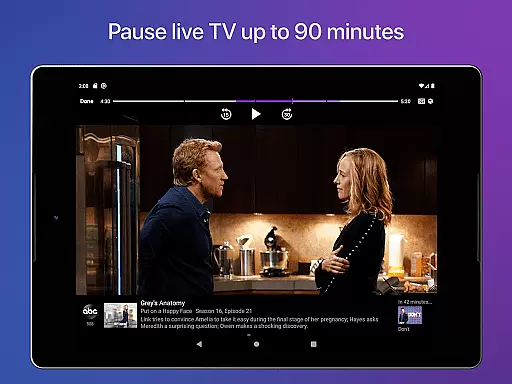
Channels also implements intelligent buffering technology, allowing approximately 90 minutes of live TV buffer time. This AI-driven approach to memory management ensures smooth playback while optimizing device storage usage.
Furthermore, the app's VoiceOver support demonstrates its commitment to accessible design through smart interface adaptation. While not featuring traditional video editing tools, these AI-powered elements collectively create a more intelligent and responsive television viewing experience.
User-friendly interface
Full HD streaming
Comprehensive EPG
VoiceOver support
Channel favoriting
Requires HDHomeRun tuner
No DRM support
Network-dependent
Limited remote access
Advanced settings needed

Video player, file manager for all formats, 4K/HD media player supports subtitle
 4.30
4.30
The smartest M3U IPTV Player your playlists have ever seen.
4.1
Client application for NextPVR software
3.00
1)AirPlay/DLNA Mirroring/Streaming, up to 4 connections; 2)Samba/NAS/DMS Player.
4.00
Video player with powerful streaming playback and various convenient features.
2.10
Movie maker & video editing app with AI effects and green screen
4.30
Powerful Video Editor & Photo Editing App —— Quick Edits & Stunning Effects!
4.30
This app is an emulator of some specific IPTV boxes
3.50
Cast movies, tv shows and live streams to Chromecast, Roku, DLNA, Fire TV & more
4.60
Video Trimmer, Video to MP3 Converter. Extract music from video, Easy & Fast.
4.80
Screen recorder with audio to take live videos & Screenshot in high quality!
4.70
Cast Videos from Web Browser, IPTV to Roku, Chromecast, DLNA, Smart TV +more
4.60
Snaptubè Video Downloader app allows to download videos and music in Snaptube. .
4.60
Powerful video player with advanced hardware acceleration and subtitle supports
4.20
IPTV-Smarters Player Pro M3U - Watch Live Stream TV Channels with Chromecast
4.00
Capture images & record videos for USB Camera, Webcam, Microscopes, Endoscopes
3.80
All in one multi protocols stream receiver for AirPlay, Cast and DLNA.
3.60
A full editing room to accompany your Insta360 cameras and handheld gimbals.
3.30
Powerful HD video player with support for all formats & subtitles.
4.3


User Reviews