
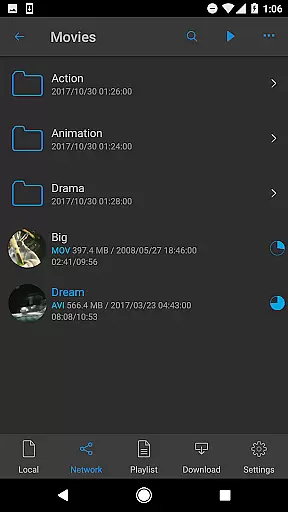

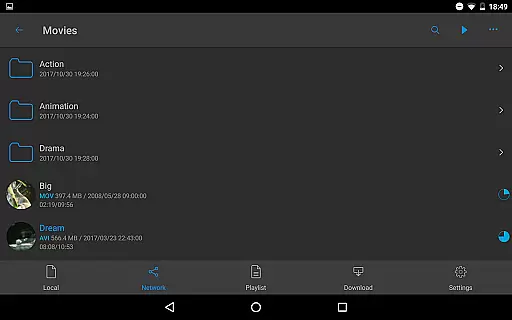
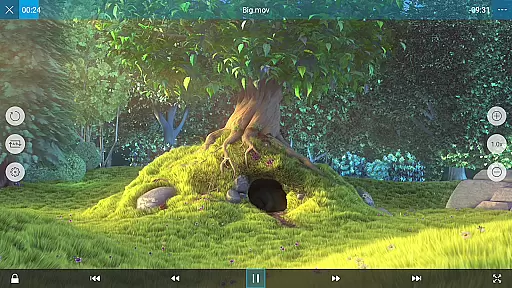
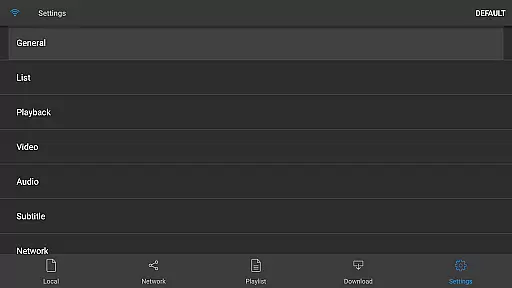
nPlayer is a versatile video player designed for seamless media playback without the hassle of file conversion. Supporting an extensive range of video formats and codecs, it ensures you can play almost any media file directly on your mobile device.
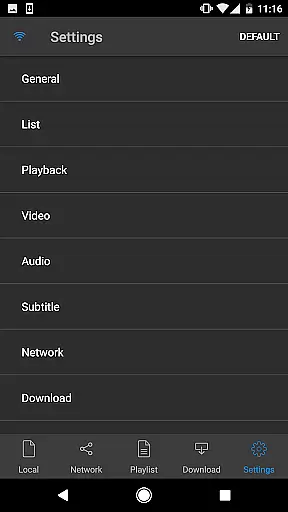
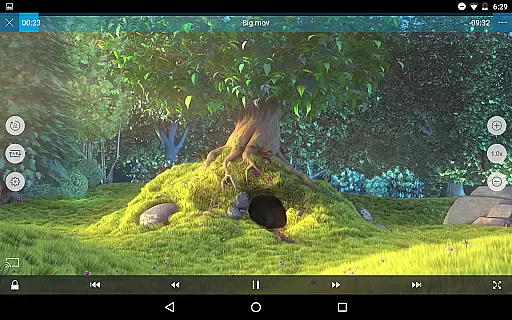
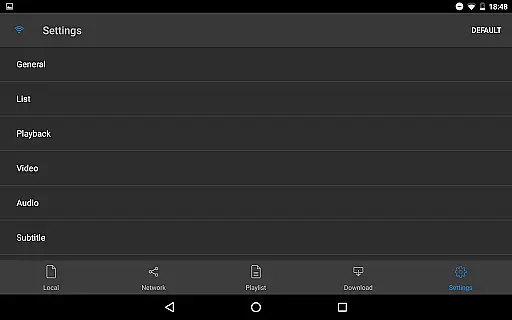
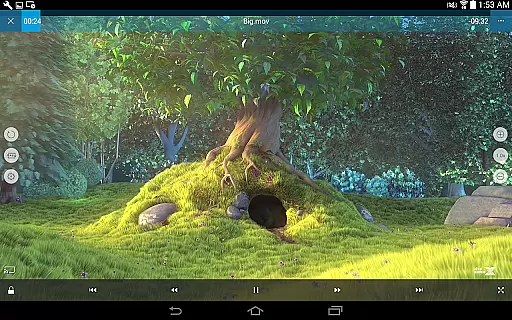
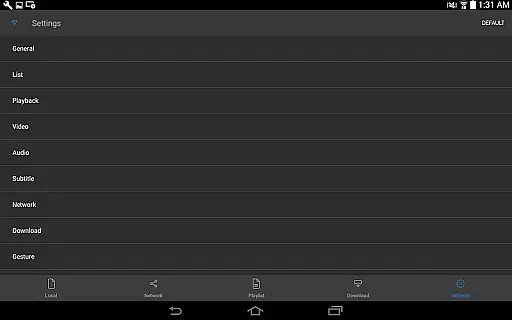
With intuitive touch controls, users can easily adjust playback settings, manage subtitles, and control audio levels. Whether you're managing local files or streaming from cloud services, nPlayer provides a comprehensive solution for all your media needs.
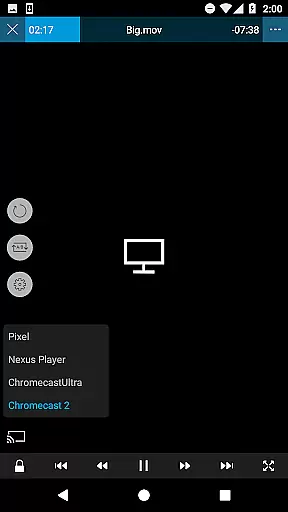
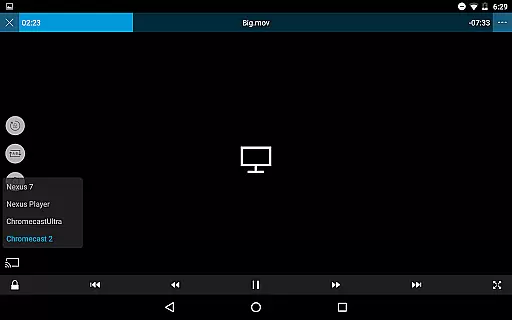
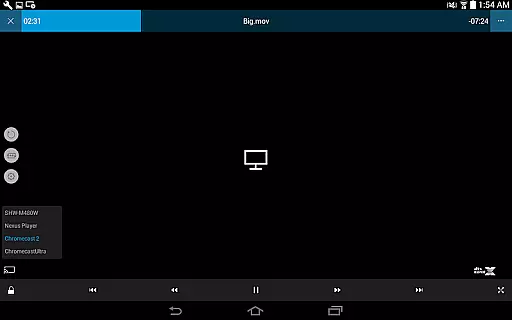
The app boasts an impressive array of features including support for DTS audio codec, pop-up play, and casting to Smart TVs. It also supports a wide variety of file types such as MP4, MKV, FLAC, and SRT subtitles.
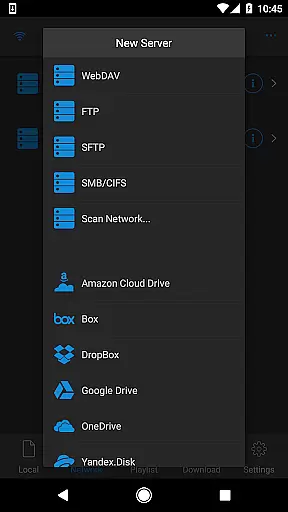
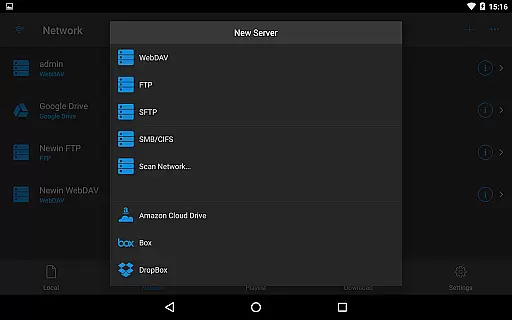
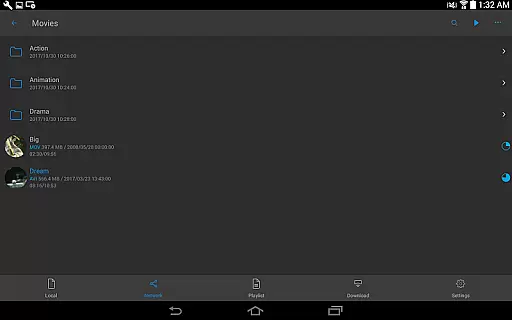
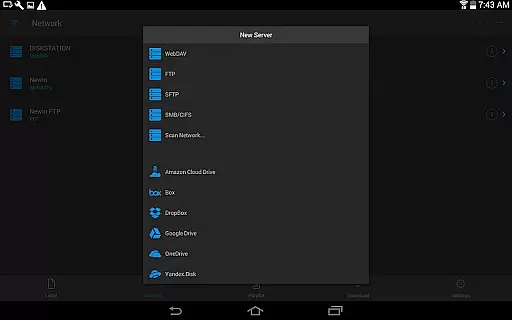
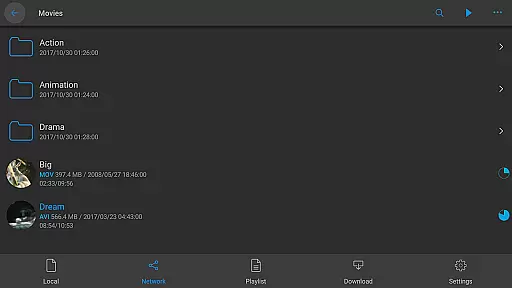
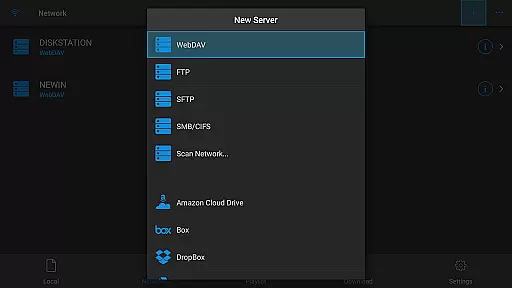
nPlayer facilitates access to media through multiple protocols like WebDAV, FTP, and cloud services including Google Drive and Dropbox. With advanced subtitle management, multi-track audio support, and HDMI output, it offers a rich multimedia experience.
One of the standout features of nPlayer is its extensive video format compatibility, eliminating the need for users to convert files to MP4 for mobile playback. This Video Players & Editors app supports a wide array of formats including MP4, MOV, MKV, AVI, WMV, and many more, ensuring that users can play almost any video file type without additional conversion efforts.
The application's support extends beyond just basic video playback; it also includes advanced codecs like DTS audio codec (DTS HD), making it a comprehensive solution for users with diverse media libraries. Whether you're dealing with high-definition movies or lesser-known formats like RMVB or TP, nPlayer provides seamless playback capabilities.
This level of compatibility offers significant value to users by saving time and storage space while maintaining original video quality. The ability to handle various subtitle formats (SMI, SRT, SSA, etc.) further enhances the viewing experience, allowing for personalized adjustments in location, font size, and timing directly through intuitive touch controls.
While nPlayer focuses primarily on video playback, it incorporates several AI-powered features that enhance the overall user experience. The app utilizes intelligent algorithms to optimize audio boost and subtitle management, providing users with clearer sound quality and more accurate subtitle display without manual adjustments.
Through sophisticated AI processing, nPlayer enables multi-track audio support and advanced subtitle handling, including SSA/ASS full styling and embedded subtitles. These features work together to create a more immersive viewing experience, especially when streaming content to Smart TVs or using HDMI output.
Although not a traditional video editor, nPlayer's smart features extend to its cloud service integration and network protocol support (WebDAV, FTP, SFTP, etc.). The application's ability to efficiently manage and stream media files from various sources demonstrates its commitment to leveraging technology for enhanced user convenience and flexibility in media consumption.
User-friendly interface
Wide format compatibility
Advanced subtitle options
Cloud service integration
Multi-track audio support
Premium version required
Complex for beginners
Limited free features
Occasional bugs
High system requirements

A full editing room to accompany your Insta360 cameras and handheld gimbals.
 3.30
3.30
Cast Videos from Web Browser, IPTV to Roku, Chromecast, DLNA, Smart TV +more
4.60
KineMaster, Your Ultimate Video Editor!
4.40
Stream high quality video from your camera over NDI protocol
4.5
VLC Remote lets you control your VLC Media Player on Mac, PC or Linux.
4.60
Video Downloader, Multiple Resolution Options, Video Player
4.50
All in one multi protocols stream receiver for AirPlay, Cast and DLNA.
3.60
This app is an emulator of some specific IPTV boxes
3.50
convenient, safe and fast at Video Downloader & Player
4.60
AI Video Editor with Music, Filter, Slideshow, Effect, Merge & Trim Video.
4.80
Browser + Remote for Roku to stream webvideos, online movies and livestreams
4.60
Download website videos fast&privacy
4.40
Browser for Fire TV to stream webvideos, online movies, livestreams in HD
4.40
This app was created to edit the metadata of music files.
4.20
Browser for Samsung TV to stream webvideos, online movies and livestreams in HD
4.10
Online Videos Player
3.90
HD video & music player - All format support with floating & PIP mode!
3.80
Live TV, anywhere in your home
3.80
Connect EasyCap or UVC devices for recording and broadcast video/audio stream
3.60


User Reviews