
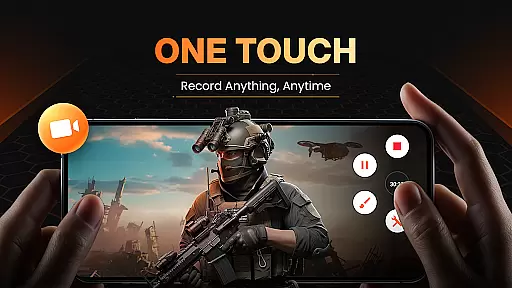
XRecorder is a professional-grade screen recording application designed for Android devices, requiring no root access. It enables users to capture high-quality screen activities including gameplay, video calls, and tutorials without any watermarks.
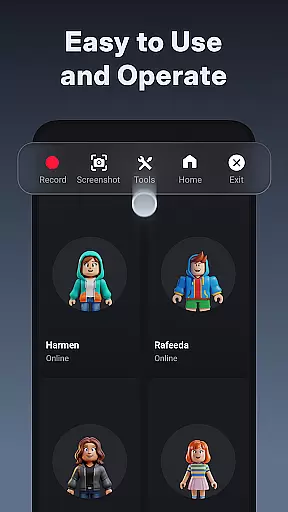
The application stands out with its comprehensive feature set, including live streaming capabilities to platforms like YouTube, multiple FPS options up to 120 FPS, and built-in video editing tools. Its intuitive floating ball interface allows quick access to recording functions.
Ideal for content creators and gamers, XRecorder provides unlimited recording time and supports internal audio capture for Android 10 and above. The app's robust functionality makes it suitable for creating professional video content across various use cases.
XRecorder offers advanced screen recording capabilities without watermarks or time limits. The app supports up to 120 FPS recording, providing users with ultra-smooth video capture for gameplay, tutorials, and live streams.
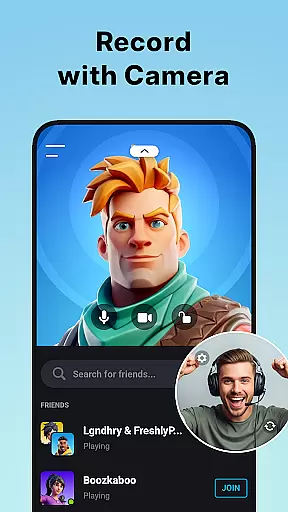
With integrated editing tools, users can trim, crop, and enhance their recordings. Unique features like Facecam allow simultaneous front camera recording, while customizable floating controls ensure convenient one-touch operation.
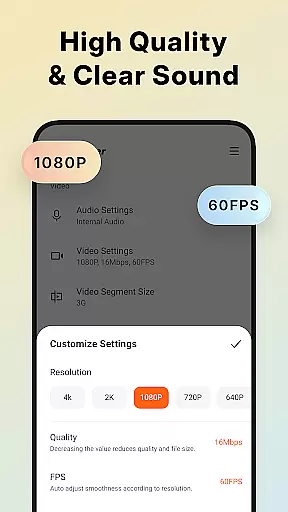
The application's versatility extends to its audio recording functionality, capturing both system and microphone sounds clearly. Users can store recordings on internal memory or SD cards, with flexible resolution and quality settings ranging from 240p to 1080p.
Video format compatibility is a crucial feature for any video player and editor, ensuring that users can work with a wide range of video files without the need for conversion. Screen Recorder - XRecorder excels in this area by supporting various resolutions and frame rates, from 240p to 1080p Full HD and 15FPS to 60FPS. This flexibility allows content creators to record and edit videos tailored to specific platforms or audiences.
The application's ability to export videos in custom settings, including bitrate up to 12Mbps, ensures high-quality output suitable for professional use. Whether you're recording gameplay or creating video tutorials, having options for different formats means your content will look great on any device or platform. Additionally, support for high frame rates like 120 FPS offers an enhanced visual experience, particularly beneficial for fast-paced gaming sessions.
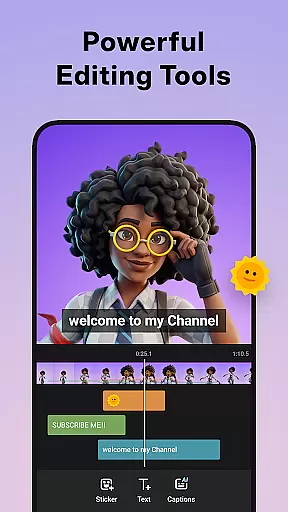
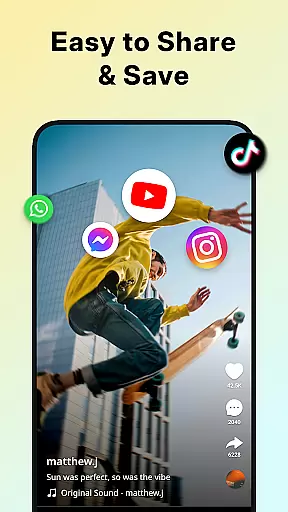
Moreover, XRecorder provides features such as trimming, cropping, and rotating videos, which are essential for adapting content to fit various aspect ratios and orientations. These tools ensure that regardless of the original format, users can modify their recordings to suit social media platforms, YouTube, or personal archives. With these capabilities, Screen Recorder - XRecorder stands out as a versatile tool for both casual and professional video editors.
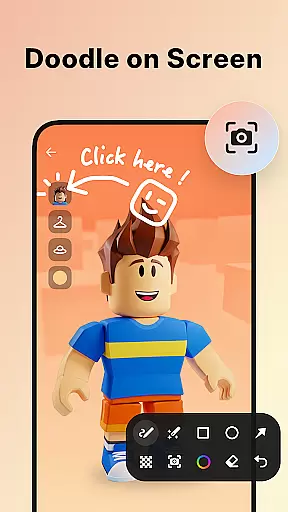
AI-powered editing features represent the cutting edge of video editing technology, enabling users to enhance their content with minimal effort. Screen Recorder - XRecorder incorporates several AI-driven tools that simplify the editing process while delivering professional results. For instance, the app includes brush tools that allow users to draw directly on the screen during recording, adding a personalized touch to tutorials or presentations.
In addition to drawing capabilities, XRecorder offers advanced video editing functions such as trimming, removing sections, and adjusting playback speed. These features are augmented by AI algorithms that ensure smooth transitions and precise cuts, making it easier for users to produce polished videos. The inclusion of facecam functionality further enhances the creative possibilities, allowing creators to overlay their reactions onto gameplay footage or instructional videos seamlessly.
Another standout feature is the app's music integration, where AI suggests popular tracks to complement video content. Users can also apply stylish filters and add text or stickers, transforming ordinary clips into engaging stories. By leveraging AI, Screen Recorder - XRecorder empowers users to focus on their creativity rather than technical details, resulting in higher-quality content that resonates with viewers across multiple platforms.
High-quality recording
No watermark
Unlimited recording
Advanced editing
Multiple FPS options
Storage-intensive
No iOS version
Ads present
Premium features locked
Complex UI

Fast, private downloading, video saving, social media
 4.50
4.50
Client application for NextPVR software
3.00
Video Player - Unlimited features, 30 days money back guarantee.
4.60
Search & download videos from net with all video downloader, auto-detect & safe.
4.60
Full HD Video mp3 Player, MP4 player play 1080p, File manager, Video Downloader
4.40
Play ALL formats in 4K & HD. Video downloader, MP3 player, Chromecast & more.
4.80
AirMirror is Receiver for Screen Mirroring and Casting from Apple Devices.
3.60
Powerful Video Editor & Photo Editing App —— Quick Edits & Stunning Effects!
4.30
A Simple app to download Video & Music from the Internet.
4.70
Flud is a simple and beautiful BitTorrent client for Android.
4.80
High-Quality USB Camera Viewer & HDMI Display
4.70
GENRAL PRO - General Pro is the best video player that fully supports all formats.
4.70
HD video maker with no watermark, no ads & vlog maker with music, PIP, text
4.50
Video Downloader, Multiple Resolution Options, Video Player
4.50
Video Downloader is an utility that can save videos and music from web sites
4.20
This app was created to edit the metadata of music files.
4.20
Livestream, news, & gaming content. Watch, chat, and upload. Join Rumble today!
3.80
A full editing room to accompany your Insta360 cameras and handheld gimbals.
3.30
Mix with Virtual DJ directly from your phone or tablet !
3.10


User Reviews