
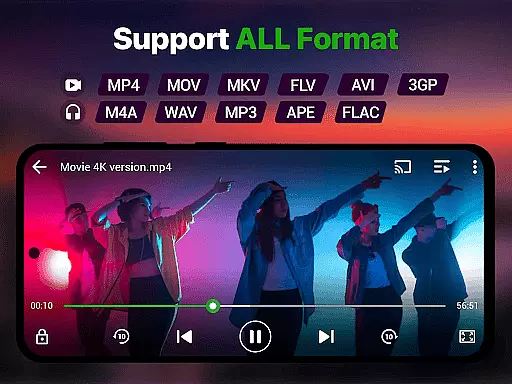
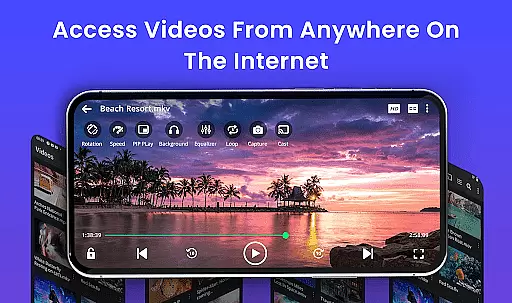
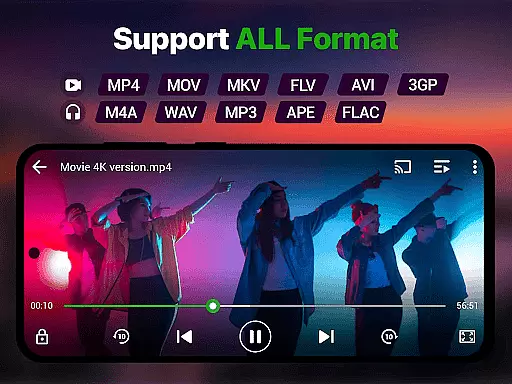
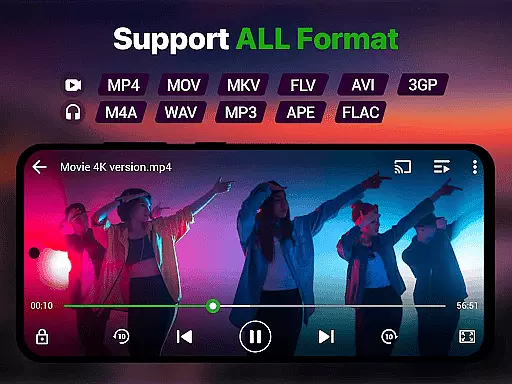
Video Player is a feature-rich media application designed for seamless video playback on Android devices. This app supports all major video formats including MP4, MKV, AVI, MOV, and more, ensuring smooth performance even with high-resolution 4K content. With advanced decoding technology and AI-enhanced rendering, it delivers an optimized viewing experience while maintaining exceptional clarity.
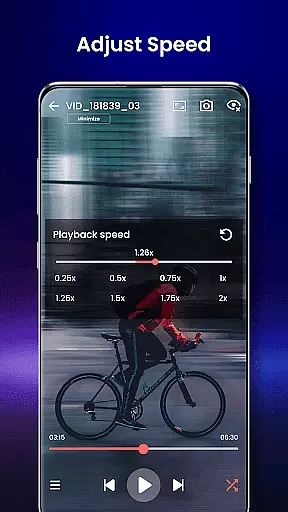
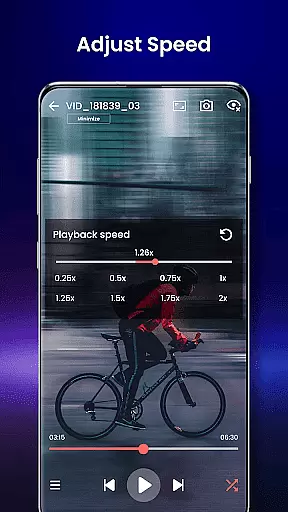
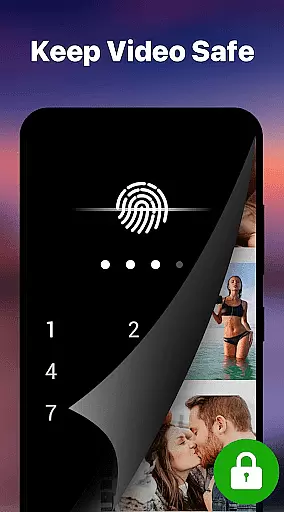
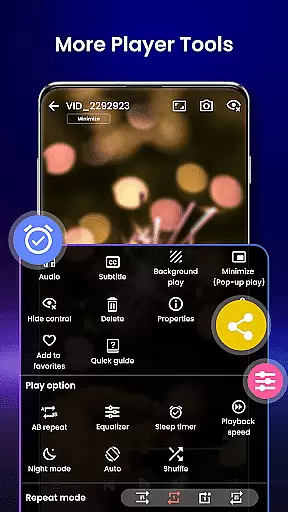
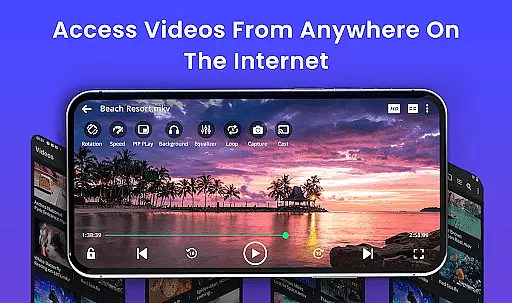
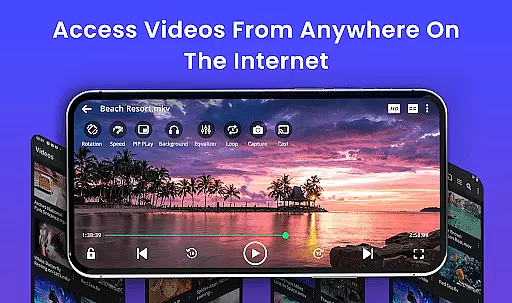
One of the standout features of Video Player is its versatility. Users can enjoy smart gesture controls, subtitle support, background play, and speed adjustments ranging from 0.25x to 4x. Additionally, the app offers practical tools like file organization, private folders with PIN protection, and Chromecast integration for streaming videos directly to a TV. Whether you're watching movies, tutorials, or managing personal media collections, this app provides a secure and customizable solution tailored to various user needs.
Video Player stands out due to its comprehensive set of features that cater to diverse user requirements. The app supports Ultra HD and 4K playback, making it ideal for users who demand premium video quality. It also includes multi-format compatibility, covering popular extensions such as MP4, MKV, AVI, and WMV, ensuring no file goes unsupported.
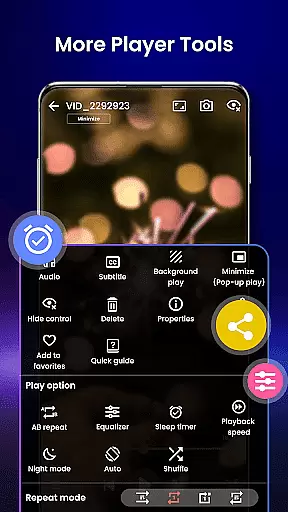
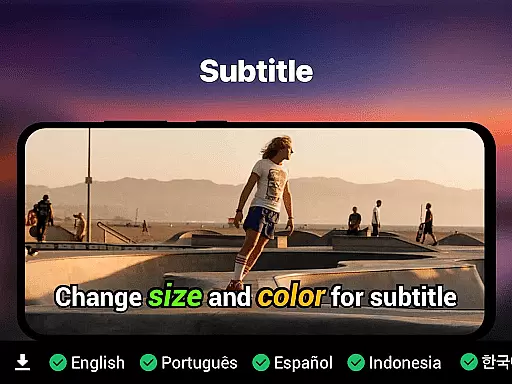
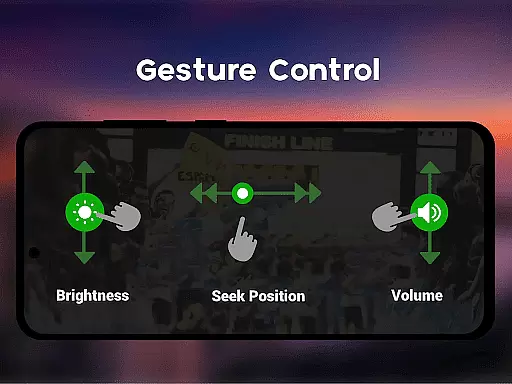
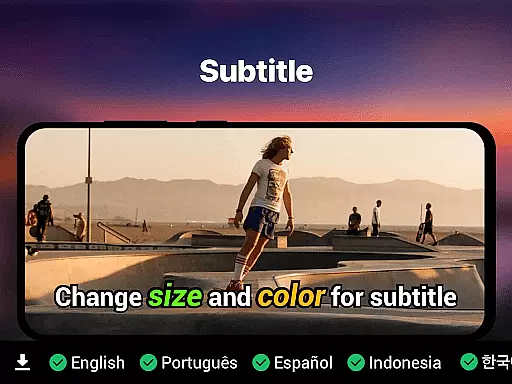
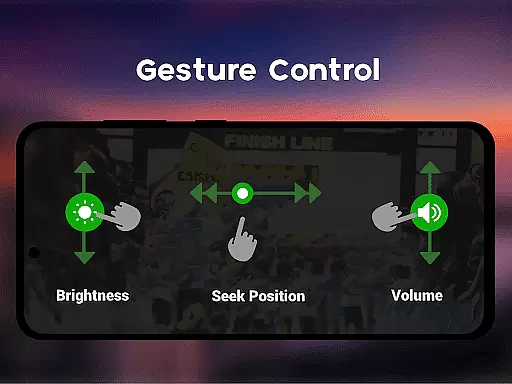
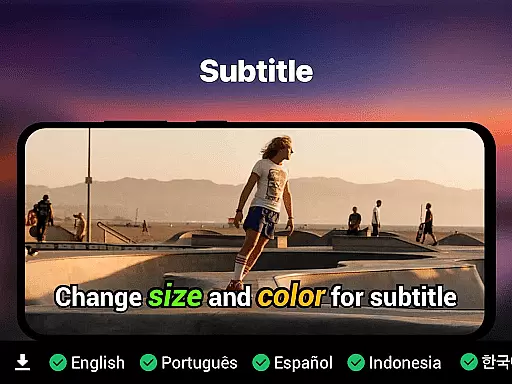
Beyond basic playback, the app incorporates innovative functionalities like smart gesture controls for adjusting volume, brightness, and seeking through videos. Subtitle synchronization is robust, supporting SRT, SSA, ASS, and VTT formats. Additional highlights include night mode for eye protection, pop-up window mode for multitasking, and speed control for flexible viewing. Advanced options like resume playback, last-seen tracking, and cloud-based media integration further enhance the overall user experience.
Video format compatibility is a crucial feature for any video player, ensuring that users can play videos in various formats without the need for conversion. The Video Player app supports an extensive range of video formats including MP4, MKV, AVI, MOV, FLV, 3GP, and WMV. This wide compatibility ensures that no matter what type of video file you have, the app will handle it with ease.
The app's advanced decoding technology guarantees smooth playback of high-resolution videos, from standard HD to stunning 4K quality. With AI-enhanced rendering, the Video Player optimizes each frame for clarity and seamless viewing. Whether you're watching movies or reviewing recorded clips, you'll experience premium video quality without any lag.
For users with diverse media collections, this app simplifies media management by auto-detecting and organizing video files through its integrated file manager. You won't need to worry about manually sorting your library; the app takes care of it for you. Additionally, features like subtitle support for SRT, SSA, ASS, and VTT formats ensure that language barriers won't hinder your viewing experience.
AI-powered editing features are transforming how we interact with video content, making editing more accessible and efficient. The Video Player app incorporates smart gesture controls for volume, brightness, and seeking, which enhance user interaction and streamline the viewing process. These intuitive controls allow users to make real-time adjustments effortlessly, providing a personalized and comfortable viewing experience.
Beyond basic playback, the app offers speed control options ranging from slow-motion at 0.25x to fast forward at 4x. This flexibility caters to different needs, whether you're analyzing detailed footage or simply speeding through less critical parts. Moreover, the inclusion of night mode and eye-protection features demonstrates the app's commitment to user comfort during extended viewing sessions.
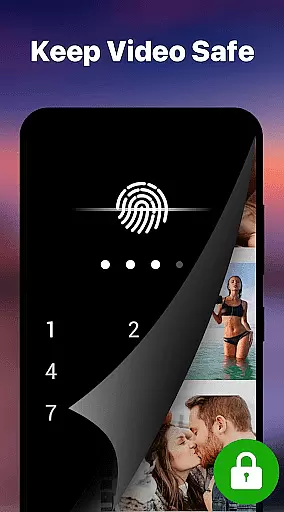
For those who value privacy, the app includes a private folder feature secured with a PIN lock, allowing discreet storage of sensitive videos. Coupled with Chromecast support for streaming to TV and background play options, these innovative functionalities underscore the app's versatility. By integrating cutting-edge AI technology with practical tools, the Video Player app stands out as an all-in-one solution for both casual viewers and tech-savvy users.
Supports 4K video playback
Wide format compatibility
Advanced subtitle options
Private folder security
No ads included
Limited iOS availability
Complex for beginners
Occasional bugs
Few customization themes
Heavy on storage

You can play SWF format file!
 2.50
2.50
An easy-to-use and all-round screen recorder with audio
4.80
Seamlessly connect and control your smart devices, anytime, anywhere with ease.
4.60
Fast & easy HD video downloader for all formats, support 4K playback & download.
4.60
AI Video Editor:AI Music, Text to Video,Text to Speech,Auto Caption,Video Effect
4.00
Find, download, and play torrents with the official BitTorrent® Pro app
4.70
The essential companion to your Blue Iris PC software
2.50
A Simple app to download Video & Music from the Internet.
4.70
Screen recorder with audio to take live videos & Screenshot in high quality!
4.70
Flud is a simple and beautiful BitTorrent client for Android.
4.80
Cast Videos from Web Browser, IPTV to Roku, Chromecast, DLNA, Smart TV +more
4.60
Snaptubè Video Downloader app allows to download videos and music in Snaptube. .
4.60
VLC Remote lets you control your VLC Media Player on Mac, PC or Linux.
4.60
IPTV Loader, loads your own Playlist. DOES NOT CONTAIN ANY LIST OR CHANNELS
4.60
KineMaster, Your Ultimate Video Editor!
4.40
Fast video downloader & private browser. Save HD clips to watch offline.
4.40
Make your own Animations, Video and Photo Edits, Visual Effects, and more!
4.00
Explore the largest library of free GIFs, Stickers & Memes - or create your own!
3.90
Client application for NextPVR software
3.00


User Reviews