
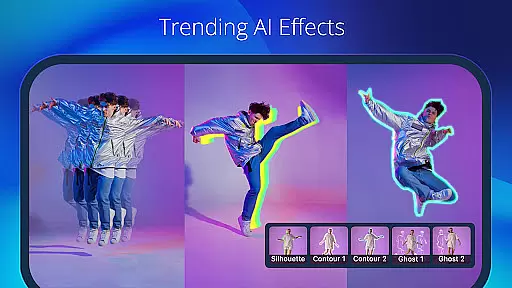
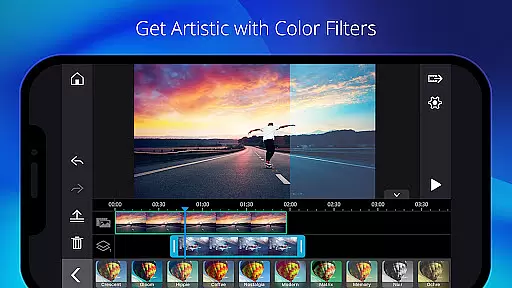
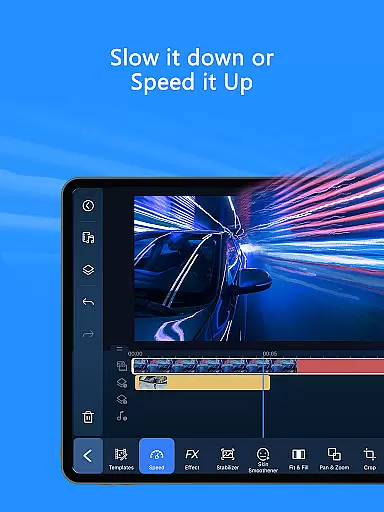
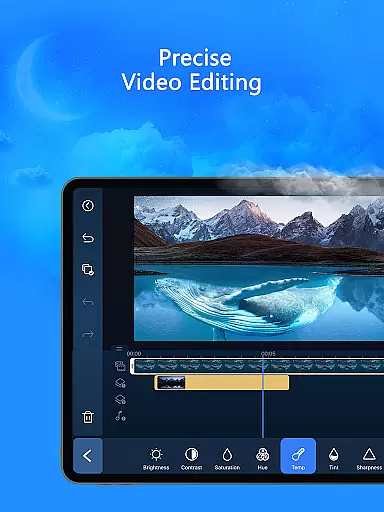
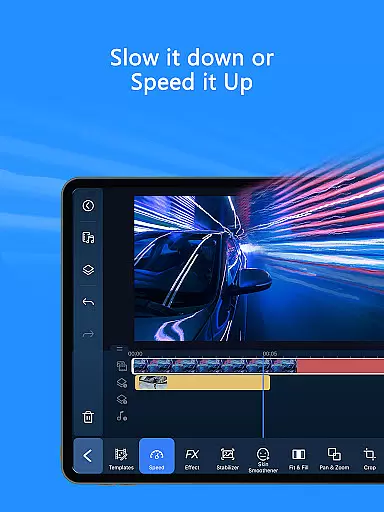
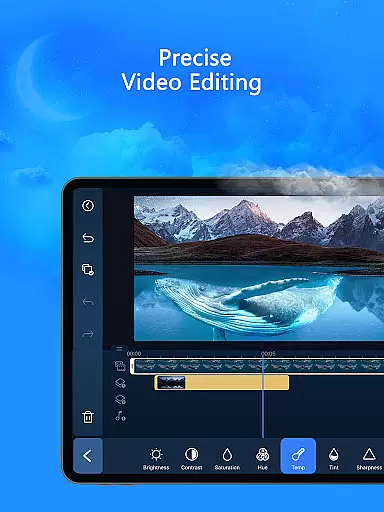
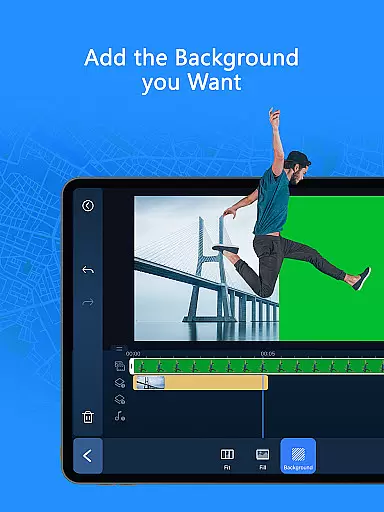
PowerDirector is a comprehensive AI-powered video editing application designed for both novice and professional content creators. This versatile tool allows users to create high-quality videos with ease, offering an extensive range of features including animation filters, AI Auto Edit tools, and various creative templates. The app's standout capability lies in its advanced AI functionalities that can transform ordinary clips into engaging social media content or viral TikTok videos instantly.
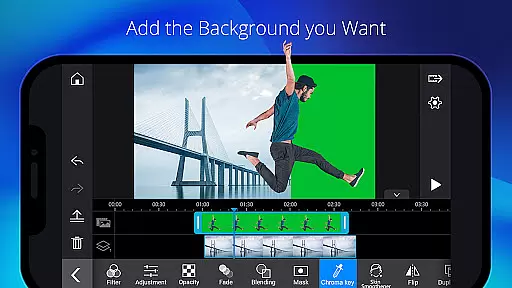
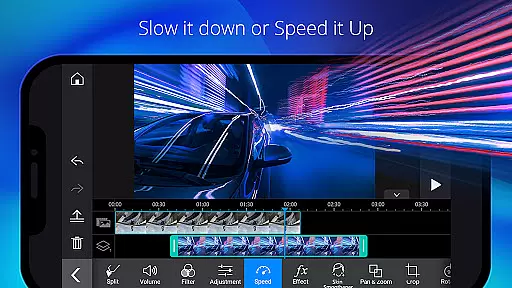
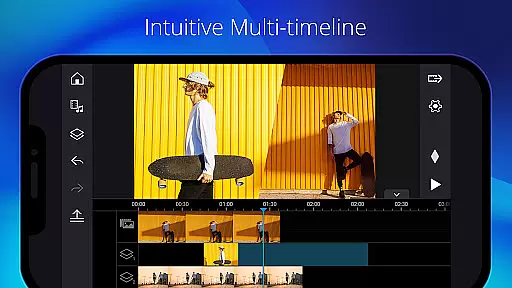
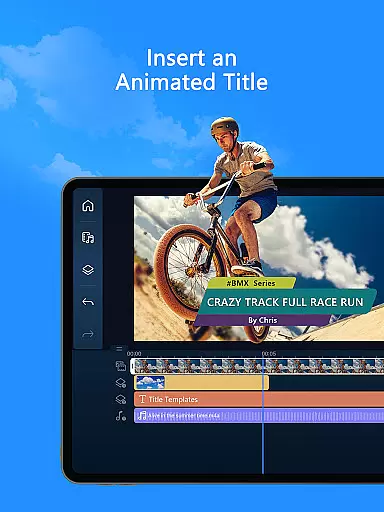
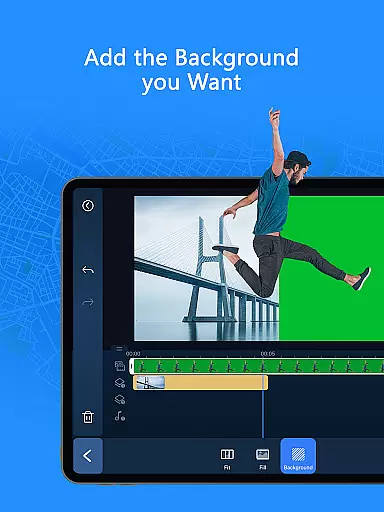
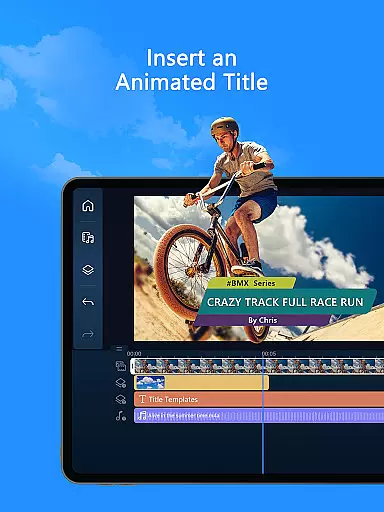
The application caters to all experience levels by providing intuitive trimming, cutting, and splicing tools alongside thousands of free effects and filters. For more advanced users, it offers professional-grade features such as green screen editing, video stabilization, and keyframe controls. Whether you're looking to create simple video collages or complex multi-layered projects, PowerDirector provides the necessary tools to achieve professional results on mobile devices.
One notable use case is creating marketing content for social media platforms. Users can leverage the app's AI-powered features like auto-captioning and speech enhancement to produce accessible and engaging promotional videos that capture audience attention effectively.
PowerDirector stands out through its innovative implementation of artificial intelligence in video editing. The app's AI Auto Edit feature automatically detects the most compelling moments in raw footage and applies polished templates to create professional-looking videos within minutes. This functionality is particularly valuable for content creators who need to produce high-quality videos quickly without compromising on creativity or production value.
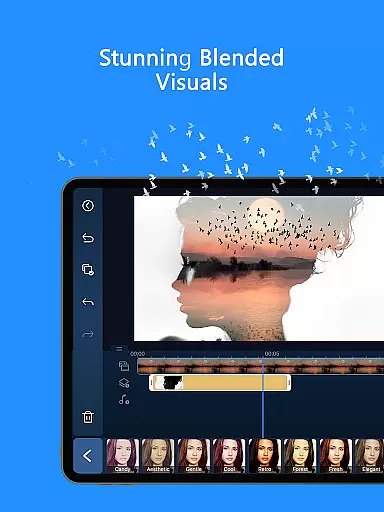
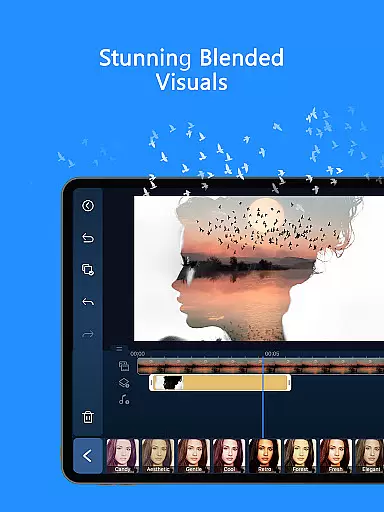
The application's diverse feature set includes specialized tools such as AI Portrait filters that can transform subjects into Ghibli or Disney-style characters, and AI Video Enhancer that improves video quality through sophisticated algorithms. These features demonstrate the app's commitment to pushing the boundaries of mobile video editing by incorporating cutting-edge technology that was previously only available in desktop applications.
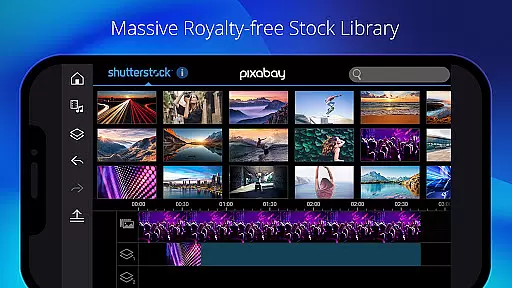
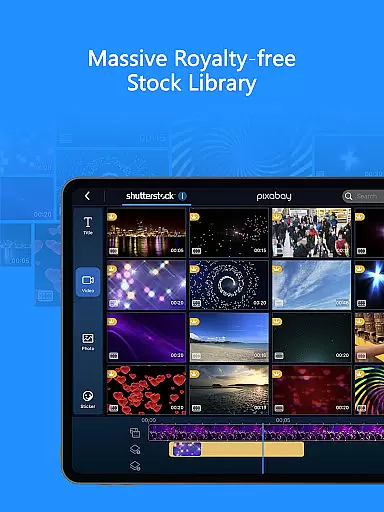
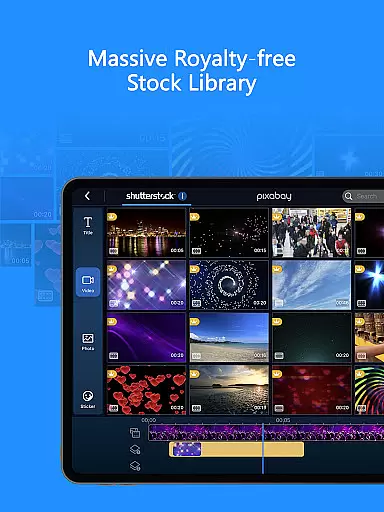
Another significant advantage is the app's comprehensive stock library integration, powered by Getty Images. This feature, combined with customizable templates and premium content, enables users to create unique and professional-grade videos without needing to source external materials. The inclusion of royalty-free music, photos, and video footage makes PowerDirector an all-in-one solution for content creators looking to produce commercial-grade videos directly from their mobile devices.
Video format compatibility is a crucial feature for any video editor, ensuring that users can work with a wide range of video files without conversion hassles. PowerDirector excels in this area by supporting an extensive array of formats, allowing creators to import and export videos seamlessly.
The application's support spans from common formats like MP4 and AVI to more specialized ones such as ProRes and HEVC, making it versatile for both amateur and professional projects. This flexibility ensures that no matter the source of your footage, PowerDirector can handle it efficiently.
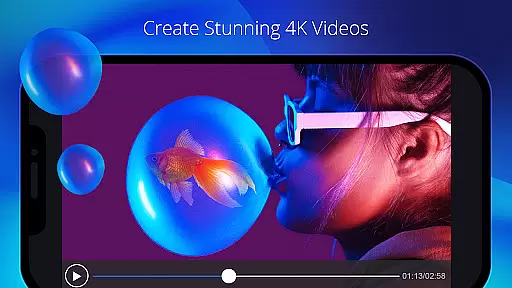
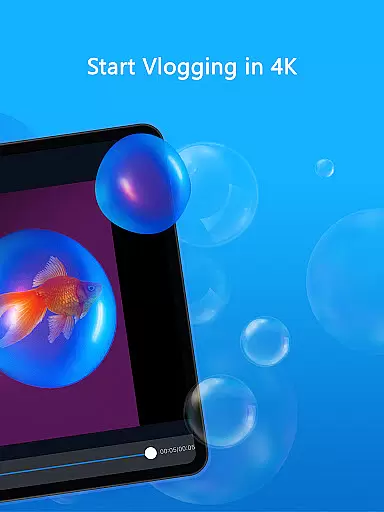
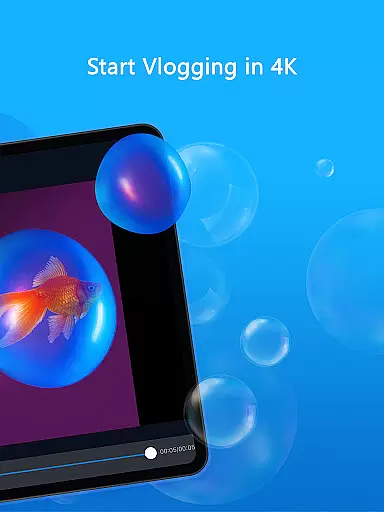
For content creators who deal with high-resolution footage, including 4K and even 360-degree videos, PowerDirector maintains its compatibility, thus preserving the quality of your original content during editing. This means you can produce ultra HD videos that stand out on platforms like YouTube or Vimeo.
By offering broad video format compatibility, PowerDirector empowers users to focus on their creative process rather than technical limitations, enhancing productivity and enabling a smoother workflow from project inception to final output.
AI-powered editing features represent a significant advancement in video editing technology, automating complex tasks and enabling creators to produce professional-quality content with minimal effort. PowerDirector incorporates several AI tools that revolutionize how videos are edited, making sophisticated techniques accessible to everyone.
Among these innovations is the AI Auto Edit tool, which intelligently selects the best moments from your clips and arranges them into a polished video using pre-designed templates. Additionally, features like AI Image-to-Video and AI Portrait apply artistic styles or transform images into dynamic video sequences effortlessly.
PowerDirector also includes practical AI utilities such as AI Speech-to-Text for generating accurate subtitles automatically and AI Background Removal for creating studio-quality visuals without needing a green screen setup. These capabilities not only save time but also open new creative possibilities.
With these AI-powered tools, PowerDirector significantly lowers the barrier to entry for aspiring videographers while providing seasoned professionals with efficient solutions to enhance their storytelling capabilities.
User-friendly interface
Advanced AI features
Extensive template library
Professional editing tools
Cross-platform compatibility
Premium subscription required
High device requirements
Steep learning curve
Limited offline functionality
Occasional performance issues

Client application for NextPVR software
 3.00
3.00
HD Video player all format, HD Videos, Cast & Subtitle. No annoying ads.
4.60
VLC Remote lets you control your VLC Media Player on Mac, PC or Linux.
4.60
This app was created to edit the metadata of music files.
4.20
Pro video editor app for Instagram, edit video with song, AI, effect & slowmo.
4.80
Fast & Private Video Downloader App. Save all videos easily from the Internet.
4.40
IPTV Loader, loads your own Playlist. DOES NOT CONTAIN ANY LIST OR CHANNELS
4.60
LumaFusion: The Ultimate Storytelling Experience for Video Editing
4.10
#1 Torrent App on Android ** No Ads Ever + Battery Saver **
4.80
Tik & Story Saver-Download ALL social media videos, photos & reels no watermark.
4.80
Download videos and play them offline
4.70
Browser + Remote for Roku to stream webvideos, online movies and livestreams
4.60
Video Downloader, Multiple Resolution Options, Video Player
4.50
Powerful video player with advanced hardware acceleration and subtitle supports
4.20
Powerful, professional, versatile teleprompter. Developed by an active film crew
4.00
Fast private browser with secure, seamless access & supported video downloads!
4.00
All in one multi protocols stream receiver for AirPlay, Cast and DLNA.
3.60
Stream high quality video from your camera over NDI protocol
4.0
Powerful HD video player with support for all formats & subtitles.
4.5


User Reviews