
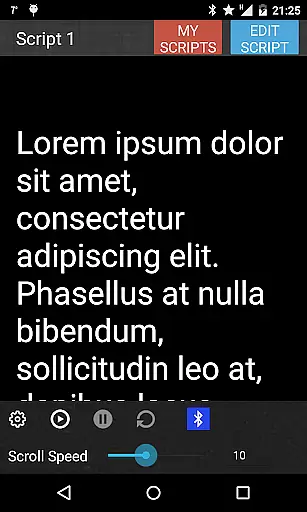
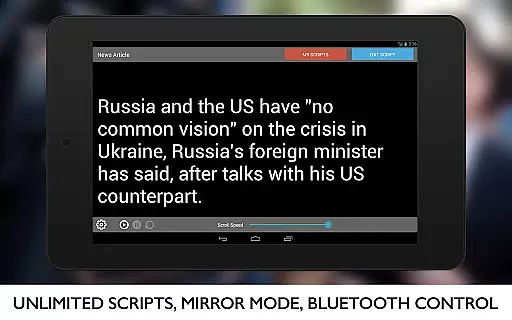
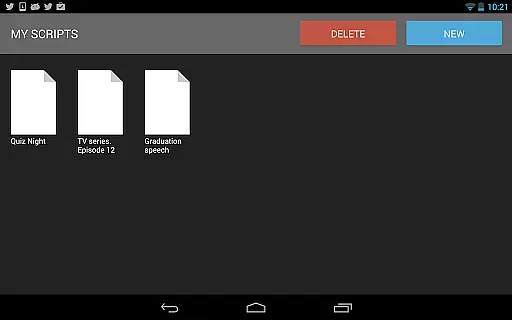
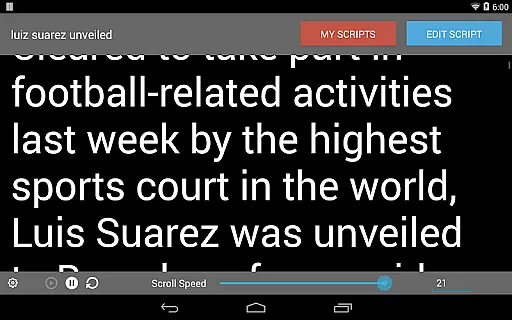
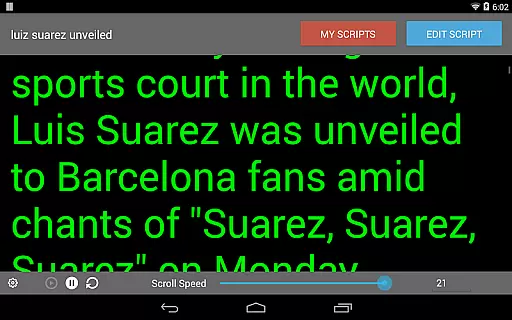
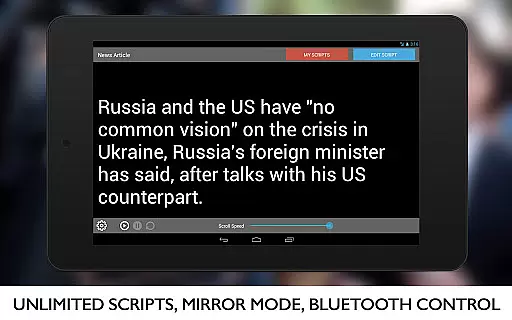
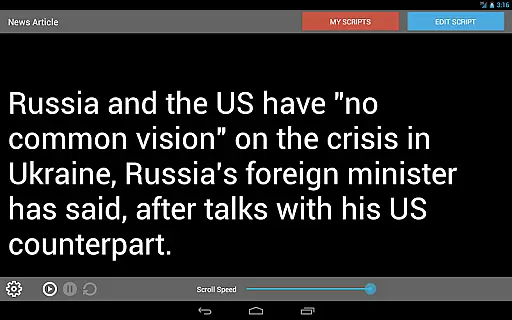
Teleprompter Pro is a professional teleprompter system designed for Android devices, offering users an efficient way to manage scripts during presentations or broadcasts. The app allows users to create and import unlimited scripts, adjust text size and scrolling speed, and control brightness directly within the app.
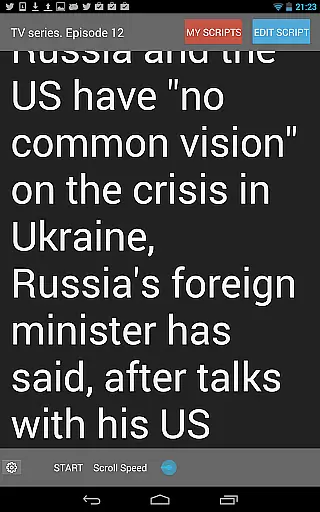
One standout feature is its mirror mode, specifically designed for use with teleprompter rigs, making it ideal for filmmakers and broadcasters. With support for Bluetooth keyboard remote control and customizable font and background colors, this app provides a versatile solution for various public speaking needs.
This application is particularly useful for professionals in media, education, and business who need to deliver smooth, uninterrupted speeches or performances. By providing precise control over script presentation, Teleprompter Pro enhances the quality of lectures, presentations, and live broadcasts.
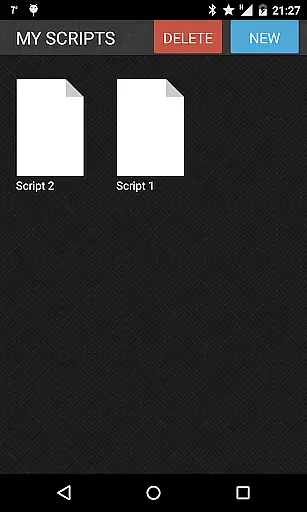
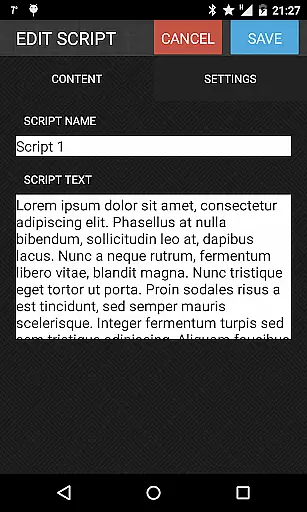
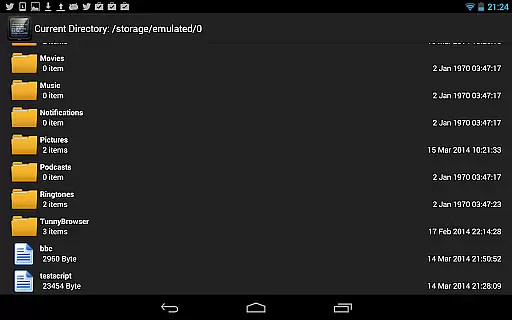
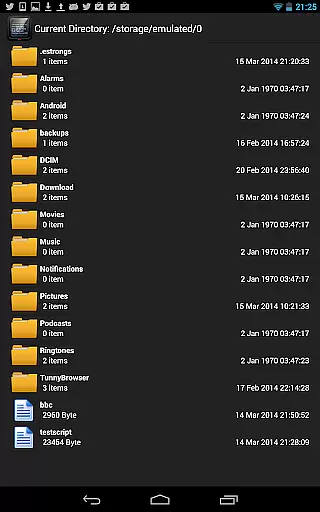
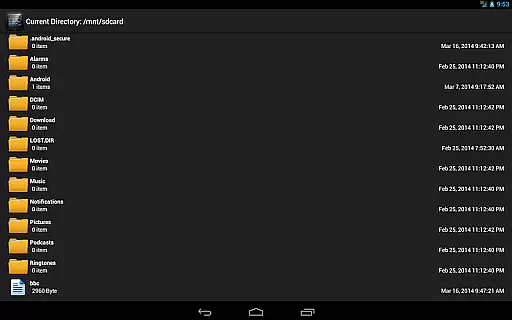
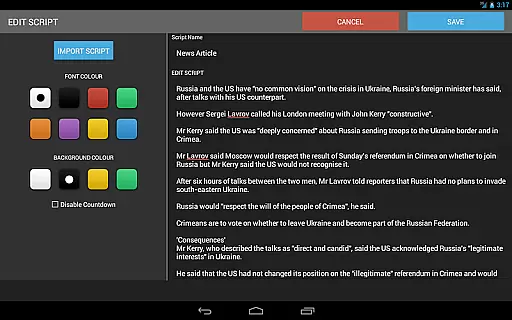
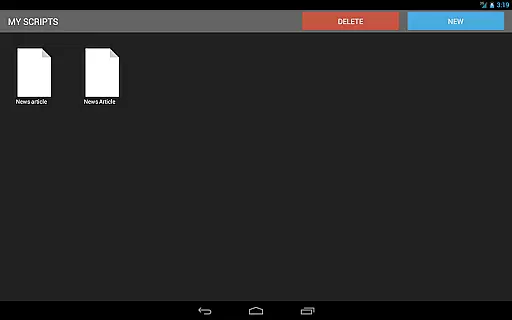
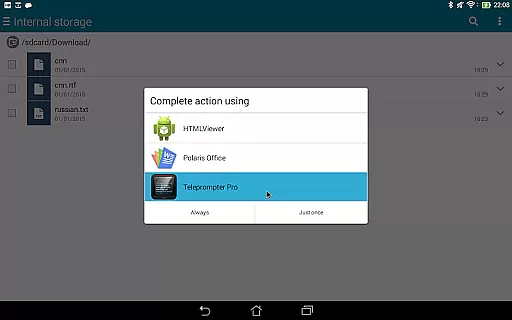
Teleprompter Pro offers a comprehensive set of features that cater to both amateur and professional users. The ability to import scripts from text files saves time, while the full-screen mode ensures maximum visibility during critical moments. Users can also delete unnecessary scripts to keep their library organized.
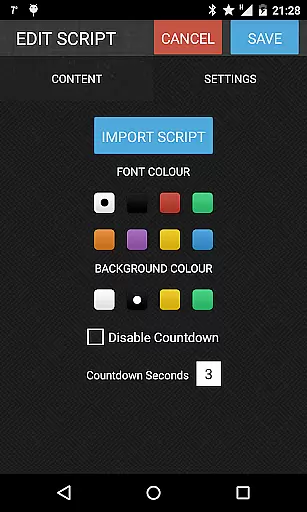
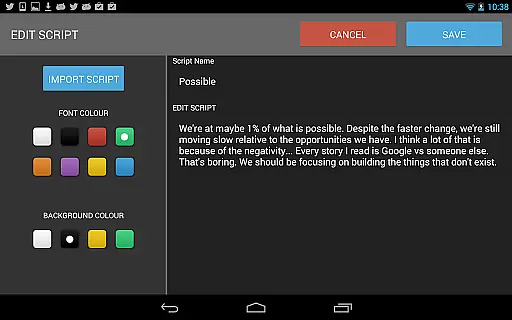
The app's customization options are extensive, allowing users to modify font and background colors to suit their preferences or environmental conditions. Speed adjustments enable seamless delivery of lines, whether for a fast-paced lecture or a slow, dramatic performance. Additionally, the in-app brightness control helps conserve battery life during extended use.
With its intuitive interface and practical features, Teleprompter Pro stands out among similar apps by providing reliable functionality that meets the demands of modern content creators and public speakers. Its compatibility with Bluetooth keyboards further enhances usability, making it a top choice for professionals on the go.
Video format compatibility is a crucial feature for any video-related application, ensuring that users can work with a wide range of video file types. Teleprompter Pro supports various formats, allowing users to import scripts from text files seamlessly. This flexibility enables broadcasters, filmmakers, and public speakers to utilize their preferred video resources without worrying about format restrictions.
The app's ability to handle unlimited scripts enhances its video compatibility. Users can import as many scripts as needed, making it suitable for lengthy projects or multiple speaking engagements. The inclusion of features like mirror mode and full-screen display further demonstrates the app's comprehensive approach to video presentation needs.
With additional functionalities such as remote control via Bluetooth keyboard and adjustable text settings, Teleprompter Pro ensures smooth operation during live presentations. These features collectively contribute to an optimal video playback experience across different devices and use cases.
AI-powered editing features are revolutionizing how users interact with video content, providing intelligent tools that enhance productivity and creativity. Teleprompter Pro incorporates several smart functionalities that streamline the scripting process. For instance, its speed adjustment capability allows users to set the perfect pace for their teleprompter, while automatic brightness control optimizes visibility based on ambient lighting conditions.
The application offers advanced customization options, including font and background color selection, which utilizes basic AI algorithms to ensure optimal contrast and readability. This feature is particularly beneficial for professional presentations where visual clarity is paramount. Additionally, the text size adjustment tool employs intelligent scaling to maintain proper formatting regardless of chosen dimensions.
While not featuring complex machine learning models, Teleprompter Pro's thoughtful implementation of smart features demonstrates how AI-powered enhancements can significantly improve user experience in video production and public speaking scenarios.
User-friendly interface
Extensive customization
Bluetooth support
Mirror mode available
Full screen option
Limited free version
No cloud sync
Premium cost
Occasional bugs
Ads in free tier

Video Downloader is an utility that can save videos and music from web sites
 4.20
4.20
Tik & Story Saver-Download ALL social media videos, photos & reels no watermark.
4.80
Create & edit videos with AI
4.30
KMPlayer Plus (Divx Codec) officially support Divx codec.
4.30
All in one HD video downloader & player for multiple formats with full privacy
4.70
Play and download HD videos from all sources — fast, simple, and all-in-one.
4.2
Powerful Video Editor & Photo Editing App —— Quick Edits & Stunning Effects!
4.30
Video Downloader, Multiple Resolution Options, Video Player
4.50
Find, download, and play torrents with the official BitTorrent® Pro app
4.70
Pro video editor app for Instagram, edit video with song, AI, effect & slowmo.
4.80
Screen recorder with audio to take live videos & Screenshot in high quality!
4.70
Snaptubè Video Downloader app allows to download videos and music in Snaptube. .
4.60
Search & download videos from net with all video downloader, auto-detect & safe.
4.60
Fast & easy HD video downloader for all formats, support 4K playback & download.
4.60
Video player, file manager for all formats, 4K/HD media player supports subtitle
4.30
IPTV-Smarters Player Pro M3U - Watch Live Stream TV Channels with Chromecast
4.00
Save photos and videos from social apps in one tap.
3.60
Watch full episodes of your favorite Cartoon Network and Cartoonito shows!
3.50
Powerful HD video player with support for all formats & subtitles.
4.2


User Reviews