
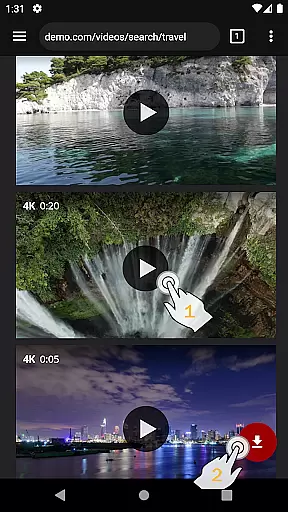
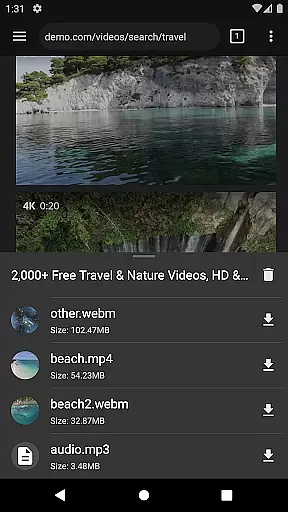
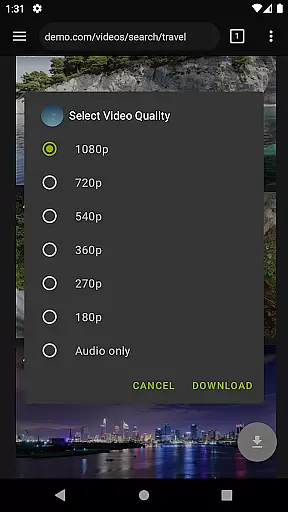
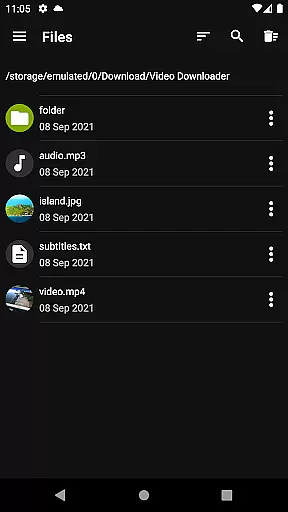
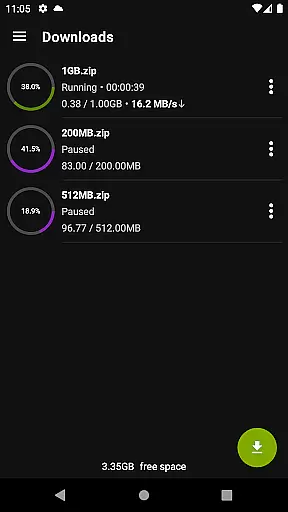

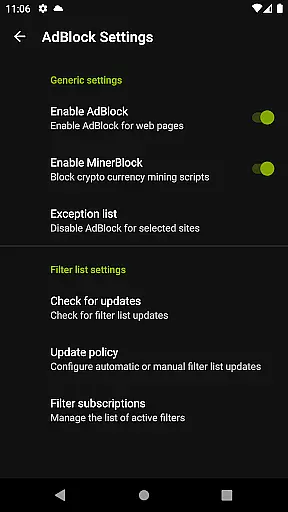
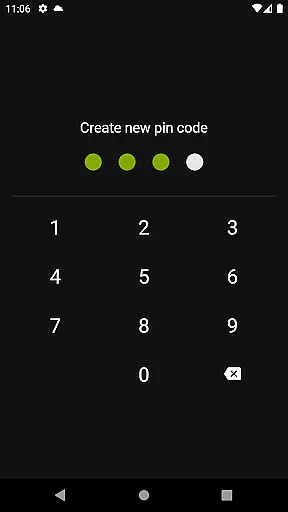
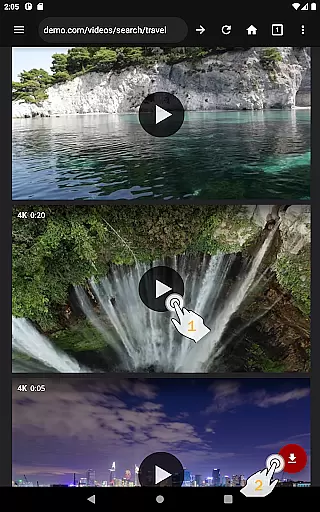
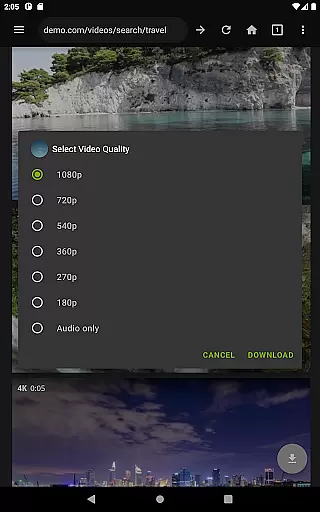
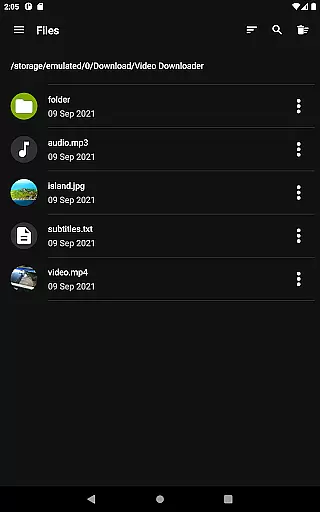
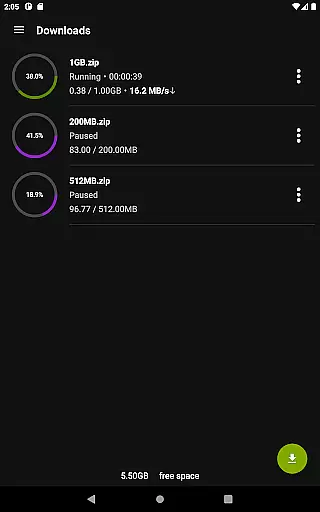
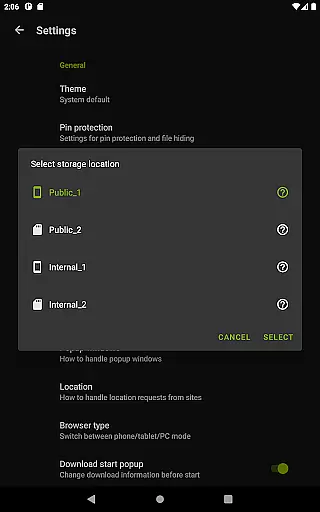
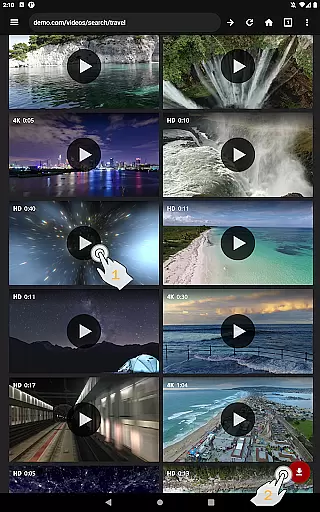
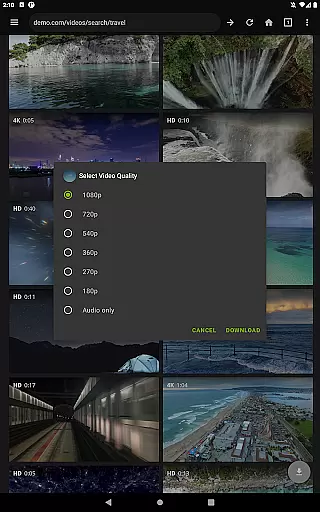
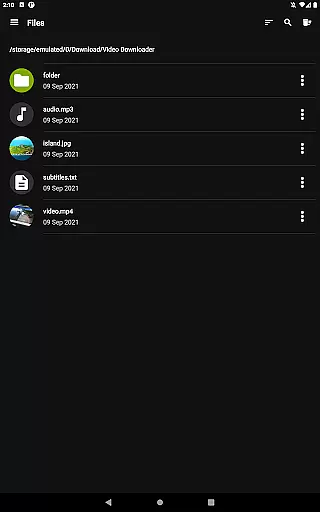
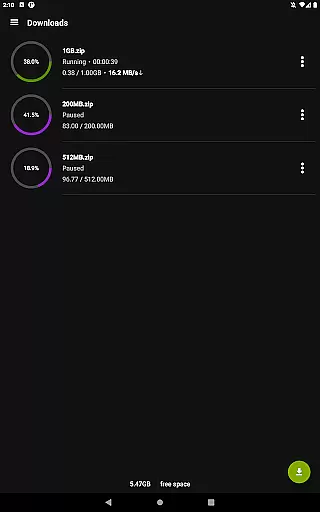
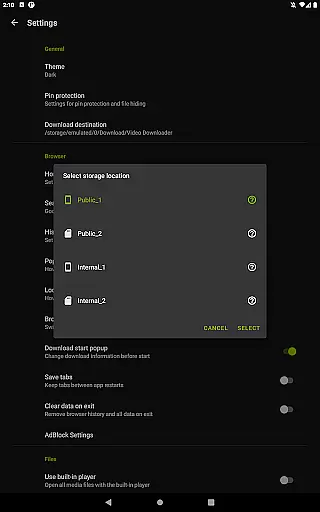
Video Downloader Pro is a premium application designed for users who need an efficient way to download and manage video content across multiple devices. The app offers advanced functionality including the ability to download both static videos and live streams, making it ideal for users who want to watch content offline at their convenience.
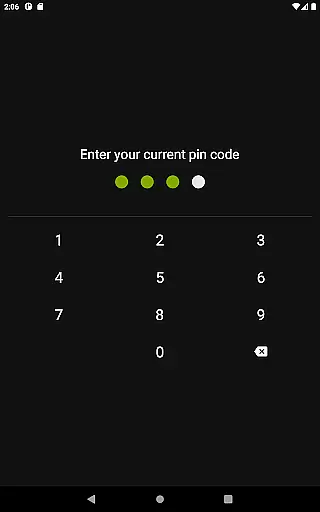
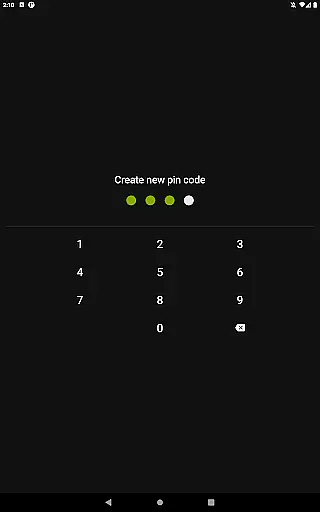
In addition to its core downloading capabilities, Video Downloader Pro provides a private browsing experience with incognito mode and PIN protection, ensuring user privacy. It also features a fully integrated AdBlocker, multi-connection download acceleration, and support for multiple SD cards, which enhances storage flexibility. These features collectively make it a comprehensive tool for managing online video content efficiently while maintaining a seamless user experience.
Video Downloader Pro stands out due to its rich feature set tailored for both casual and power users. One of its key highlights is the ability to download live video streams, a functionality not commonly found in standard downloaders. This allows users to capture real-time content that can be viewed later without an internet connection.
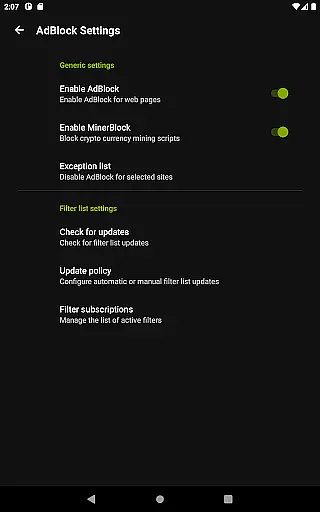
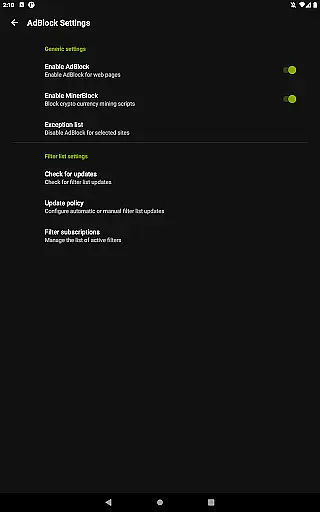
The app also includes a private web browser with incognito mode and PIN protection, ensuring secure browsing sessions. Its built-in AdBlocker supports custom filter lists, providing an ad-free experience. Furthermore, the multi-connection download manager significantly boosts download speeds, while support for multiple SD cards ensures users can manage large files effectively. These innovations cater to users seeking both performance and privacy in their digital tools.
Video Downloader Pro offers extensive video format compatibility, ensuring users can download and play videos in various formats without any hassle. This feature is crucial for a seamless user experience as it eliminates the need for additional conversion software.
The application supports all popular video formats including MP4, AVI, MKV, and FLV. This wide-ranging support allows users to download content from different sources without worrying about format restrictions. The built-in multi-connection download manager further enhances this capability by accelerating downloads several times.
Users benefit from the ability to store and manage files on multiple SD cards, providing flexibility in storage management. With support for files over 4GB, Video Downloader Pro ensures that even high-quality, large-sized videos can be downloaded and stored efficiently.
This comprehensive format compatibility not only improves user convenience but also expands the range of content that can be accessed offline, making it an essential tool for anyone looking to watch videos without internet constraints.
While primarily a video downloader, Video Downloader Pro incorporates AI-powered editing features that enhance the overall user experience. These intelligent tools help users optimize their downloaded content for better viewing quality and organization.
The application's AI capabilities include automatic video quality adjustment based on network conditions and device specifications. This ensures optimal playback performance regardless of the user's situation. Additionally, the premium version offers advanced features like live video stream downloading, which utilizes AI algorithms to maintain stream integrity during the download process.
Although not a full-fledged video editor, the application provides basic editing functions powered by AI, such as automatic video trimming and format optimization. These features work together to create a more refined final product while maintaining the original video's integrity.
The integration of AI-powered features in Video Downloader Pro demonstrates the application's commitment to providing users with comprehensive video management tools beyond simple downloading capabilities.
Ads removed
Live stream downloads
Multi-device usage
Money-back guarantee
Priority support
Premium price tag
Complex setup process
Limited free features
Requires permissions
Occasional bugs

Snaptubè Video Downloader app allows to download videos and music in Snaptube. .
 4.60
4.60
Create & edit videos with AI
4.30
Stream high quality video from your camera over NDI protocol
4.1
Live TV, anywhere in your home
3.80
1)AirPlay/DLNA Mirroring/Streaming, up to 4 connections; 2)Samba/NAS/DMS Player.
4.00
Play and download HD videos from all sources — fast, simple, and all-in-one.
4.2
Add date and time watermark to photos and videos
4.50
AI Video Editor with Music, Filter, Slideshow, Effect, Merge & Trim Video.
4.80
Download Hub, easy and private way to download and enjoy your videos offline
4.80
High-Quality USB Camera Viewer & HDMI Display
4.70
HD Video player all format, HD Videos, Cast & Subtitle. No annoying ads.
4.60
Fast video downloader & private browser. Save HD clips to watch offline.
4.40
Full HD Video mp3 Player, MP4 player play 1080p, File manager, Video Downloader
4.40
Video player with 4K & 1080P support, popup play, background play and subtitle.
4.20
VLC for Android is the best open source video and music player, fast and easy!
4.10
Powerful, professional, versatile teleprompter. Developed by an active film crew
4.00
IPTV-Smarters Player Pro M3U - Watch Live Stream TV Channels with Chromecast
4.00
All in one multi protocols stream receiver for AirPlay, Cast and DLNA.
3.60
Powerful HD video player with support for all formats & subtitles.
4.4


User Reviews