
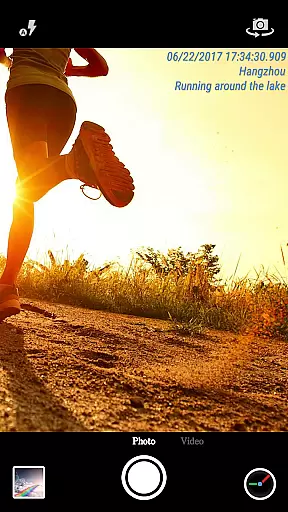
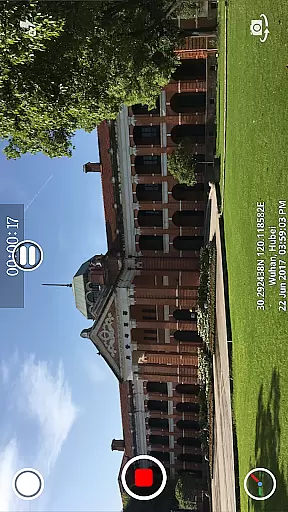
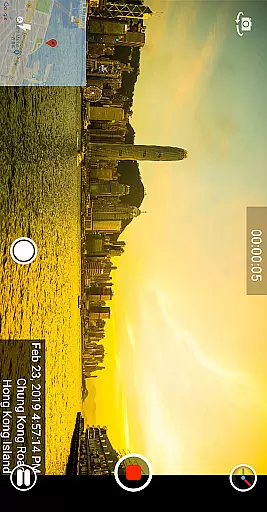
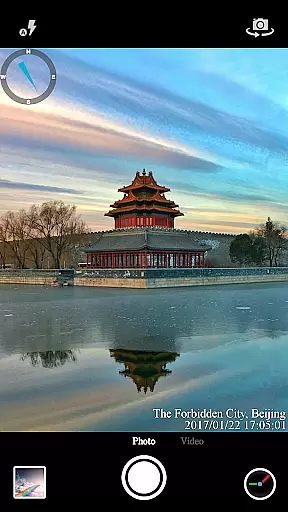
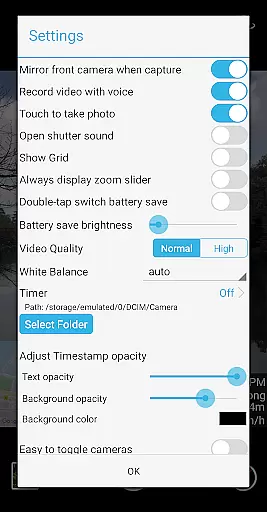
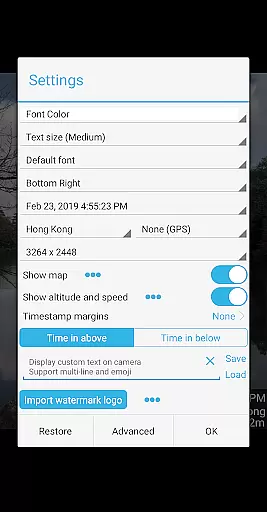

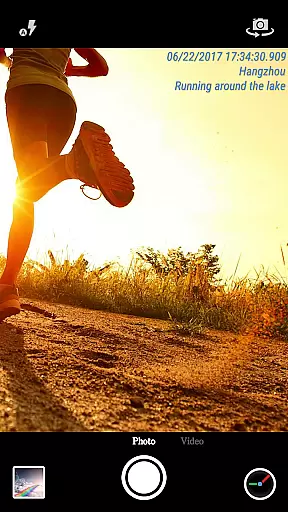
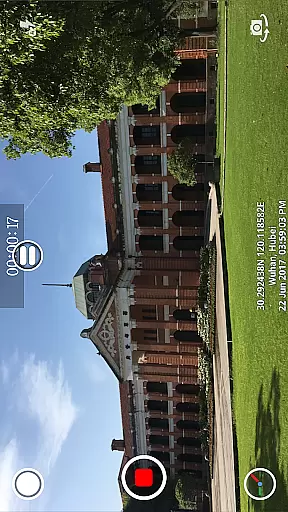
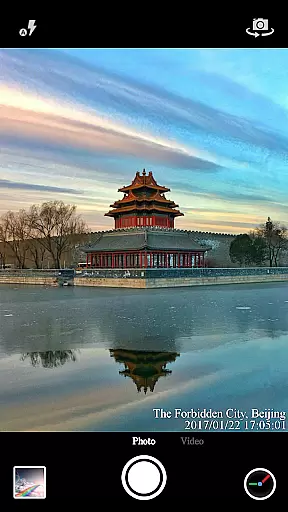
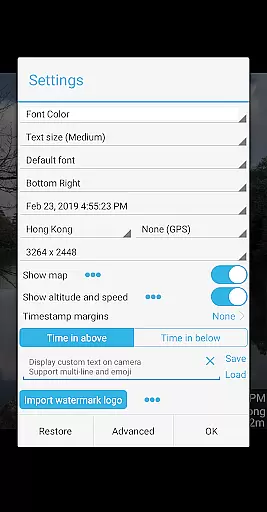
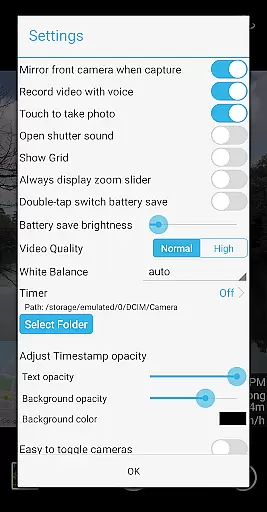

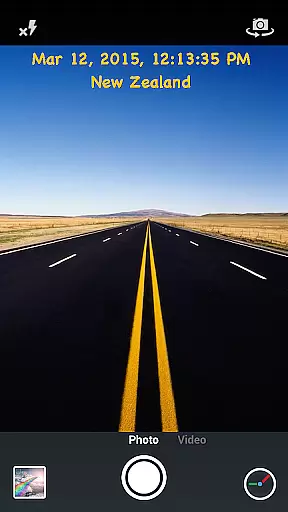
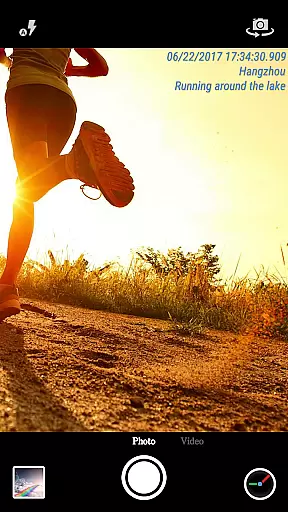
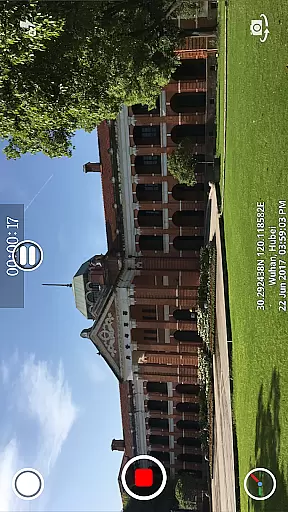
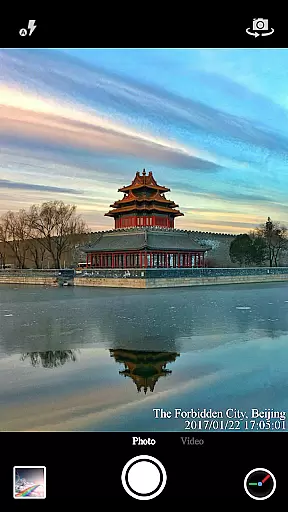
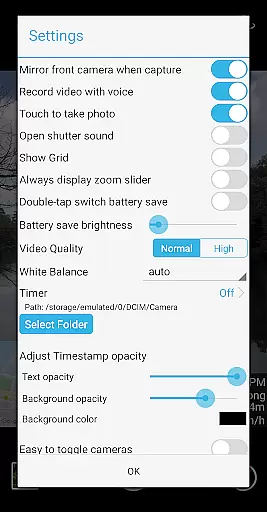
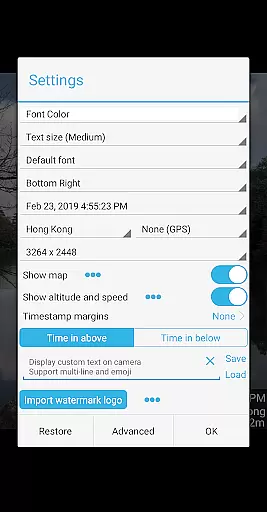

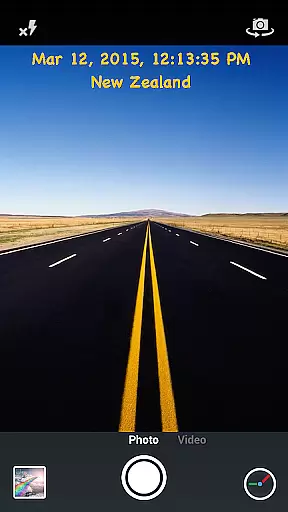
Timestamp Camera Pro is a powerful video and photo editing application that allows users to add real-time timestamp watermarks while capturing media. The app supports 61 different timestamp formats and offers precise time marking up to milliseconds, making it unique among similar apps. Users can customize the font style, size, color, and position of the timestamp, as well as adjust its opacity and background.
In addition to timestamps, the app provides features like adding location data, altitude, speed, custom text, emoji, and even map overlays on photos and videos. It also includes advanced settings such as battery saver mode, audio toggle for videos, and direct saving to an SD card. These robust features make Timestamp Camera Pro ideal for professionals who need accurate documentation in their multimedia projects.
Timestamp Camera Pro stands out with its comprehensive feature set tailored for both amateur photographers and professional videographers. One of its key highlights is the ability to record videos with millisecond-accurate timestamps, which is crucial for tasks requiring high precision. The app supports various customization options including seven timestamp positions, multiple font styles, sizes, and colors, ensuring that users can tailor the appearance to fit their specific needs.
Beyond timestamps, the app offers creative tools such as custom text and emoji overlays, map displays with adjustable scale and transparency, and logo image integration. Practical functionalities like battery saver mode, silent shutter, and resolution adjustment enhance user convenience. All effects are applied in real-time during photo or video capture, providing immediate feedback and flexibility. This combination of accuracy, customization, and practicality makes Timestamp Camera Pro a versatile tool for diverse photography and videography requirements.
Timestamp Camera Pro stands out with its extensive video format compatibility, ensuring that users can work with a wide array of file types without any hitches. The app supports popular formats such as MP4, AVI, and MOV, making it versatile for various devices and platforms.
Beyond just basic playback, the application allows real-time effects to be applied to videos regardless of their format. This includes adding timestamps with millisecond accuracy, custom text, or even emojis directly onto the video stream.
Users benefit from the flexibility this compatibility offers, whether they're recording new content or editing existing footage. With options to adjust resolution and add watermarks, Timestamp Camera Pro ensures high-quality output across all supported formats.
The AI-powered editing features in Timestamp Camera Pro revolutionize how users interact with their media by automating complex tasks. For instance, the app uses AI to automatically adjust timestamp formats based on user preferences, offering 61 different styles to choose from.
Additionally, the app leverages artificial intelligence to enhance location tagging. It intelligently suggests nearby locations and optimizes GPS data for accuracy, providing users with precise geographical information embedded in their photos and videos.
These smart functionalities extend to visual customization as well. Users can rely on AI-driven tools to modify font attributes, alter opacity levels, and position elements like maps or logos seamlessly within their compositions, resulting in professional-grade edits with minimal effort.
Real-time timestamping
Highly customizable
Millisecond accuracy
Supports map overlays
Battery saver mode
No free version available
Complex interface
Occasional bugs
Limited customer support
Heavy on battery

A full editing room to accompany your Insta360 cameras and handheld gimbals.
 3.30
3.30
Tik & Story Saver-Download ALL social media videos, photos & reels no watermark.
4.80
Full HD Video mp3 Player, MP4 player play 1080p, File manager, Video Downloader
4.40
1)AirPlay/DLNA Mirroring/Streaming, up to 4 connections; 2)Samba/NAS/DMS Player.
4.00
Stream Web Videos to Chromecast, Samsung, LG, Sony, Roku, Fire TV, DLNA + more
4.00
The essential companion to your Blue Iris PC software
2.50
This app is an emulator of some specific IPTV boxes
3.50
Download Hub, easy and private way to download and enjoy your videos offline
4.80
Fast private browser with secure, seamless access & supported video downloads!
4.00
All in one HD video downloader & player for multiple formats with full privacy
4.70
Video Downloader, Multiple Resolution Options, Video Player
4.50
Video player, file manager for all formats, 4K/HD media player supports subtitle
4.30
Video Downloader is an utility that can save videos and music from web sites
4.20
Powerful video player with advanced hardware acceleration and subtitle supports
4.20
Powerful, professional, versatile teleprompter. Developed by an active film crew
4.00
Cast to Smart TV, Fire TV. Cast video, photo - Fast & Stable!
3.90
HD video & music player - All format support with floating & PIP mode!
3.80
IPTV Player - Watch live TV from m3m & m3u8 playlist, stream IPTV on mobile
3.30
The smartest M3U IPTV Player your playlists have ever seen.
4.1


User Reviews