
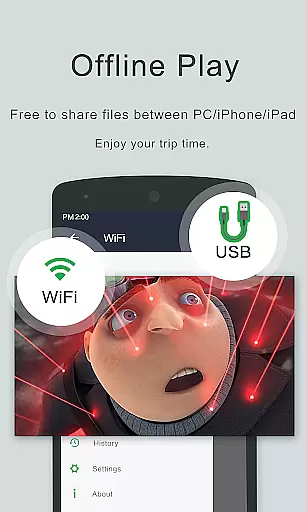
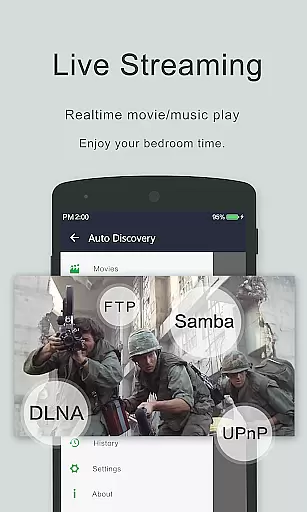
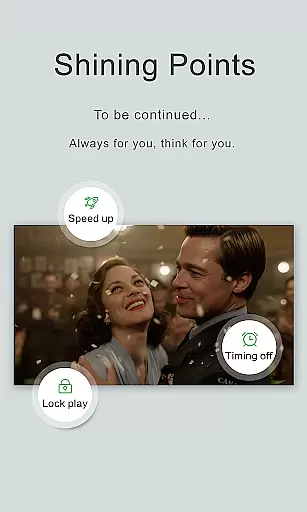
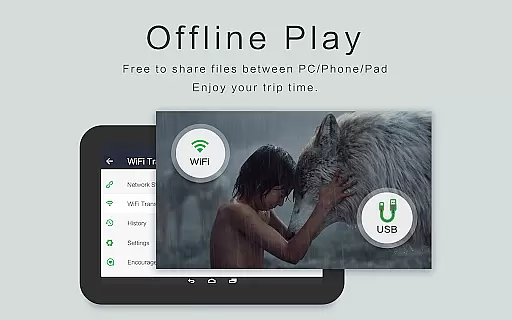
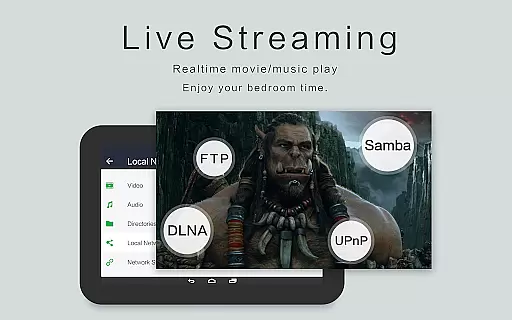
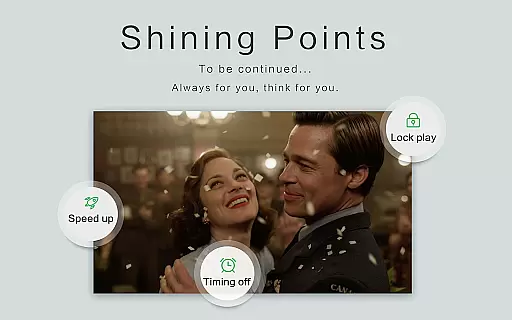
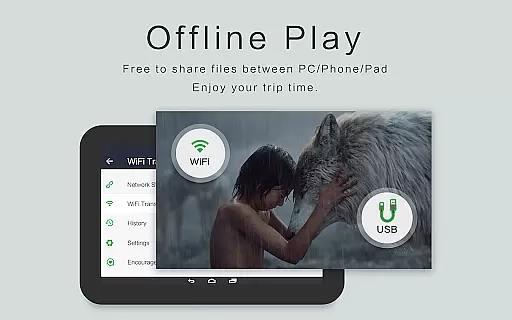
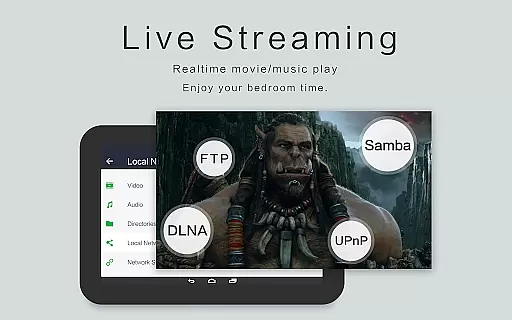
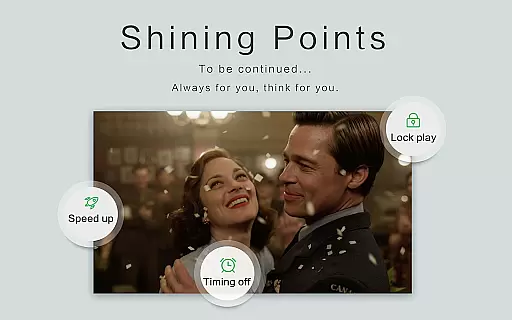
OPlayer is a professional-grade media playback application designed for both Android tablets and smartphones, offering support for an extensive range of video and audio formats. With over a decade of development, it stands out as one of the premier HD video players available on the market.
Key features include hardware acceleration for smooth 4K playback, Chromecast support for casting videos to TV, and advanced functionalities like pop-up video, split-screen mode, and background play. Its comprehensive file management system allows users to easily organize, manage, and share their media files.
Ideal for users seeking a versatile media player that combines powerful performance with user-friendly features, OPlayer ensures an optimal viewing experience across all devices.
OPlayer distinguishes itself through its robust feature set tailored for diverse multimedia needs. It supports virtually all video formats including MKV, MP4, AVI, and more, while providing Ultra HD and 4K video playback capabilities.
The app incorporates cutting-edge technologies such as hardware acceleration and gesture-based security measures to safeguard your content. Users can enjoy flexible playback options like picture-in-picture, night mode, and adjustable playback speeds.
Additionally, OPlayer functions as a fully-featured file manager, enabling seamless organization and sharing of media files. Whether you're streaming to a larger screen via Chromecast or managing files directly from your device, OPlayer delivers a comprehensive and intuitive media experience.
Video format compatibility is a crucial feature for any video player application, determining its ability to support a wide range of video file types. OPlayer excels in this area by supporting almost all popular and niche video formats including MKV, MP4, AVI, MOV, and many more.
The app's extensive format support ensures that users can play videos without the need for conversion or additional codecs. This includes high-definition formats up to 4K resolution, making it an ideal choice for both casual viewers and multimedia enthusiasts who demand quality and versatility.
OPlayer also incorporates hardware acceleration to ensure smooth playback even for ultra HD content. This technical advantage allows users to enjoy their videos without experiencing lag or performance issues, regardless of the video's complexity or size.
By providing comprehensive video format support, OPlayer delivers a seamless viewing experience across different devices, from Android phones to tablets. Users can confidently open any video file knowing that OPlayer will handle it with ease and efficiency.
While primarily known for its playback capabilities, OPlayer also offers AI-powered editing features that enhance the user's ability to manage and modify their video content. These intelligent tools allow for efficient video management, including automatic identification of all video files on the device and SD card.
The app provides a full-featured file manager that supports essential operations like move, cut, and paste actions. This functionality goes beyond simple playback, empowering users to organize their media library effectively and maintain a clutter-free storage system.
OPlayer's AI capabilities extend to its subtitle downloader and multi-playback options. The smart features enable users to customize their viewing experience with auto-rotation, aspect-ratio adjustments, and screen-lock settings, all contributing to a more personalized and comfortable viewing session.
Although not traditionally an editor-focused application, OPlayer's combination of AI-powered features and traditional editing tools creates a versatile environment where users can both enjoy and manage their video content efficiently.
Extensive format support
Smooth 4K playback
User-friendly interface
Advanced file management
Chromecast integration
Occasional bugs reported
Interface may feel dated
Limited customer support
Some features require pro version
High system resource usage

Kodi media center, a free and open source cross-platform entertainment hub
 3.60
3.60
HD video & music player - All format support with floating & PIP mode!
3.80
KineMaster, Your Ultimate Video Editor!
4.40
Turn your phone into a wireless camera!
4.20
Download videos and play them offline
4.70
IPTV Loader, loads your own Playlist. DOES NOT CONTAIN ANY LIST OR CHANNELS
4.60
Web Browser for LG TV to stream webvideos, online movies and livestreams in HD
4.20
Screen recorder with audio to take live videos & Screenshot in high quality!
4.70
Video player with 4K & 1080P support, popup play, background play and subtitle.
4.20
VLC Remote lets you control your VLC Media Player on Mac, PC or Linux.
4.60
HD Video player all format, HD Videos, Cast & Subtitle. No annoying ads.
4.60
Support 1000+ Video Format, Subtitle Download, mp3 & Background Play, Cast On TV
4.60
Fast, private downloading, video saving, social media
4.50
AirMirror Receiver - Screen mirroring/cast web videos to Android TV by AirPlay.
4.40
Your media, on your terms.
4.10
IPTV-Smarters Player Pro M3U - Watch Live Stream TV Channels with Chromecast
4.00
Manage your IPTV live channels and VOD playlists (no playlist included)
3.80
Client application for NextPVR software
3.00
Stream high quality video from your camera over NDI protocol
4.0


User Reviews