
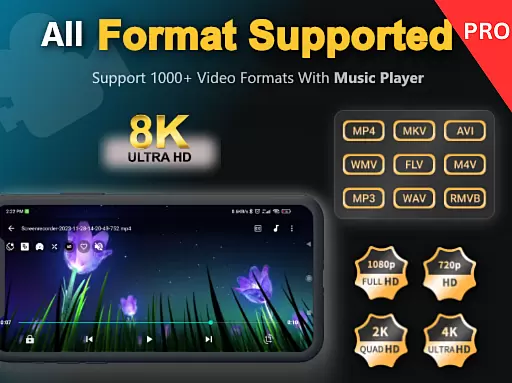
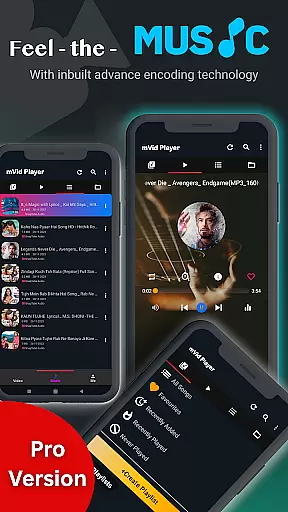
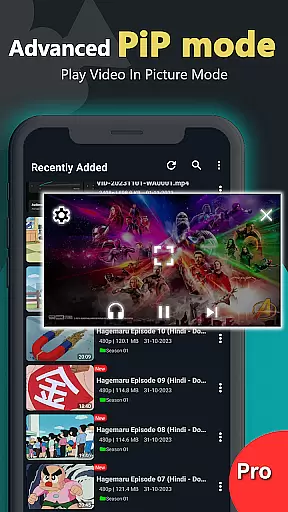
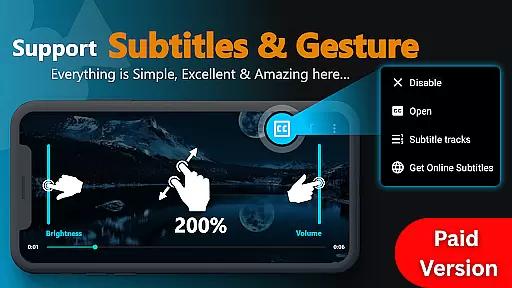
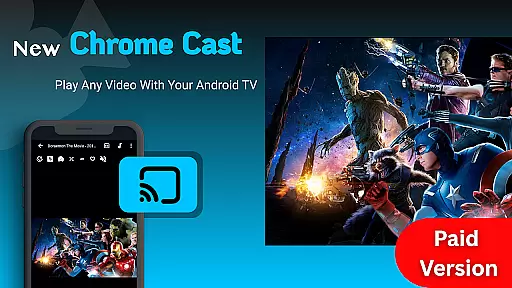
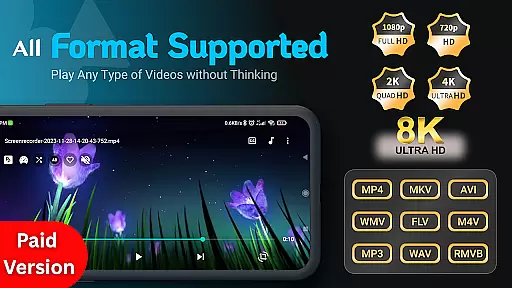
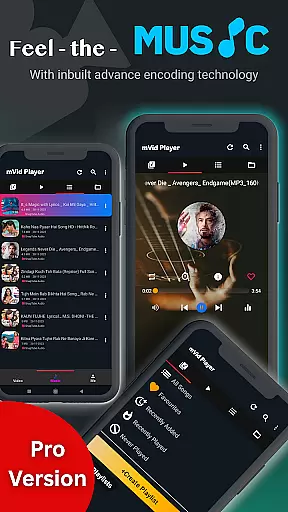
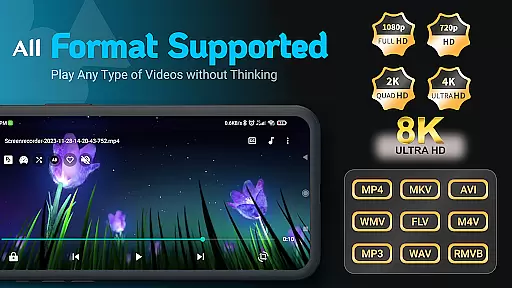
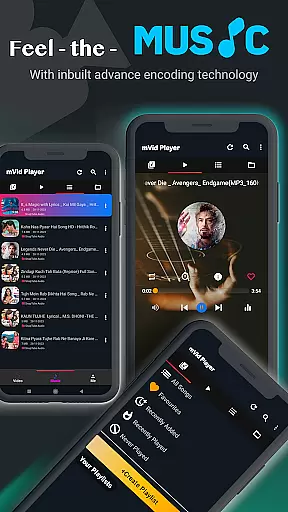
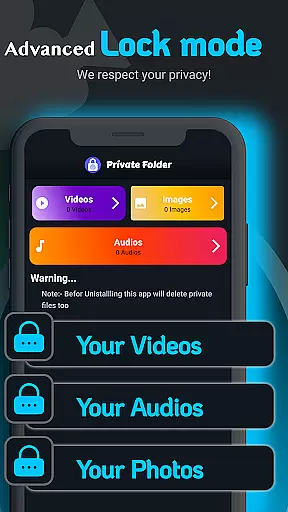
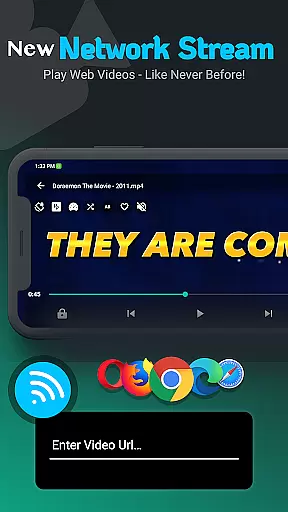
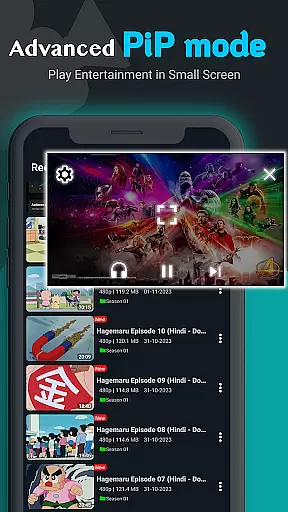
Zea Player Pro is a premium-grade video player designed for Android devices, offering an ad-free experience with support for all major video and audio formats. This includes high-resolution 4K and 8K videos, MKV, MP4, AVI, and more. It stands out as the ultimate solution for movie enthusiasts, streamers, and audiophiles who demand smooth, high-quality playback.
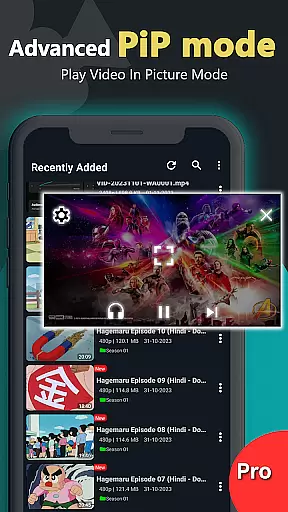
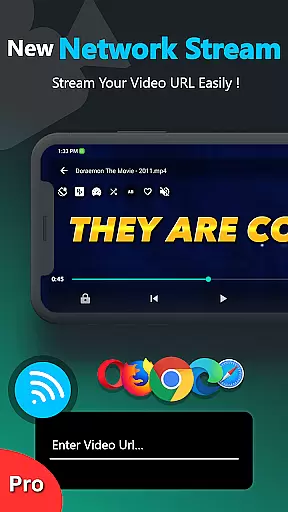
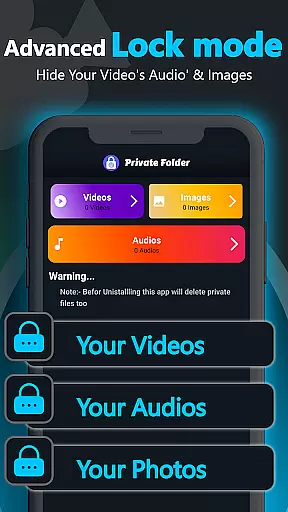
One of the key features of Zea Player Pro is its ability to play videos from both local storage and direct URLs, making it versatile for various user needs. Additionally, it provides advanced functionalities such as dual audio tracks, online subtitle downloads, and background music and video playback. The app also includes a private folder feature to hide personal media files securely.
Whether you are watching your favorite Bollywood movies, streaming content, or enjoying your personal media collection, Zea Player Pro ensures a seamless and enriched viewing experience. Its comprehensive feature set makes it an indispensable tool for anyone seeking a professional HD video playback solution on their Android device.
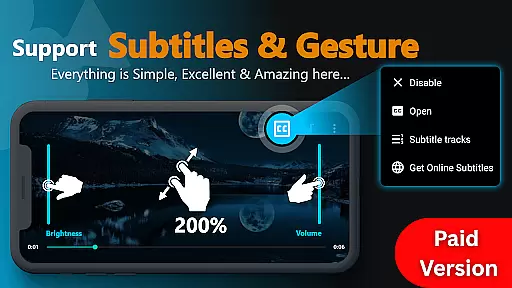
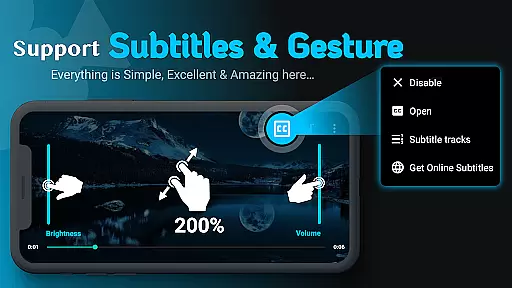
Zea Player Pro boasts an extensive array of features that cater to diverse media consumption needs. Firstly, it supports all major video and audio formats, including ultra HD 4K and 8K resolutions, ensuring no file is unplayable. Users can enjoy zooming into videos with a simple two-finger gesture and control volume, brightness, and playback progress effortlessly.
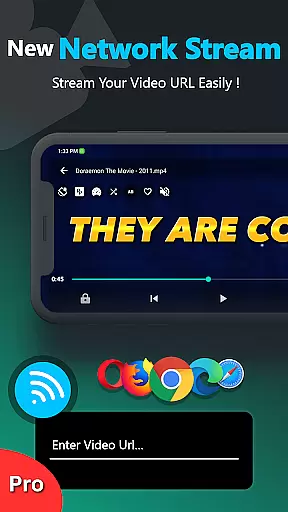
The app allows users to stream videos directly via URL, providing flexibility in content access. It also supports dual audio tracks and enables downloading subtitles for movies, enhancing the viewing experience. Furthermore, Zea Player Pro offers a private mode where users can password-protect their sensitive media files, ensuring privacy and security.
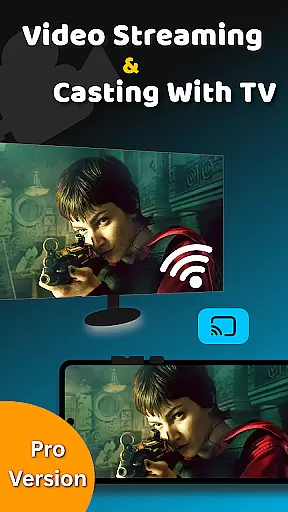
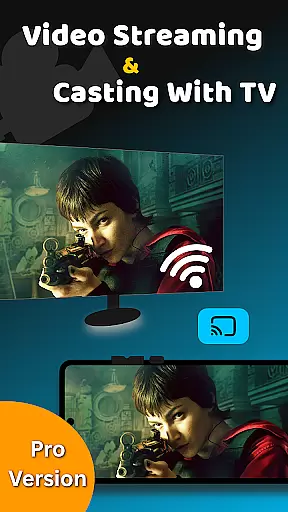
Additional notable features include background music and video playback, higher audio quality settings, and compatibility with Android TV for casting videos. These robust capabilities make Zea Player Pro a top-tier choice for those who require a reliable, high-performance media player on their Android devices.
Video Player Pro Version stands out with its exceptional video format compatibility, ensuring users can enjoy a seamless playback experience across all major file types. The application supports an extensive range of formats including MKV, MP4, AVI, MOV, and even ultra-high-definition 4K and 8K videos.
This comprehensive compatibility eliminates the need for format conversion, saving users valuable time and preserving video quality. Whether you're watching locally stored files or streaming content via URL, the player ensures smooth, uninterrupted playback.
The app's ability to handle various resolutions and codecs makes it an ideal choice for movie enthusiasts, content creators, and casual viewers alike. With support for both standard and high-resolution formats, users can enjoy their media collection in its full visual glory.
Furthermore, the inclusion of subtitle support and dual audio track options enhances the viewing experience, making Video Player Pro Version a complete solution for diverse media consumption needs.
While primarily a video player, Video Player Pro Version incorporates AI-powered features that enhance the overall media experience. The application utilizes intelligent algorithms to optimize playback settings based on content type and device capabilities.
The AI-driven volume booster feature automatically adjusts audio levels, ensuring consistent sound quality across different media files. This smart enhancement eliminates the need for manual adjustments when switching between various video sources.
Additionally, the player's background play functionality uses AI to manage system resources efficiently. When playing audio from videos in the background, the application intelligently allocates processing power to maintain smooth performance while conserving battery life.
These AI-powered enhancements demonstrate the application's commitment to providing not just basic playback, but an intelligent media solution that adapts to user preferences and device limitations, elevating the standard video viewing experience to new heights.
Ad-free playback
Supports 4K & 8K
Private folder feature
Subtitle downloads
Dual audio tracks
Paid application
No free version
Advanced settings
Heavy on memory
Occasional bugs

The smartest M3U IPTV Player your playlists have ever seen.
 4.1
4.1
Kodi media center, a free and open source cross-platform entertainment hub
3.60
Full HD Video mp3 Player, MP4 player play 1080p, File manager, Video Downloader
4.40
HD video maker with no watermark, no ads & vlog maker with music, PIP, text
4.50
Download videos and play them offline
4.70
Add date and time watermark to photos and videos
4.50
Mix with Virtual DJ directly from your phone or tablet !
3.10
Cast movies, tv shows and live streams to Chromecast, Roku, DLNA, Fire TV & more
4.60
Fast private browser with secure, seamless access & supported video downloads!
4.00
Pro video editor app for Instagram, edit video with song, AI, effect & slowmo.
4.80
AI Video Editor with Music, Filter, Slideshow, Effect, Merge & Trim Video.
4.80
Find, download, and play torrents with the official BitTorrent® Pro app
4.70
HD Video player all format, HD Videos, Cast & Subtitle. No annoying ads.
4.60
Search & download videos from net with all video downloader, auto-detect & safe.
4.60
Create photo video with music & template. AI video maker for stunning slideshow.
4.60
VLC Remote lets you control your VLC Media Player on Mac, PC or Linux.
4.60
Watch IPTV on your Android device
4.60
Fast & Private Video Downloader App. Save all videos easily from the Internet.
4.40
Movie maker & video editing app with AI effects and green screen
4.30


User Reviews