
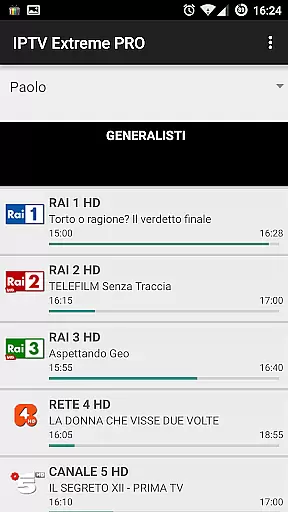
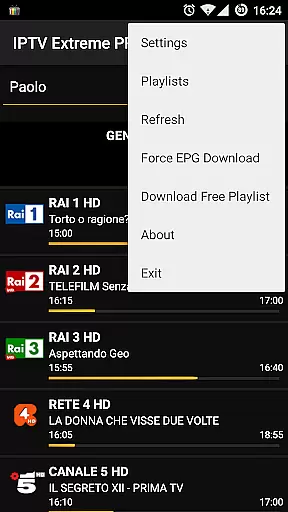
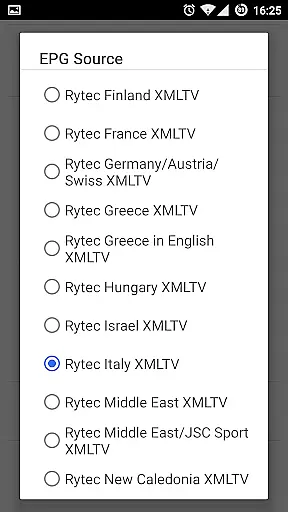

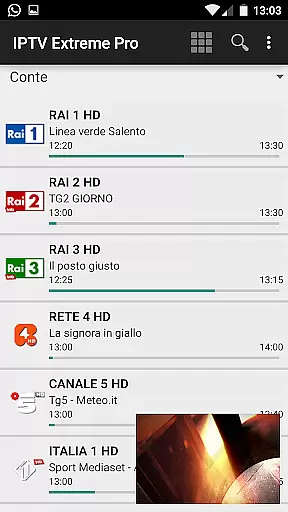



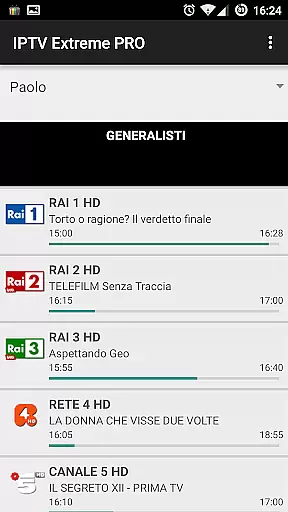
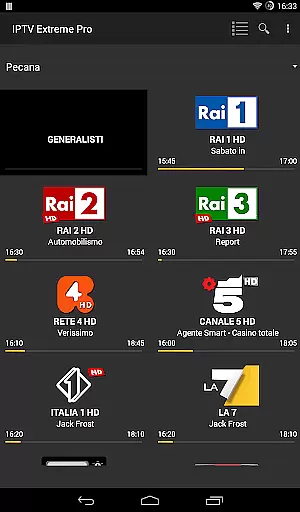
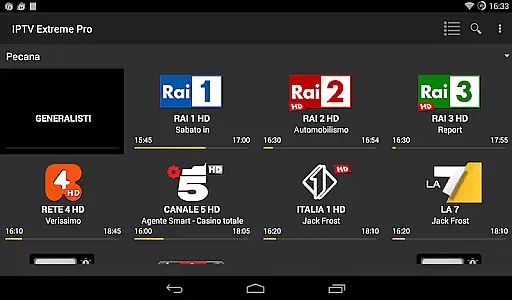


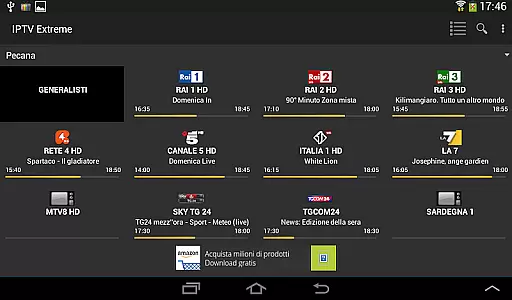


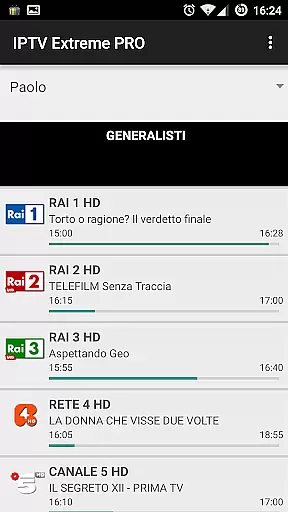
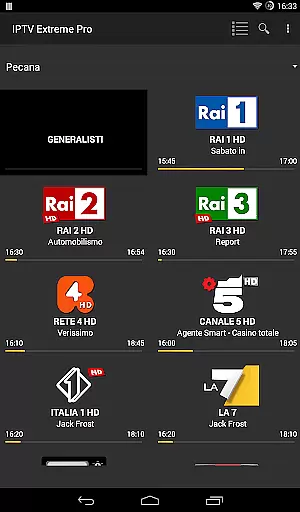
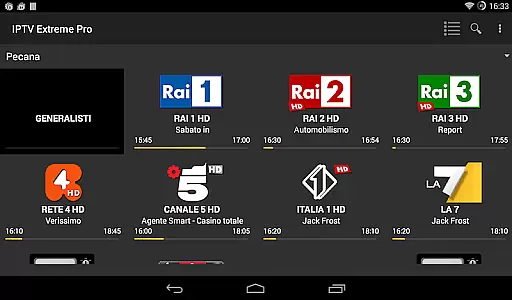

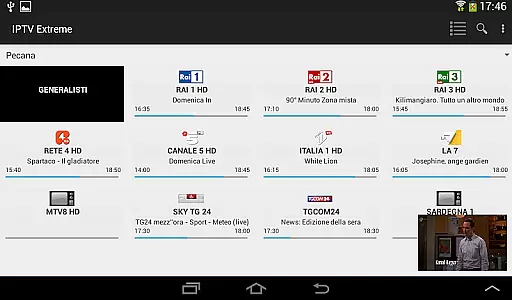



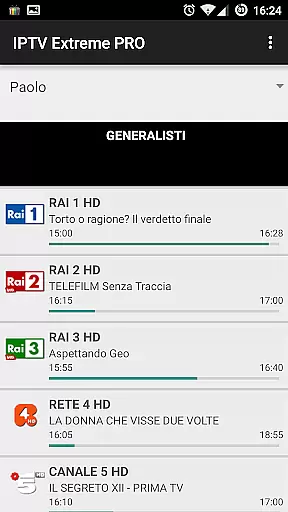
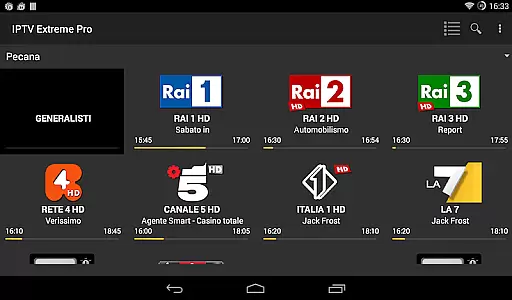

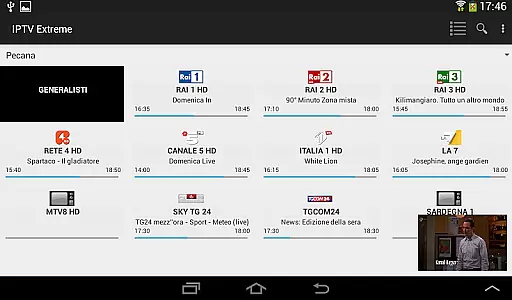



IPTV Extreme Pro is a feature-rich playlist manager designed for users who want to organize and enjoy their IPTV content efficiently. The app offers advanced playback options, including an integrated player with both advanced and light modes, ensuring smooth streaming experiences across various devices.
One of the standout features is its comprehensive parental control system, allowing users to manage access effectively. Additionally, the app supports Chromecast, enabling seamless streaming on larger screens. With multi-EPG support, auto EPG updates, and alias management, users can easily navigate and customize their TV guides. The availability of more than 10 themes adds a personalized touch to the viewing experience.
The application is particularly useful for users seeking an ad-free environment, as this feature is available in the Pro version. IPTV Extreme Pro is ideal for those who prioritize high-quality streaming and extensive customization options while maintaining full compliance with legal standards.
IPTV Extreme Pro stands out with its robust set of features tailored for an enhanced IPTV experience. The app includes an advanced integrated player that supports both standard and lightweight modes, catering to different user preferences and device capabilities. Chromecast support allows users to stream content on bigger screens effortlessly.
Parental controls are comprehensive, providing peace of mind for families. Remote controller support and backup/restore settings ensure convenience and security. The app supports M3U playlists and MAG devices, making it versatile for various IPTV setups. Multi-EPG support, auto EPG updates, and alias management enable users to stay informed and organized.
Additional highlights include picons support in multiple sizes, on-demand program downloads, and live streaming recording with time limits. Users can also benefit from time recording, timer management, and autostart on boot functions. The Pro version offers an ad-free experience and expresses gratitude from the developers, enhancing overall user satisfaction.
Video format compatibility is a crucial aspect of any video player application, ensuring that users can enjoy content in various formats without technical hindrances. IPTV Extreme Pro supports M3U playlists and provides an advanced integrated player capable of handling multiple video formats.
The app's ability to manage different EPG providers and support MAG devices showcases its versatility in delivering diverse content types. With features like Picons support in various sizes and auto EPG updates, the application ensures a seamless viewing experience across different video qualities and formats.
For users, this means freedom from the constraints of format incompatibility. Whether streaming live channels or downloading on-demand programs, IPTV Extreme Pro's comprehensive format support allows for uninterrupted entertainment and access to desired content without worrying about codec issues.
While IPTV Extreme Pro focuses primarily on streaming and managing IPTV content, it incorporates features that enhance user interaction with media akin to AI-powered editing. The application offers advanced functionalities such as time recording and timers management which allow users to control their viewing schedules effectively.
Parental controls and EPG alias management provide a layer of customization and security, enabling tailored access to content. Although not traditional editing tools, these features empower users by giving them control over content accessibility and exposure within the app environment.
Users benefit from these sophisticated tools by gaining the ability to personalize their IPTV experience extensively. From setting memo functions for events on the TV guide to searching for similar events, IPTV Extreme Pro equips users with innovative ways to interact with and manage their video content.
User-friendly interface
Comprehensive parental controls
Chromecast integration
Multi-EPG support
Ad-free experience
No built-in channels
Requires manual playlist setup
Premium features need Pro version
Complex for beginners
Limited customer support

Video player, file manager for all formats, 4K/HD media player supports subtitle
 4.30
4.30
The smartest M3U IPTV Player your playlists have ever seen.
4.2
Turn your phone into a wireless camera!
4.20
Play and download HD videos from all sources — fast, simple, and all-in-one.
4.0
IPTV Loader, loads your own Playlist. DOES NOT CONTAIN ANY LIST OR CHANNELS
4.60
Download Hub, easy and private way to download and enjoy your videos offline
4.80
Screen recorder with audio to take live videos & Screenshot in high quality!
4.70
VLC for Android is the best open source video and music player, fast and easy!
4.10
Capture the moment and Cut
3.40
Video Trimmer, Video to MP3 Converter. Extract music from video, Easy & Fast.
4.80
Tik & Story Saver-Download ALL social media videos, photos & reels no watermark.
4.80
HD Video player all format, HD Videos, Cast & Subtitle. No annoying ads.
4.60
Snaptubè Video Downloader app allows to download videos and music in Snaptube. .
4.60
Fast video downloader & private browser. Save HD clips to watch offline.
4.40
Stream Web Videos to Chromecast, Samsung, LG, Sony, Roku, Fire TV, DLNA + more
4.00
Connect 2 UVC devices for recording and broadcast video/audio stream
3.90
Kodi media center, a free and open source cross-platform entertainment hub
3.60
Connect EasyCap or UVC devices for recording and broadcast video/audio stream
3.60
Client application for NextPVR software
3.00


User Reviews