

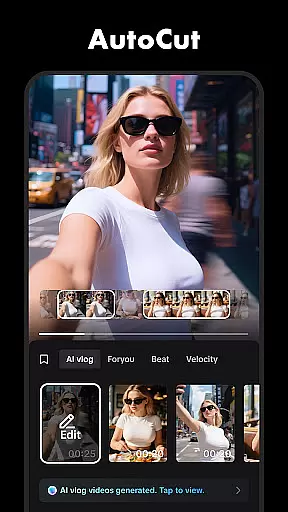





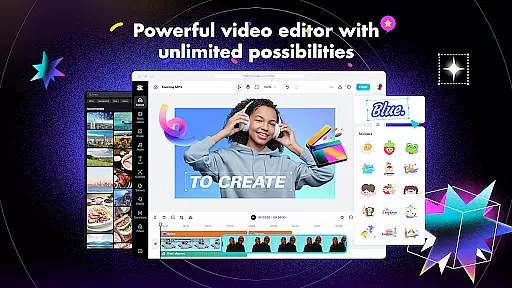
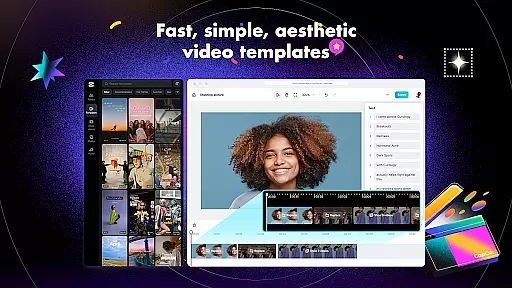
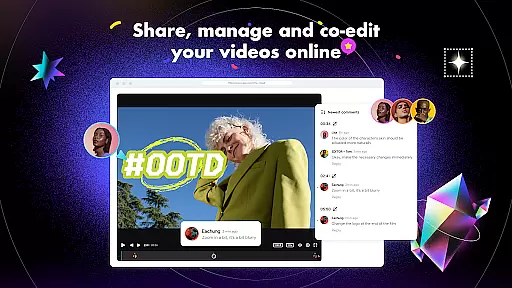
CapCut is a comprehensive video editing application that provides users with an extensive range of tools to create high-quality videos. The app offers basic editing functions such as trimming, splitting, and merging clips, alongside advanced features including keyframe animation, chroma key, and stabilization. Capable of adjusting video speed from 0.1x to 100x, it also supports smooth slow-motion effects and includes creative options like zoom in/out animations and transitions.
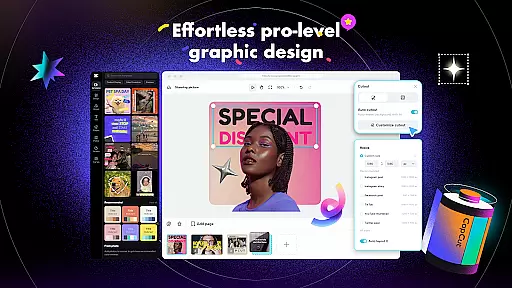
In addition to its core editing capabilities, CapCut incorporates intelligent features such as auto captions, text-to-speech in multiple languages, and background removal. Users can enhance their videos with diverse filters, trending effects, and soundtracks while enjoying the flexibility of multi-track timelines. Whether you're a beginner or an experienced editor, CapCut's intuitive interface and powerful tools enable you to produce professional-looking content for platforms like TikTok, YouTube, and Instagram.
CapCut stands out with its robust set of video editing tools designed to cater to both novice and advanced users. The app provides essential functions such as trimming, cutting, and merging video clips, along with more sophisticated options like keyframe animations and chroma key effects. Its optical flow feature ensures smooth slow-motion playback, while the stabilization tool helps maintain steady footage, making it ideal for creating dynamic visual content.
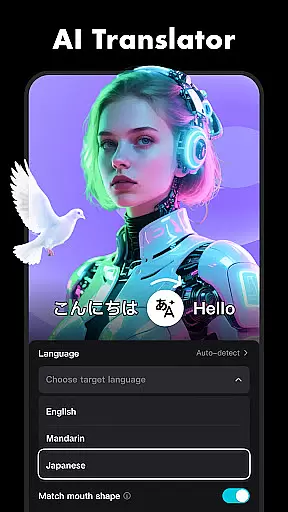
One of CapCut's notable strengths lies in its intelligent features. Auto captions allow for automatic speech recognition and subtitle generation, streamlining the editing process. The text-to-speech functionality supports various languages and voices, adding versatility to video projects. Additionally, the background removal tool simplifies the creation of professional-grade visuals without the need for complex software. With customizable text templates, hundreds of effects, and a vast library of music tracks, CapCut empowers creators to bring their ideas to life effortlessly.
CapCut stands out with its extensive video format compatibility, ensuring that users can work with a wide array of file types without the need for prior conversion. This flexibility allows creators to import videos from various sources and devices seamlessly.
The application supports popular formats such as MP4, AVI, MOV, and many others, making it versatile for both amateur and professional projects. This broad compatibility ensures that no matter what device or platform your video originates from, CapCut can handle it effortlessly.
Moreover, CapCut's ability to export videos in high resolutions, including 4K at 60fps, caters to users who demand top-notch quality. The smart HDR feature enhances video exports, providing vibrant colors and sharp details that make every project stand out.
This comprehensive format support not only simplifies the editing process but also expands creative possibilities, allowing users to focus on storytelling rather than technical limitations.
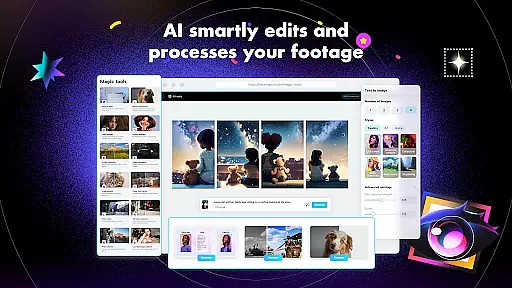
CapCut incorporates advanced AI-powered editing features that revolutionize the video creation process. These intelligent tools automate complex tasks, enabling users to produce professional-quality content with minimal effort.
One standout feature is the auto captions functionality, which uses speech recognition technology to generate accurate subtitles automatically. This tool is invaluable for enhancing accessibility and viewer engagement across platforms like TikTok, YouTube, and Instagram.
The application also offers text-to-speech capabilities in multiple languages and voices, allowing creators to add narration or voiceovers easily. Additionally, the background removal feature utilizes AI algorithms to automatically detect and eliminate backgrounds from video clips.
These AI-driven features significantly reduce editing time while maintaining high-quality results, making CapCut an ideal choice for both beginners and experienced editors looking to streamline their workflow.
User-friendly interface
Advanced editing tools
Auto captions feature
Multi-language text-to-speech
Versatile filter options
Limited offline functionality
Occasional export errors
Ads in free version
Heavy on storage
Learning curve for beginners

Fast, private downloading, video saving, social media
 4.50
4.50
Photo and Music Video Creator into Stunning Videos—Effortlessly
4.40
Watch a large amount of high-definition short drama content
4.60
HD video maker with no watermark, no ads & vlog maker with music, PIP, text
4.50
Manage your IPTV live channels and VOD playlists (no playlist included)
3.80
Browser for Samsung TV to stream webvideos, online movies and livestreams in HD
4.10
This app is an emulator of some specific IPTV boxes
3.50
Download Hub, easy and private way to download and enjoy your videos offline
4.80
Manage your YouTube channel on the go
4.40
Video Trimmer, Video to MP3 Converter. Extract music from video, Easy & Fast.
4.80
Tik & Story Saver-Download ALL social media videos, photos & reels no watermark.
4.80
Screen recorder with audio to take live videos & Screenshot in high quality!
4.70
Video Player - Unlimited features, 30 days money back guarantee.
4.60
Create & edit videos with AI
4.30
Video Downloader is an utility that can save videos and music from web sites
4.20
Video player with 4K & 1080P support, popup play, background play and subtitle.
4.20
Kodi media center, a free and open source cross-platform entertainment hub
3.60
AirMirror is Receiver for Screen Mirroring and Casting from Apple Devices.
3.60
Mix with Virtual DJ directly from your phone or tablet !
3.10


User Reviews